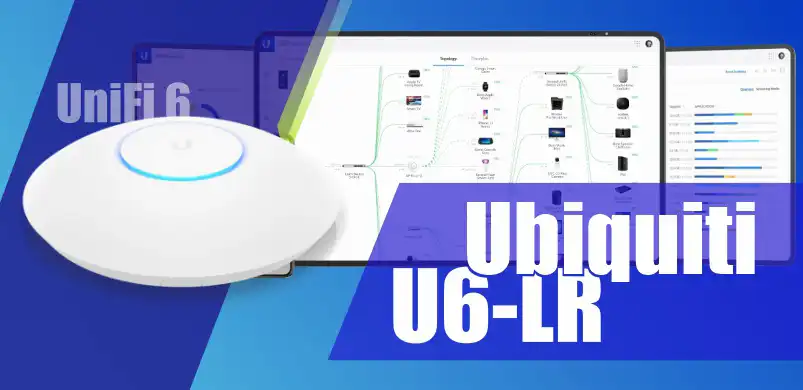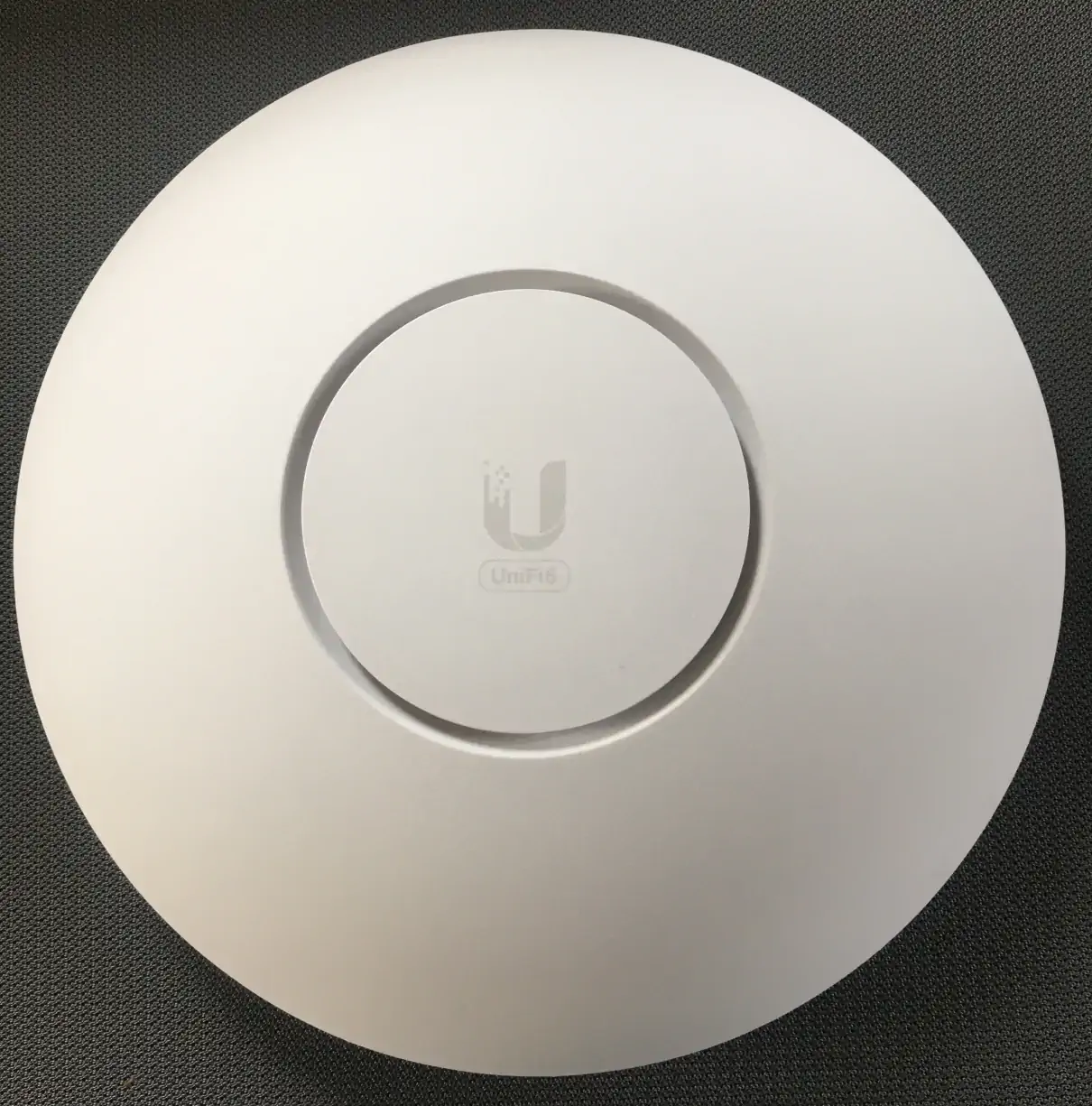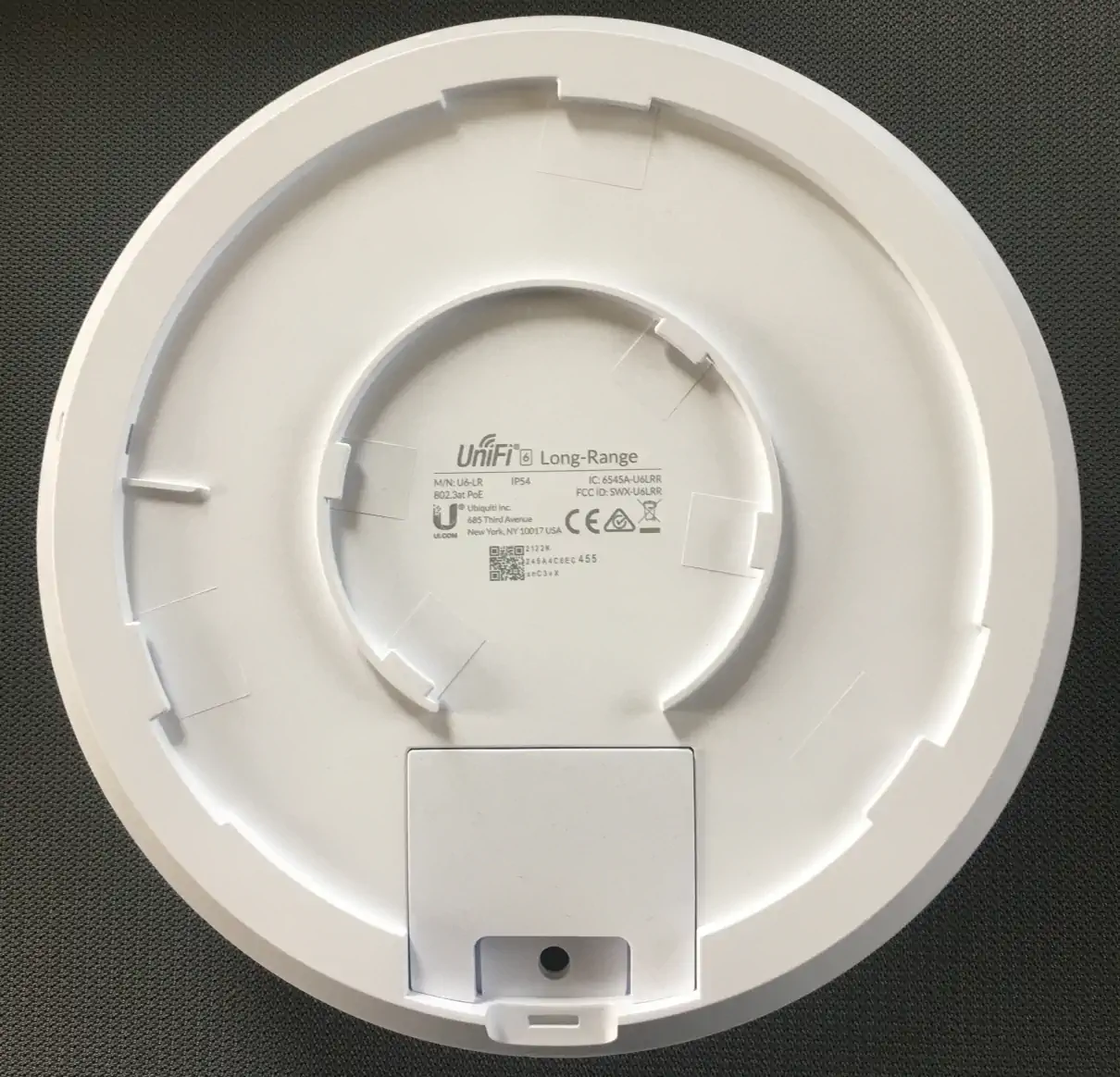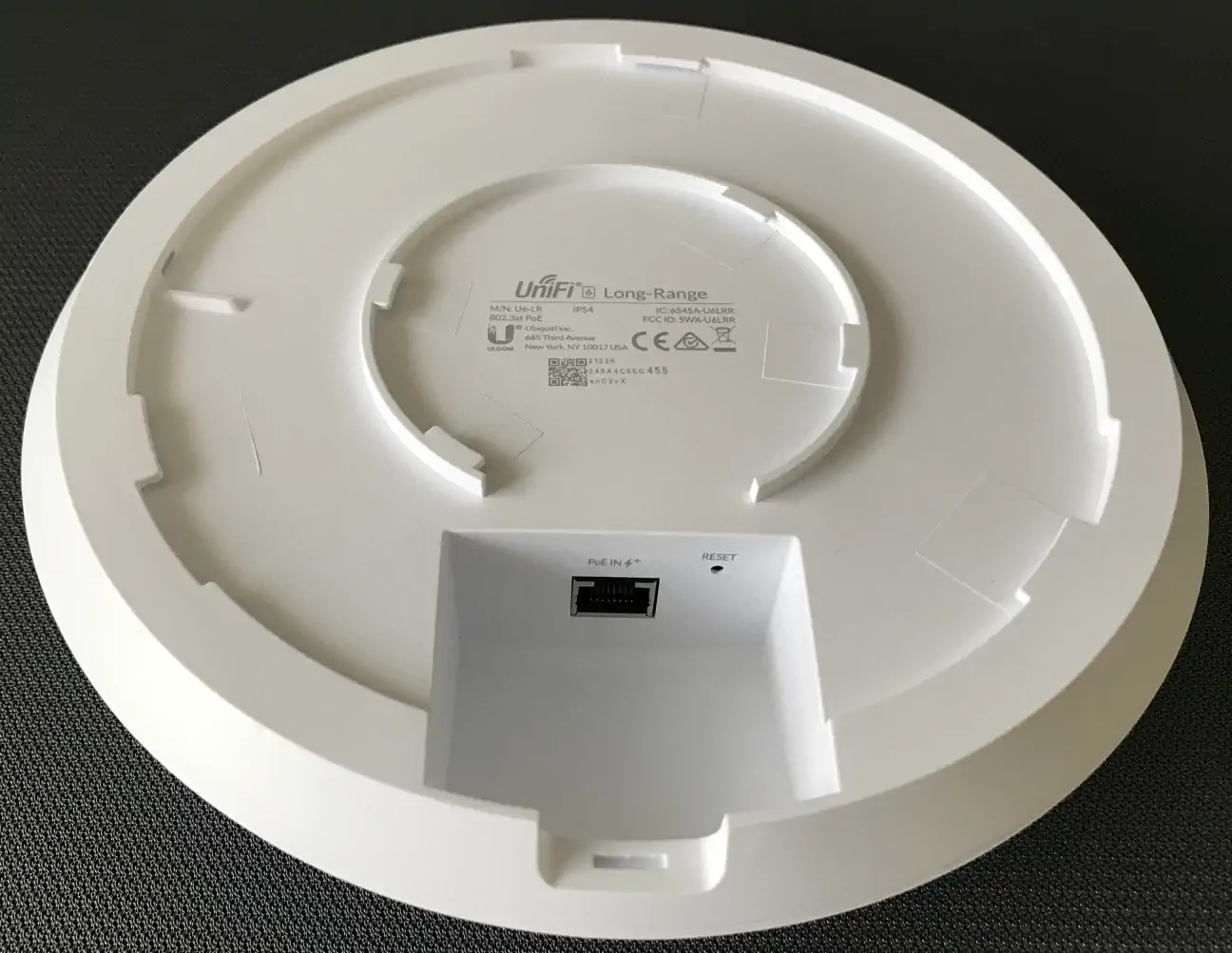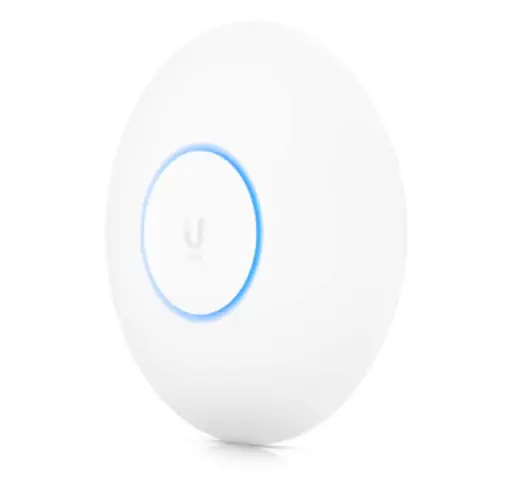
A very efficient access point operating in Wi-Fi 6 technology, designed to extend the range of wireless networks. According to the manufacturer's information, the device can provide a total wireless transmission speed of up to 3.0 Gbps. Inside the Access Point Wi-Fi 6 Long-Range there is a Dual-Core® Cortex® A53 processor at 1.35 GHz supporting full duplex with TCP/IP 1Gb/s. There is also Bluetooth 5.0 ensuring that you can quickly add, connect and configure the device in the application. There is also quad-stream high performance Wi-Fi 6 technology, supporting 5GHz (4x4 MU-MIMO and OFDMA) with radio speeds up to 2.4Gbps and 2.4GHz (4x4 MIMO) with radio speeds up to 600Mbps. Acess point U6-LR can support up to 300 different client connections simultaneously.
Simple and easy to configure, it integrates seamlessly into UniFi networks and simplifies network bridging. The power supply is designed with the 802.3at Poe standard. To power it, you can use a UniFi PoE Switch or a 48V, 0.5A PoE Adapter (not included). Streamlined shape, measuring Ø220 x 48mm and weighing 800g with IP54 weather protection makes it suitable for indoor as well as outdoor use, but be careful not to expose it to harsh outdoor weather conditions, with its operating temperature from -30 to 60° C and humidity from 5 to 95% non-condensing.
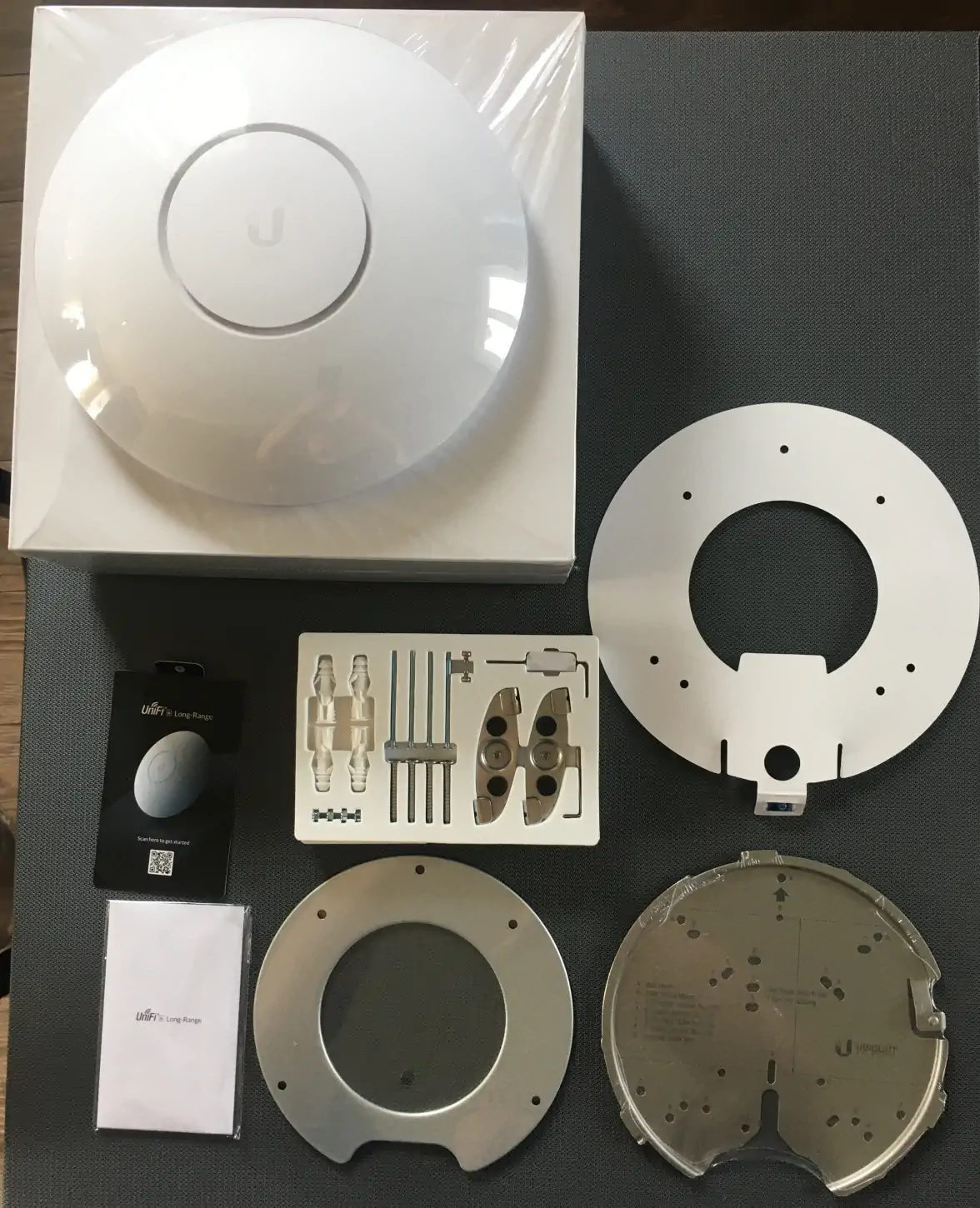
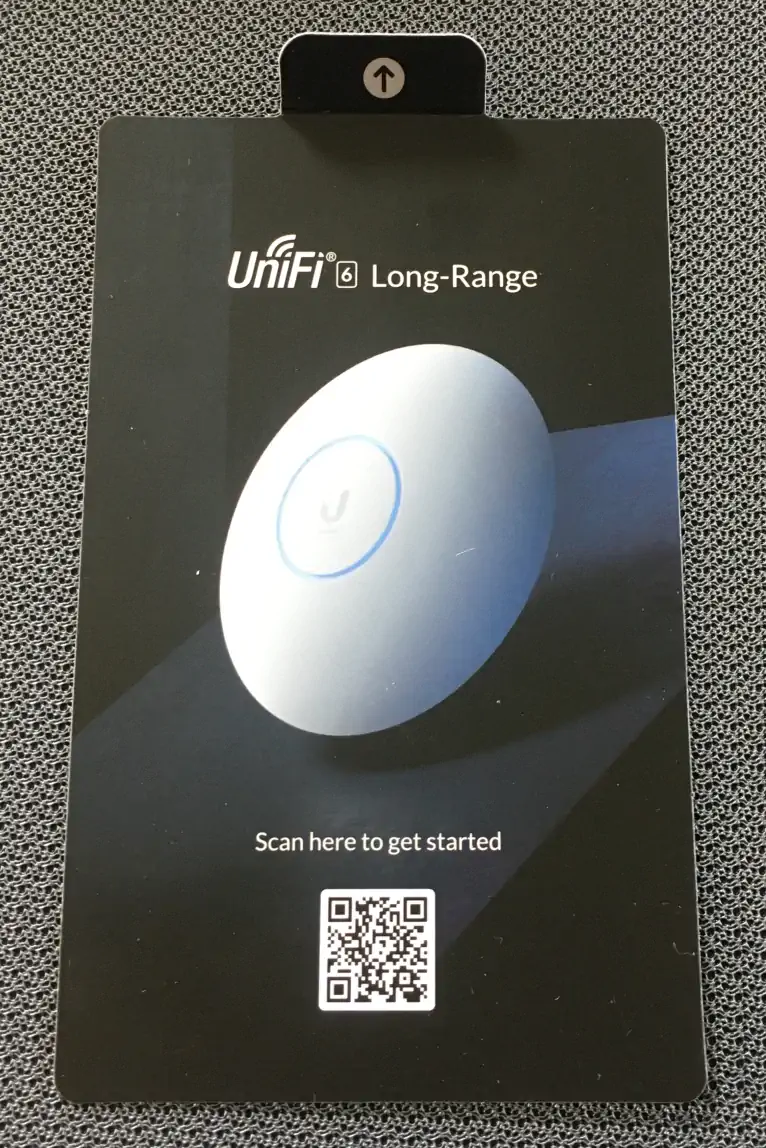
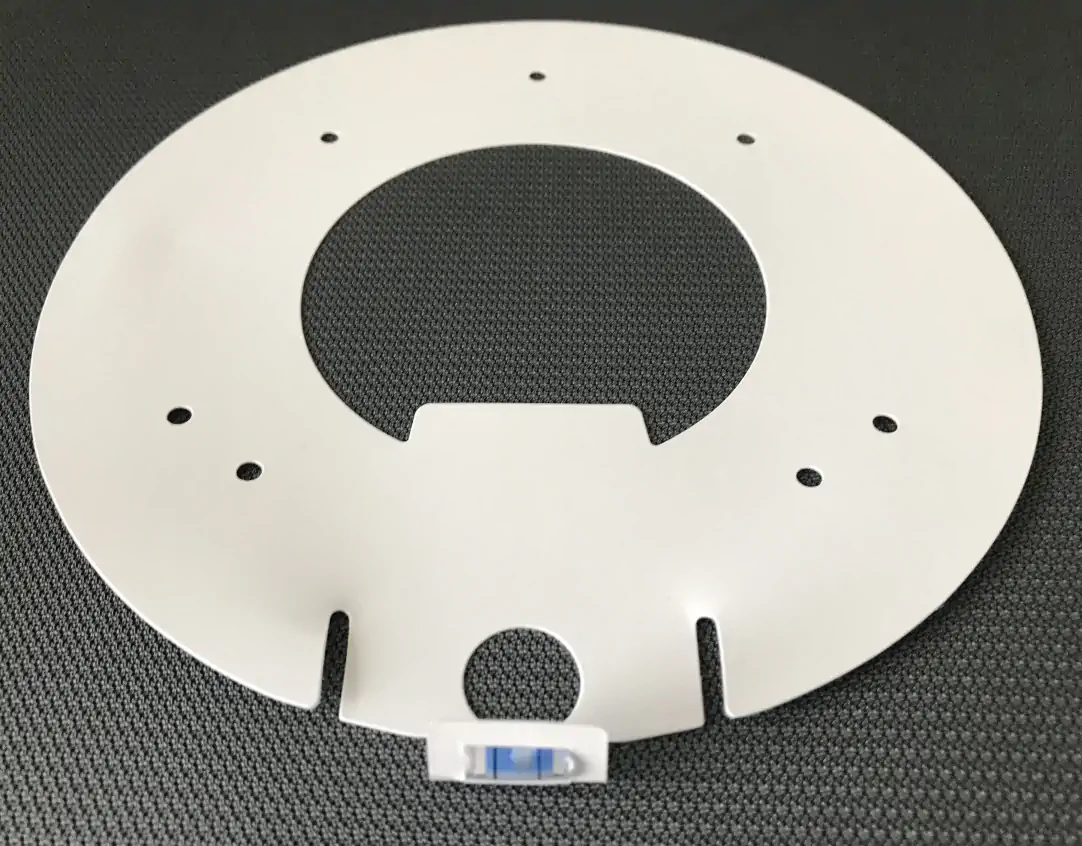
Unboxing UniFi 6 Long-Range - Package contents
The package includes:
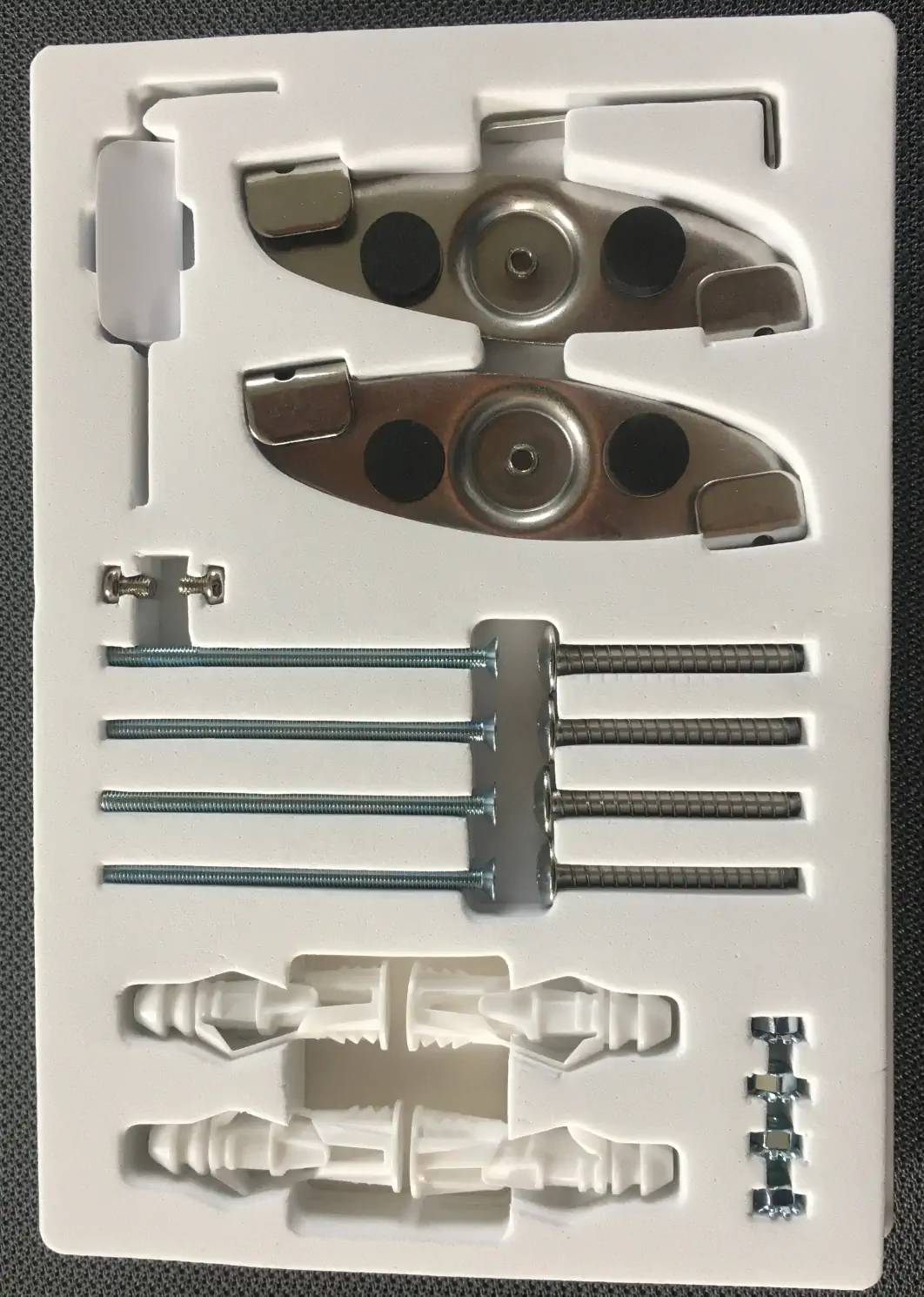
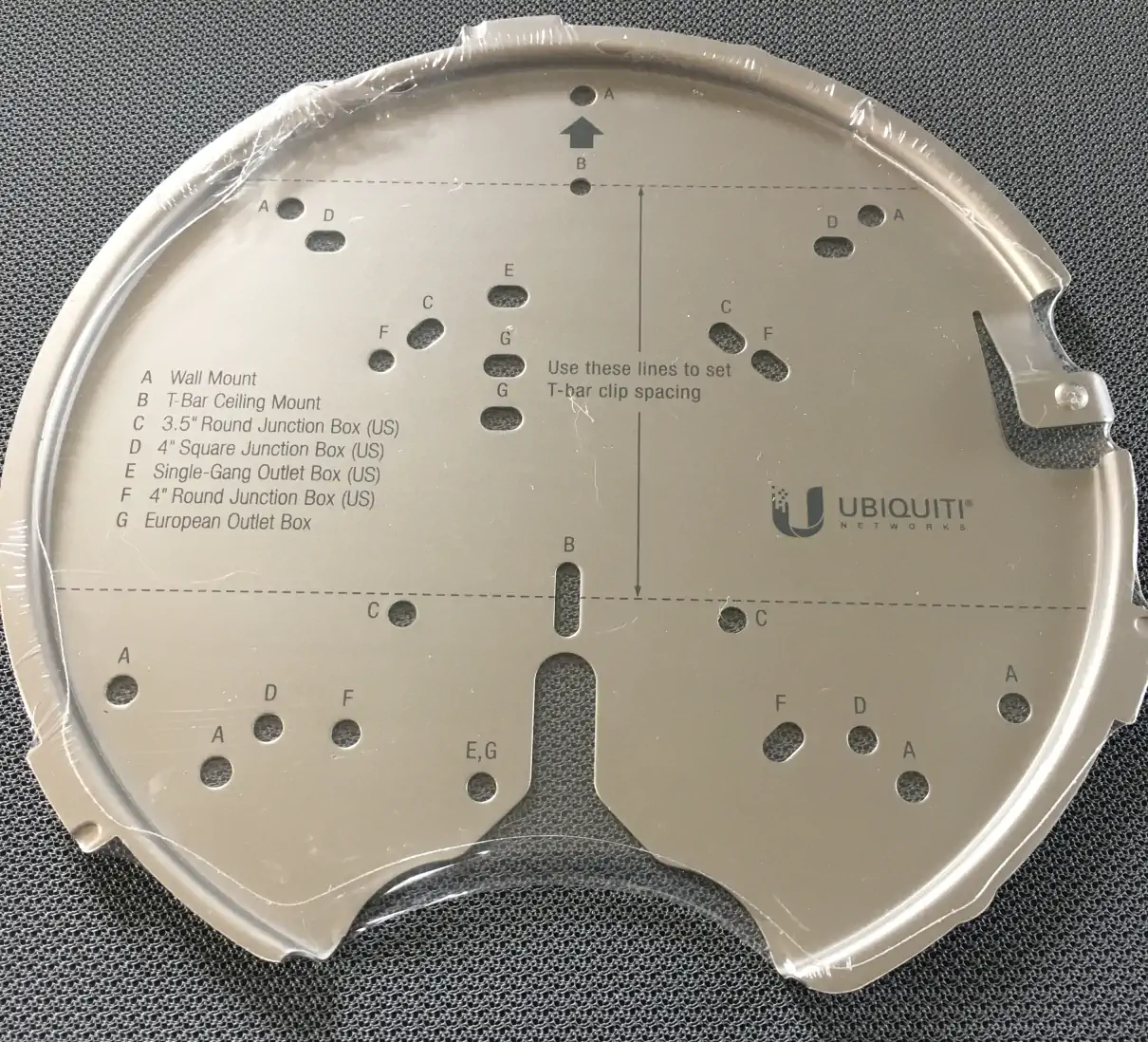
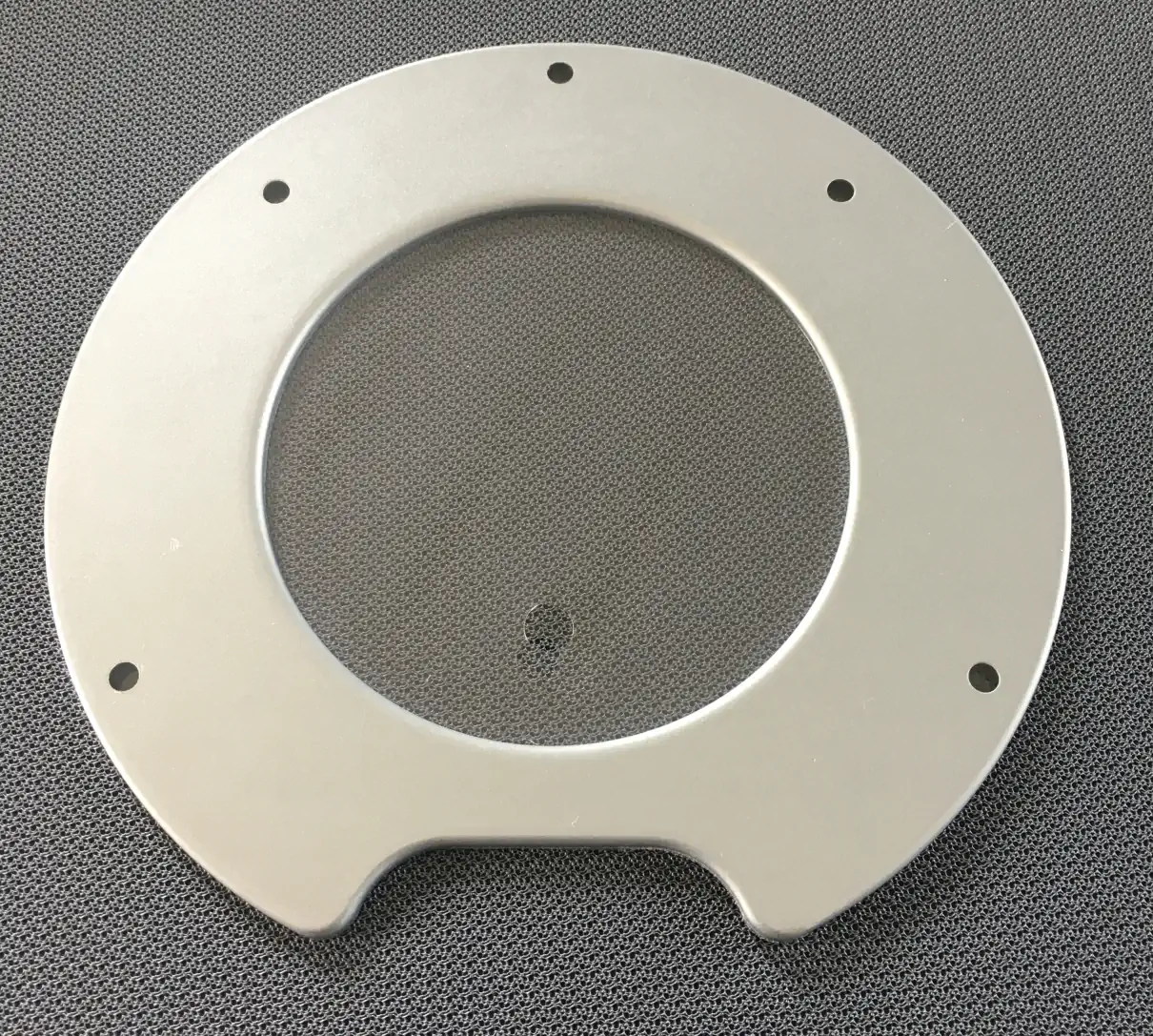
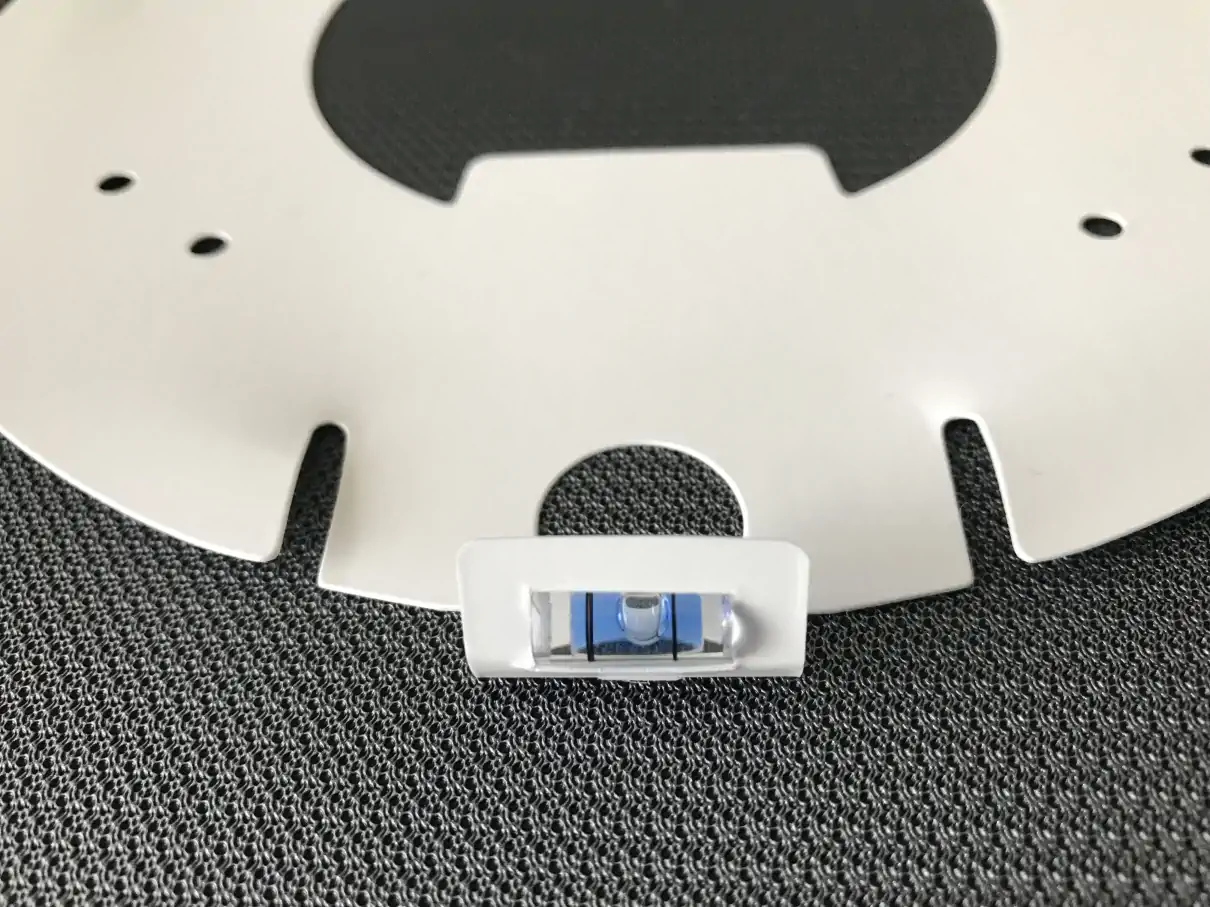
The kit is pretty standard for this type of access point from Ubiquti, but it is worth noting that the fasteners are very versatile and allow for different mounting methods on different surfaces. Also note that the fasteners and screws are placed in dedicated grooves, which is very convenient and looks better than if they were simply put in a bag.
Main specifications Ubiquiti U6 Long-Range
Supported data rates (Mbps):
802.11a: 6, 9, 12, 18, 24, 36, 48, 54 Mbps
802.11b: 1, 2, 5.5, 11 Mbps
802.11g: 6, 9, 12, 18, 24, 36, 48, 54 Mbps
802.11n (Wi-Fi 4): 6.5 Mbps to 600 Mbps (MCS0 - MCS31, HT 20/40)
802.11ac (Wi-Fi 5): 6.5 Mbps to 1.7 Gbps (MCS0 - MCS9 NSS1/2/3/4, VHT 20/40/80/160)
802.11ax (Wi-Fi 6): 7.3 Mbps to 2.4 Gbps (MCS0 - MCS11 NSS1/2/3/4, HE 20/40/80/160)
Connection and configuration
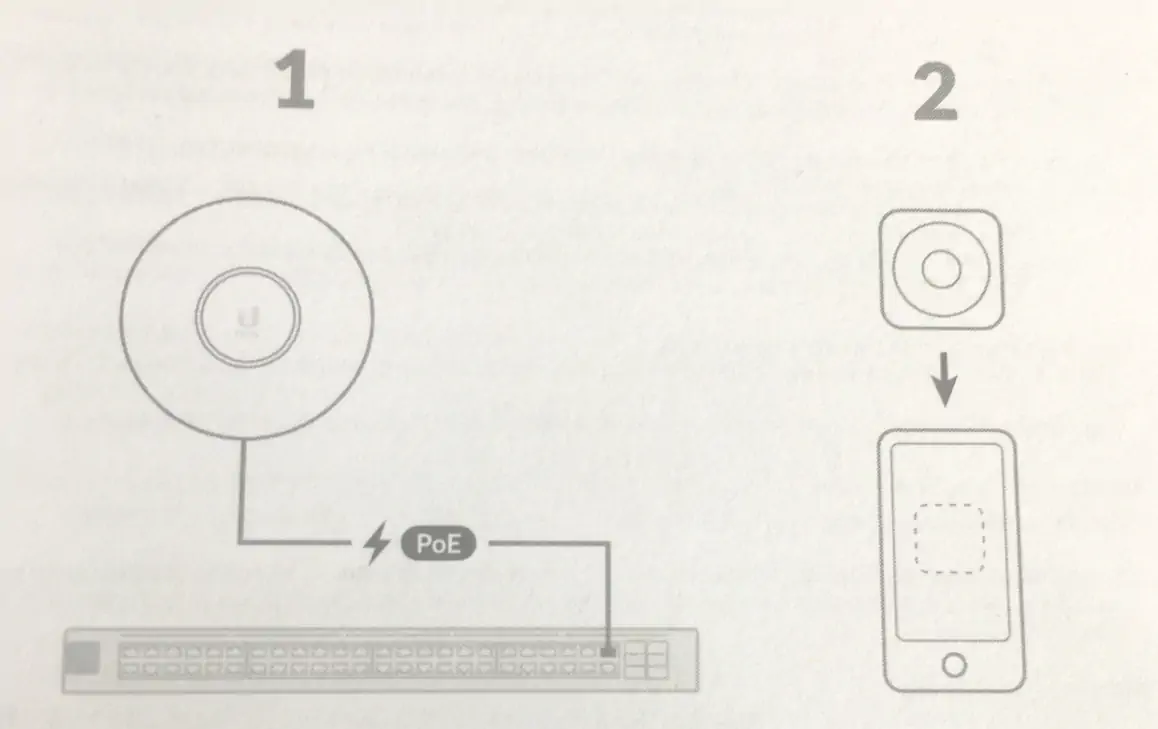
We have three basic steps in connecting and configuring this device:
1. provide power by connecting to a UniFi PoE Switch or a 48V, 0.5A PoE adapter
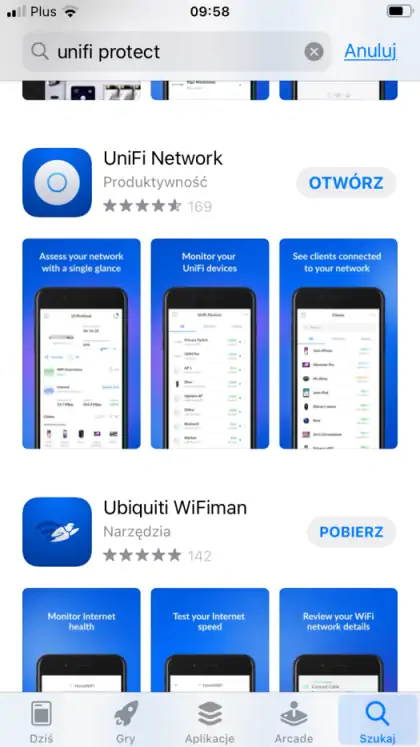
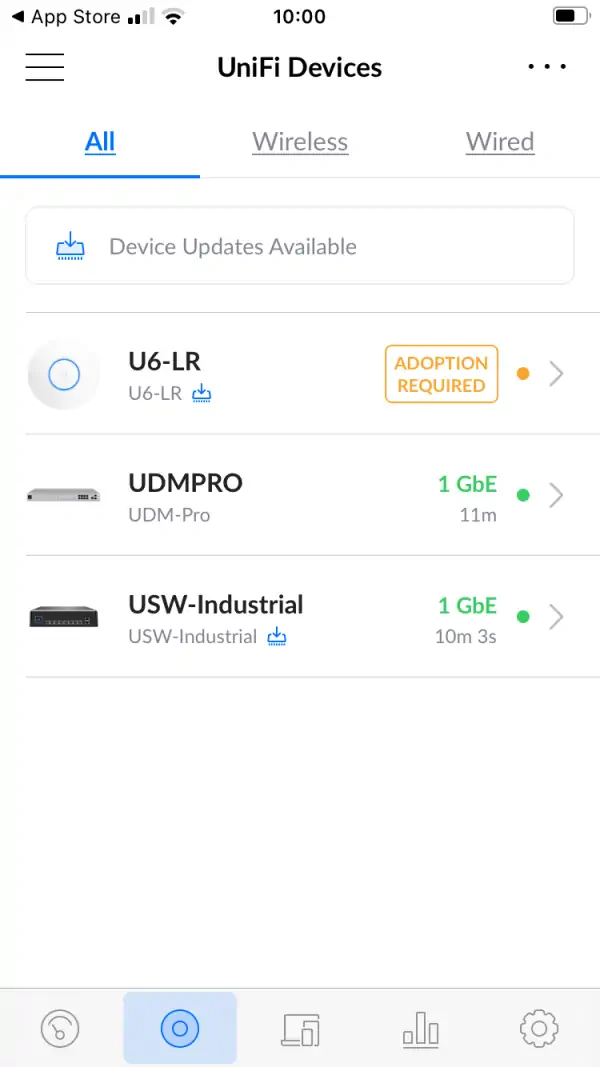
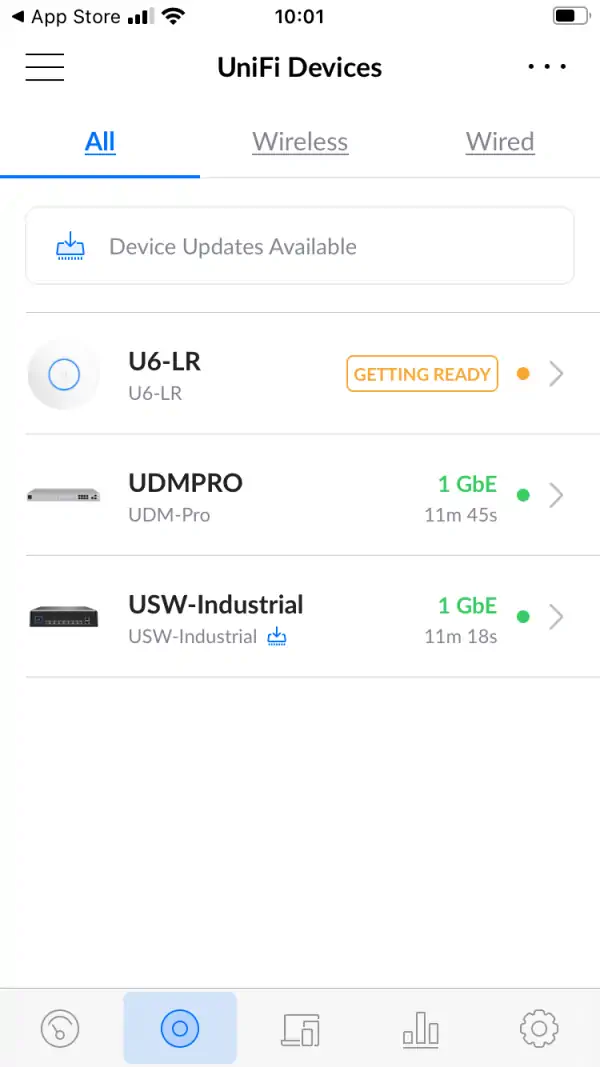
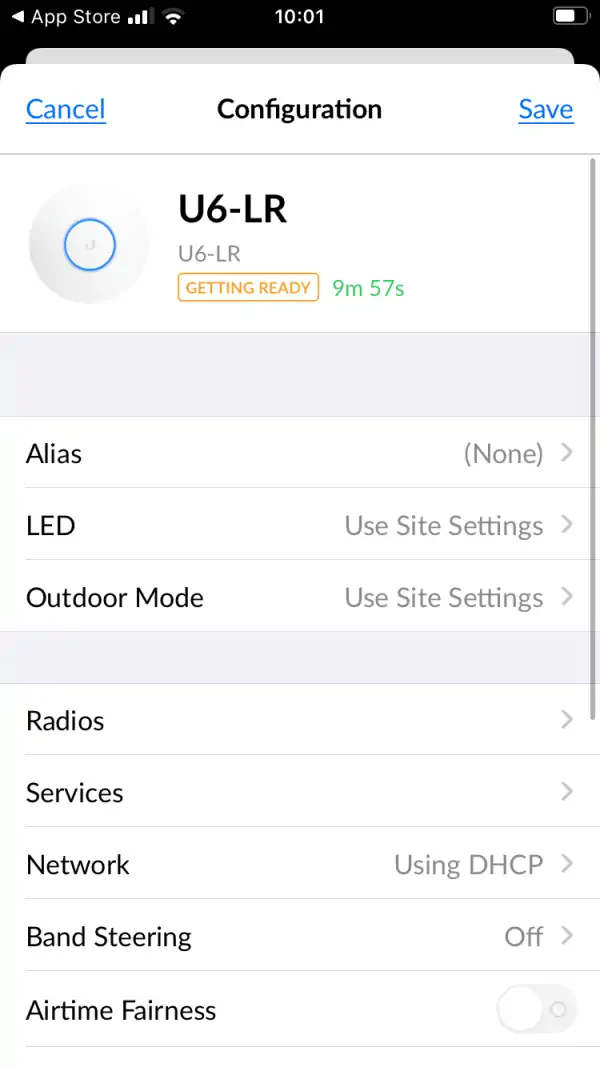
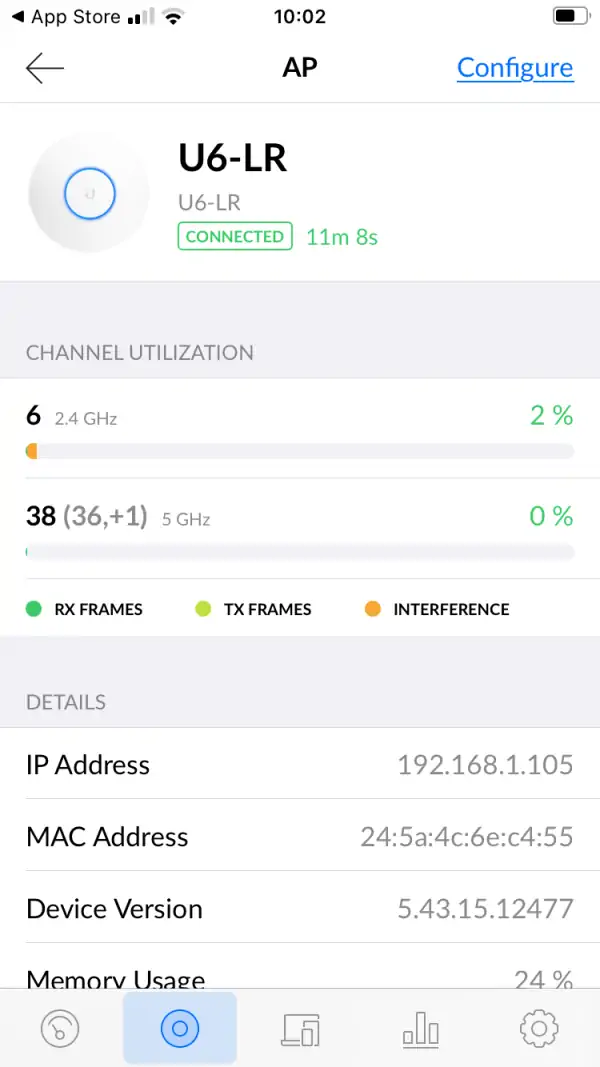
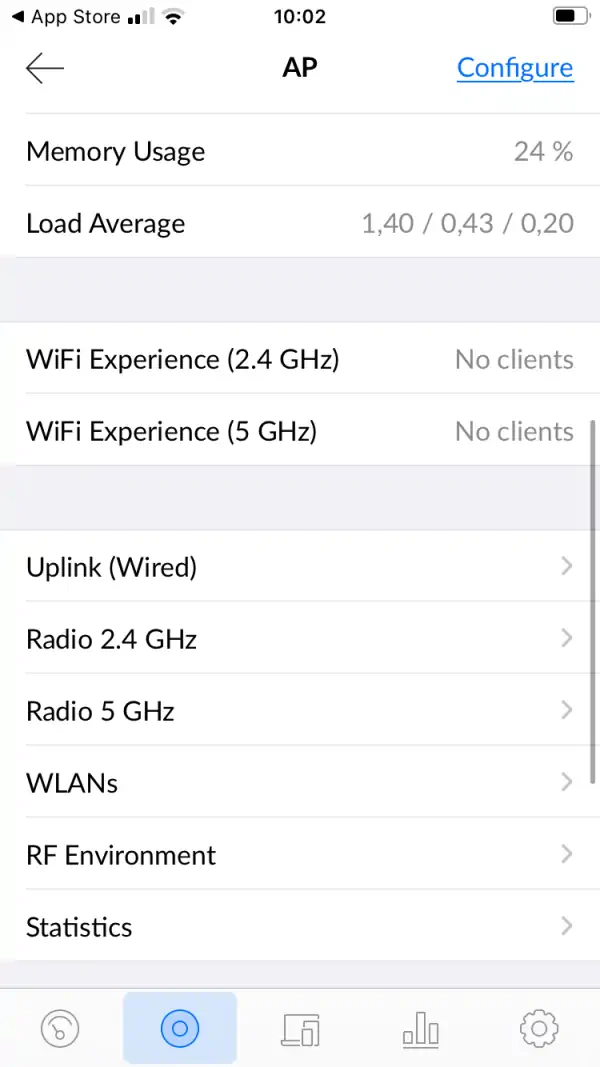
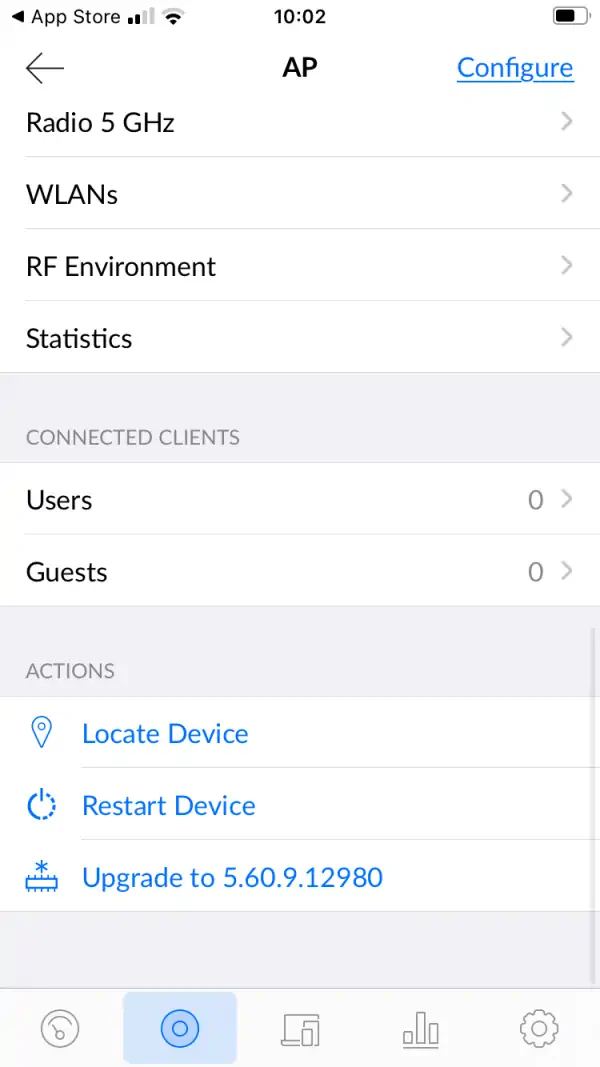
Installing the application will allow you to configure and monitor not only the U6 AP LR, but also all network devices from the central mobile interface. It should be noted that full functionality is achieved by operating the device via dedicated UniFi devices for network management, e.g. UDM PRO Machine, but it also works independently with a Poe adapter, which, as we recall, is not included in the set.
Add the device in the application either using the QR code or via the ADOPTION button.
After completing these three steps, the device itself is configured according to the preferences of the owner.
U6-LR access point test - conditions
The aim of the tests is to verify the network coverage as well as the real speeds available in the building.
This is another test in the series of tests of wireless devices for home, office and industry. The chosen test procedure will allow you to compare all these devices in identical conditions and similar configurations.
For 2.4GHz connections we assumed maximum channel width of 40MHz, and for 5GHz - 80MHz.
The test device was a MacBook Pro A1502 with built-in AirPort Extreme (Broadcom BCM4360 3x3, 1.3 Gbps PHY) wireless adapter running 802.11a/b/g/n/ac.
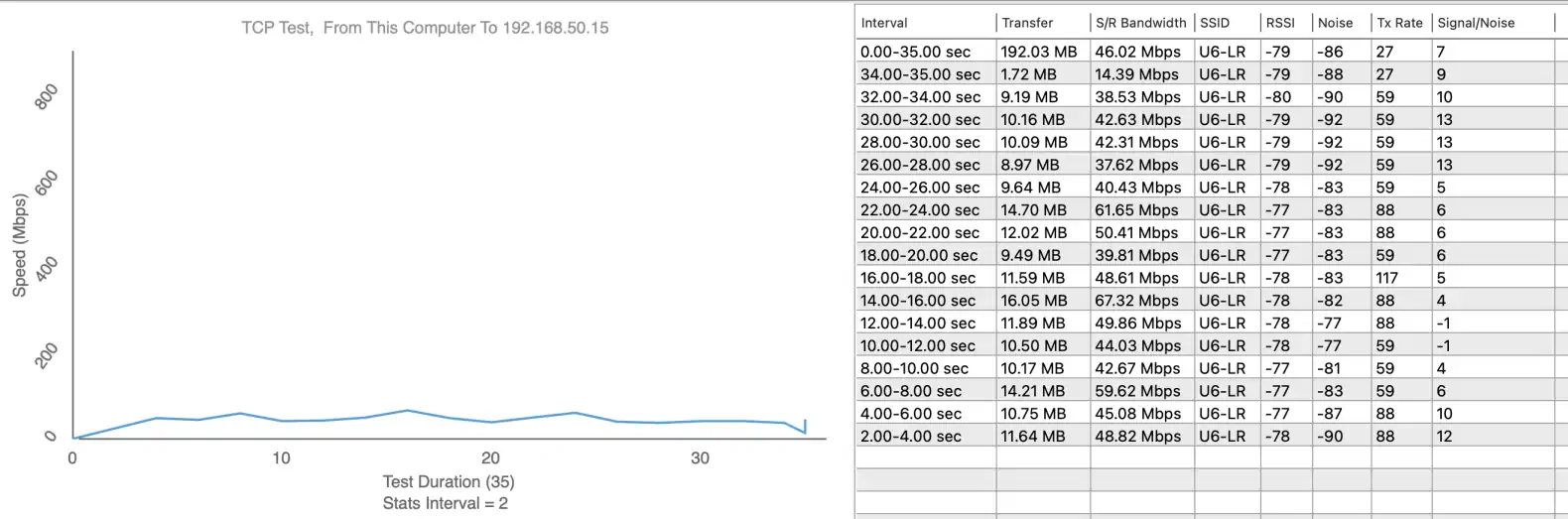
Before speed testing, we verified the maximum performance of the LAN and iperf3 server. The aforementioned laptop was connected via a 10/100/1000Mbps network card to the switch. We obtained the following maximum speeds for a single TCP stream: downloading 894Mbps, uploading 958Mbps. The process of running the access point in UniFi software ran without any problems.
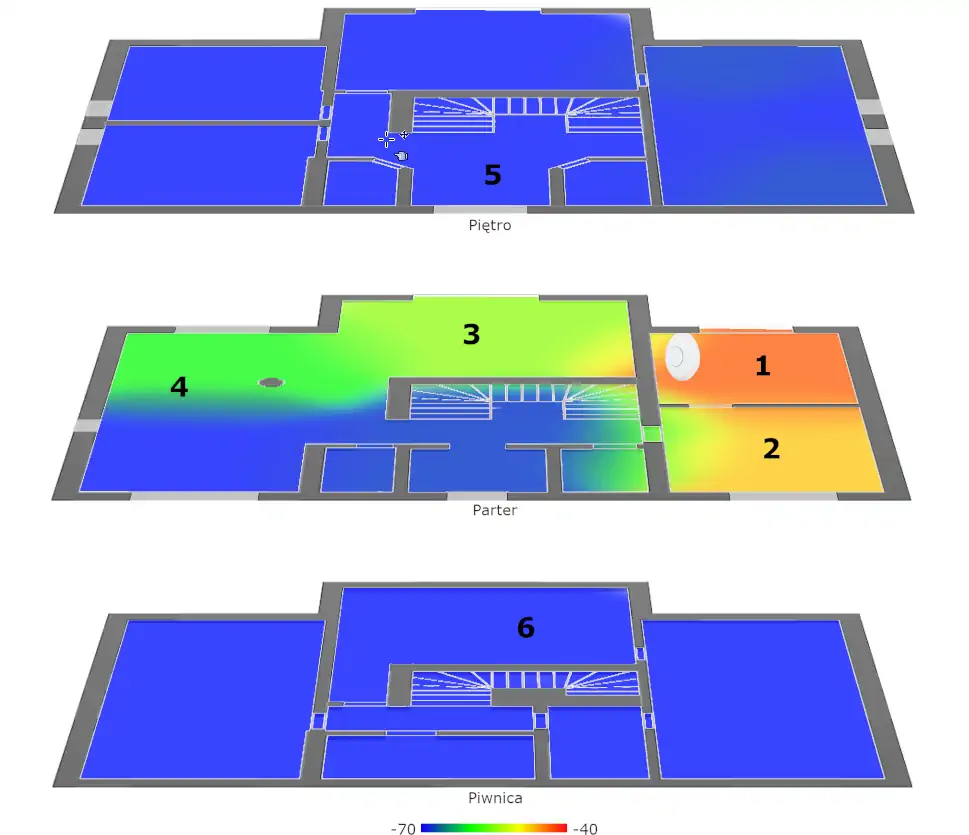
To make a signal map we used AirSurvey software. For a correct reading of the signal levels, please note the color legend at the bottom of the image. The placement of the U6-LR is marked with an appropriate icon. The device on the "ground floor" was connected to the switch via a 1Gbps Ethernet port.
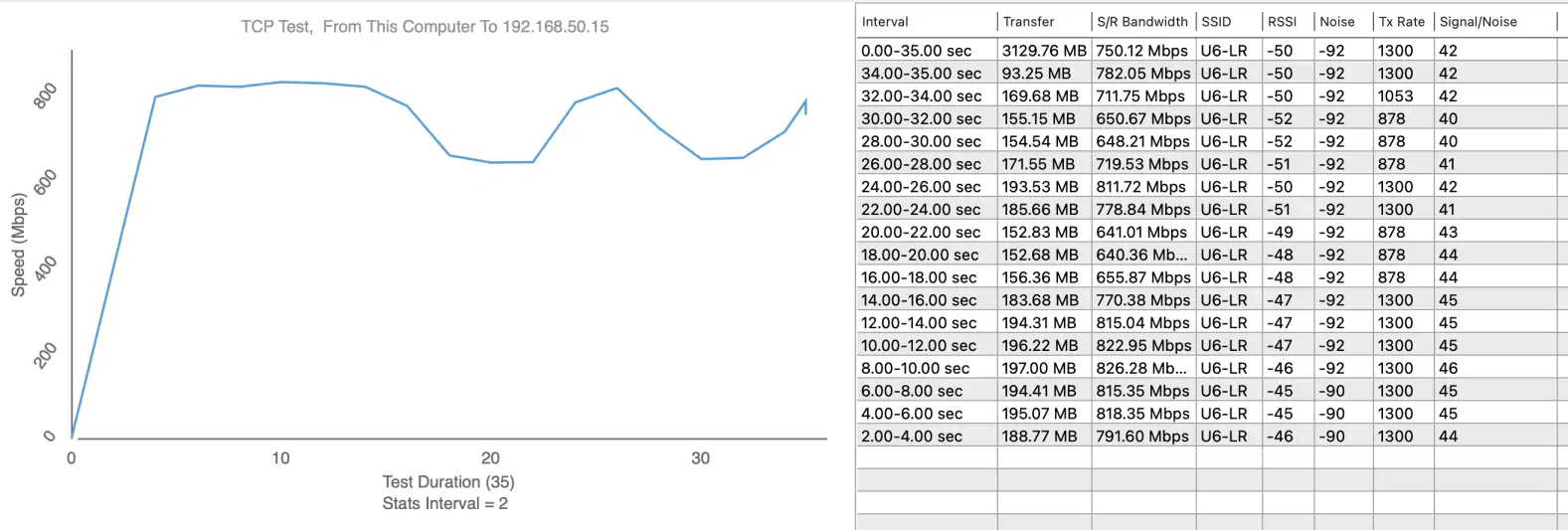
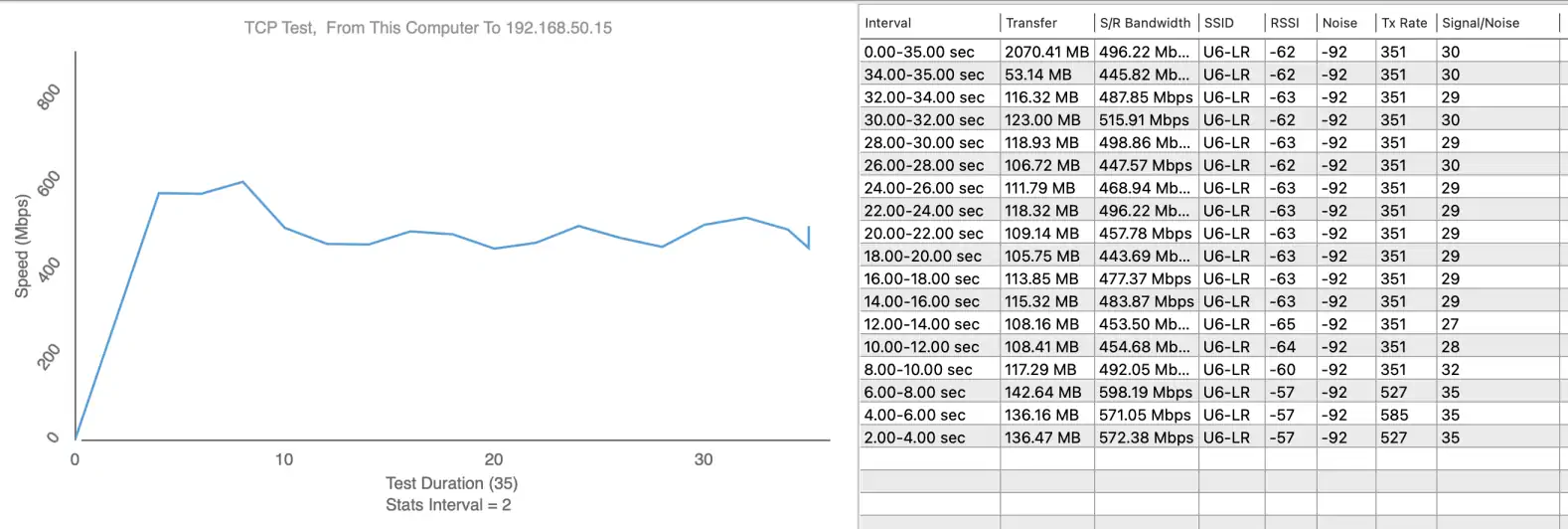
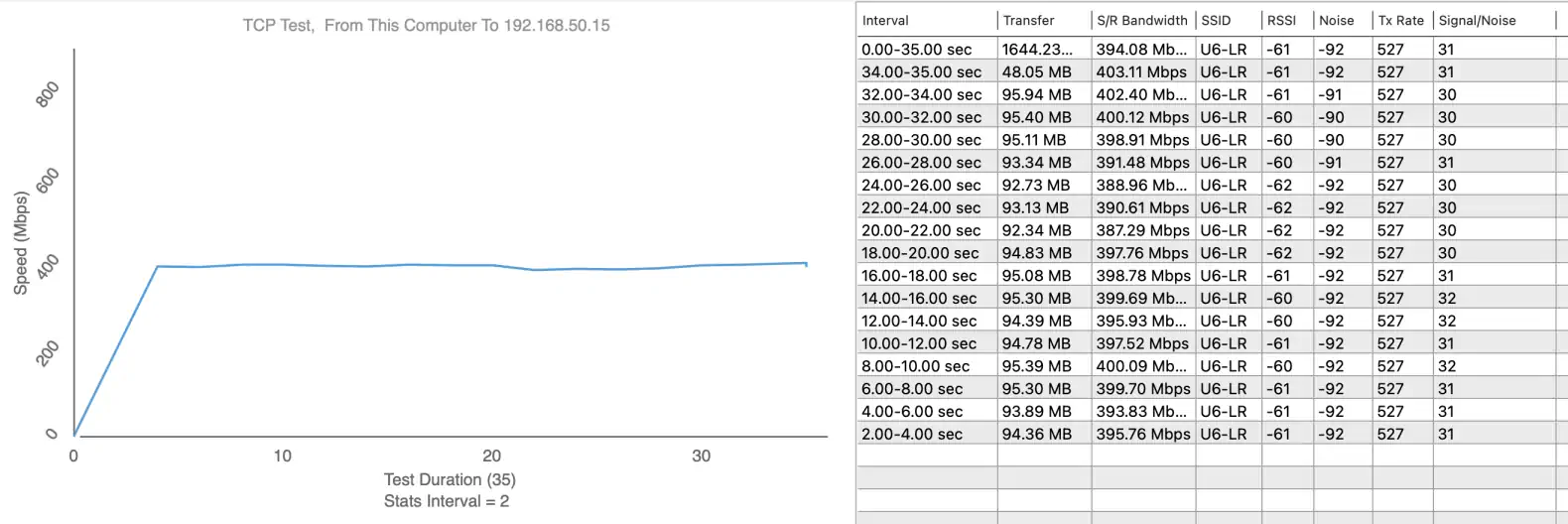
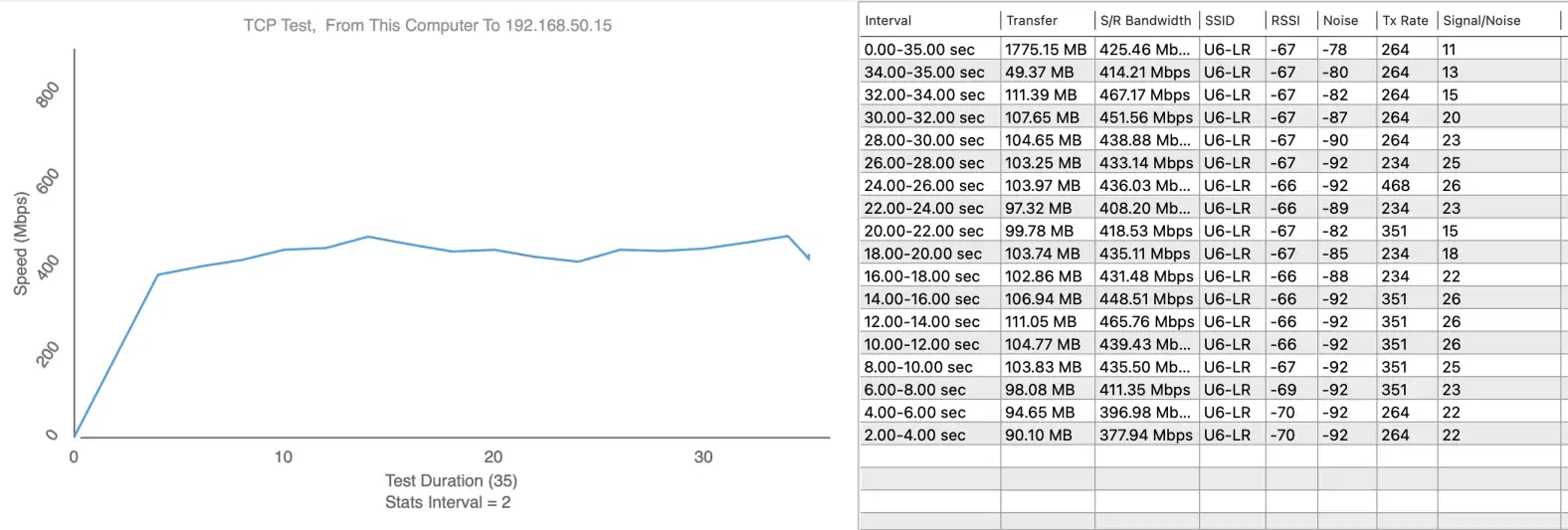
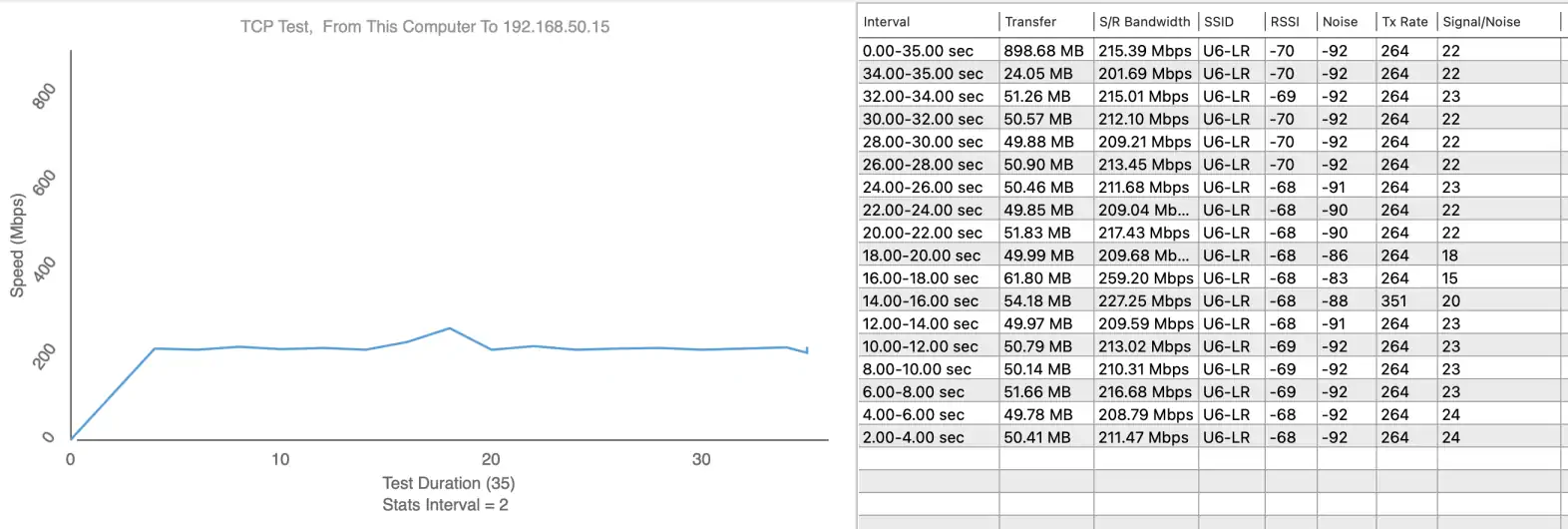
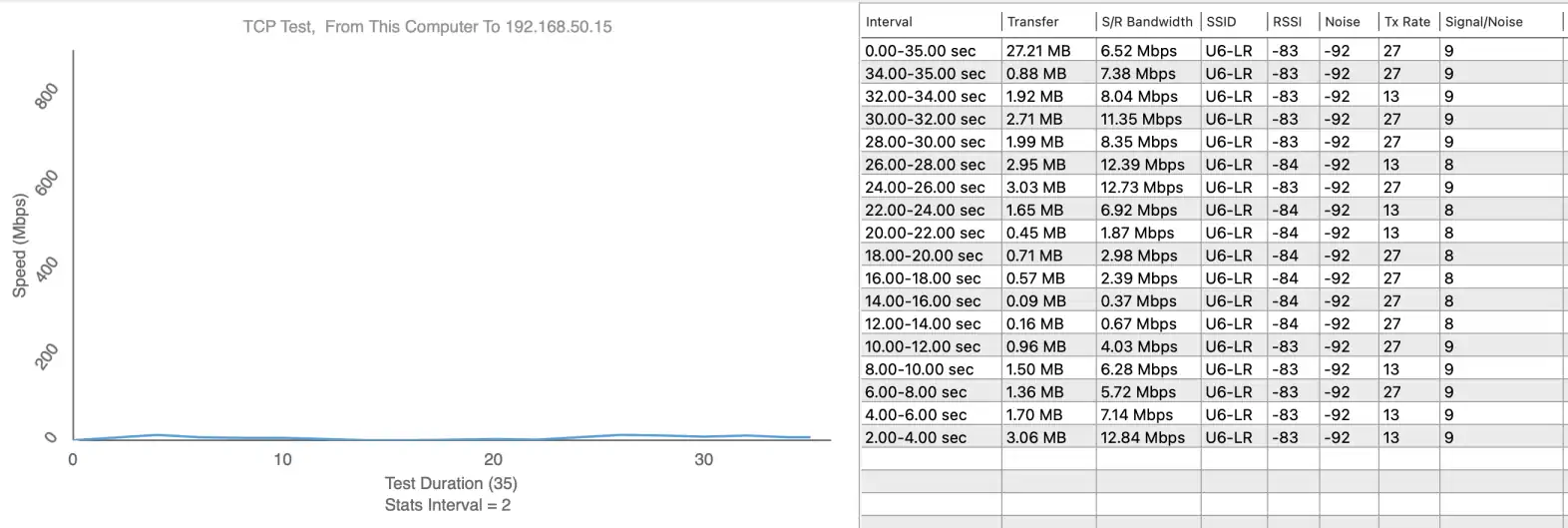
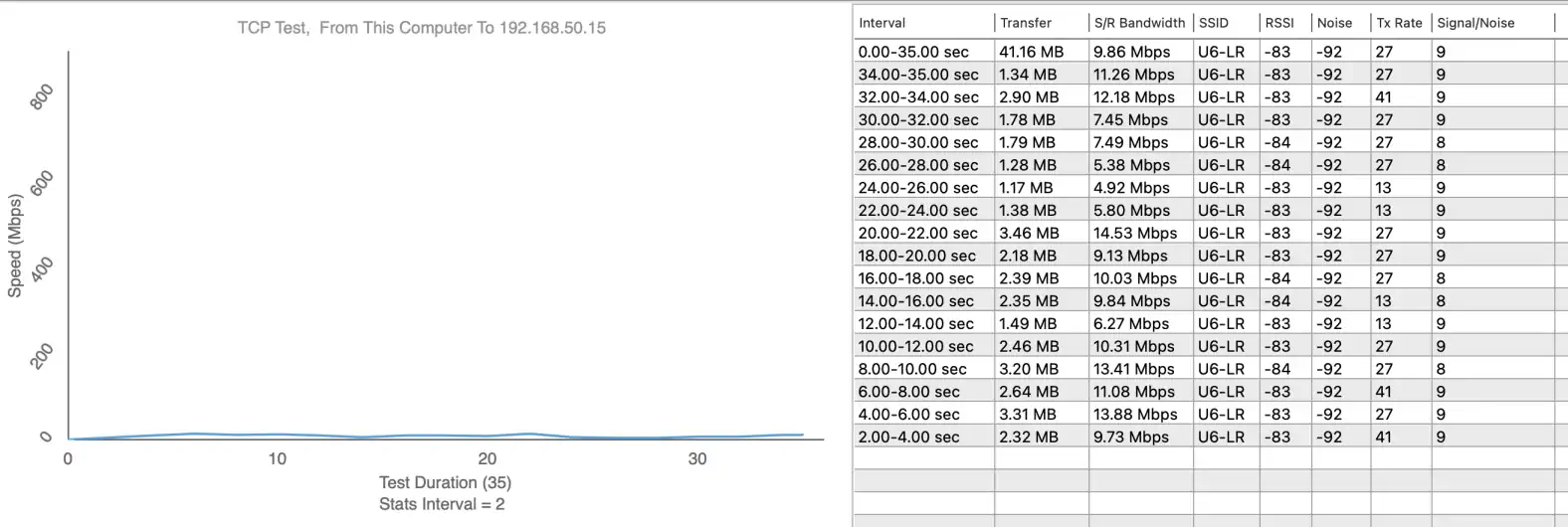
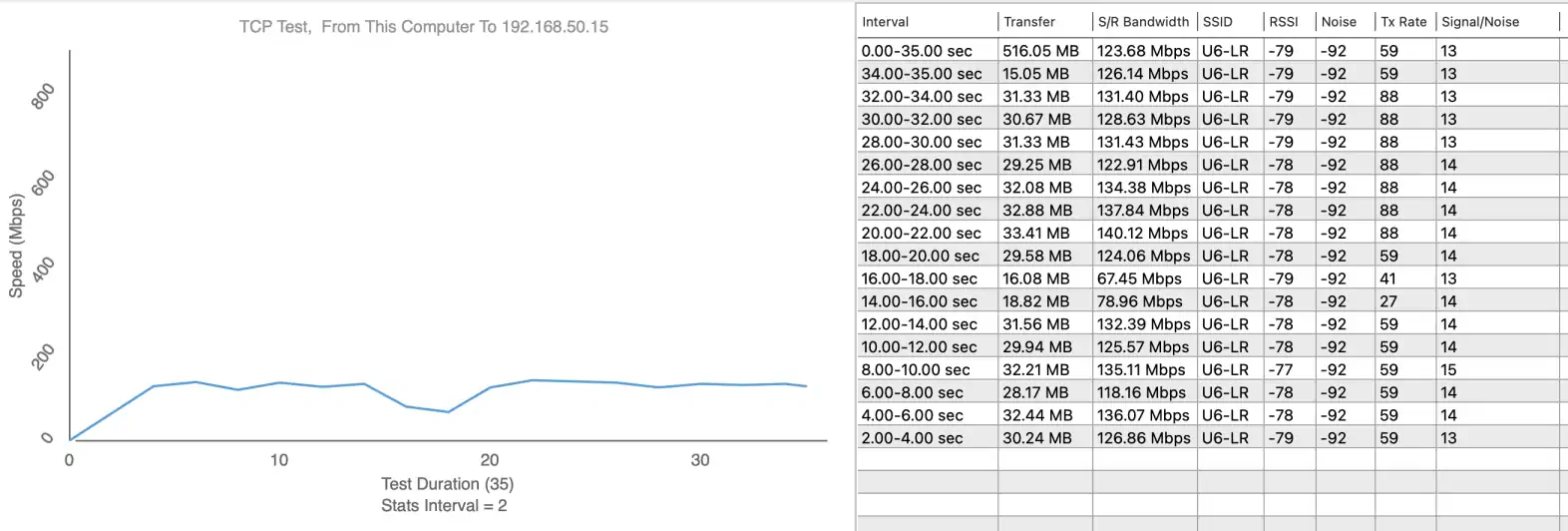
We performed speed tests using Wi-Fi Perf software, and the speed test server was iperf3 software.
Measurement points are marked on the map:
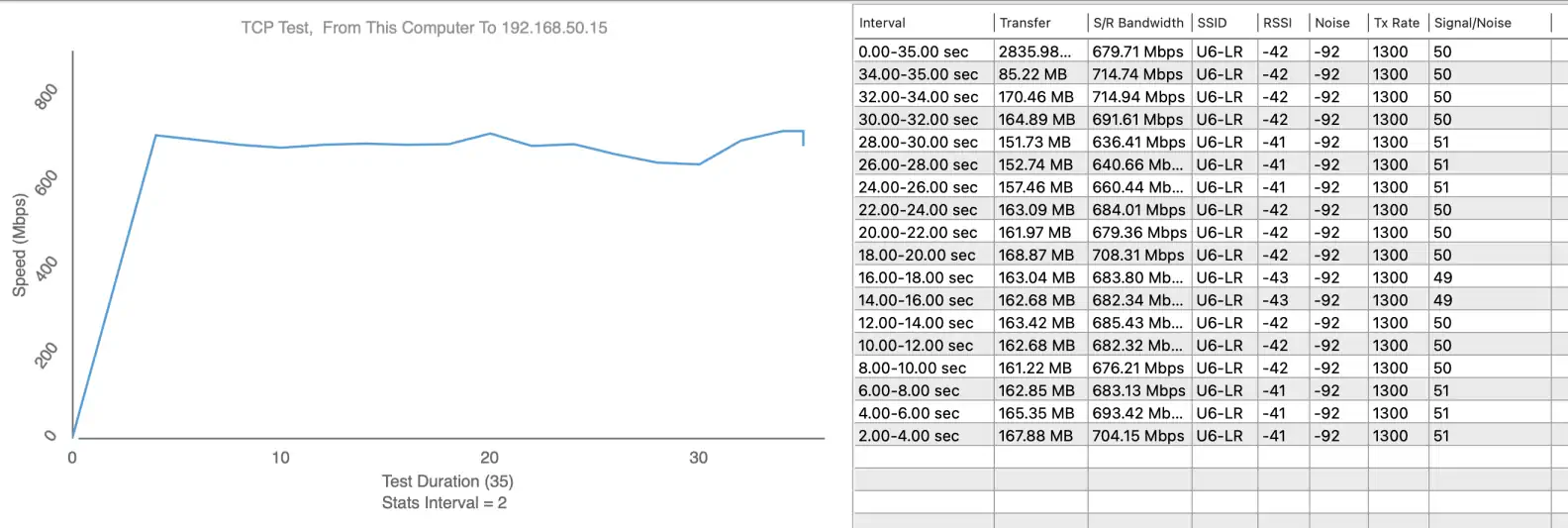
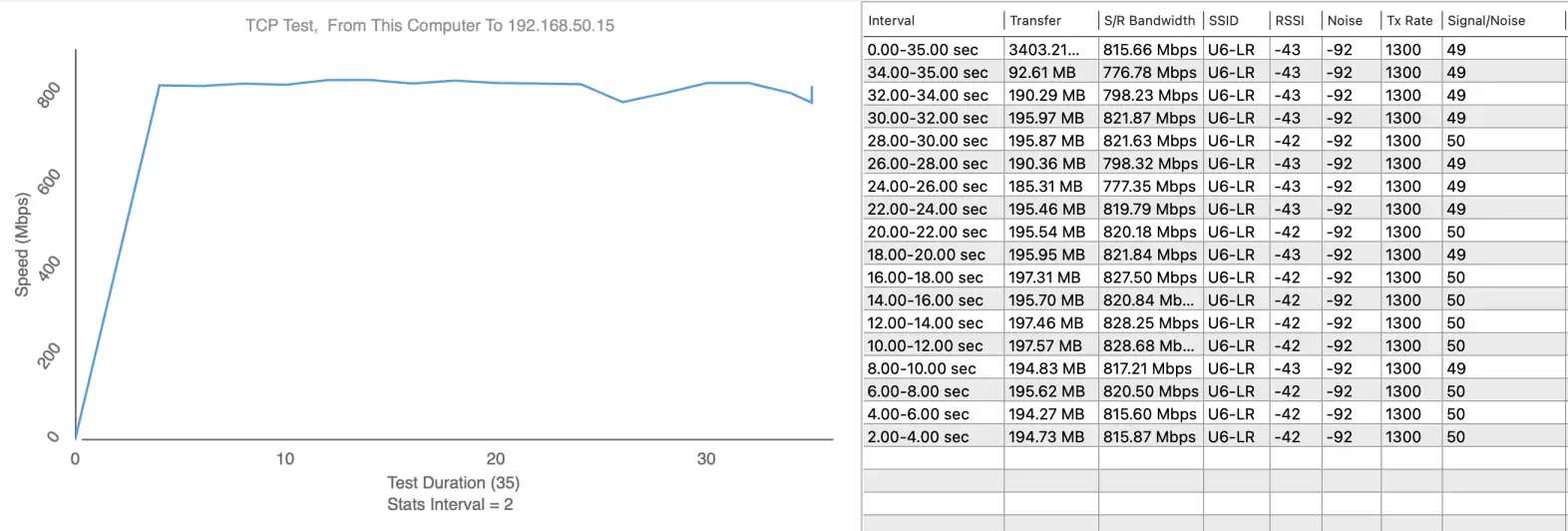
Measurement point 1 - Download 714.94 Mbps / Upload 828.68 Mbps
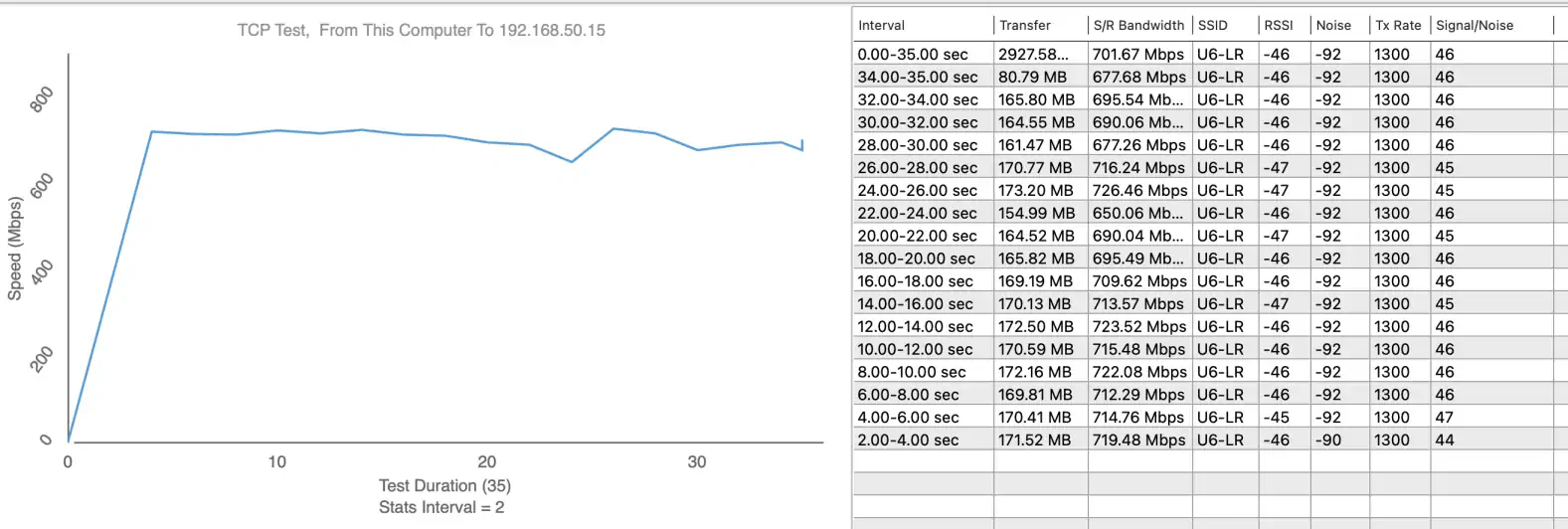
Measurement point 2 - Download 726.46 Mbps / Upload 828.28 Mbps
Measurement point 3 - Download 598.19 Mbps / Upload 403.11 Mbps
Measurement point 4 - Download 467.17 Mbps / Upload 259.20 Mbps
Measurement point 5 - Download 12.84 Mbps / Upload 14.53 Mbps
Measurement point 6 - Download 140.12 Mbps / Upload 67.32 Mbps
Analyzer:
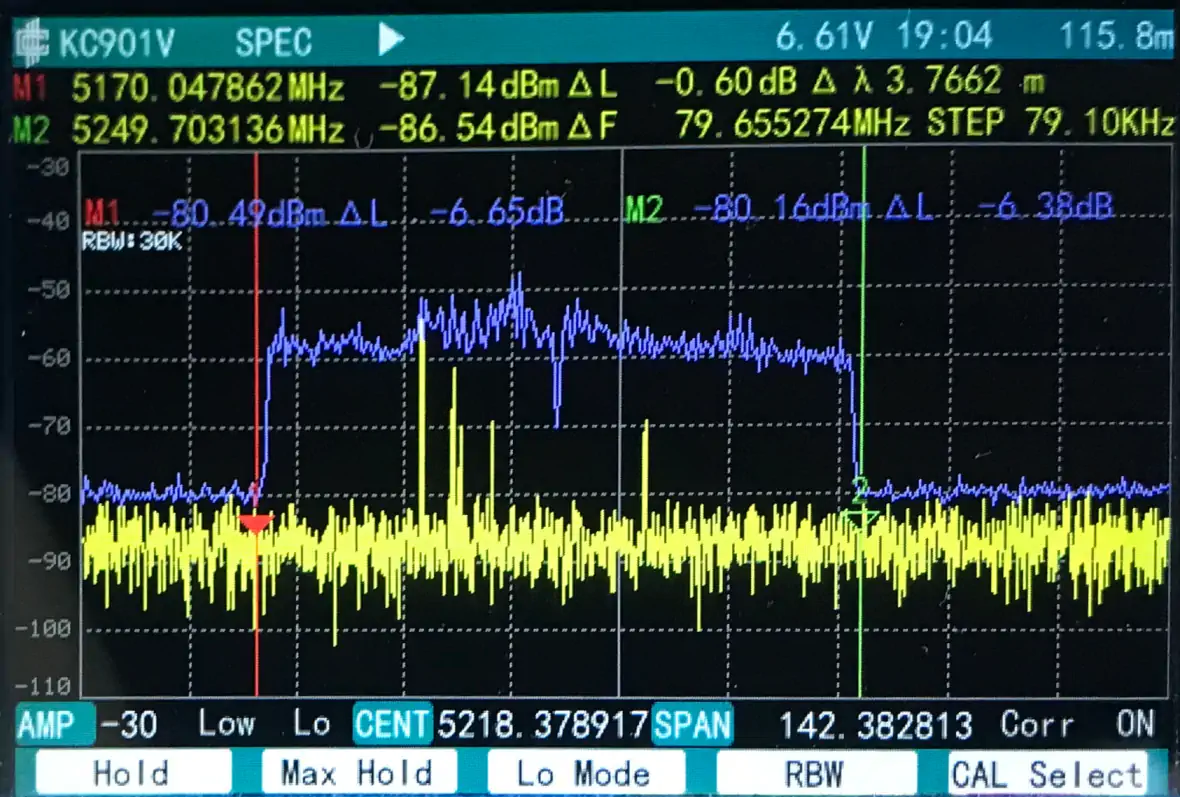
The radio module installed maintains a visible separation from the extreme ranges of the channel on which it operates. The operating characteristics are ideal, with a characteristic small gap between the two 40MHz bands making up one 80MHz channel.
Ubiquiti Wi-Fi 6 Long-Range - Summary
After testing and verifying the actual features of the UniFi 6 Long Range Access Point, we can confidently say that support for the new Wi-Fi 6 Wireless standard allows the UniFi 6 to deliver high quality services to even more customers, using the algorithms of the new 802.11ax standard. Technology continues to evolve and now many devices support Wi-Fi 6 technology, and the UniFi 6 Long Range offers advanced capabilities to take full advantage of this technology. As always, Ubiquiti devices are intelligently packaged, making unpacking and installing the device a pleasant experience. The UniFi 6 Long Range Access Point software is centrally managed, configured and updated through the standard Ubiquiti UniFi OS Console app, allowing maximum flexibility to apply necessary system modifications with minimal effort.
Benefits:
Disadvantages: