



Arris X5 Mesh extender - WiFi 6 in your home!
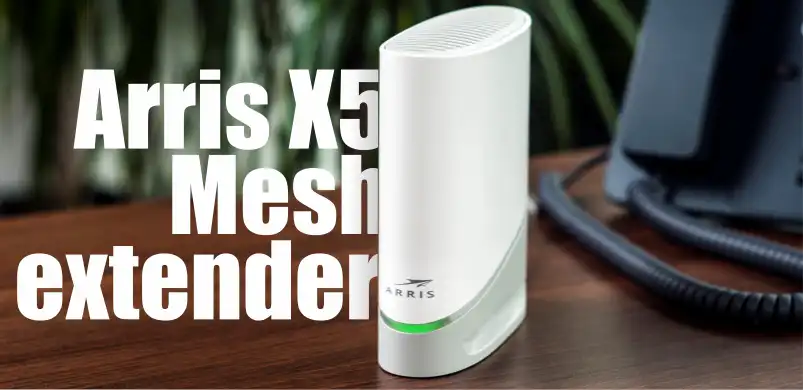
Arris X5 Mesh Extender X5042
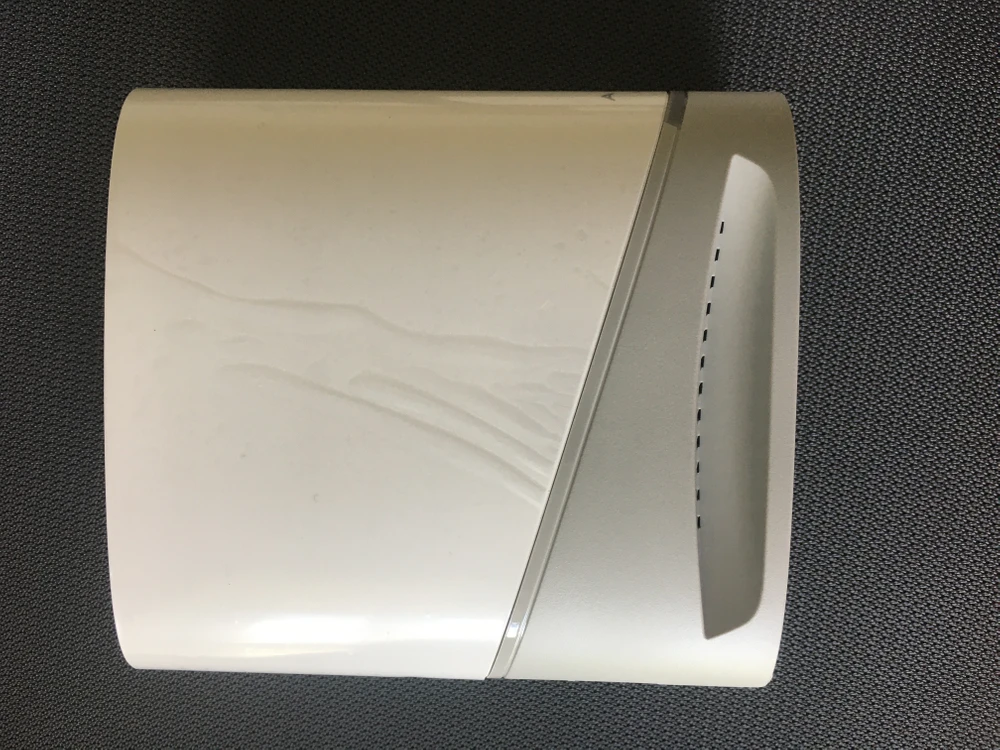
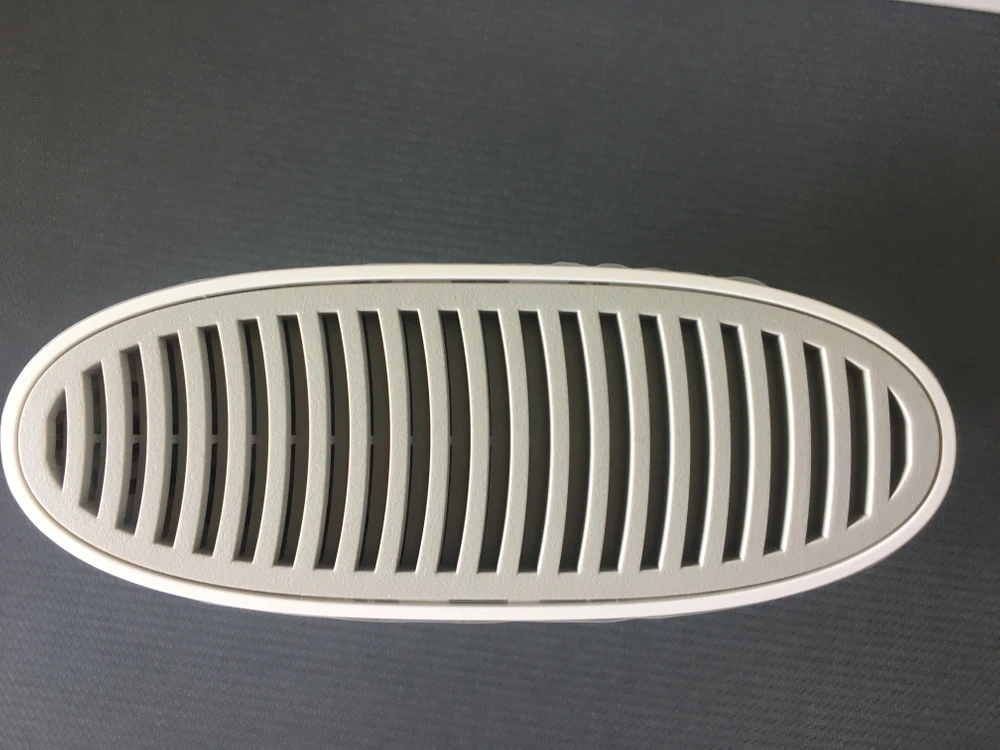
Arris X5 Mesh extender (model X5042) is a device used for transmitting and extending WiFi signal. Access Point for use only indoors, away from unfavorable conditions such as humidity or high temperature. It has been equipped with open source software and licenses (the manufacturer's website provides information on how to use this kind of software). The small device is made of good quality plastic in grayish-white color. Modern design ensures that it matches most interiors. There are two Ethernet ports (so the devices in the mesh network can connect to each other not only via WiFi, but also via LAN port), WPS button, reset button, power input, and LED that switches off the device after 10 minutes.
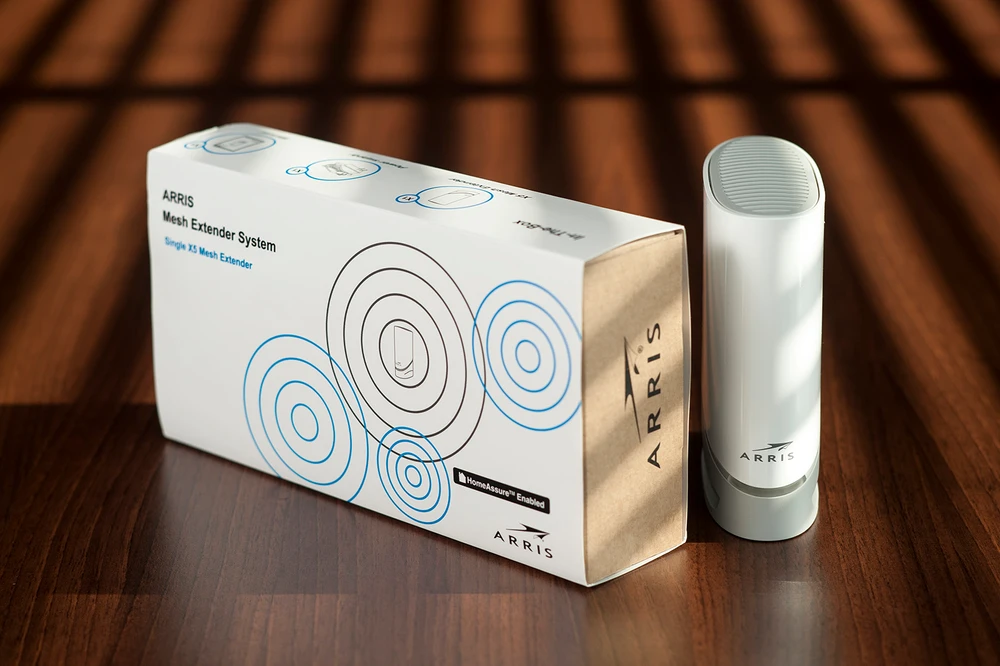
Contents of the package
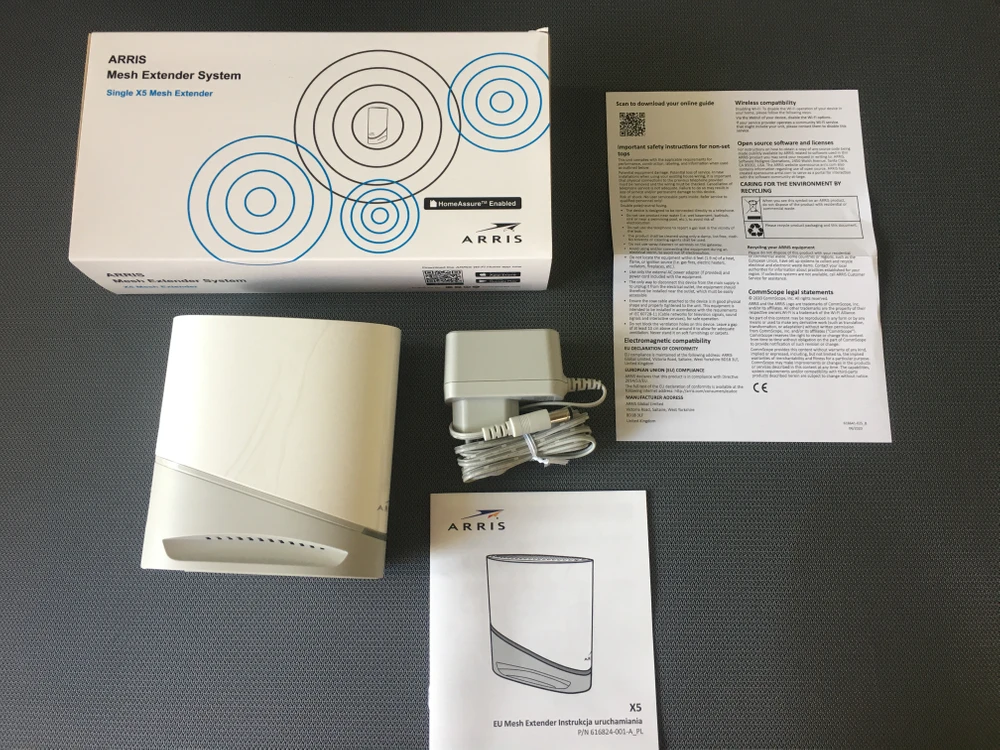
In a well-designed compact package we find:
- Arris X5 Mesh extender
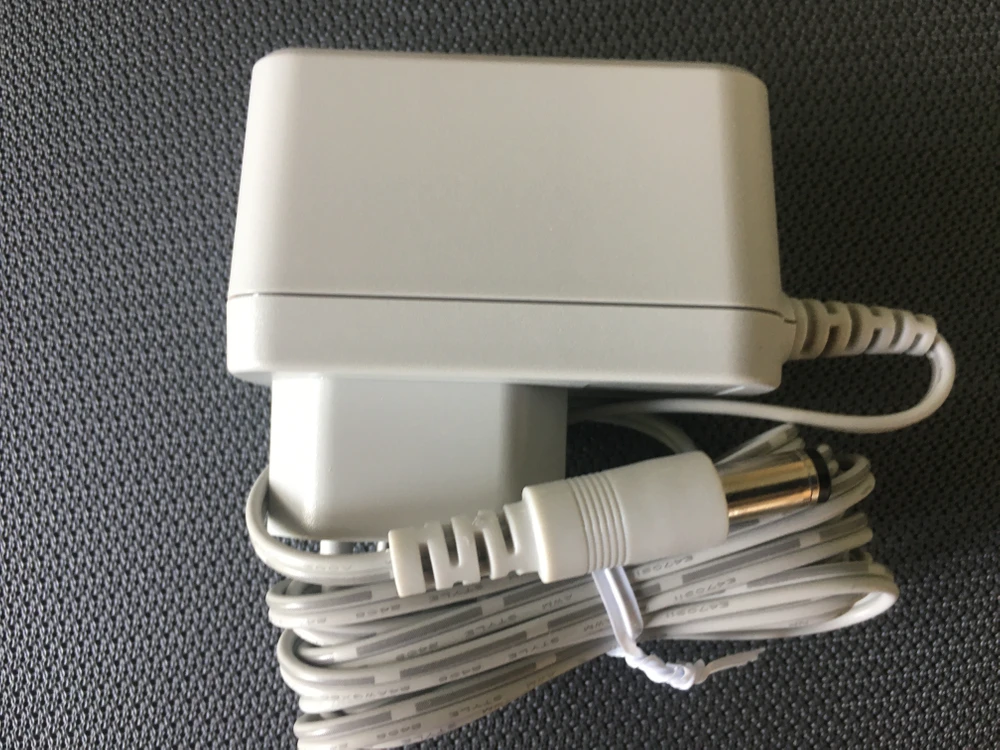
- Power supply with a cable length of about 1.5 m
- User manual in Polish




Configuration
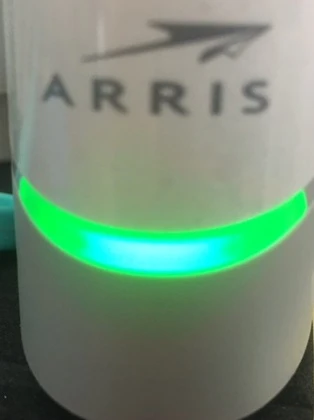
Before starting the configuration itself, it is worth to know the meaning of the LEDs:
- Fast blinking green - device is starting up
- Slowly blinking green - device on: no network connection
- Solid green - Full connection to the wired network
- Solid yellow - Limited connection to the wired network
- Solid red - Low wired network connection
- Green light - X5 position is correct
- Solid yellow - X5 is far from router
- Solid red - X5 too far from router
- Flashing green - WPS is in process
Control over the access point can be obtained by any mobile device. Just download the Arris WiFi Home application from Google store by scanning the QR code.

We start the configuration by connecting the device to the power supply and the Internet via a cable to the chosen Ethernet port (the LED will start blinking green and change to green within a minute).

Scan the QR code or go to the page from which you download the application:
- For android devices: https://play.google.com/store/apps/details?id=com.arris.WiFiHome
- For iOS devices: https://apps.apple.com/us/app/id1506183147
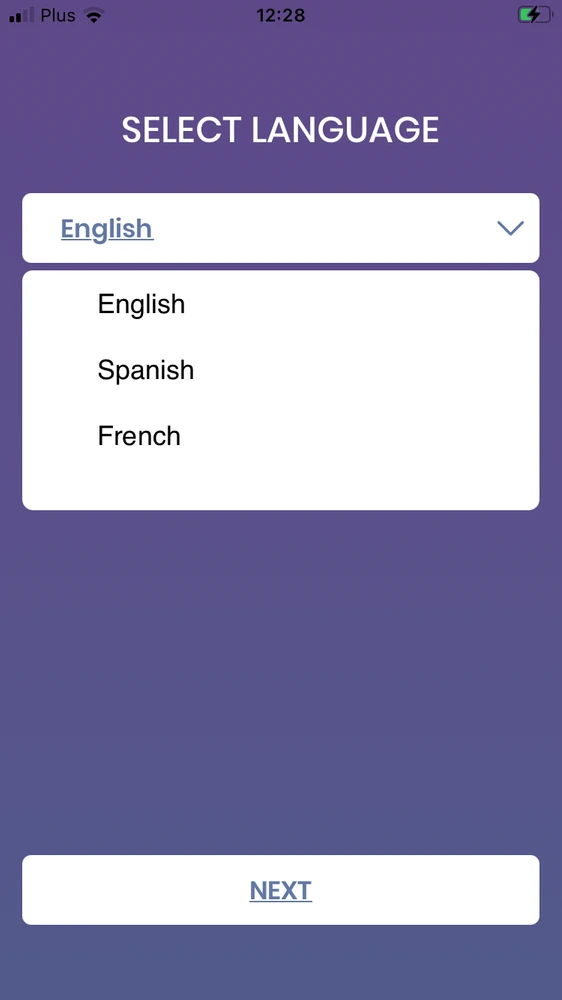
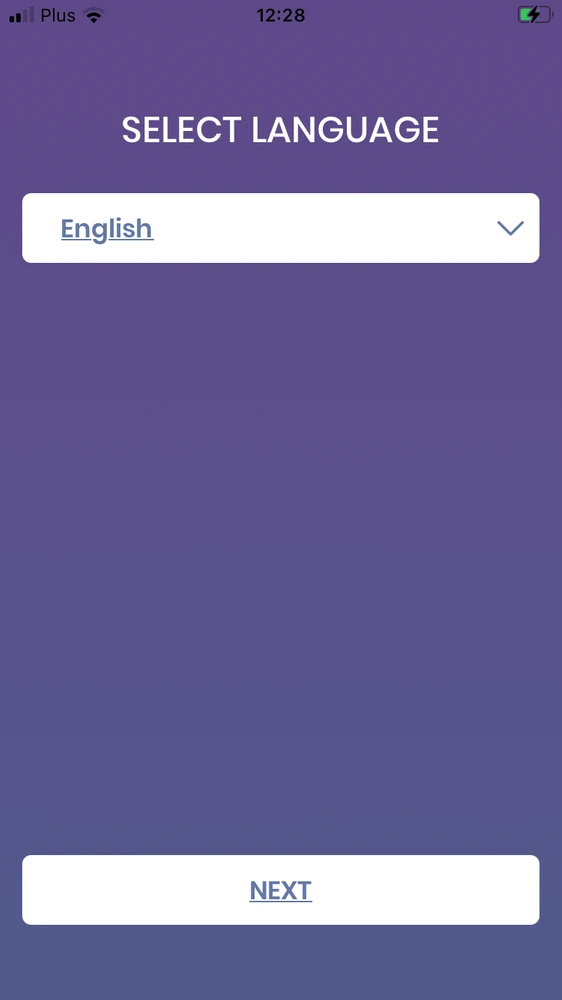
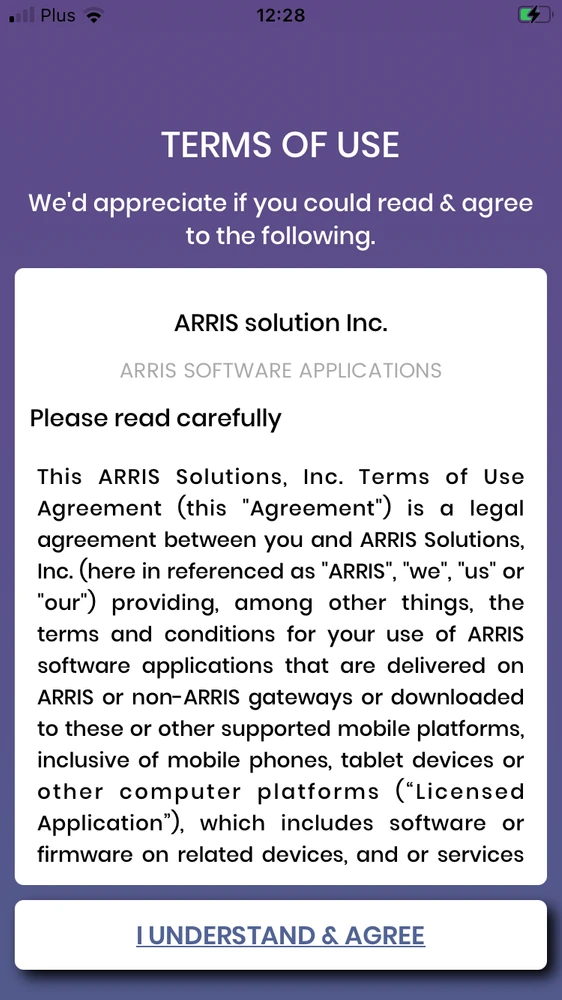

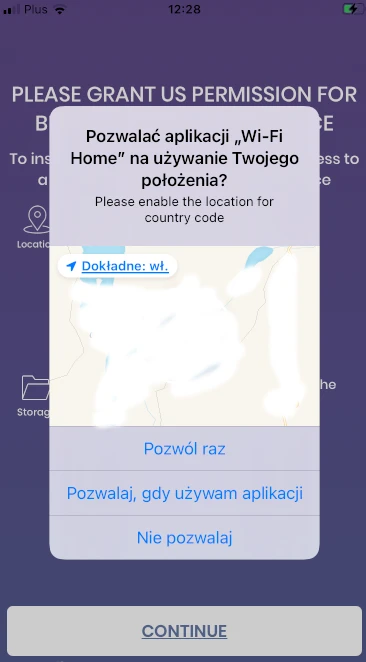

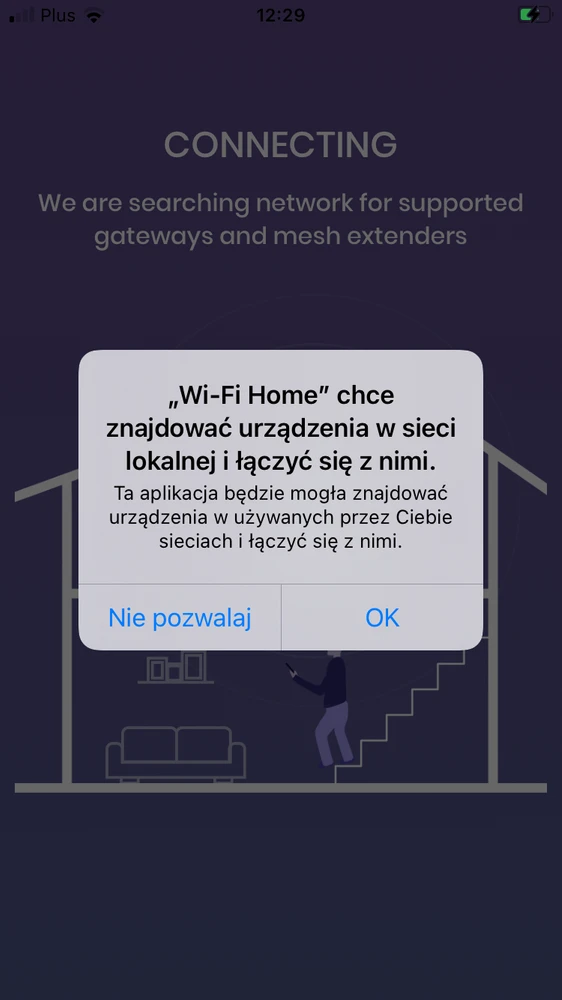
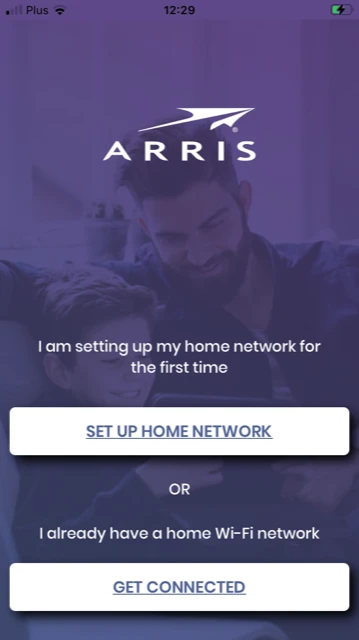

The next step is to add our Arris X5 X5042 device in the application
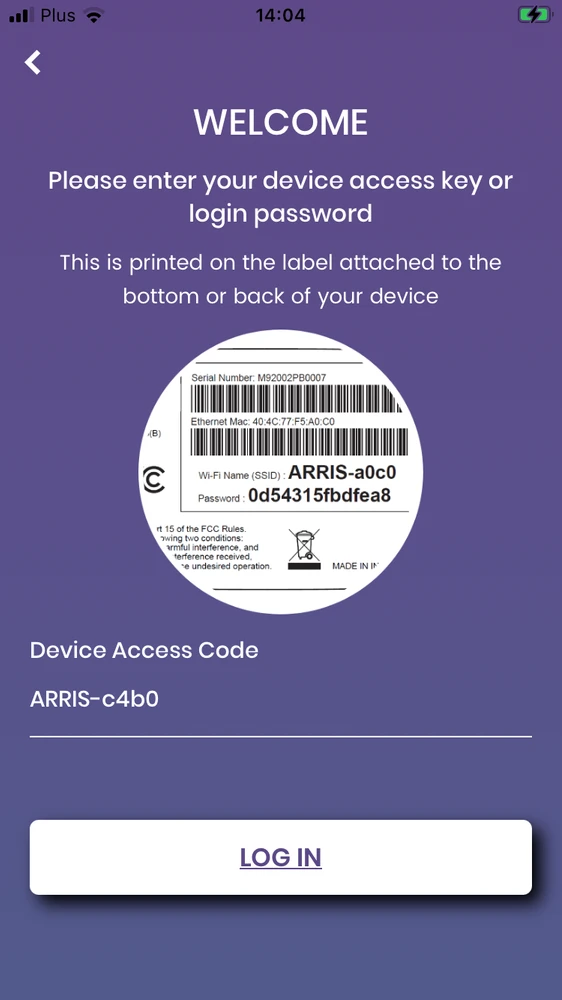

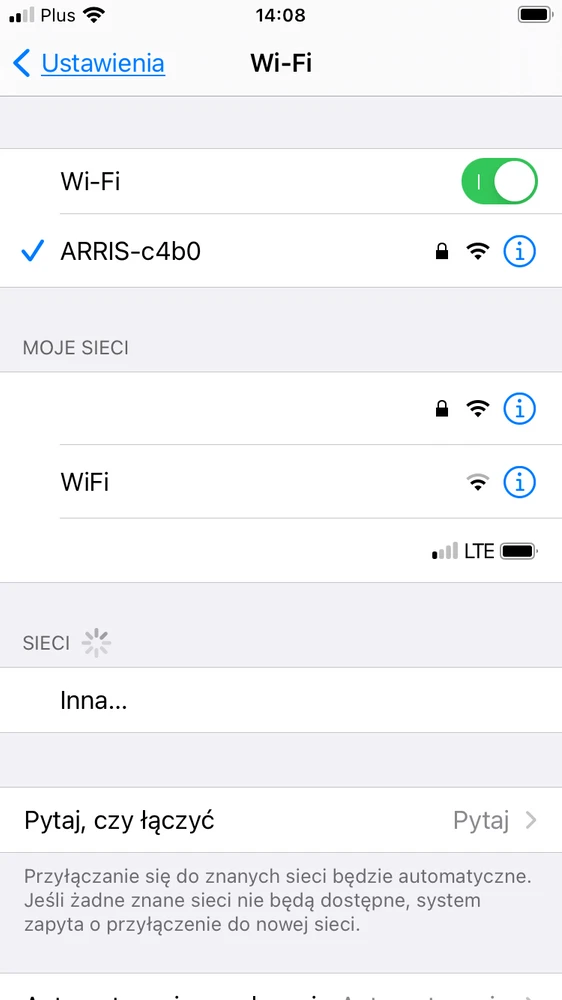

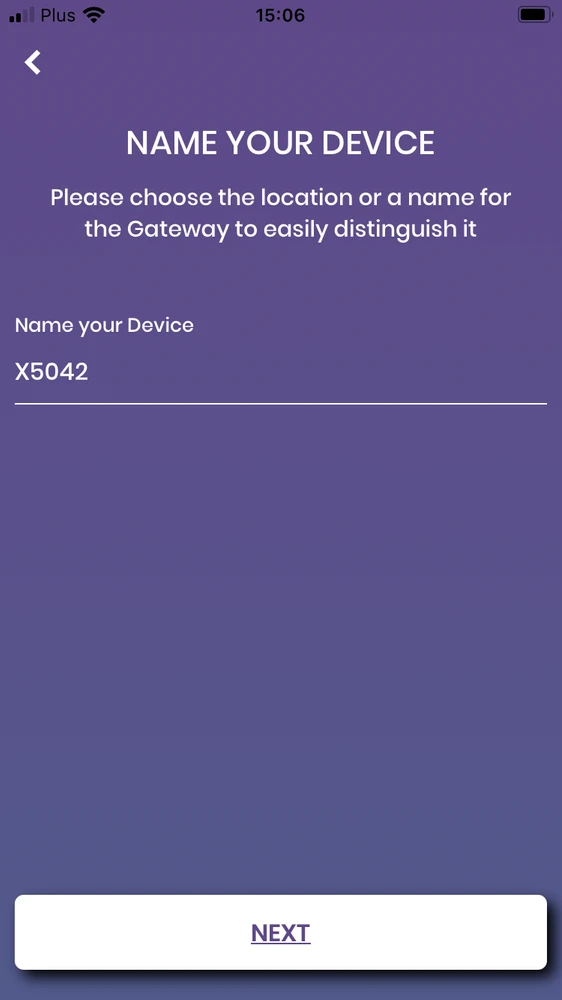
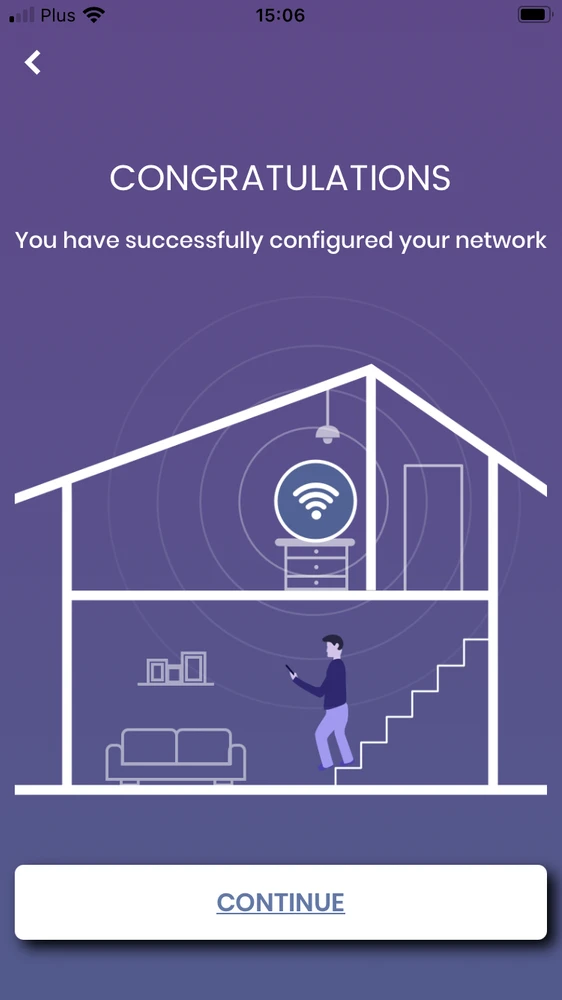

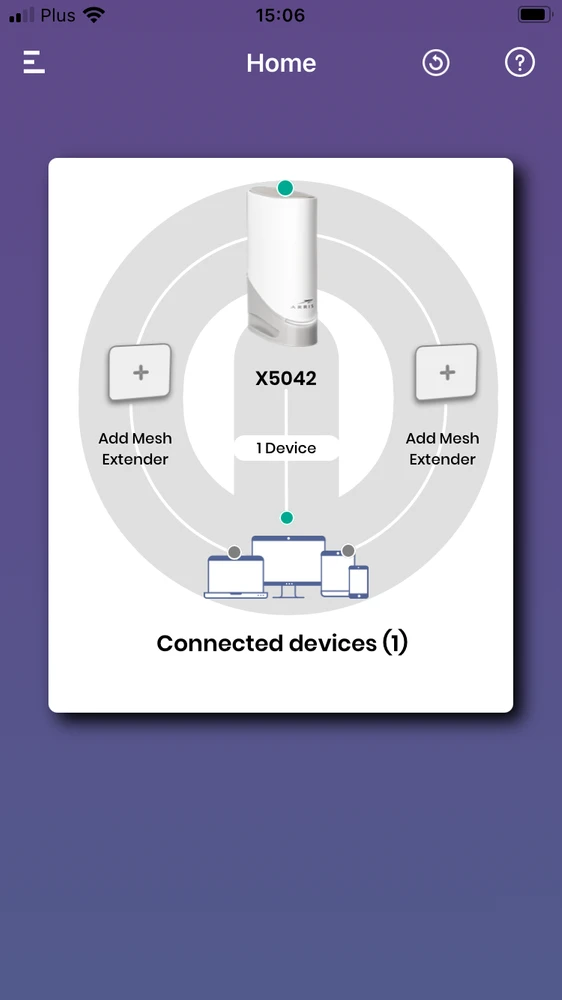
Once you have configured the first device, adding more devices is a breeze - just plug in the next device, press the WPS button on the first device, and then on the second. In the application use "add mesh extender" and follow the instructions

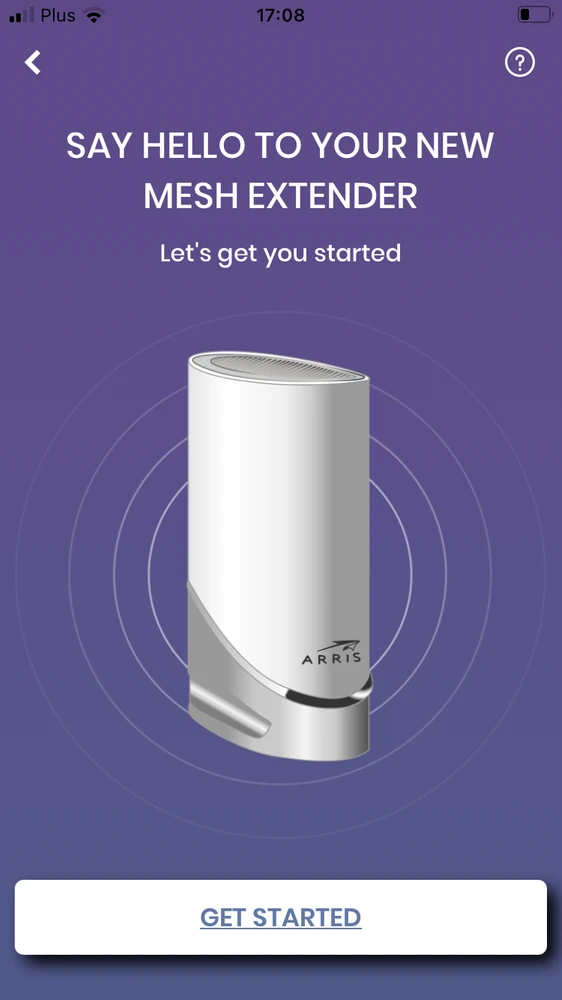

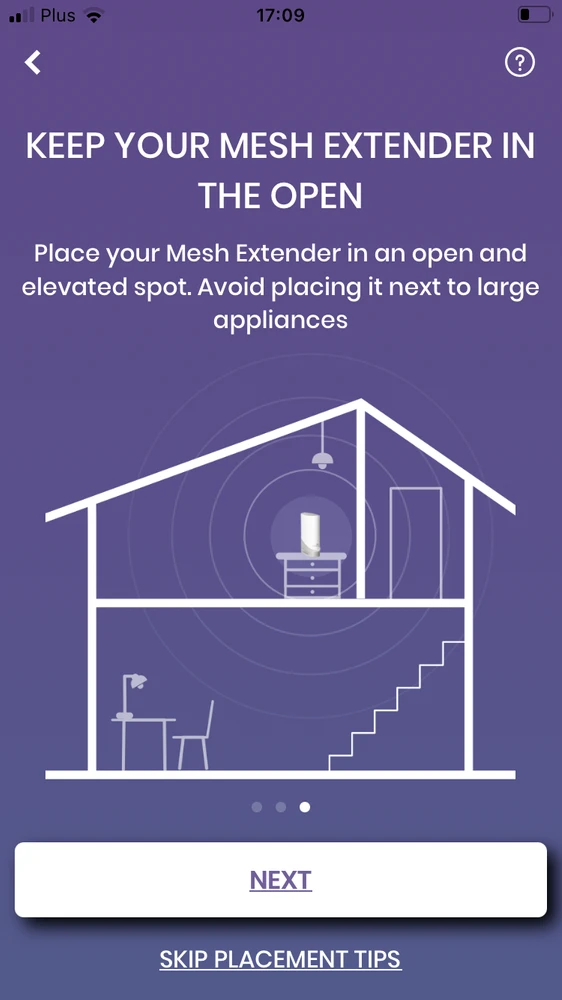


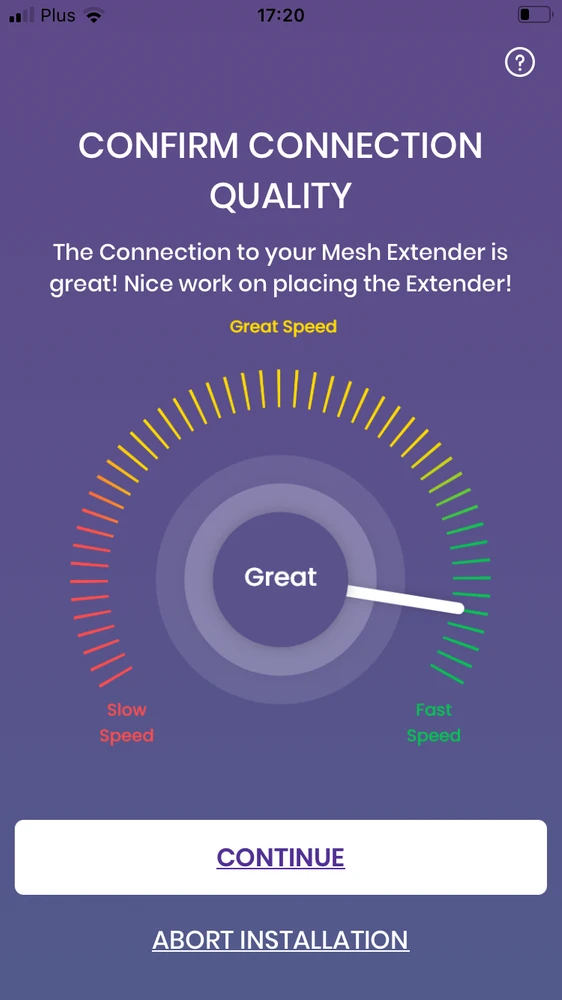

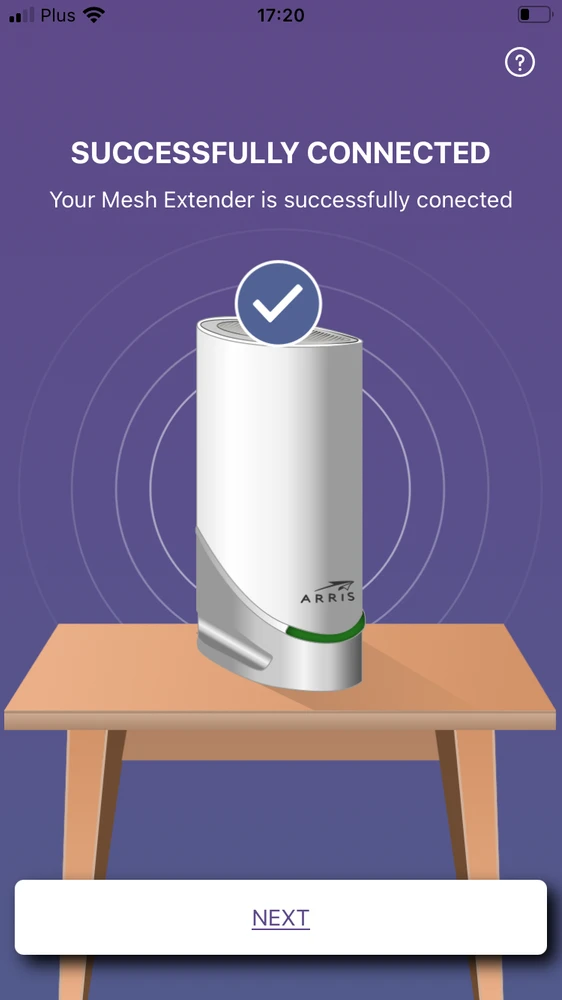

Successful pairing of the devices will result in a glowing LED representing the quality of the connection between one device and the other (ideally it should be lit solid green, then the quality of the connection is the best).
Tests
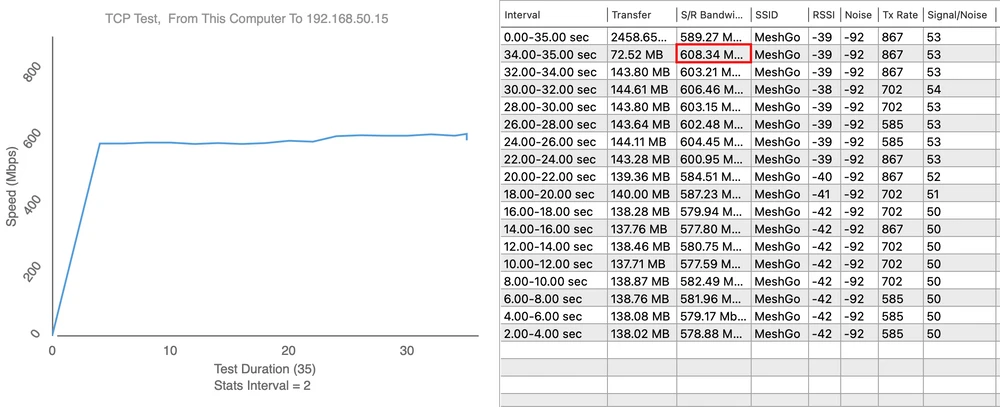
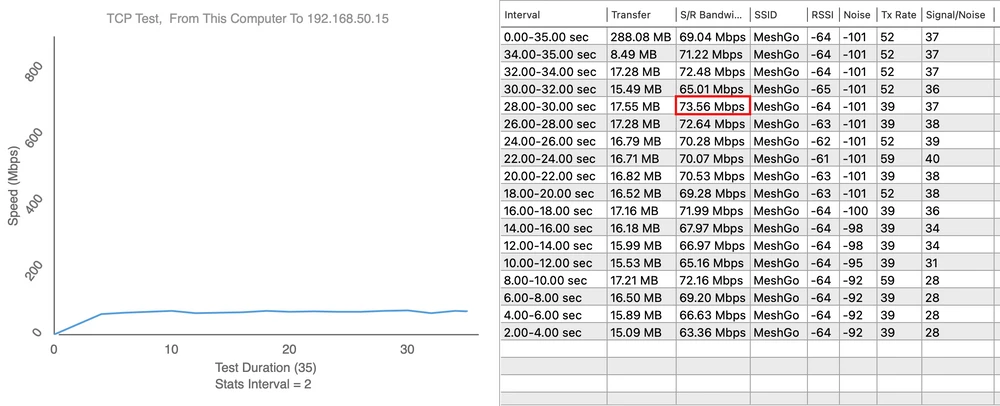
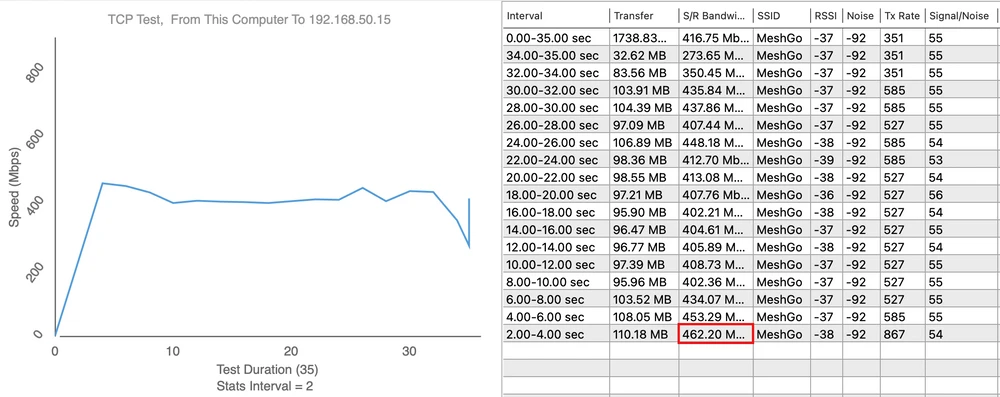
We started our tests by verifying the maximum speed performance of the LAN and iperf3 server. The device was connected to a 10/100/1000Mbps network card to a switch. We obtained the following maximum speeds for a single TCP stream: download 894Mbps, upload 958Mbps. Access points in the network were connected with each other in mesh mode only, i.e. wirelessly. The boot process ran without any problems.
The results of our measurements are presented below
Download Speed:
The results of our measurements are presented below
Download Speed:


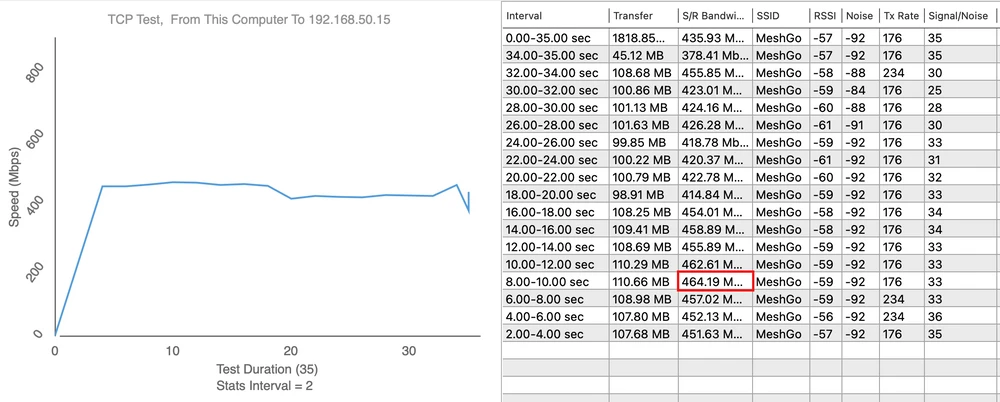

Upload speed:

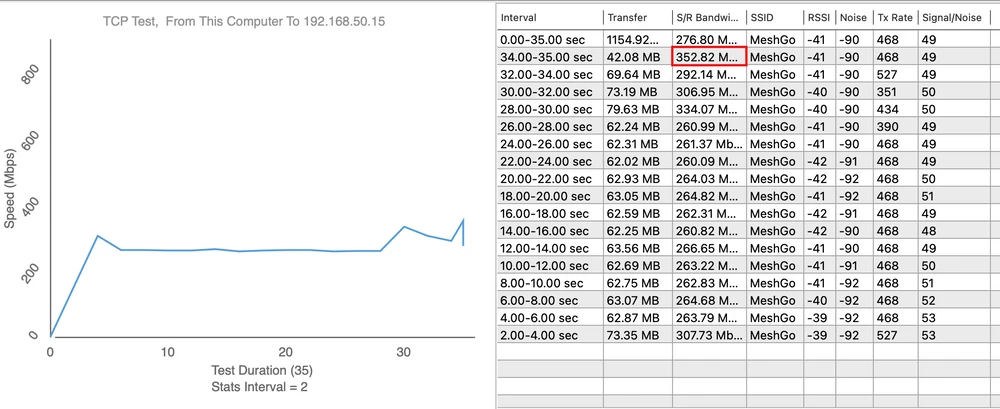


We made a signal map using the AirSurvey software. To read the signal levels correctly please pay attention to the color legend at the bottom of the picture. The devices placed on the ground floor have been marked with icons showing their location. The Arris X5 access point in measurement point 1 has been connected to the switch via 1Gbps Ethernet port.

Summary
Using Arris X5042 you will be able to easily build the latest generation of WiFi 6 network in your home. Arris X5042 can work as a single Access Point or as a backbone Easy Mesh network. By connecting additional X5042 devices, you can build a unified home network, which will allow you to move freely without losing range on your devices such as tablet or laptop. This product has built-in 2x2 Wi-Fi 6 (IEEE 802.11ax) @2.4 GHz and 4x4 Wi-Fi 6 (IEEE 802.11ax) @5 GHz antenna systems. The dual frequency operation will allow all home devices to find a convenient operating band. An important feature of Arris X5 is its aesthetic casing. It can be simply displayed as a decoration and there is no need to hide the device. For management, the manufacturer has provided a dedicated application to download from the Google Play store or iStore. ARRIS Wi-Fi Home is a scalable and flexible cloud services platform for managing a multi-point Wi-Fi mesh network to provide fast, reliable Wi-Fi throughout the home, easy to install and manage by the user.
Benefits:
Benefits:
- auto configuration of a newly added device in the mesh network
- automatic roaming between devices in the mesh network
- mobile application for zone management
- separate name for the network and mesh devices
- design
- size
- build quality
- added guide to configuration in Polish
- too little functionality - limited only to a simple repeater
- lack of Polish language in the application