



how to boost the router's wifi signal
- How to boost router wifi signal?
- 1. Wi-Fi router - do not hide it in the closet!
- 2. check the antenna setting in the router
- 3. change frequency to 5 GHz
- 4. try other transmission channels
- 5. check the power of the router
- 6. bet on a repeater - it's not free, but certainly effective
- 7 Choose professional Access Points and better Wi-Fi coverage in a large building
- 8 Mesh networks - improve Wi-Fi coverage in the router
- 9 Replace the network card
How to boost router wifi signal?
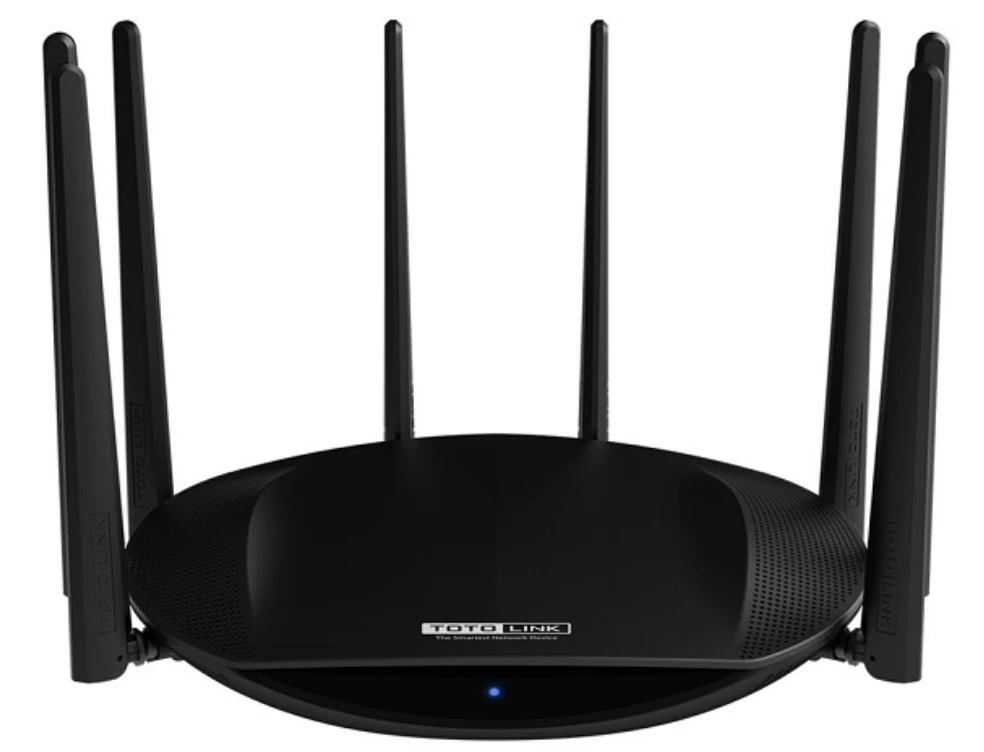
1. Wi-Fi router - do not hide it in the closet!
2. check the antenna setting in the router
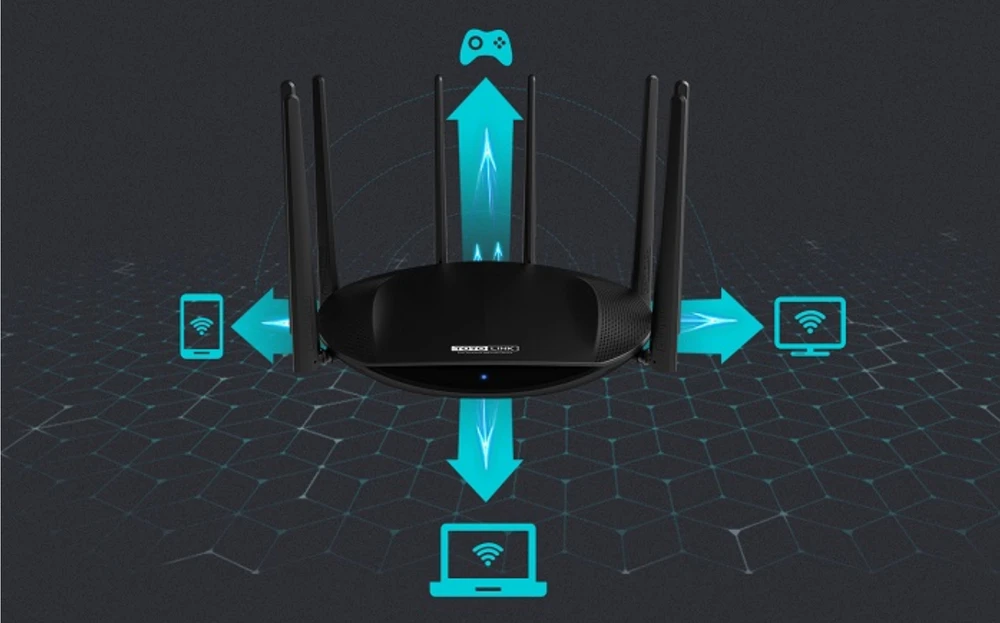
3. change frequency to 5 GHz
Wi-Fi routers are automatically set to work at 2.4 GHz. Unfortunately, they use the same frequency as:
- other Wi-Fi networks located nearby,
- microwave ovens (small household appliances),
- toys, e.g. remote-controlled cars.
- electronic nannies
- xboxes
- office devices
As a result, the signal is often interfered with by other devices. How to amplify the router's signal? It is best to buy one that can operate at 5 GHz, which is much less congested and the signal is more stable due to less interference. Maybe doing that will have a very positive influence on improving our wifi signal and we will get better data transmission results.
4. try other transmission channels
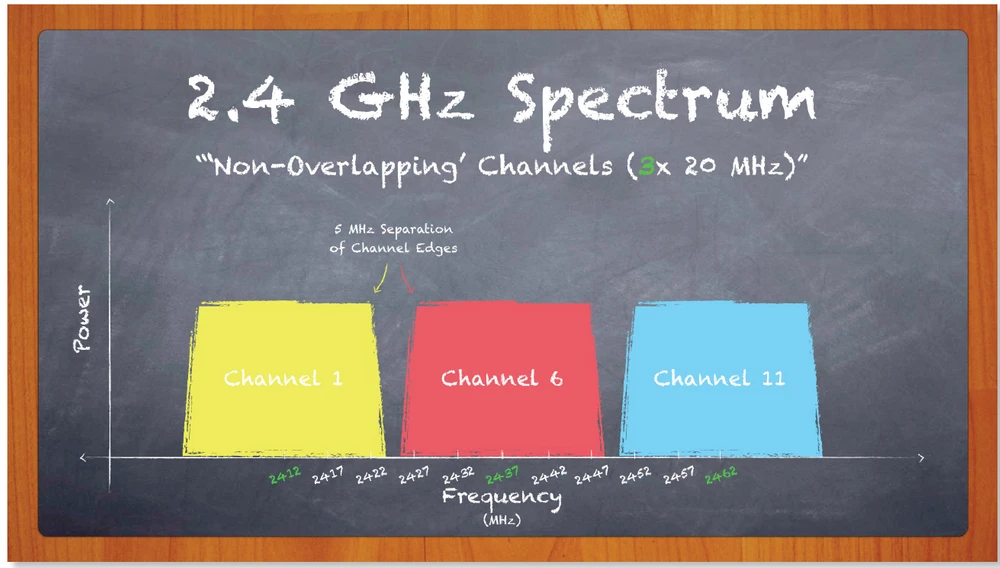
Can't you change the frequency of the router? There is another solution - manual transmission channel selection. Changing the data transmission channel is very important! Usually the router selects the channel itself, automatically, but if it uses a channel loaded with other networks, interference is possible. Therefore, it is worth to change the settings to another, less loaded channel (usually 1 or 6).
5. check the power of the router
You think the router works with the most power? It's worth to check that, beacuse not necessarily! Some models, however, offer the possibility to manually change the wifi signal power to better. At 2.4 GHz the maximum power is 100 mW. Lack of power can negatively affect the coverage and our wifi network becomes inefficient. This option can be found in advanced settings in the admin panel. Depending on the type of device the values will be:
- percentage,
- in milliwatts,
- described as "weak", "medium" and "strong".
6. bet on a repeater - it's not free, but certainly effective
- If all the actions that you can do on your own and free of charge have failed you still have poor coverage of your home network, it is worth considering buying a repeater.
How does a repeater work? How to choose a wifi repeater ?
This is a device that receives a signal from the router, then regenerates it and amplifies it to send it further in better quality. What can you do to make the repeater work as effectively as possible while properly amplifying the wifi signal? As with the router, you need to make sure it is positioned correctly. The repeater (wifi amplifier):
- should not be too close to the router (preferably in the middle, between the router and the device that is supposed to receive the wifi signal)
- need to be placed in a place with good range.
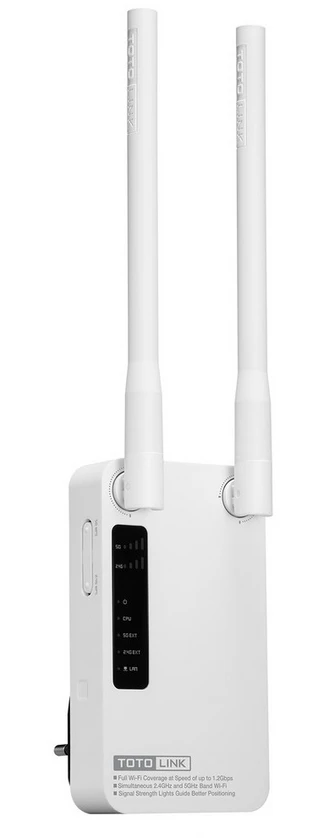
7 Choose professional Access Points and better Wi-Fi coverage in a large building
Access Points look like a router and enable wireless connectivity. Thanks to it, it is possible to create a local network in a larger building, e.g. a company or a multi-storey house. Such a device is plugged into an outlet, which intercepts the signal and passes it.
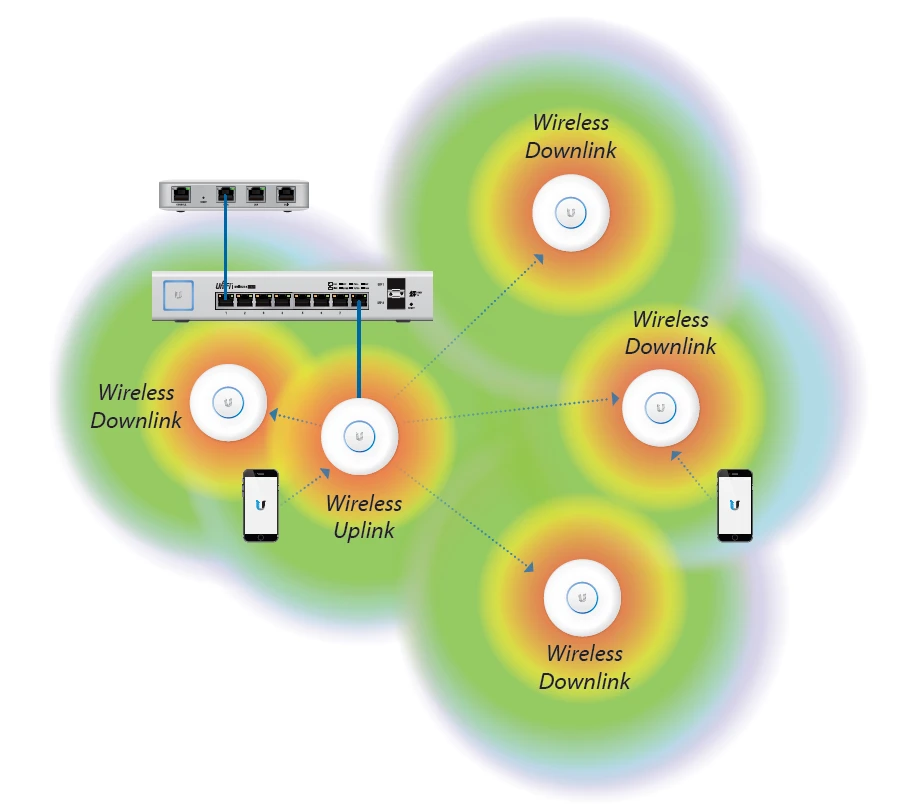
8 Mesh networks - improve Wi-Fi coverage in the router
9 Replace the network card
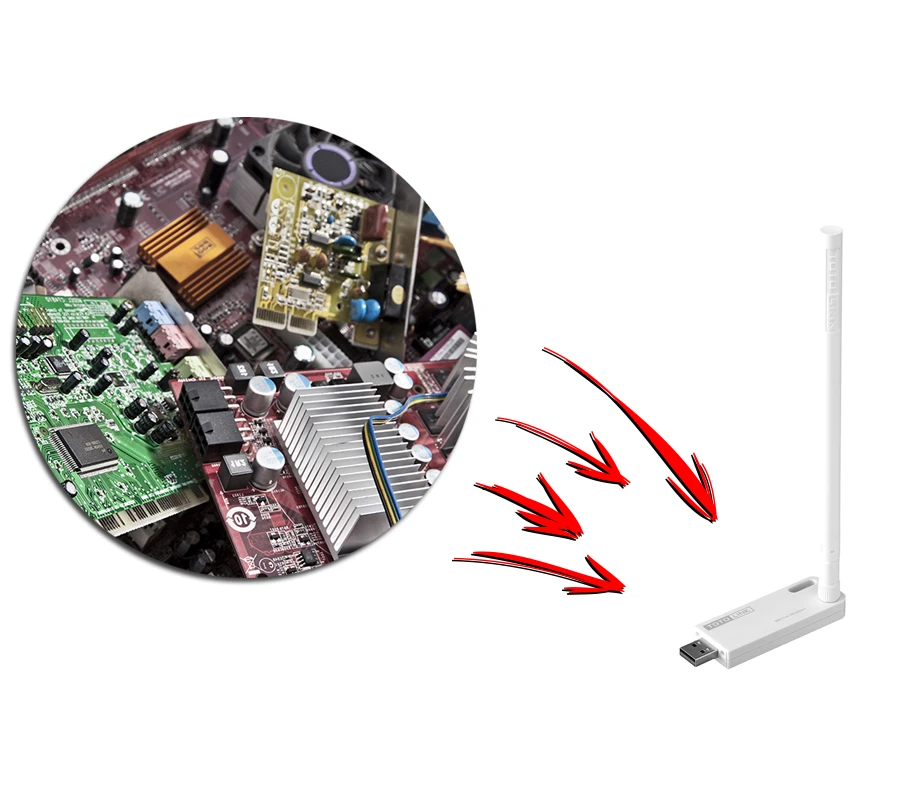
Not always problems with coverage and Wi-Fi signal are caused by the router. It is also possible to damage the signal receiver, i.e. the network card. If it can't handle the signal and you're wondering how to amplify the Wi-Fi signal in your laptop, you can replace it with a new one or put it on an external network card, connected to your computer or laptop via USB.
Leszek Błaszczyk