


Ubiquiti UVC G4 BULLET camera - presentation and configuration

Ubiquiti UVC G4 BULLET camera
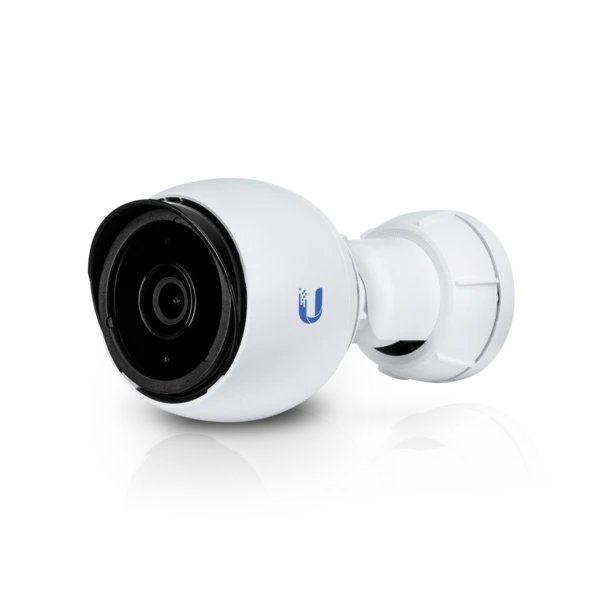
UVC 4G Bullet is a camera for indoor and outdoor use. The housing made of aluminum alloy is resistant to weather conditions. The mount, with ball joint, allows for free adjustment in 3 axes. The device measures 191.7 x 185 x 43.7mm, and weights 458g. The applied sensor provides a clear and sharp image with a resolution of 2688 x 1512 (4 Megapixels) and the ability to record video at 24 fps. It has a built-in microphone and night mode. Ubiquiti UVC-G4 supports the PoE power supply standard 802.3af, and the maximum power consumption of the camera is only 4 W!
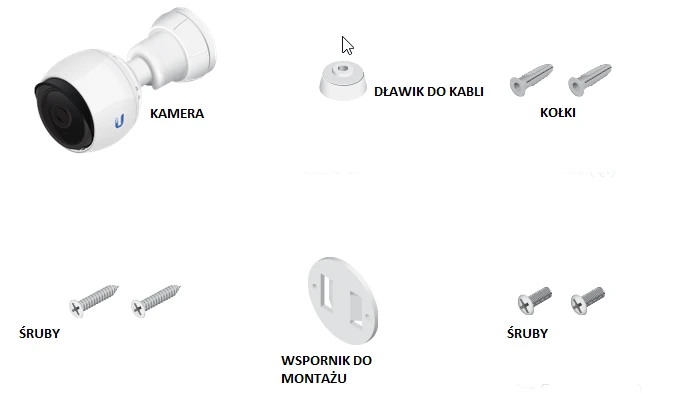
Contents of the package
The package includes:
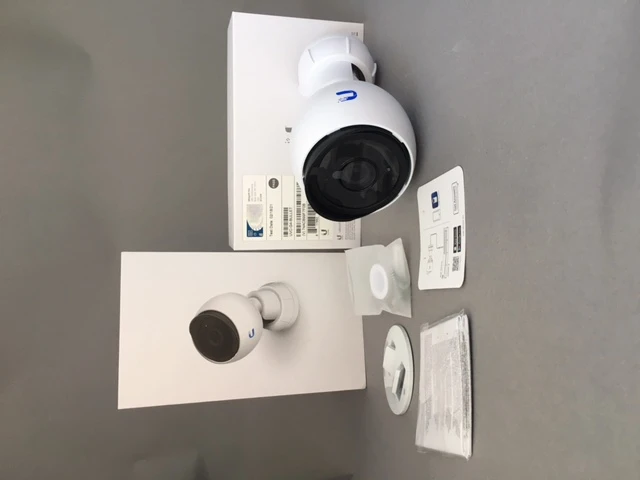


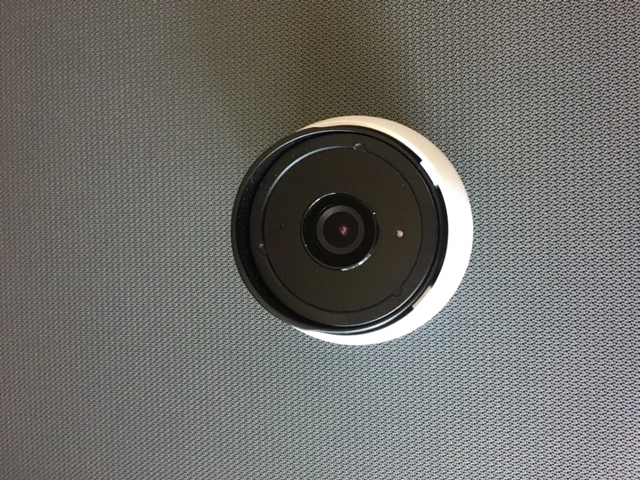
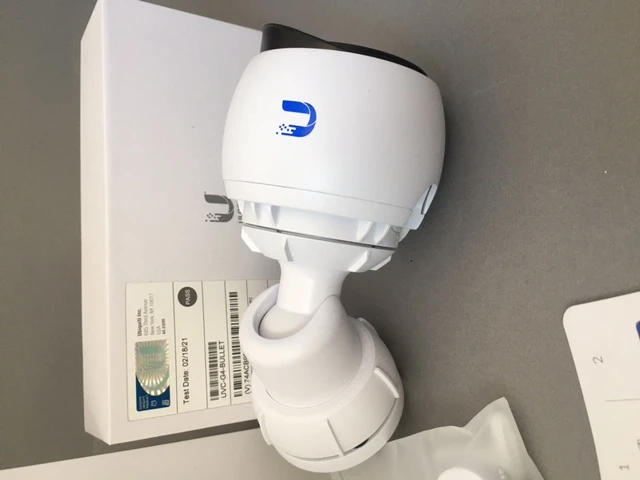
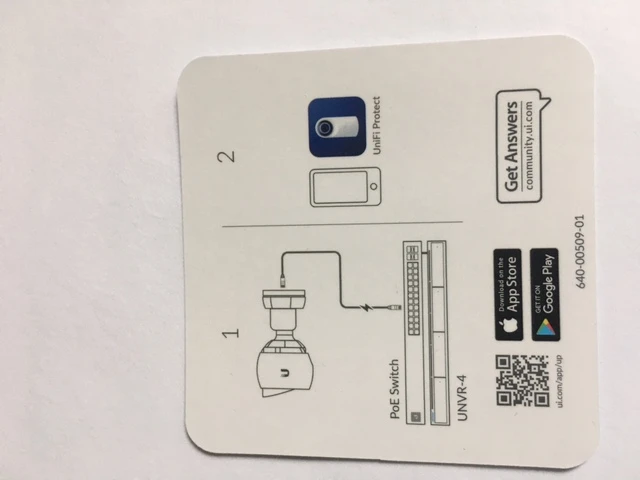
The manufacturer does not attach the user manual directly to the product package. We will get it after scanning the QR code from the information box attached to the package or at the address:
https://store.ui.com/collections/unifi-protect-cameras/products/unifi-protect-g4-bullet-camera
https://store.ui.com/collections/unifi-protect-cameras/products/unifi-protect-g4-bullet-camera
Mounting
Before installing the camera, there are a few important points to remember:
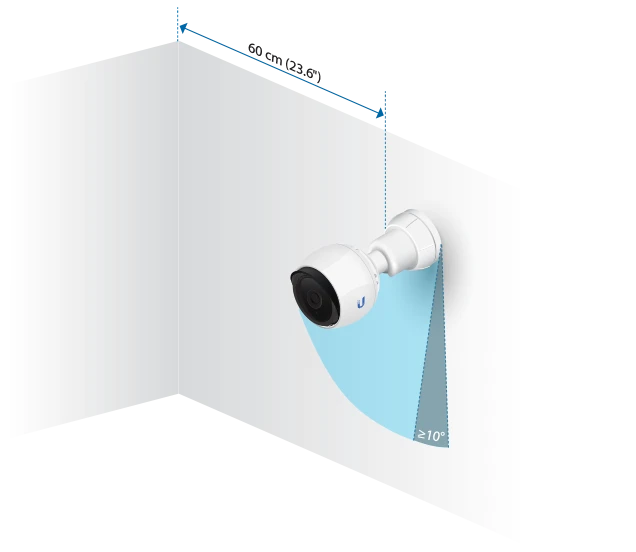
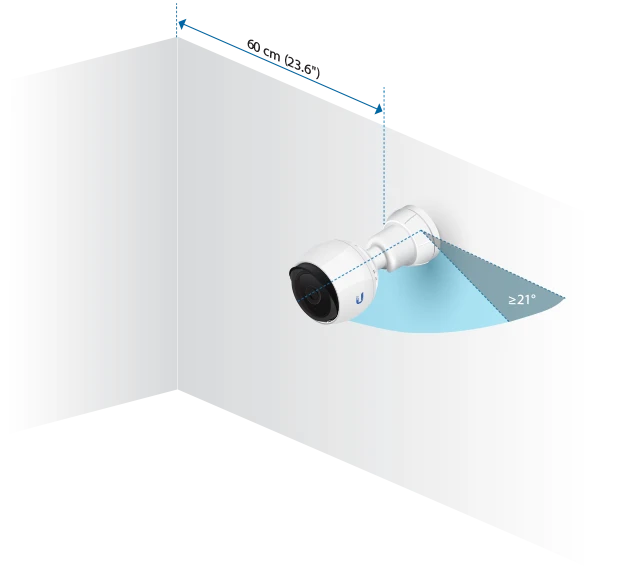
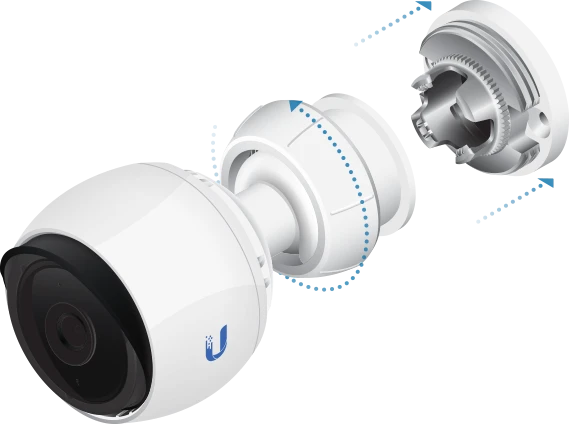
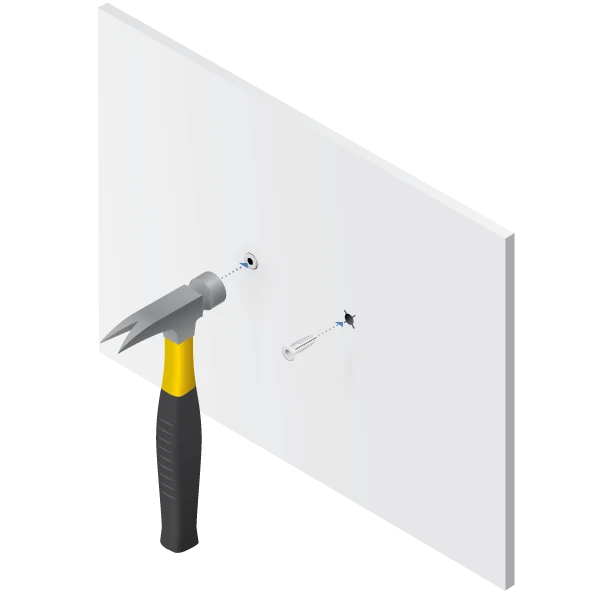
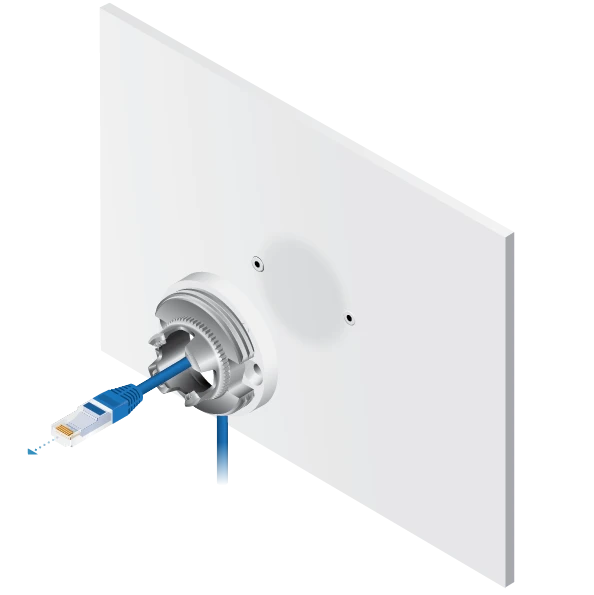
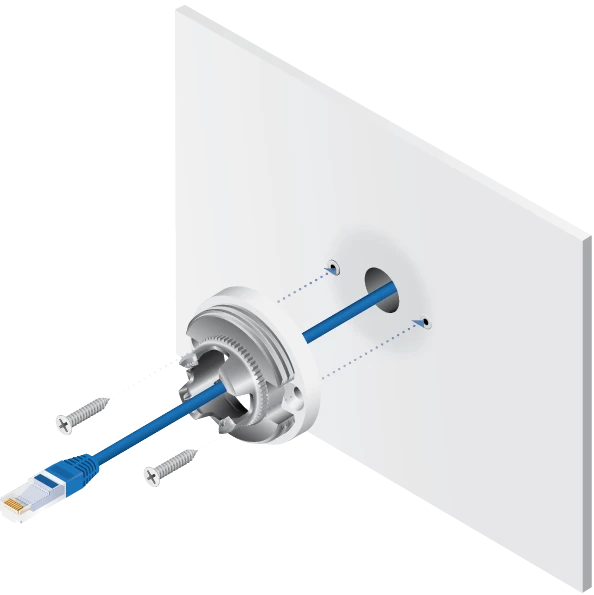
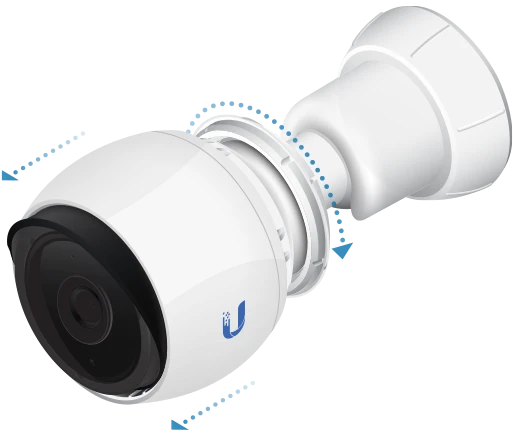
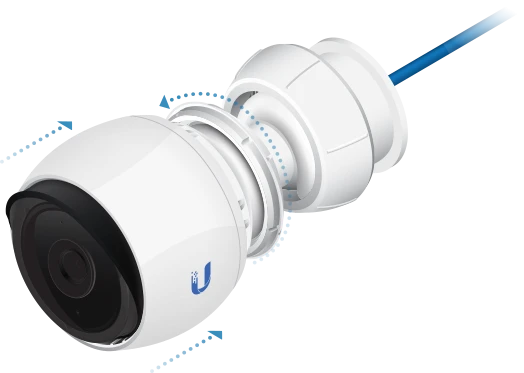
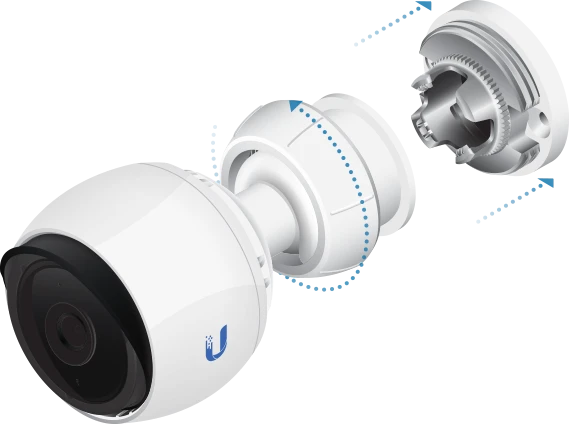
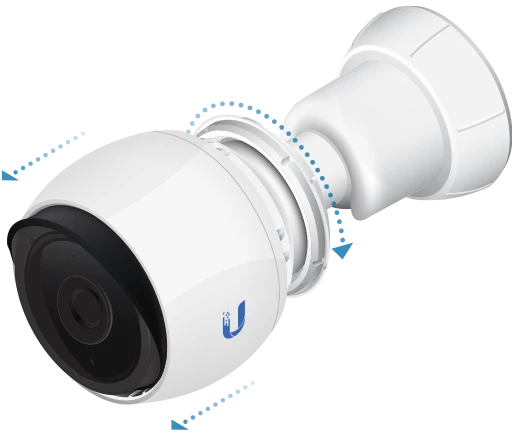
The camera can be mounted on a wall, ceiling, or pole. Mounting brackets are included in the set.
Wall/ceiling mounting:
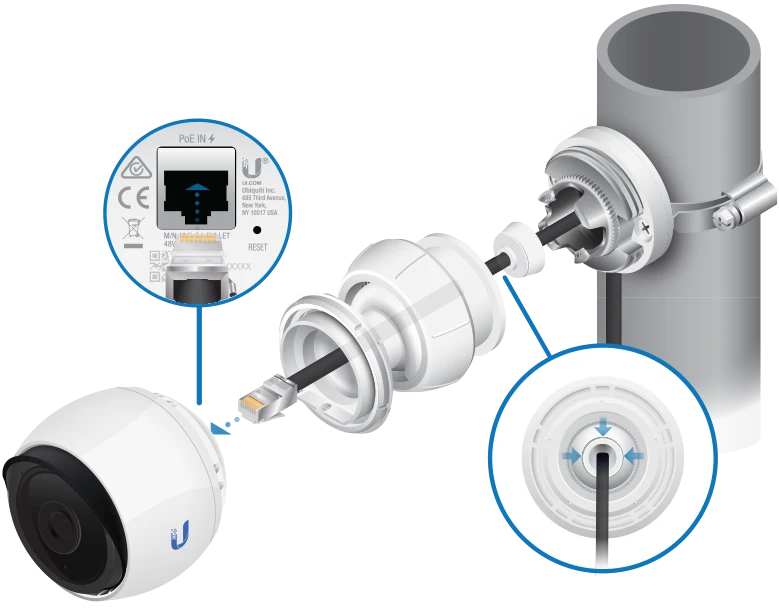
- Use shielded Category 5(or higher) cabling for all wired Ethernet connections, and it should be grounded through the AC ground of the PoE device.
- If installing outdoors, place the cable slot downward.
- If you install the camera outdoors, create a drip loop for the cable under the camera to prevent water ingress.
The camera can be mounted on a wall, ceiling, or pole. Mounting brackets are included in the set.
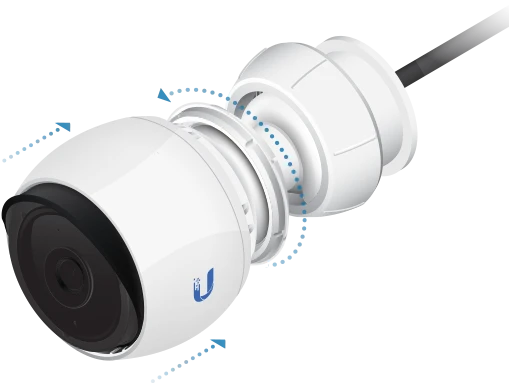
Wall/ceiling mounting:





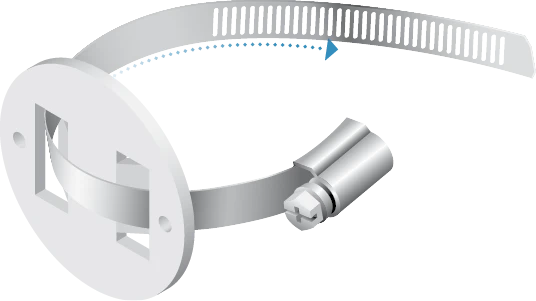
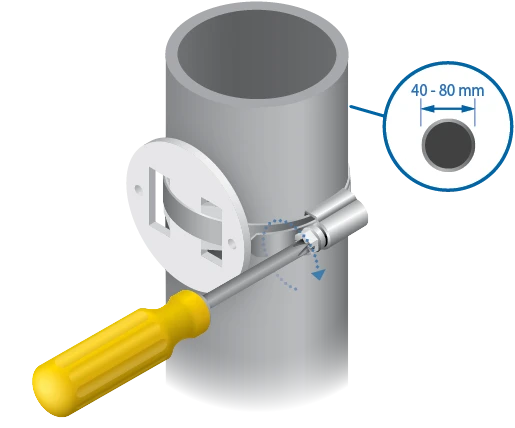
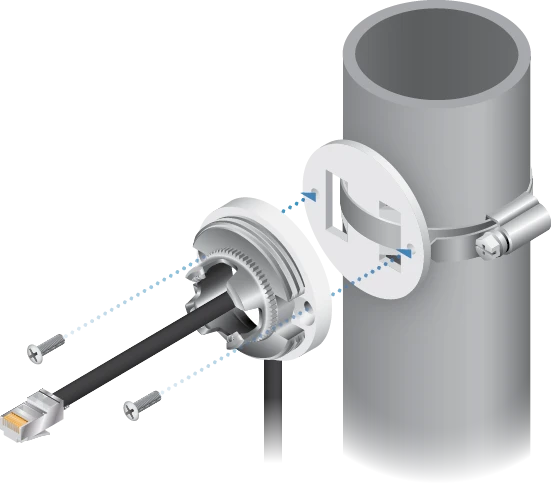
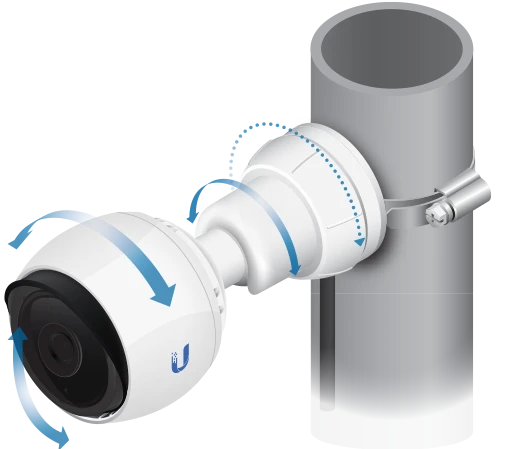
Pole mounting:

Configuration
The camera is easy to configure, provided we have already configured such devices:
We can also use other devices from Ubiquiti range such as Ubiquiti UniFi Dream Machine Pro, Ubiquiti Inc. Protect Network Video Recorder or Ubiquiti UniFi Cloud Key Plus.
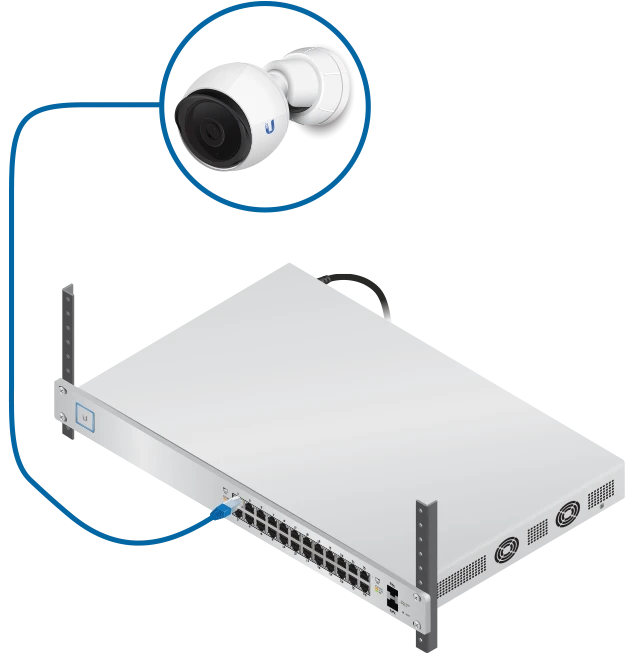
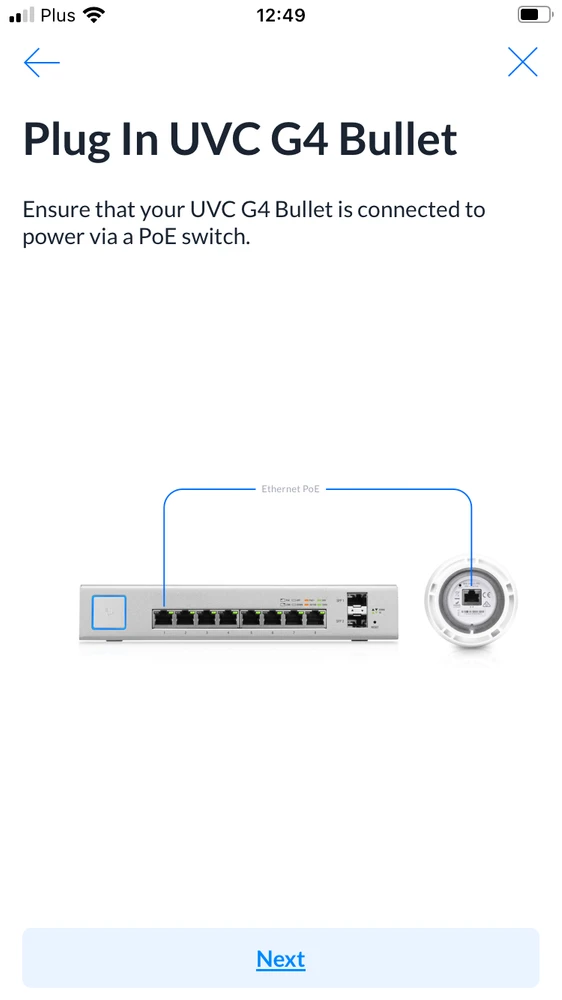
Connect the camera to the switch via Ethernet cable then download the UniFi PROTECT application.
- switch or poe adapter that provides access to the Internet and power supply (in our case it is a USW-INDUSTRIAL switch)
- NVR or modem that provides Internet access and video recording (we use UDM PRO Machine)
We can also use other devices from Ubiquiti range such as Ubiquiti UniFi Dream Machine Pro, Ubiquiti Inc. Protect Network Video Recorder or Ubiquiti UniFi Cloud Key Plus.
Connect the camera to the switch via Ethernet cable then download the UniFi PROTECT application.
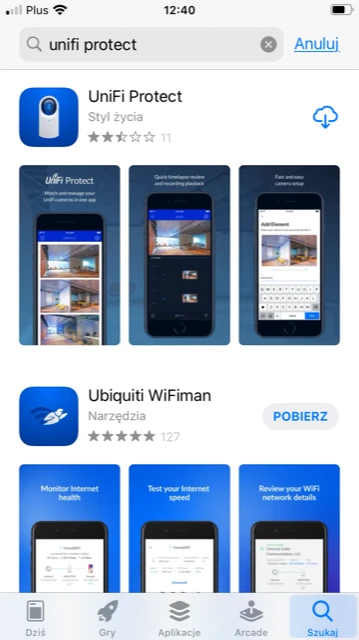
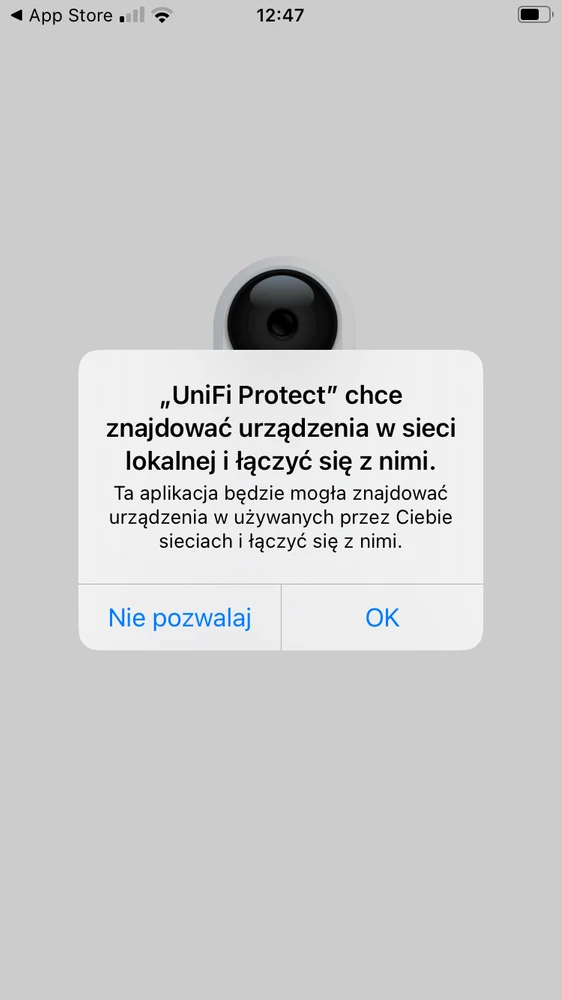
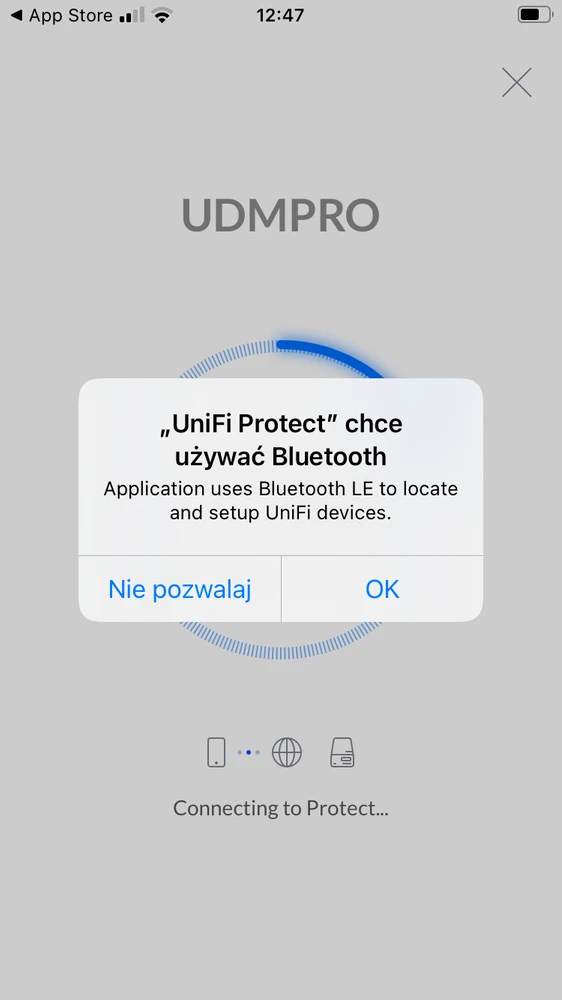
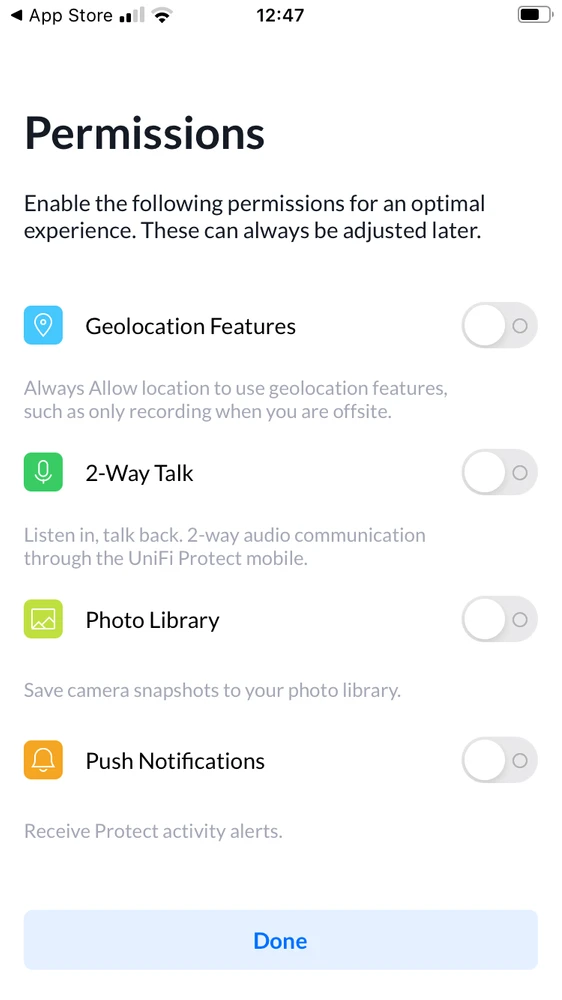
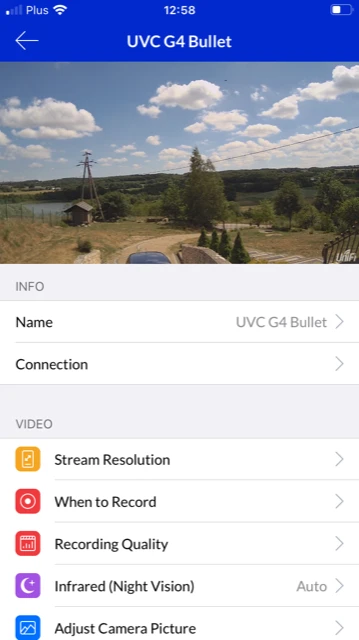
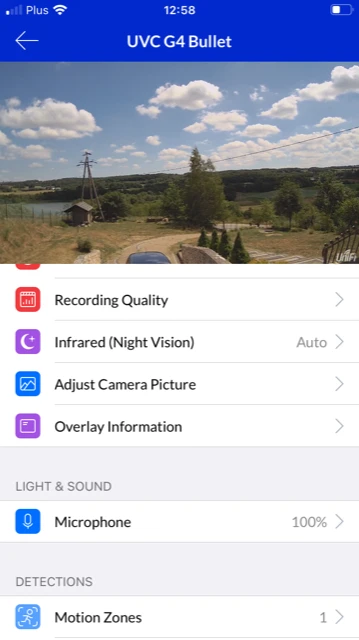
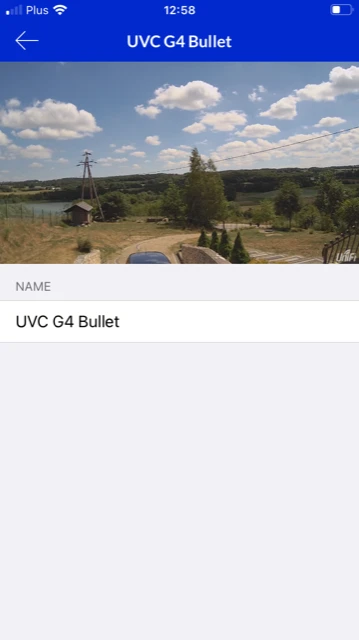
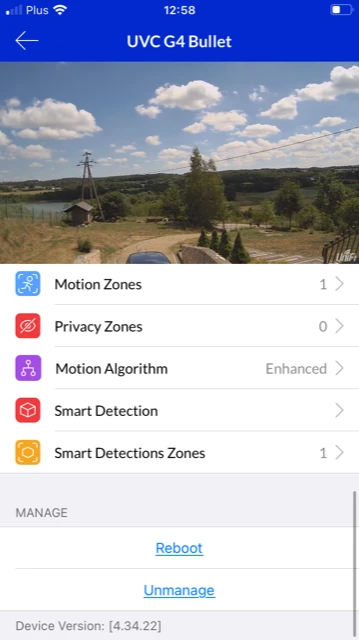
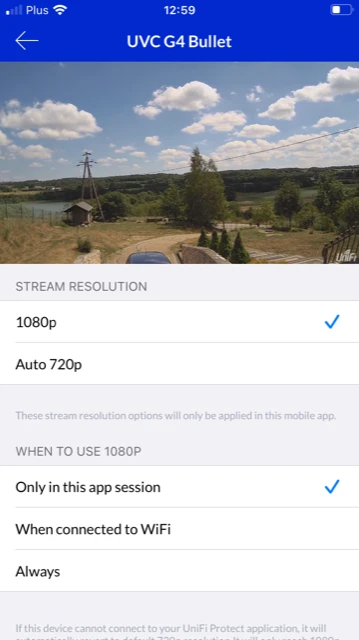
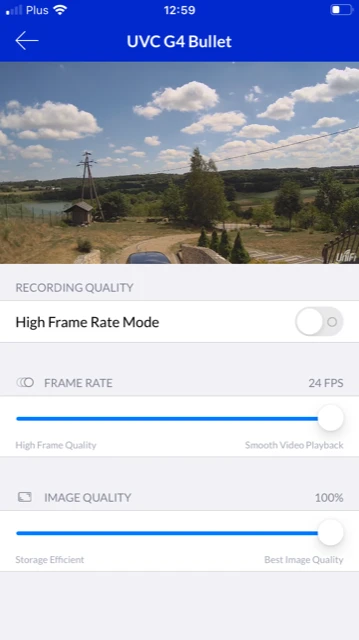
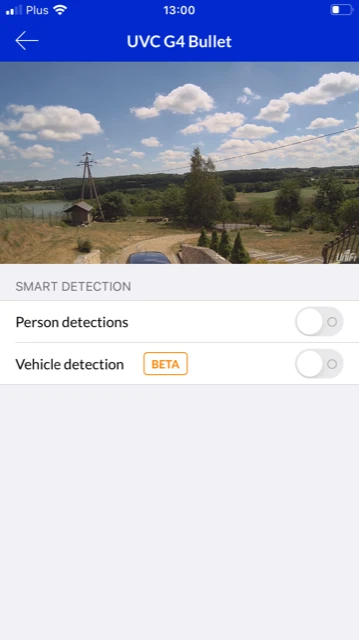
The first time you launch UniFi Protect, the application will ask you to enable Bluetooth and other features necessary to ensure the best possible use of the camera functions. By going through the various tabs in the application, you will set all the parameters to your liking. Below is a step-by-step installation process





Comparison of G4 DOME , G4 PRO, and UVC G4 BULLET cameras
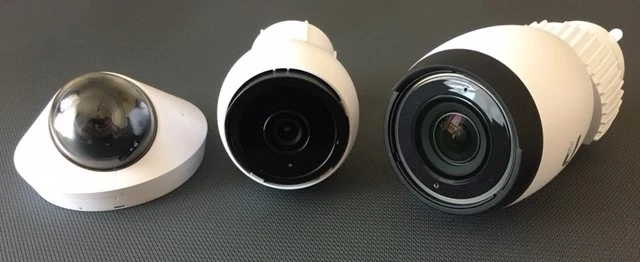
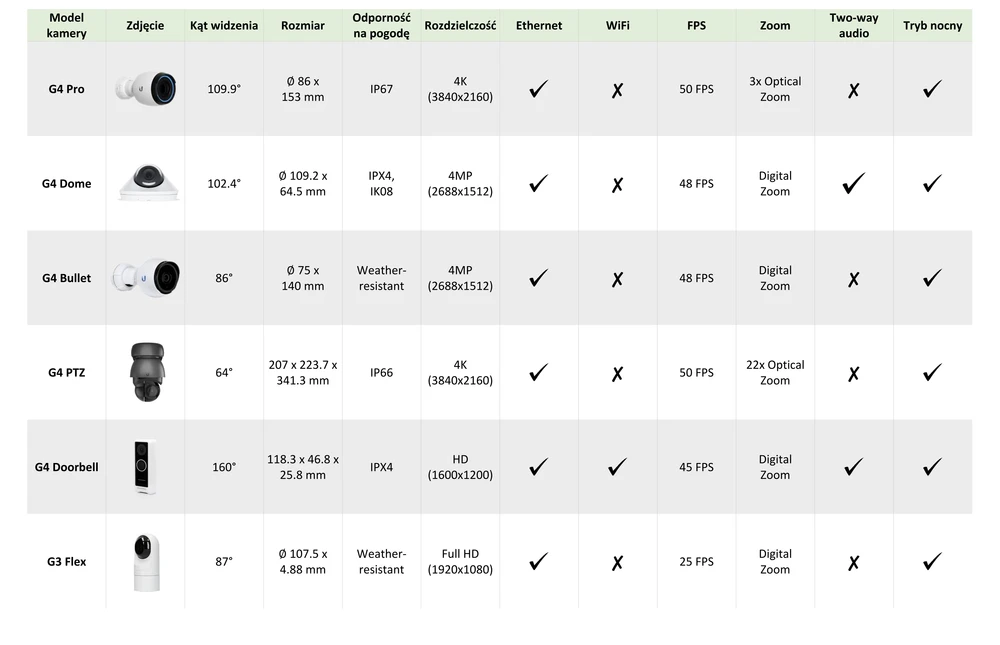
We compared other cameras in the G4 and G3 series with each other. They were tested in terms of the quality of images taken during the day and at night, as well as the specifications of each model. The Ubiquiti UVC G4 Bullet UniFi camera features a compact design and versatile mounting options.
We present our summary below:
We present our summary below:
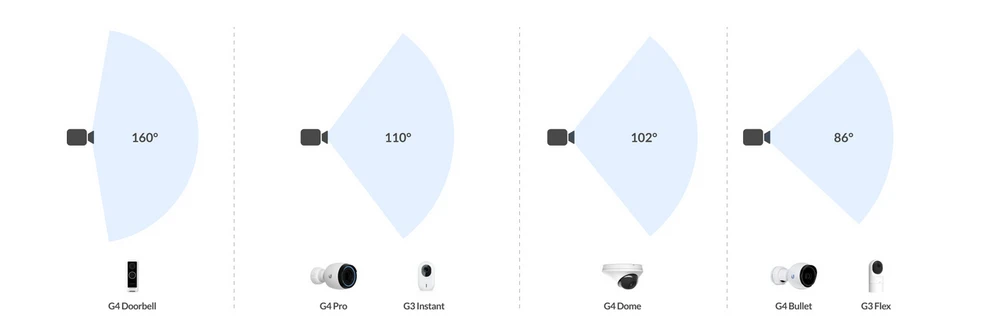
The graphic below will help to better illustrate the differences in recording angles of various models of Ubiquiti cameras
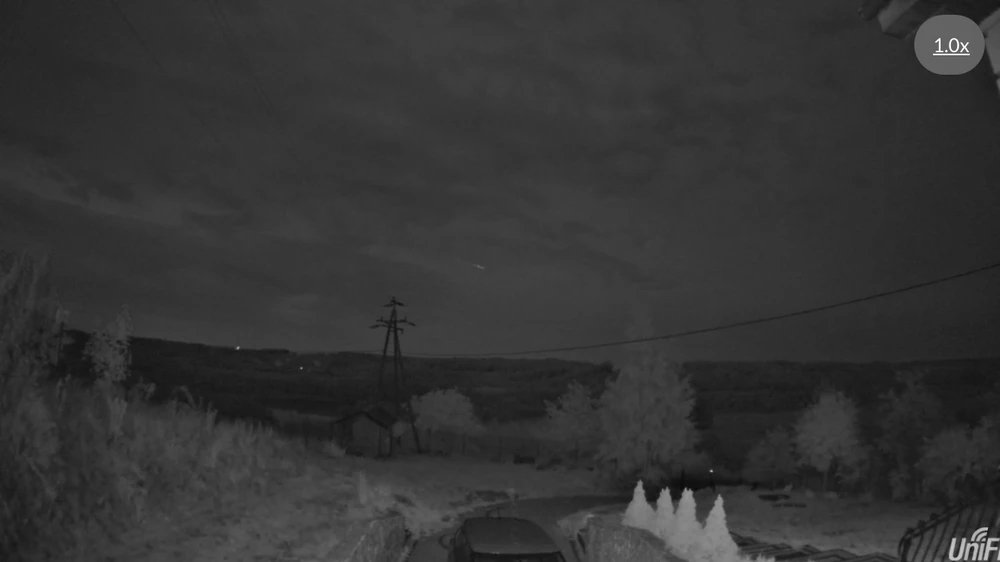
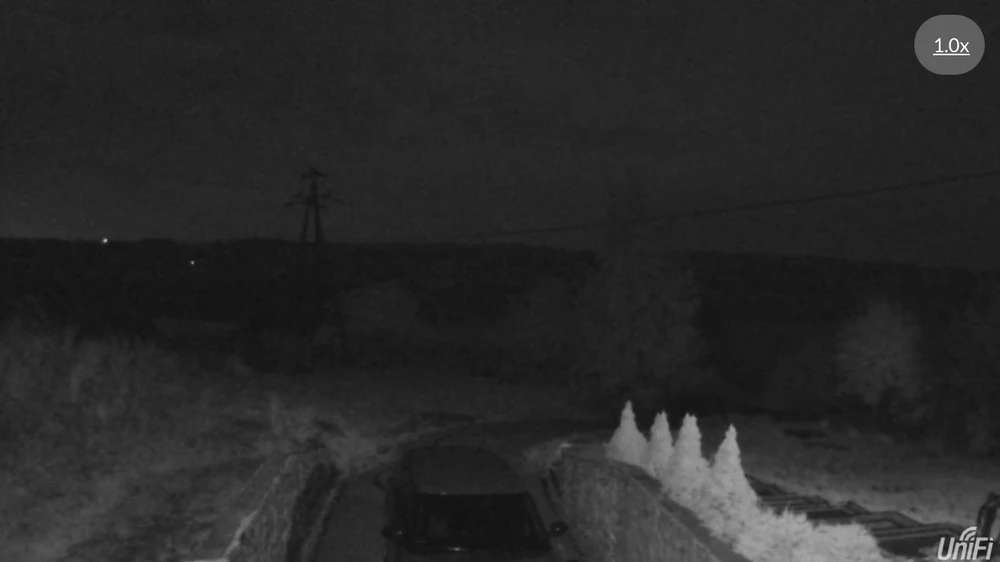
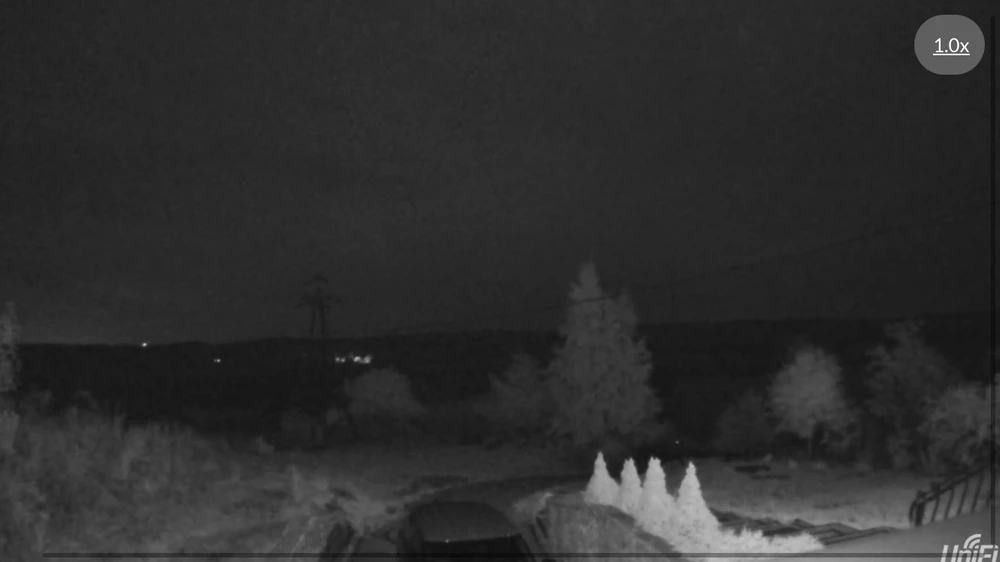
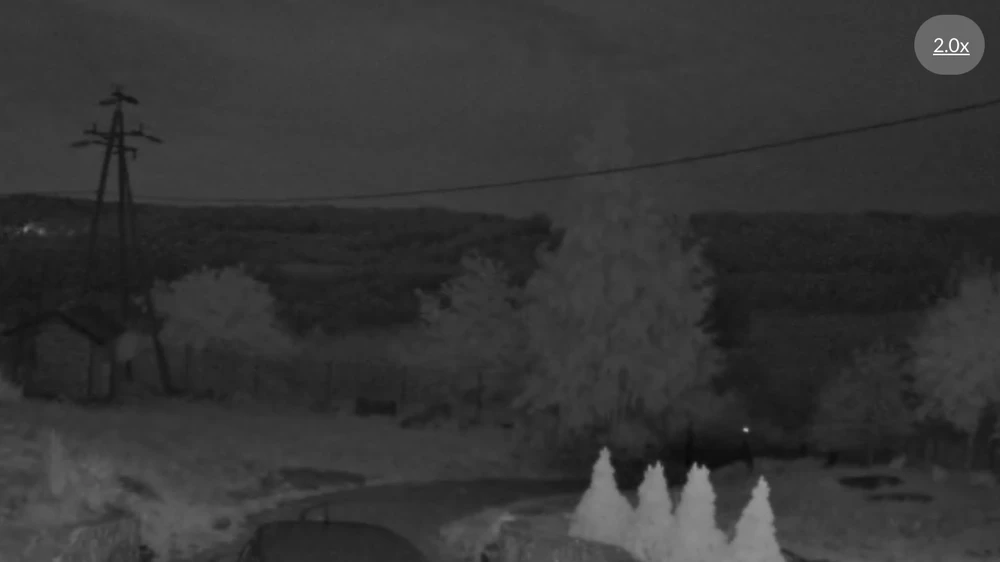
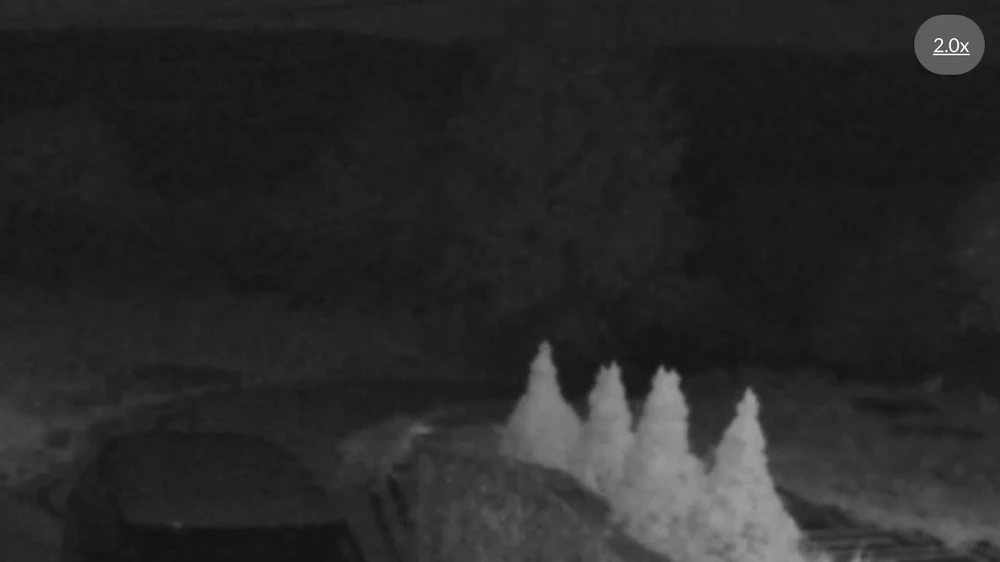
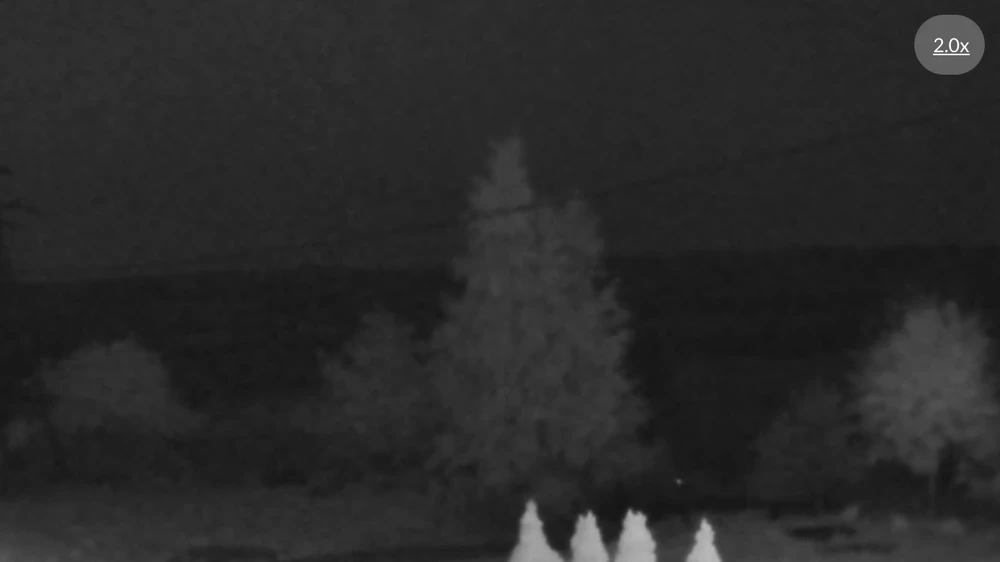
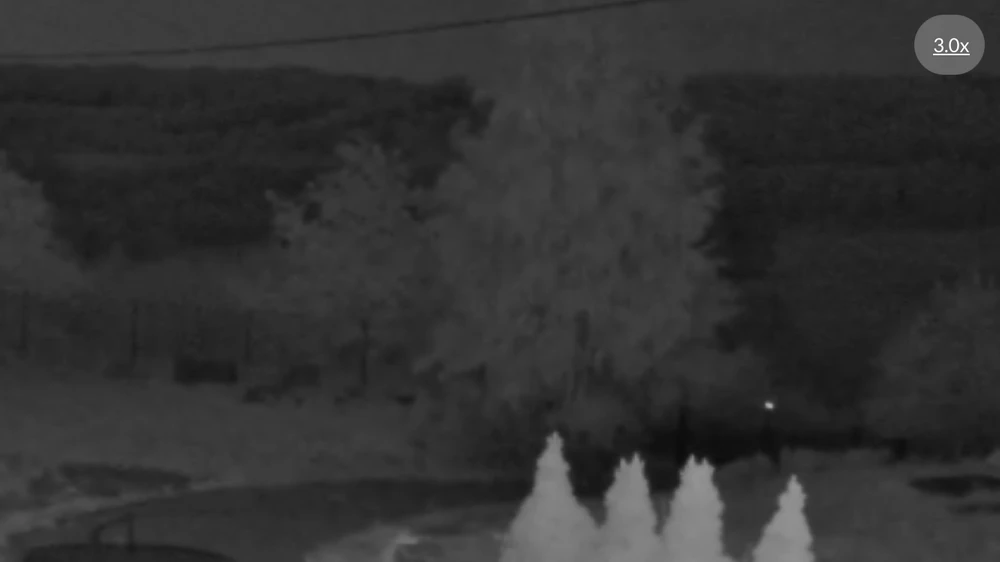
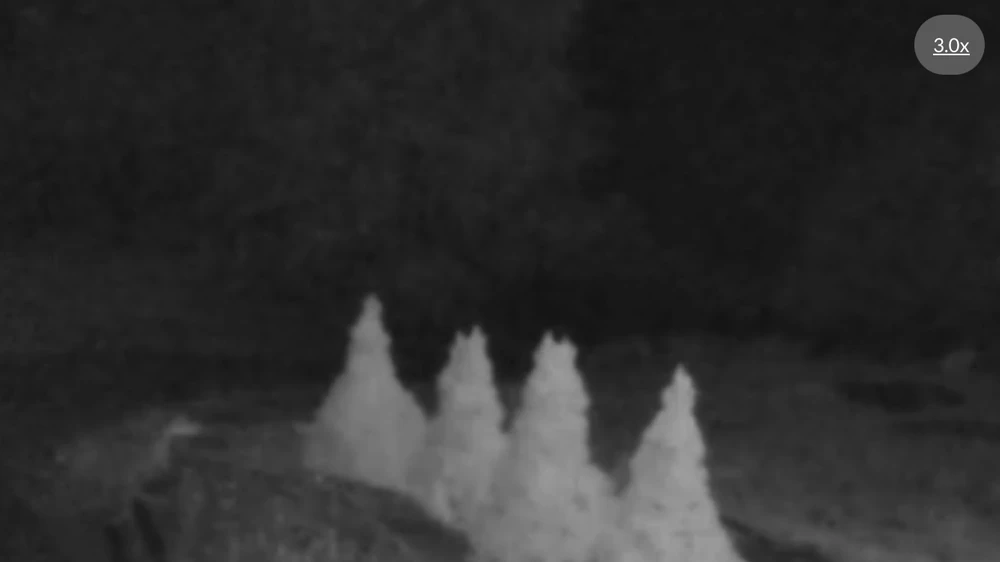
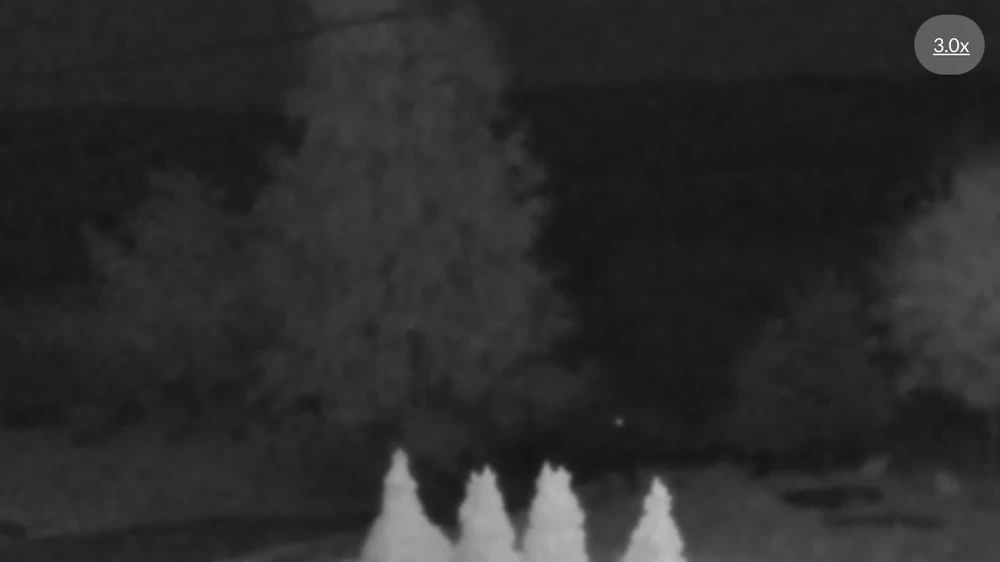
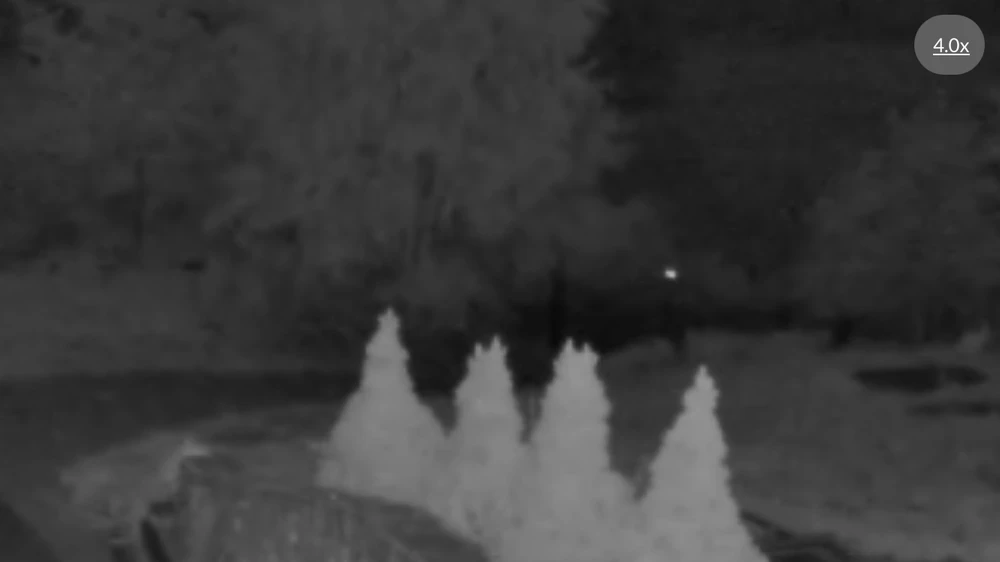
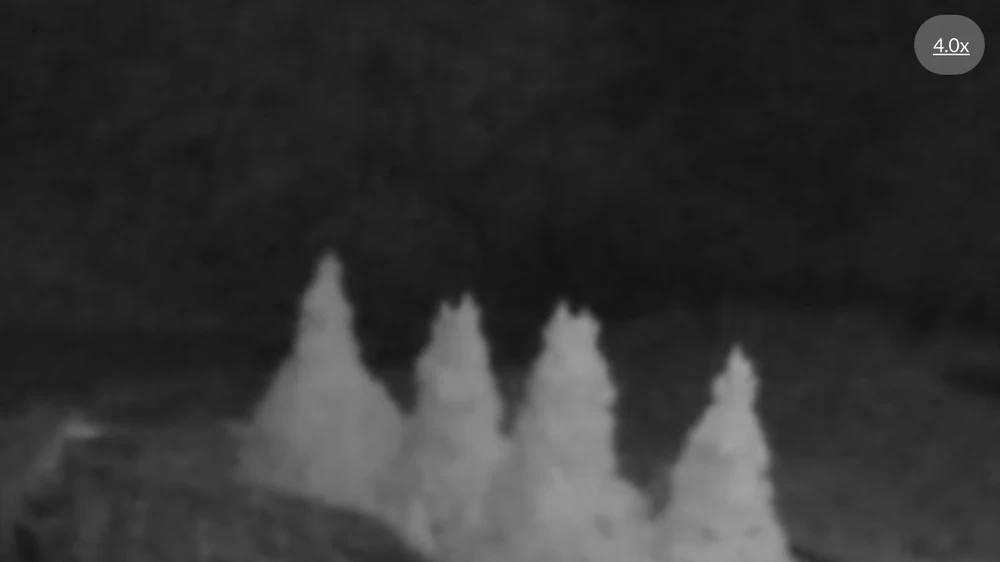
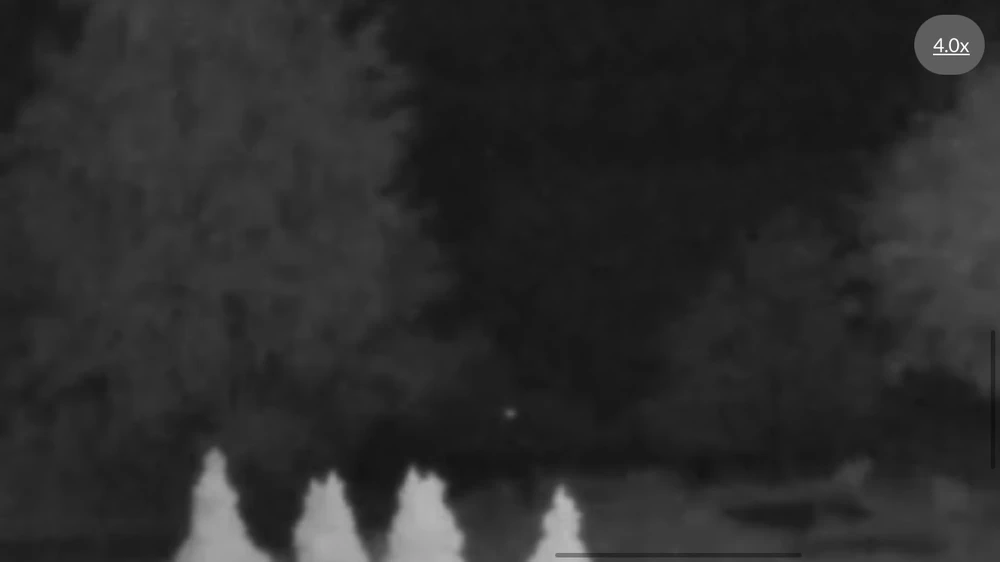
The cameras were also tested in terms of the quality of recorded video. All the devices were placed in the same place. For each of them we used 1, 2, 3, and 4 times zoom. We present the results in the galleries below.
Comparison of images during the day:
Comparison of images during the day:
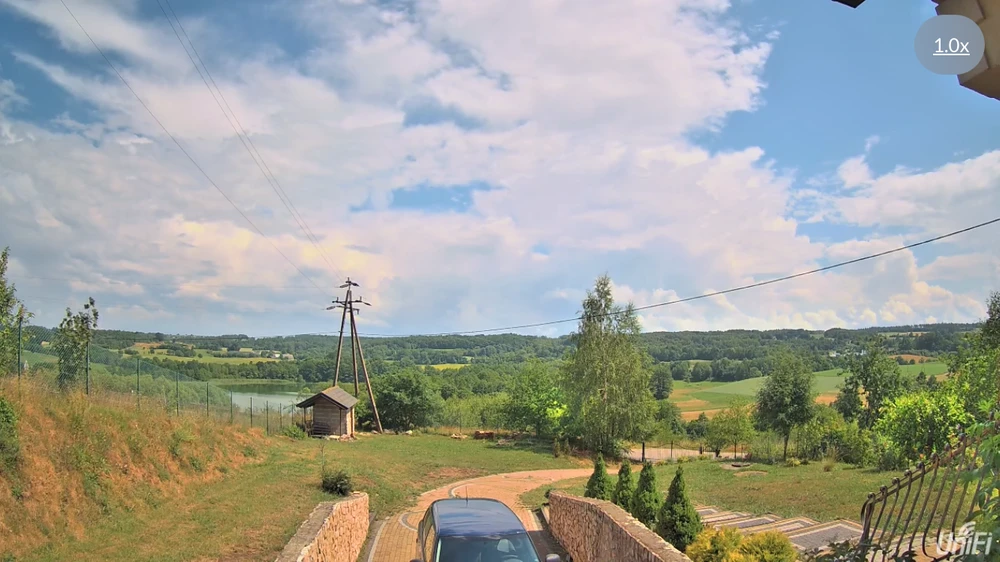
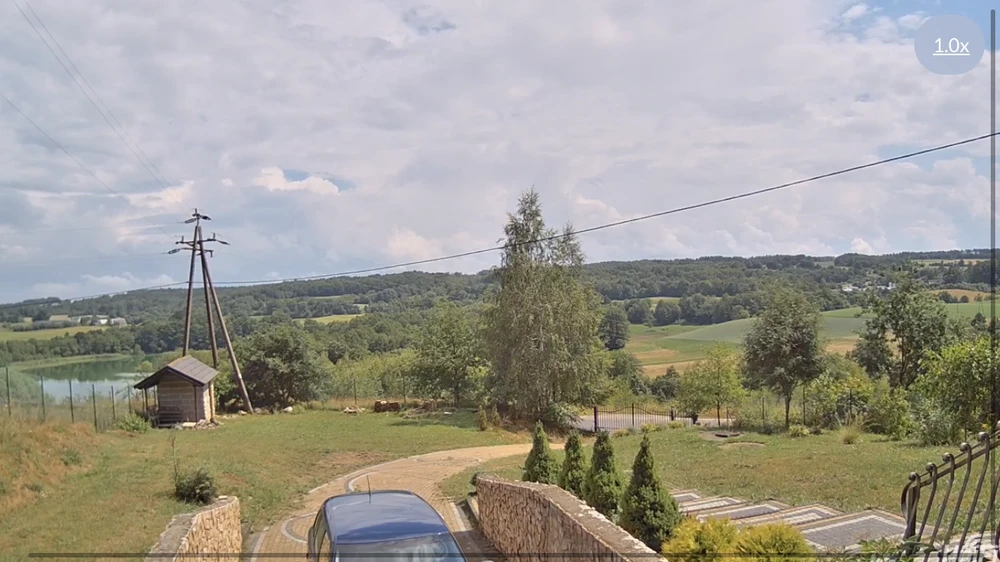
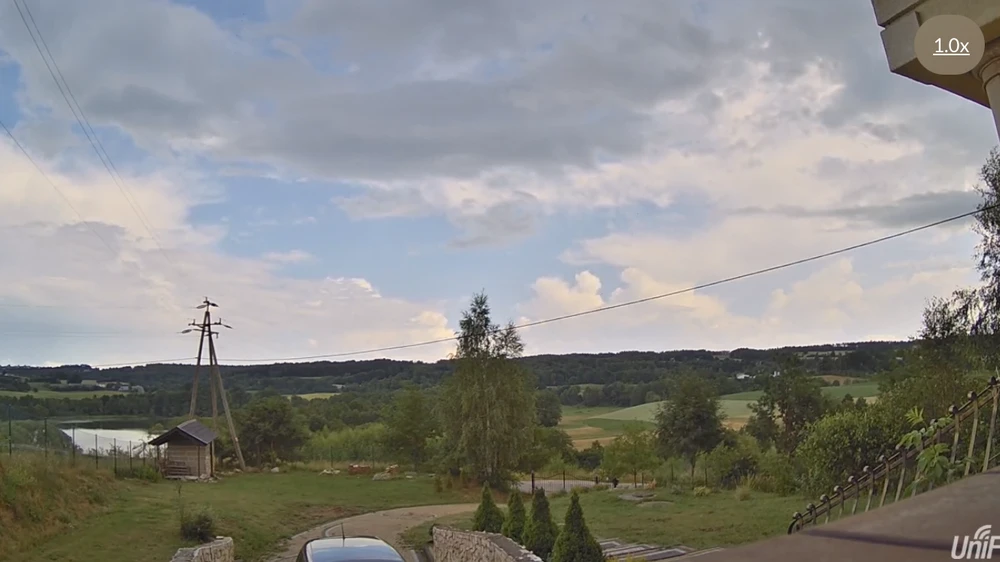
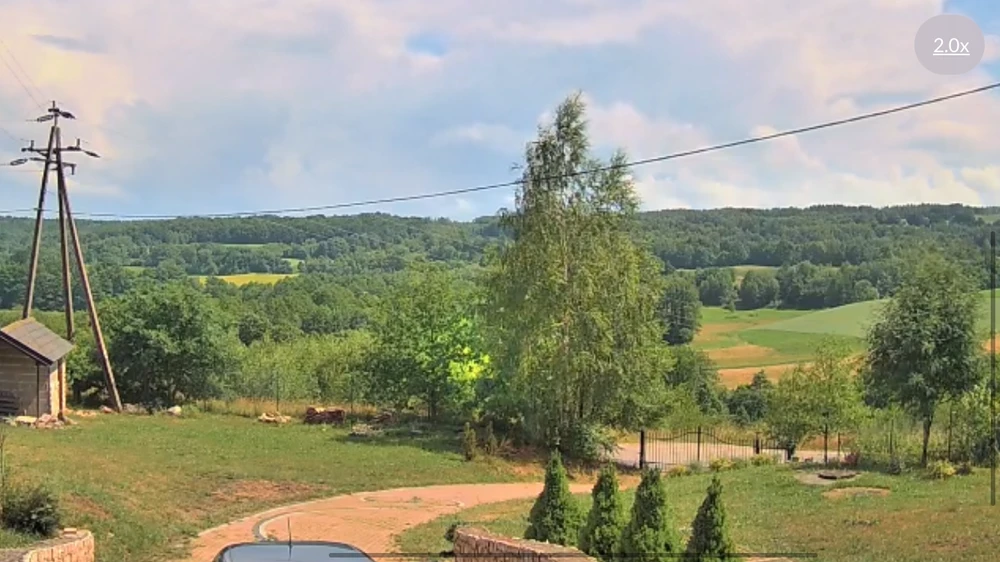
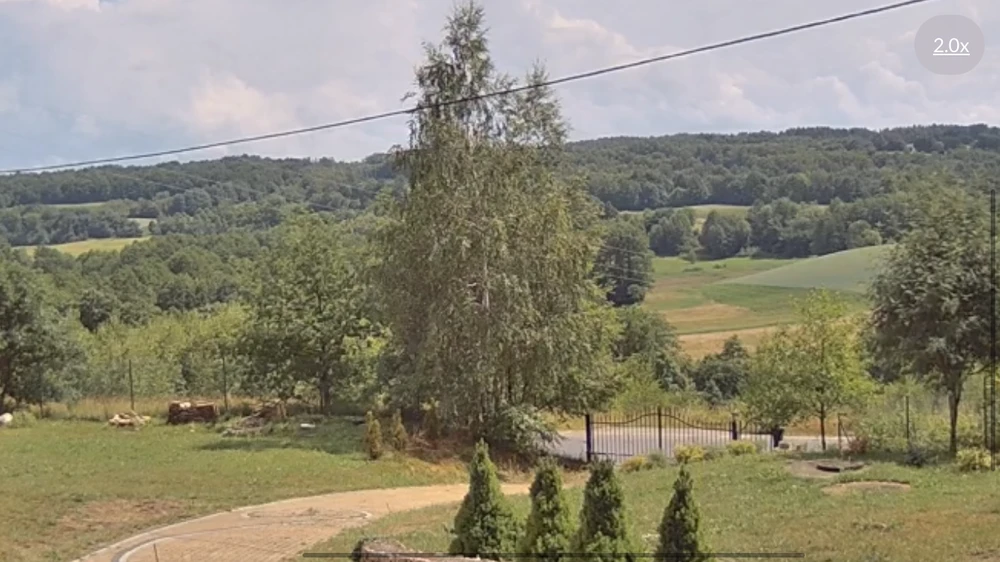
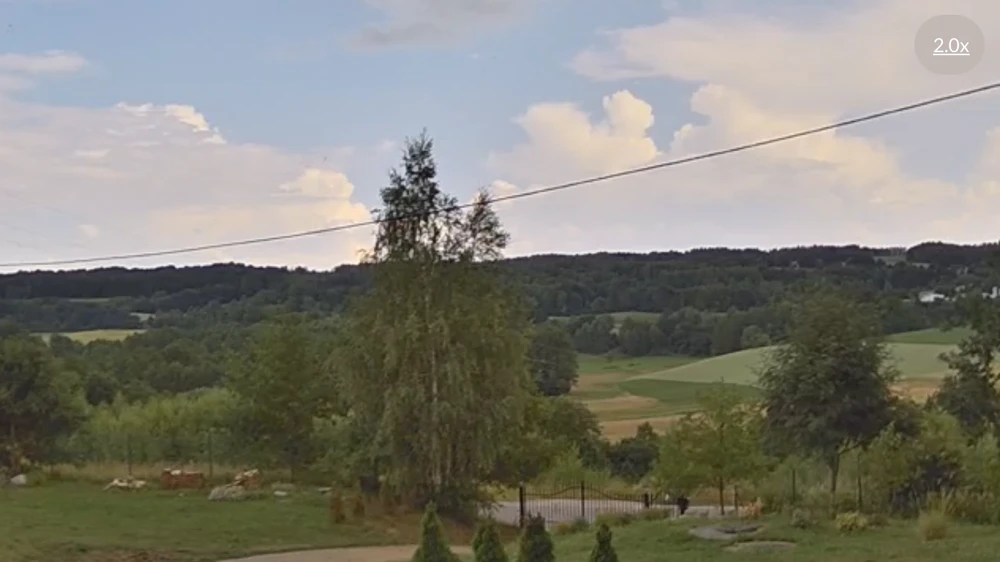
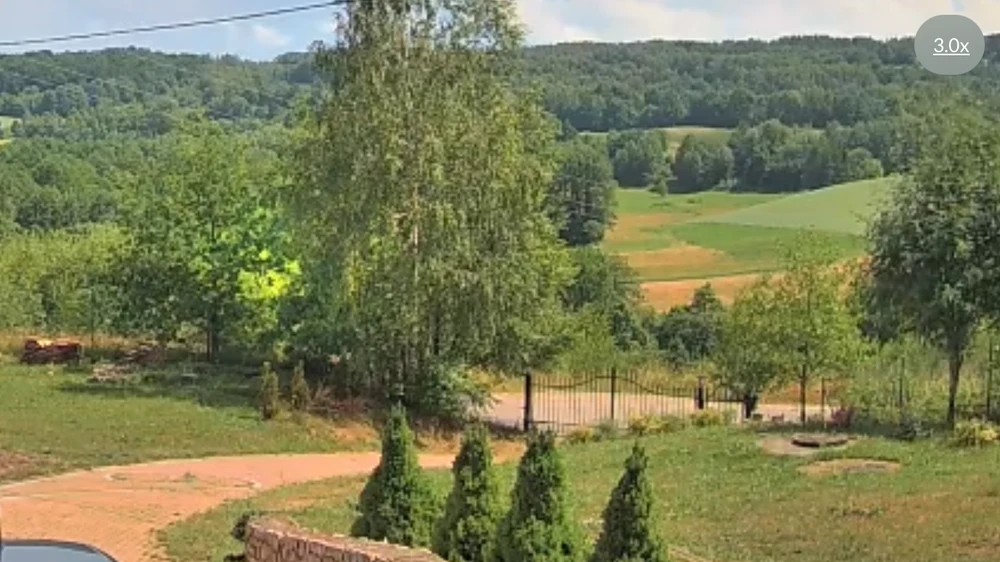
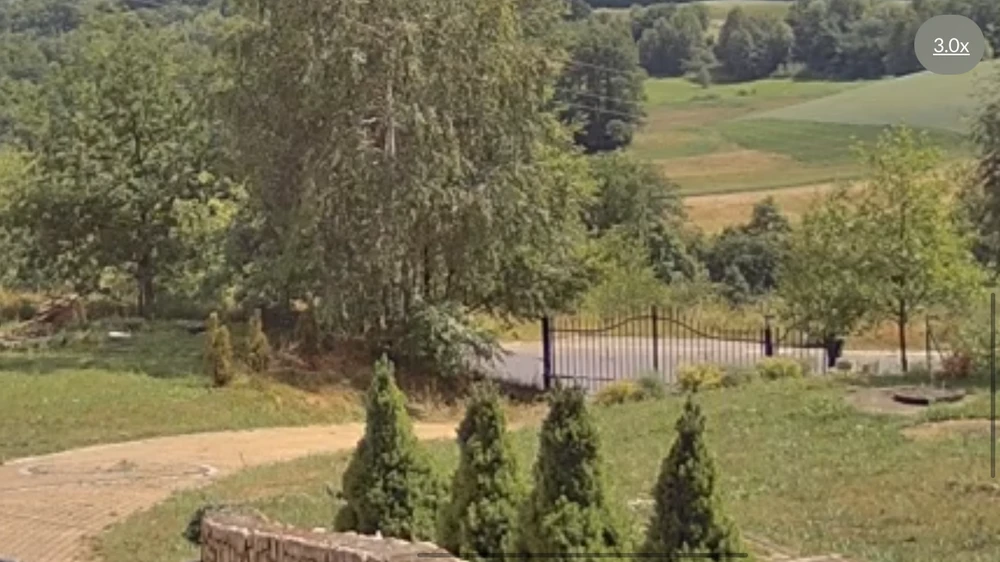
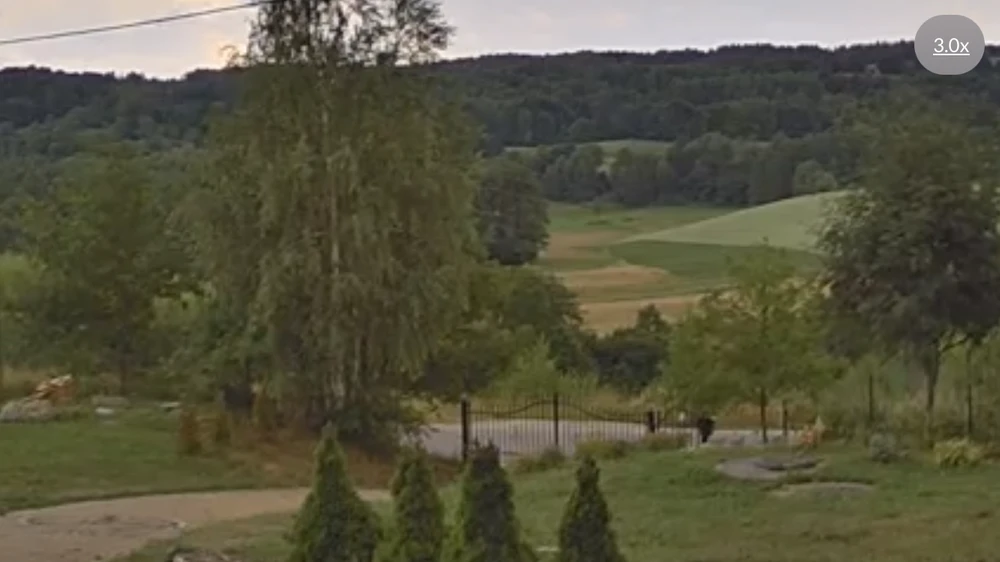
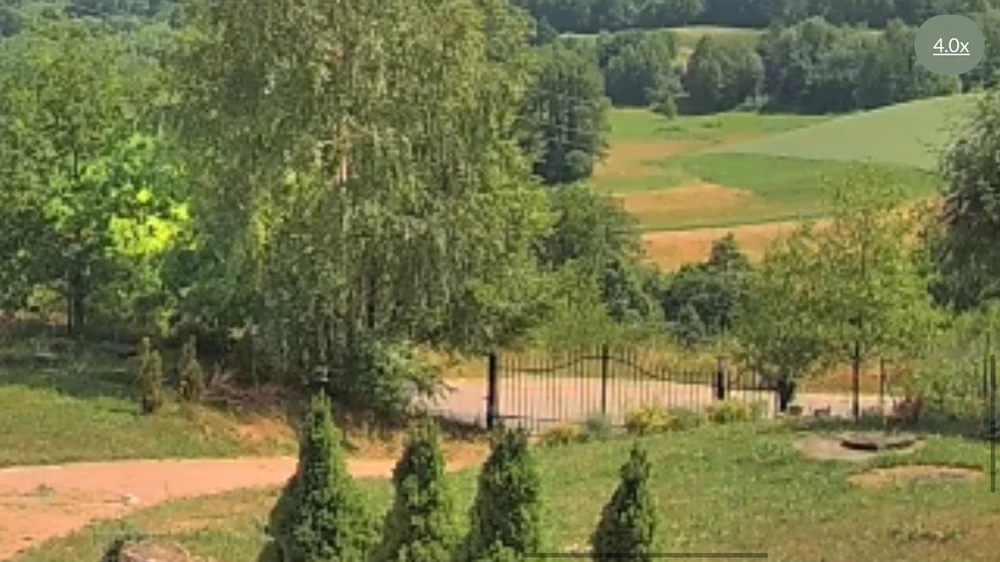
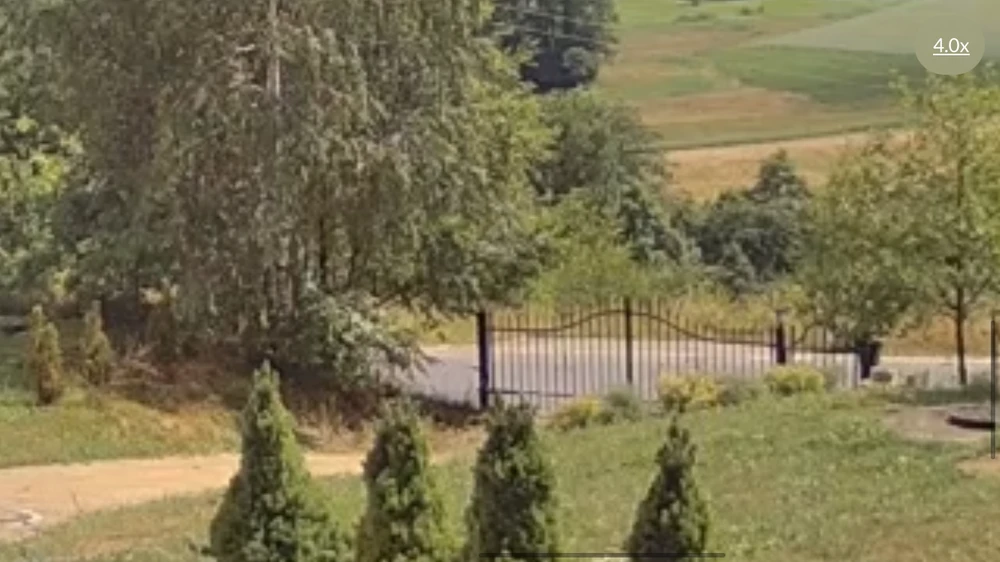
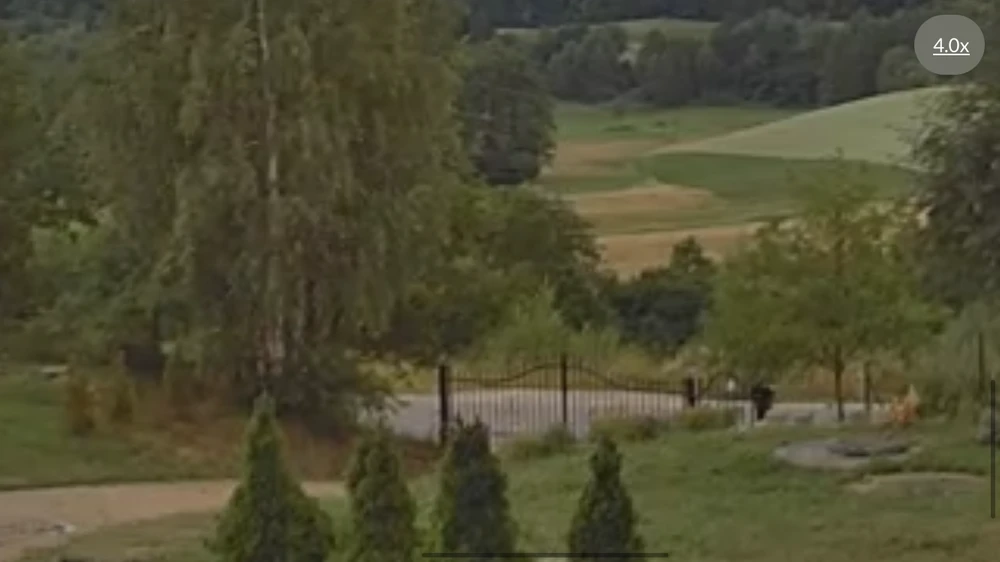
Night image comparison:
Summary
The Ubiquiti UVCG4Bullet is a versatile BULLET camera that provides clear and sharp 4 Mpx (1440p) images and 24 fps video recording. It has a built-in microphone and infrared LEDs with an automatic IR filter to ensure high quality day and night surveillance. The device is ideal for protecting offices, shops and industrial buildings. The presented camera is designed for both indoor and outdoor use.