Constantly evolving extensions for network devices are forcing us to upgrade our traditional communication network architecture. Undoubtedly, such upgrades have an inevitable impact on enterprise operations. Also, the modern user has more and more requirements in terms of work convenience. All this is dictated by the rapid development of information technology. It should be admitted that the
Mikrotik brand in the field of network solutions is up to date on this topic. Every year the Latvian manufacturer presents new and effective network solutions to the market, created using the latest technologies. Recently Mikrotik has launched a wireless network adapter
Woobm-USB, allowing to control the network remotely. Will this device become an indispensable element in the arsenal of every administrator? Let's find out!
What is Mikrotik Woobm?
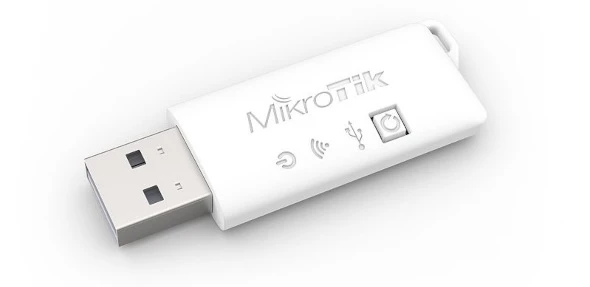
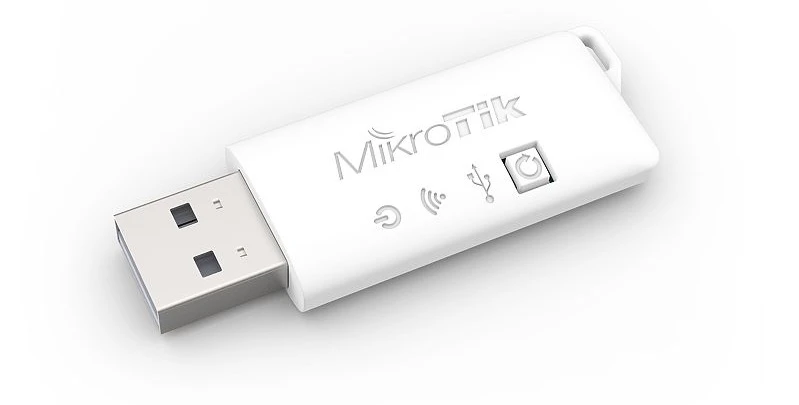
Mikrotik Woobm is a device combining functionality of two devices. The first function that the adapter supports is working as a WI-FI access point. To get access it is enough to connect the device to any USB port of a RouterBoard platform. This way the user gets access to a RouterOS network interface with full capabilities of the terminal. The second function that Mikrotik Woobm can perform is as a client for Wi-FI network. In this case it is enough to connect the device to the main access point. This option is especially useful when we need to optimize management of multiple devices in the RouterOS standard.
The Woobm-USB device supports 802.11b/g/n network protocols , and a built-in 1.5dBi antenna ensures enhanced signal transmission. The output power of the device is 5V. The product weighs only 21 grams, it is an indispensable helper for any administrator.
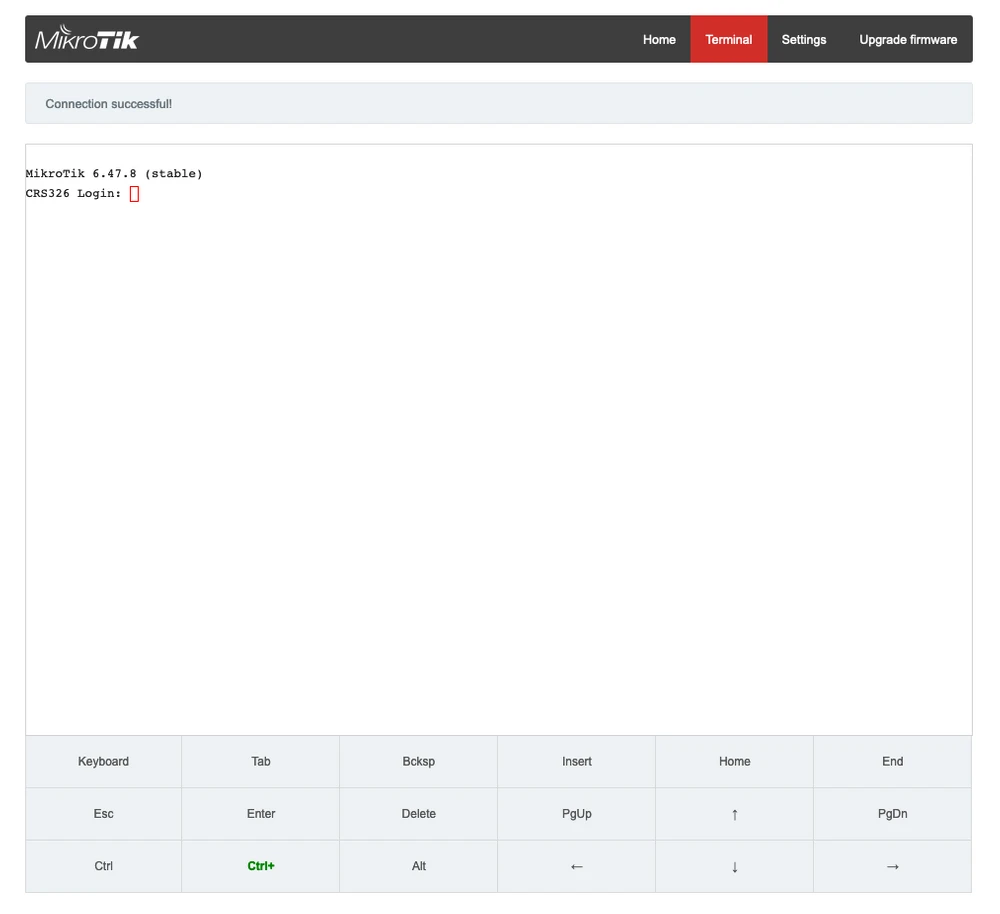
In addition to its main functionality, Woobm-USB features detection of neighboring devices running RouterOS, allowing them to connect via Telnet from a personal computer to the Woobm host console.

Configuration of Mikrotik Woobm
The installation of the
Woobm-USB device itself only takes a few minutes and runs smoothly. The configuration starts with connecting the adapter to one of the USB ports, thus setting the IP configuration to automatic mode (DHCP). Then we proceed to connect to the WI-FI network "WoobmAP", we can do this from our laptop, computer or simply from a smartphone. After connecting to the network correctly, go to the browser and enter the link
http://192.168.4.1. After this change we will get access to the login panel with 2 text fields, the data required for logging in can be found on the bottom side of the housing of our router. After logging into the system further configuration will be done depending on the mode of the device, i.e. WI-FI access point or wireless USB adapter.
Mikrotik Woobm Quick Setup Guide:- 1. open a web browser (such as Chrome, Firefox, Opera or any other browser).
- 2. type in the web address: http://192.168.4.1
- 3. you should see 2 text fields where you have to enter your username and password.
- 4. on the bottom of the router, you will find your login credentials.
- 5. enter your username and password, then press "login". You should now see the router's control panel.
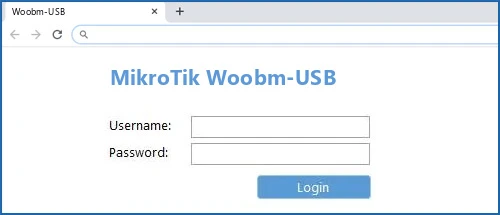
Mikrotik Woobm GUI
After logging into the Mikrotik Woobm panel, we get access to the device to which the adapter has been installed. Of course, we have to remember that we still have to log in to RouterOS, without which we won't be able to access the main device.
In the Settings tab you will mainly find the wireless settings for Woobm-USB, where you can configure e.g. the security settings of the broadcast WI-FI network.
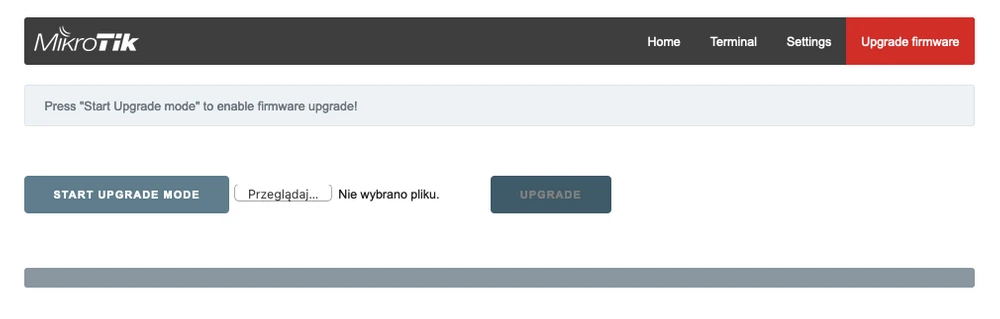
The last tab is "Upgrade Frimware", here we can upgrade the device.
Summary
In short, MikroTik Woobm-USB is an adapter that allows you to systematize your network equipment. While simplifying management and transferring all processes to a single device. Woobm-USB is an inexpensive but useful accessory for any administrator working with Mikrotik hardware.