



Totolink A7000R router - Test and review
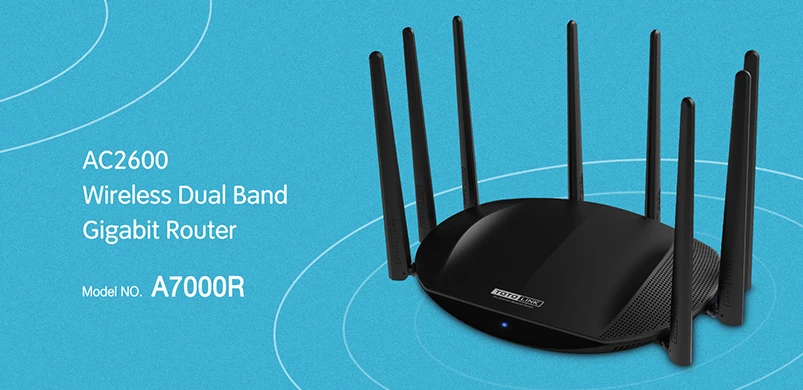
Totolink A7000R
Today we take a look at the Totolink A7000R router, and as always our review of the device is based on real experience with the product itself.

Totolink A7000R Specifications
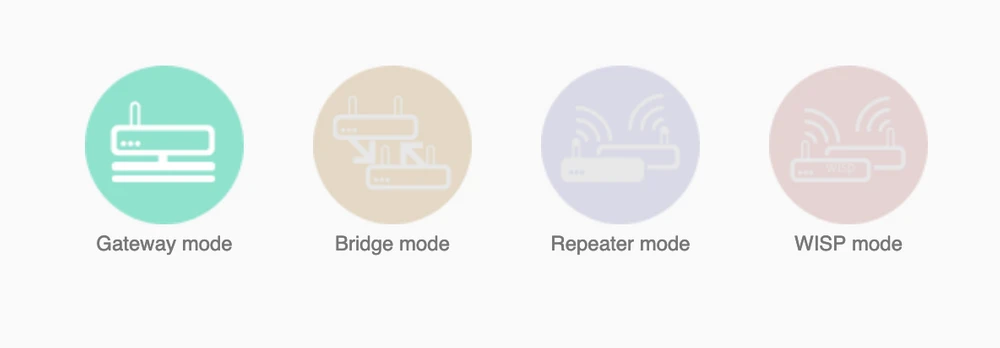
We will start with the technical side, Totolink A7000R is compliant with the IEEE 802.1ac standard, additionally the manufacturer used the MU-MIMO technology, which is designed to ensure continuous, fast data transmission for many devices simultaneously. The device has been equipped with one Gigabit WAN port and four Gigabit LAN ports, the router itself also supports IPTV, VLAN and IGMP Snooping standard. The router can be used as an access-point, repeater or WISP.
Construction of Totolink A7000R
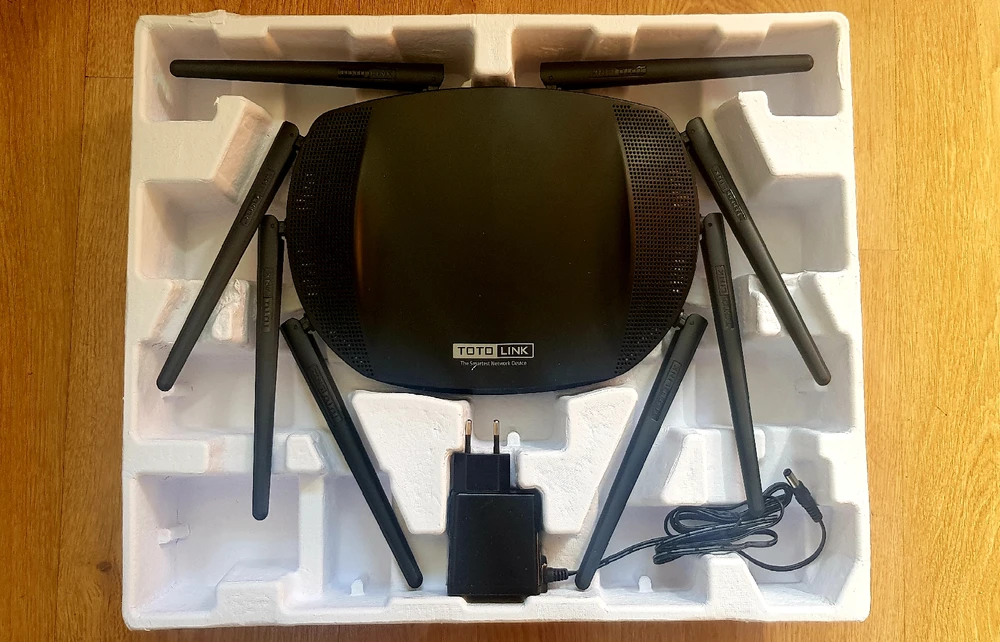
Totolink A7000R is probably the largest router we have ever seen, the reason for its size is its design - the manufacturer has used 8 non-removable antennas, which resemble a crab, which is folded and pushed into a large box. Inside, apart from the router, there is also a power supply and a meter long RJ45 CAT5e cable.
Totolink A7000R
The antennas used are not just for show, they actually serve to provide a strong WiFi signal throughout the building. Half of them are dedicated to the 2.4 GHz band and the other half to 5.0 GHz. Theoretically, the router is able to simultaneously increase throughput up to 800 Mbps in 2.4 GHz band and 1733 Mbps in 5.0 GHz band.

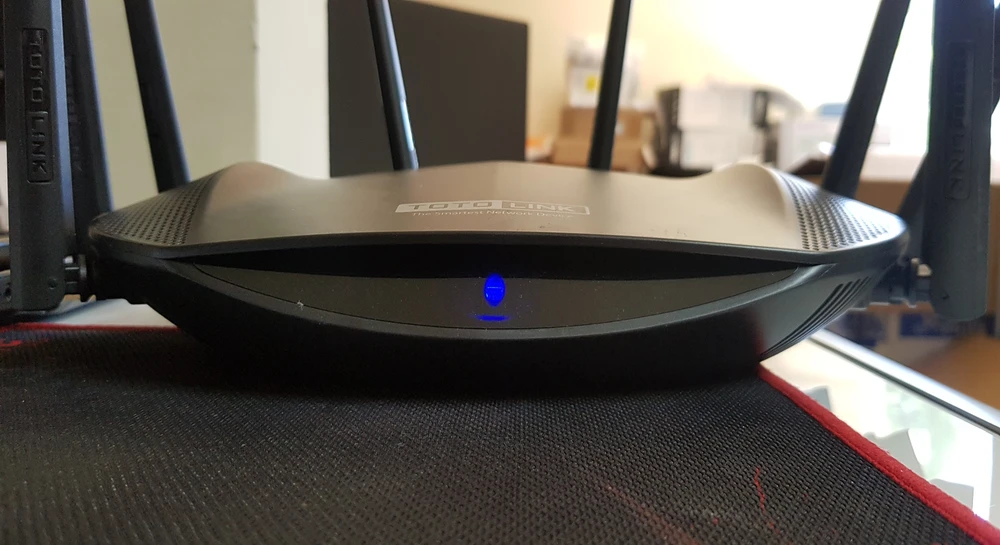
Totolink A7000R Front Panel
Totolink A7000R, unlike other home routers, only has one LED in front. The LED uses flickering to indicate the status of the router, e.g. slow flashing, indicates that the router is booting and during fast flashing the router is rebooting. The use of only one LED by the manufacturer is surprising to me, because nowadays on the network market it is a standard to use many LEDs, which are used for quick diagnostics from the device panel itself. Remote troubleshooting in Totolink A7000R seems to be a nuisance at the moment, especially when the user does not know anything about logging into the admin panel.
Ports
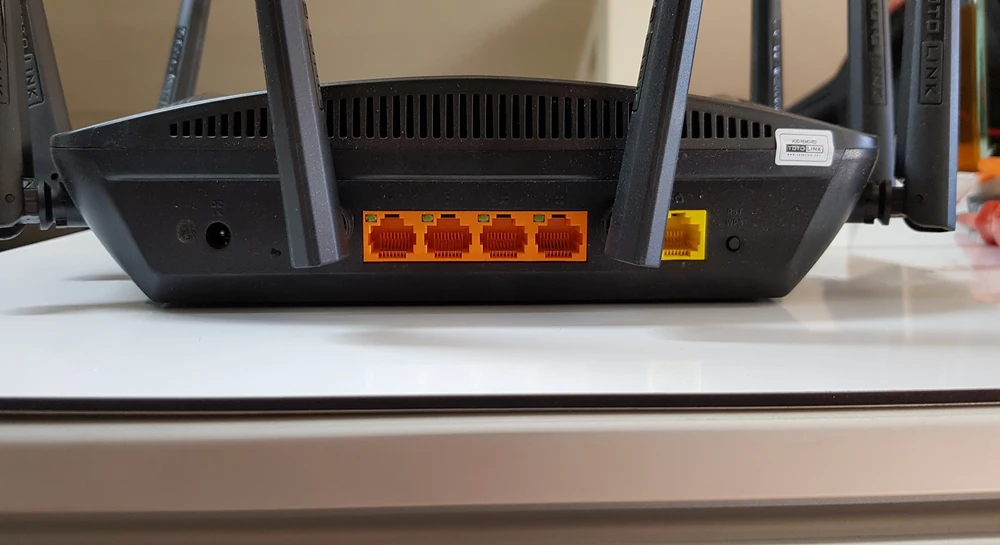
On the back of the device you will find one Gigabit WAN port and four Gigabit LAN ports, a surprising fact is that the manufacturer did not use the power button, and you also will not find a USB port. While only a marginal number of people will look for a USB port and yet, objectively speaking, the lack of it may discourage some people from choosing Totolink A7000R.
Graphical user interface
It takes no longer than 5 minutes to configure and access the administration panel. The graphical user interface is relatively simple and uncomplicated, indeed the router offers all the most important basic functions. If we want to secure our home network with MAC address filtering, we may unfortunately be disappointed. The device has a limitation to 10 static DHCP IP address entries, which frankly speaking is far too little - I don't think 10 MAC addresses are enough to secure your home network.


Totolink signal map A7000R
The AirSurvey software was used to test the signal map. To read the signal levels correctly please pay attention to the color legend at the bottom of the picture.
Totolink A7000R speed test
Totolink A7000R despite having physical conditions to achieve PHY 1300Mbs was not able to do so, the device was below 600Mb - around 290-350Mbps. The router was able to change the modulation to 1-3 levels lower, which is perfectly visible in the speed charts below.
- measuring point No. 1


- measuring point No. 2


- measuring point No. 3


- measuring point No. 4


- measuring point No. 5


- measuring point No. 6


Summary
The device has been tested for one week on the home network as the main access point for several devices. In daily use Totolink A7000R had relatively some good and some bad moments, the router sometimes suddenly stopped for a few moments, which resulted in problems with using smartphones. One of the suspects responsible for the problem is the relative ease with which devices switch from 5GHz to 2.4GHz and back to 5Ghz again. In other tested Totolink devices, regardless of whether it is a laptop or a phone, it was enough cause a pause (a dozen or so seconds) and the 5GHz transmitter was selected, and in the case of the Totolink A7000R only disconnecting brought the desired result. The reason for this state of affairs may be the relatively strong range of the router's transmitter, which works as a device "paired" into one logical pseudo-transmitter. Probably tampering with the power of the 2.4GHz transmitter as well as adjusting additional parameters may improve the situation, but devices of this class are expected to be used by ordinary Internet users, not "specialists".
In short, one should ask oneself what purpose Totolink is trying to achieve with this device. The device itself has an aggressive look, but the frimware itself can be disappointing with its basic functions and limitations. Looking at the available list of features that the Totlink A7000R offers and comparing them with a competitor's offer, I come to the conclusion that this is only a router for people who experience poor Wi-Fi coverage in their home. If I were to put myself in the position of a normal user, I would rather not be satisfied with the possibilities (maximum speeds) of this model. Router Totolink A7000R I would recommend to people who need one device to cover the whole building with signal.