



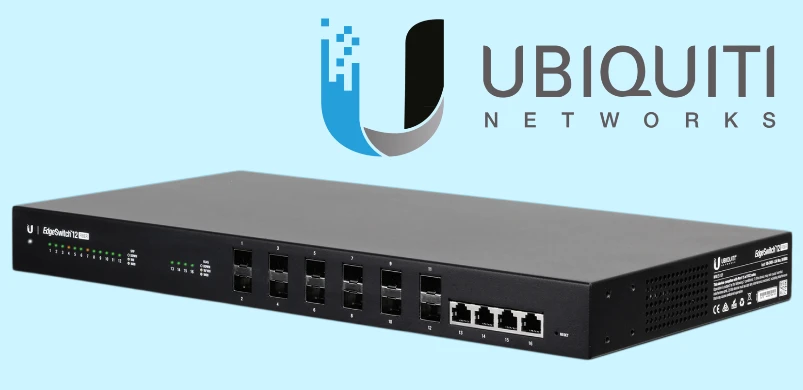
Ubiquiti Edge Switch 12 Fiber - fiber optic switch
There aren't many manufacturers of professional networking and WiFi devices. And this is not surprising. For example, access points with a high signal amplification factor and enterprise-level switches must cope with the heavy loads of large office networks.
Such criteria are met by products from the well-known company Ubiquiti Inc.. The company has quickly gained popularity due to the combination of high quality and low price of its products.
Such criteria are met by products from the well-known company Ubiquiti Inc.. The company has quickly gained popularity due to the combination of high quality and low price of its products.
Fiber optic cable is most commonly used to connect remote network segments. Unlike twisted pair, which provides data transmission with cable lengths of up to 200-300 meters, fiber optic cable has low signal attenuation and can easily handle distances of 10-15 km. In addition, optical lines are not completely susceptible to electrical discharges and exhibit the highest data transmission rate with a record of 255 terrabits per second. The advantages of optical fiber over twisted pair are obvious here. With the increase in the number of optical communication lines, there is naturally a demand for fiber-oriented switches. And such a novelty was introduced to the market by Ubiquiti - EdgeSwitch 12 Fiber.
Equipment and features
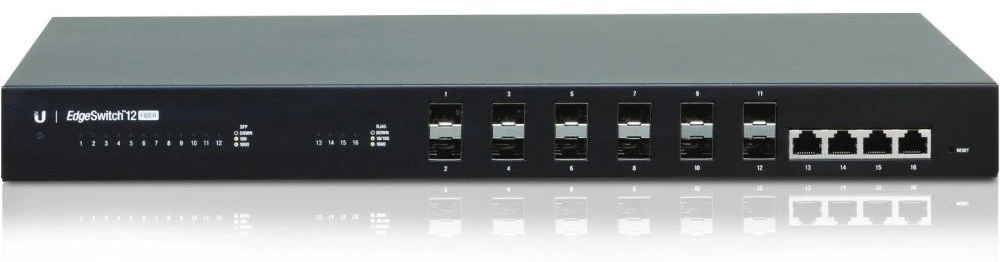
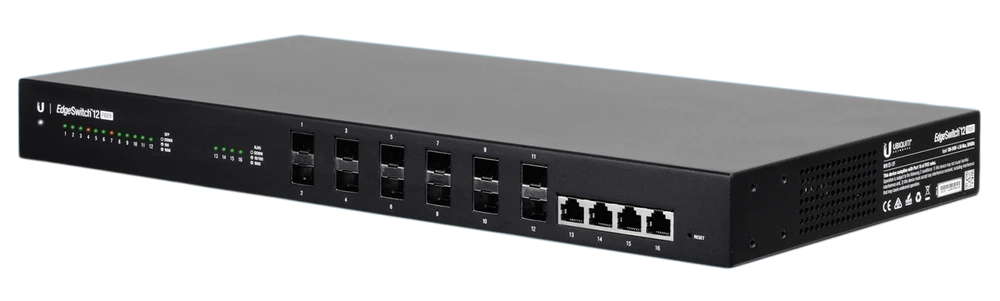
The Ubiquiti EdgeSwitch 12 Fiber is a fiber switch with 12 gigabit sfp ports. It should be noted that 8 of them can also operate at 100 MB/s, while the rest only support the gigabit standard. In addition to SFP, the switch also has 4 traditional RG45 Ethernet ports that also operate at speeds up to 1 Gbps.
It should be noted that the Ubiquiti EdgeSwitch 12 Fiber has a large reserve of processing power, which completely eliminates the problem of unstable operation of the switch in case of heavy network usage. With a physical port capacity of 16 Gbps, the switch can support up to 32 Gbps with a packet throughput of 23.81 million/packets per second.
It is worth noting that the switch is mounted in a robust steel case and is designed for installation in a server rack. The weight of the device including mounts is 2.68 kg, the switch occupies one standard 1U rack slot in height.
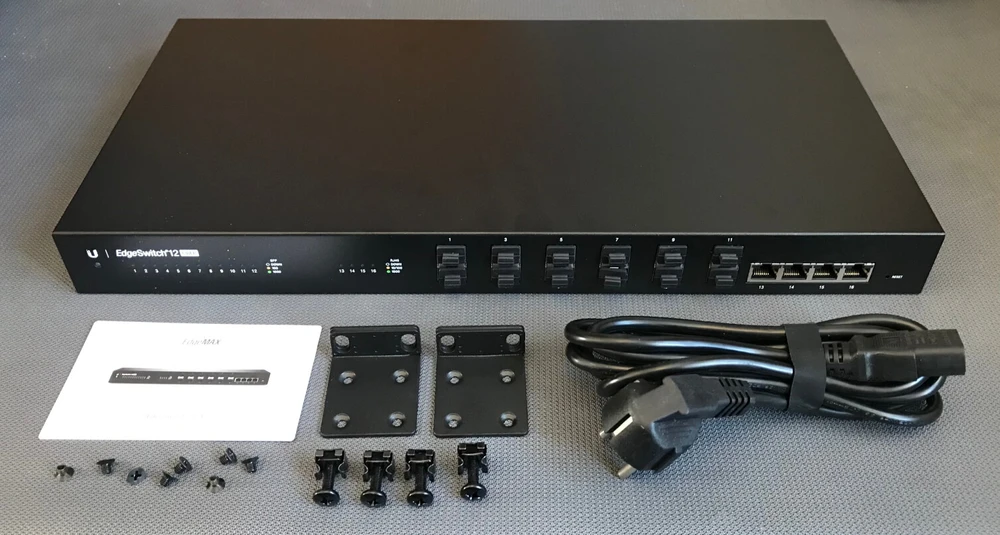
Each port has an individual LED to monitor the presence or absence of a connection and, if connected, its speed. With just a quick glance at the switch, you can get basic information about the status of the port.
Configuring EdgeSwitch 12F with EdgeMAX WebUI
The EdgeMAX WebUI is an intuitive and powerful graphical user interface. The WebUI in EdgeMAX is designed using the latest and most advanced web technologies and provides powerful functionality with high performance. With a variety of features and tuning capabilities and an ability to monitor statistics in real time.
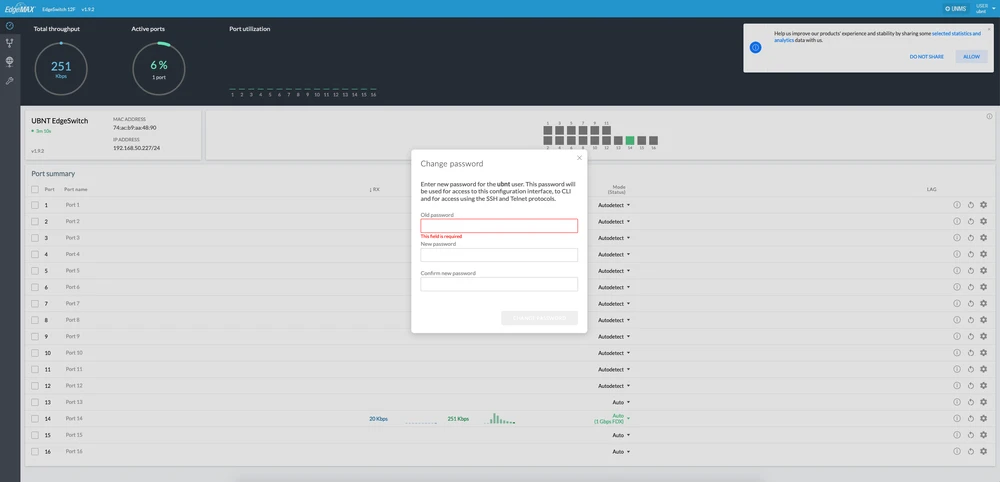
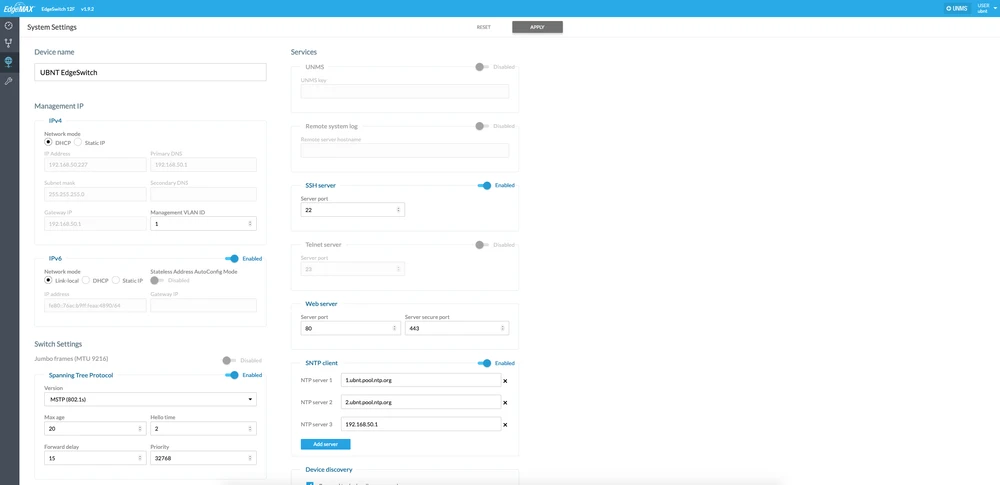
The basic EdgeSwitch 12 Fiber setup is quick and easy to understand.
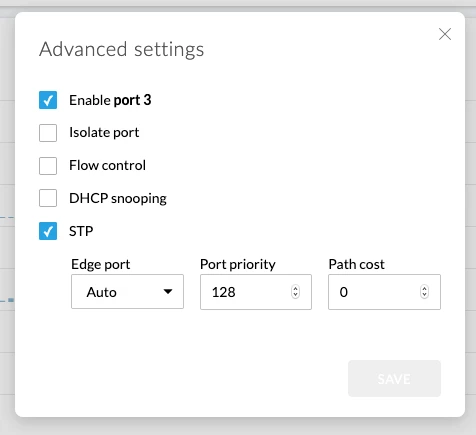
You can also quickly configure the device port by clicking the cogwheel icon and selecting advanced options.
However, this is where the benefits of the EdgeMAX WebUI end for some reason, you get the impression that the software is not yet fully developed and many features are simply missing. In this case, you can switch to the previous version of the EdgeMAX WebUI "Legacy interface".
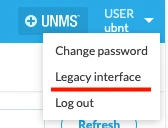
Configuration in "Legacy" EdgeMAX WebUI
Legacy EdgeMAX software's extensive feature set includes much more than just routing. The ability to create VLANs, bridges, tunnel interfaces, use OSPF, RIP and BGP routing protocols, apply ACLs or firewall-based security. All major connection types are supported: IPsec, OpenVPN, L2TP, PPTP and VPN. All features are managed through a single unified configuration that can be accessed through a web interface or the command line interface.
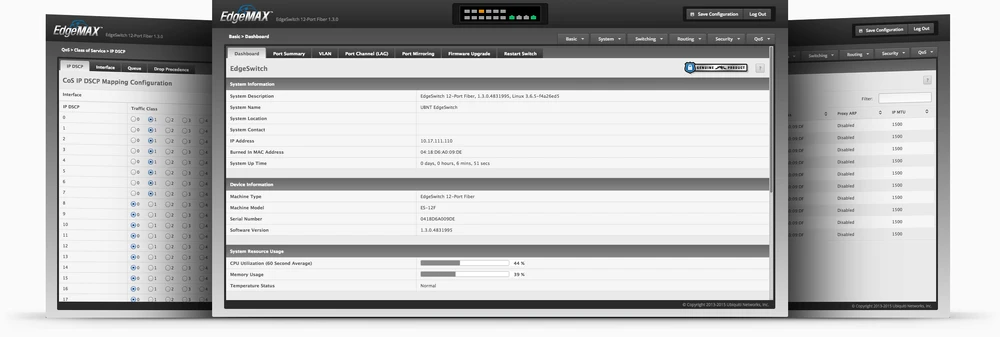
With the variety of features and interface capabilities of EdgeSwitch 12 Fiber and Legacy, you can easily deploy a network for a mid-sized enterprise.
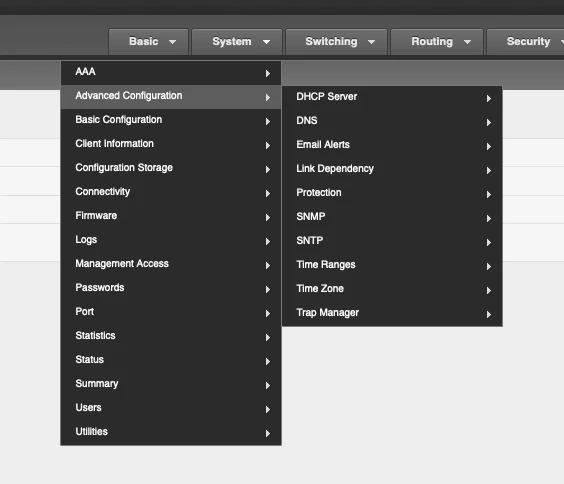
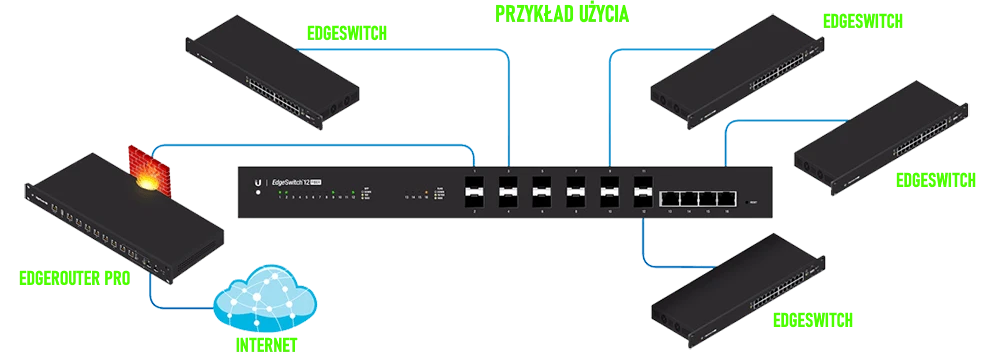
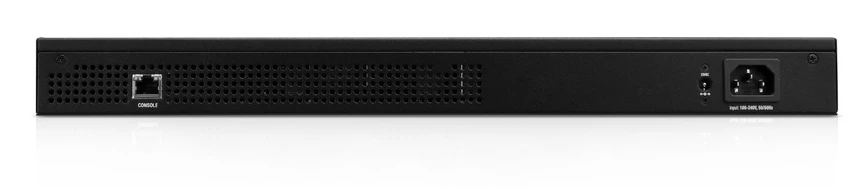
The EdgeSwitch 12F can be configured through GUI interfaces, but can also be configured through the console port on the back of the switch using Telnet or SSH.
Ubiquiti EdgeSwitch 12 Fiber specifications
Summary - advantages and disadvantages of Ubiquiti EdgeSwitch 12 Fiber
Ubiquiti EdgeSwitch 12 Fiber is the perfect choice for switching optical connections when connecting distant network segments. High performance, reliability and ease of configuration - these are the main features of the new switch, which distinguish it from similar devices from other manufacturers. It is also worth noting that despite its rich functionality, the power consumption of the device is low, at 56 W.
However, there are also disadvantages, which consist in the incomplete implementation of the new WebUI. You'll have to switch over and work with the Legacy interface or even the console port and command line to get the hardware set up right. However, Ubiquiti will most likely fix this point soon. On the other hand, in the official documentation (Datasheet) of the EdgeSwitch 12 Fiber switch, there is a paragraph "IEEE 802.3an-2006: 10GBASE-T" - which implies that the switch should support RJ45 connection ports at 10 Gbps, which it does not.
However, there are also disadvantages, which consist in the incomplete implementation of the new WebUI. You'll have to switch over and work with the Legacy interface or even the console port and command line to get the hardware set up right. However, Ubiquiti will most likely fix this point soon. On the other hand, in the official documentation (Datasheet) of the EdgeSwitch 12 Fiber switch, there is a paragraph "IEEE 802.3an-2006: 10GBASE-T" - which implies that the switch should support RJ45 connection ports at 10 Gbps, which it does not.
- Support for redudant power supply in the form of a built in power supply and external 25V power source (15-25V)
- QoS support including ACL, DSCP, CoS,
- Radius support
- DHCP, DHCP Snooping
- IGMP Snooping
- 802.1X
- Tacas
- VoIce VLAN
- Static MAC filtering
- Port Mirroring
- IVL
- GVRP
- 802.3ad Link aggregation
- 802.3x Flow Control
- 802.3ac, 802.3ak, 802.1p, 802.1Q, 802.1W, 802.1S, 802.1D, 802.1AB
- No 10Gbps ports
- Poorly functional basic interface
- No support for QinQ