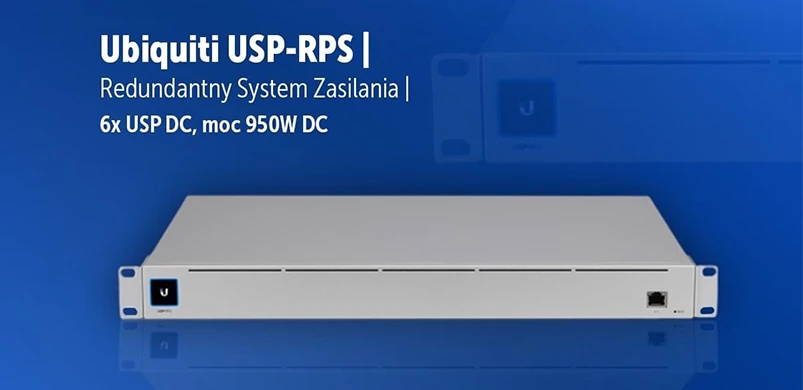
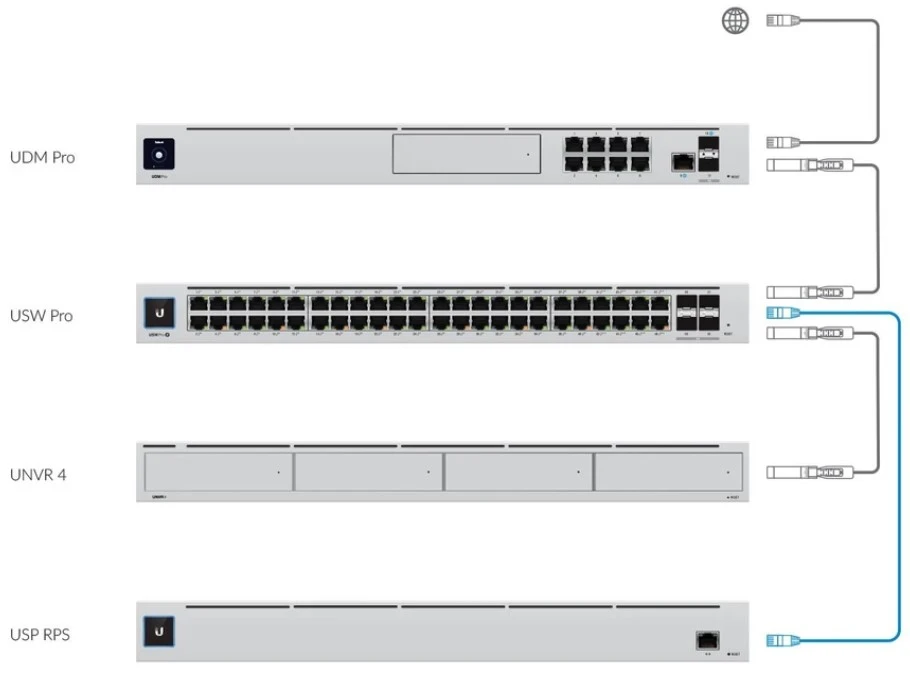
Redundant power supply system for UniFi USP-RPS devices
Networks based on devices from
Ubiquiti Inc. can be provided with multidimensional protection and security as well as a high level of resistance to failures. This is not only physical and software protection on particular layers of network model, but also protection against problems occurring during continuous use, such as failures of power supplies of network devices. To ensure lack of vulnerability to selected power failures you can purchase and install
USP-RPS, or UniFi® SmartPower Redundant Power System. This compact
smart networking device provides backup power to up to six other
SmartPower-compliant devices. High power backup, simple management and monitoring of operation, and intuitive first configuration make this equipment a popular choice for many implementations.
Capabilities of Ubiquiti SmartPower Redundant Power System
The
USP-RPS was created to ensure stable operation of Ubiquiti Inc. devices regardless of possible problems with sudden power failure.
It supports up to six devices with the UniFi SmartPower standard, including PoE switches USW Pro. A key feature of the system is the continuous monitoring of each connected network device. This is done thanks to the
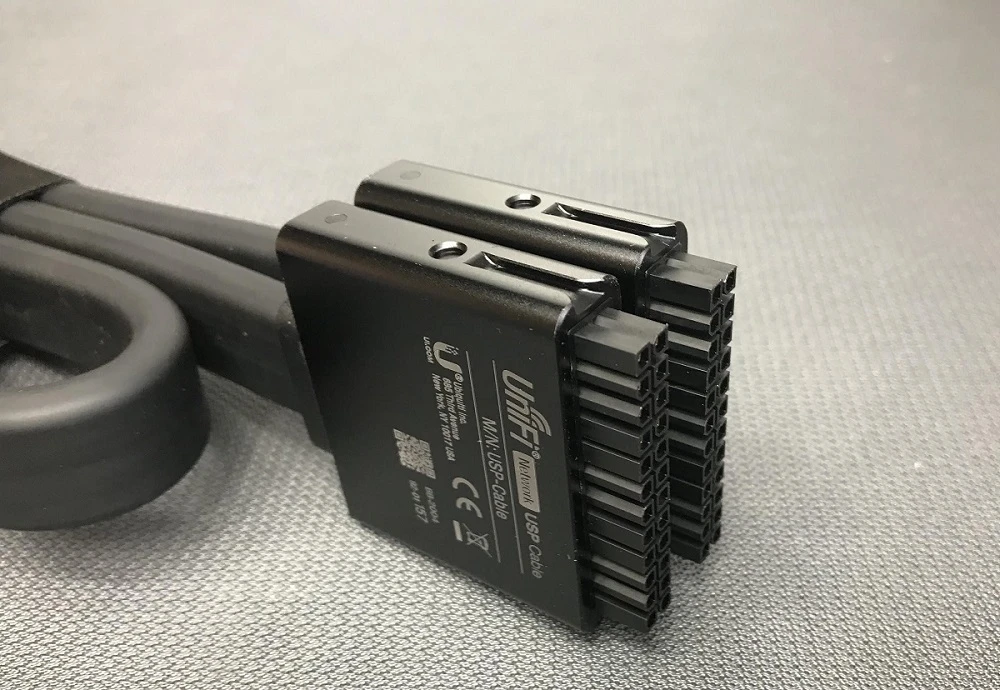
USP cable system, which is - in case of failure of the internal AC/DC power supply - an additional power source for the device in addition to the standard one. It is worth noting that the
USP-RPS ensures automatic power supply restoration, thanks to which the network should operate without any interruption to the supply of communications. Control and management of the equipment is possible thanks to unified
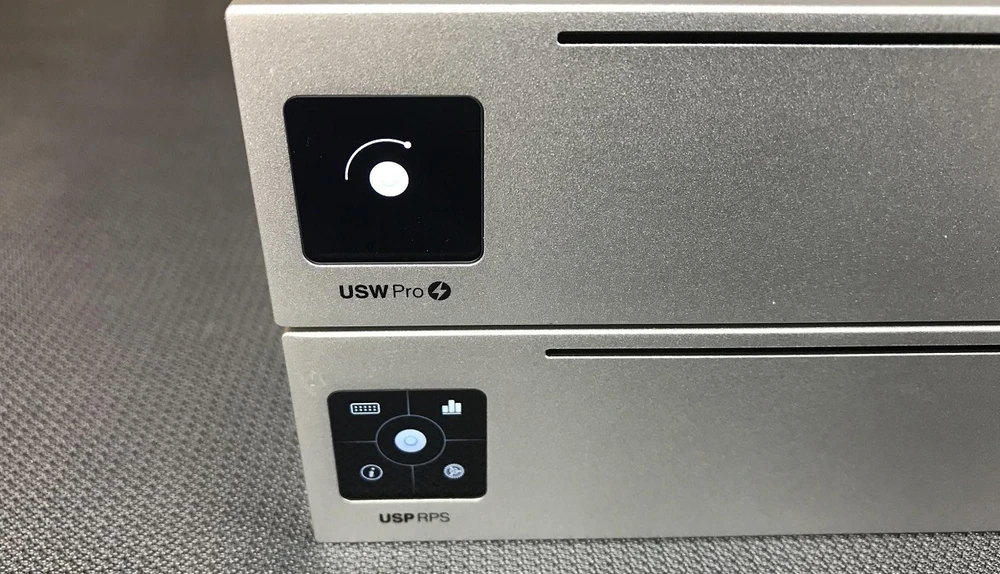
UniFi OS Console software, while the status of individual elements or adaptation status can be read thanks to physical LEDs on the device and a small touch screen.
The power budget of the UniFi Redundant Power System reaches 950W, which is good protection even for multiple devices with higher consumption. Physically, it has two built-in 350W AC/DC and Internal 645W AC/DC power supplies, which provide a maximum single RPS port power of 11.54A (600W) and 30.44A (350W), equal to the total power. Considering the needs of the device itself, the total maximum power cosnuption is 995W. The device provides ESD/EMP air protection: ± 16 kV, contact protection ± 12 kV. It can work in temperature range -5 to 45° C and humidity range from 10% to 90% without condensation.
Compact rack compatible system
Network devices supplied by
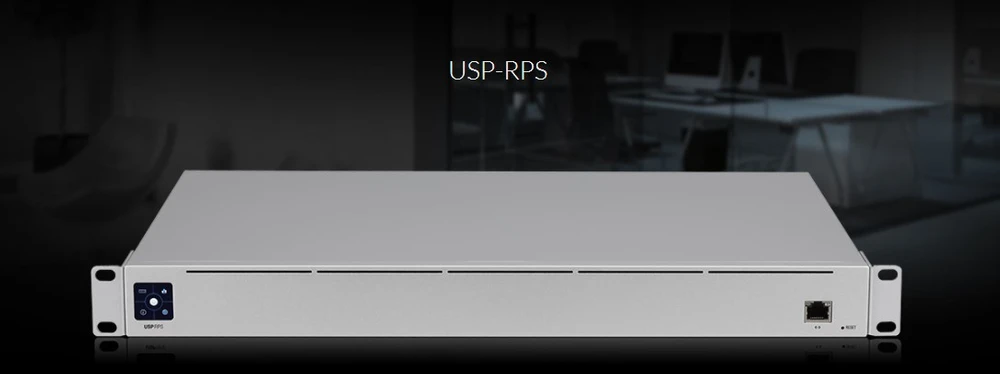
Ubiquiti Inc. comply with numerous standards and ensure high compatibility with the available standards. Therefore, the USP-RPS redundant power supply equipment can easily be used in a rack configuration with other equipment. The device measures 442.4 mm by 325.6 mm by 43.7 mm and weighs 5.5 kilograms.
The kit includes mounting brackets that increase the weight by 90 grams. In addition, necessary screws are included and in case of placing the equipment on a flat surface - rubber feet.
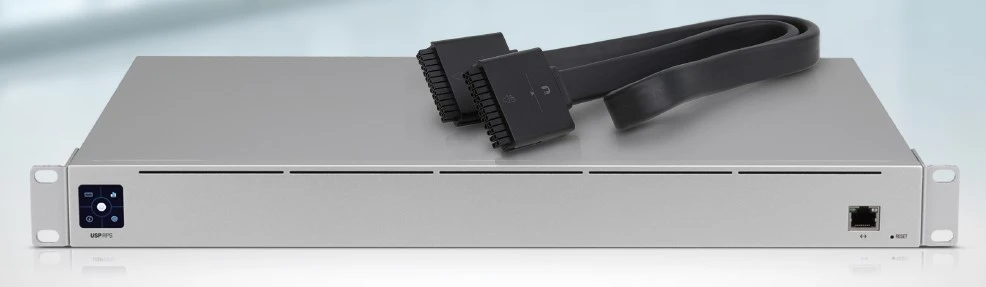
A single 10/100/1000 Mbps RJ45 Ethernet port is available on the device for LAN connection and management. By default, it is set as DHCP client. Next to it there is an LED indicator showing port activity. In the same area there is available physical button for resetting to factory settings. There is also a small 1.3" Color Touch Panel on the front of the device to check the status of the device.
Power to the unit is provided by the classic Universal AC Input power port, 100 to 240VAC with a standard cord included. There are also DC RPS ports on the rear of the unit providing the ability to connect up to six compatible devices for which backup power is to be provided. One USP standard cable is supplied with the USP-RPS, additional cables can be purchased separately. There is a status LED next to each of the DC Redundant PowerSystem ports. At the back of the unit, three more air inlets for active cooling can be found.
Easy to use and configure USP-RPS
Due to intuitive connection and configuration of UniFi® SmartPower Redundant Power System, the first startup is not difficult. The manufacturer provides clear instructions, and the equipment and cabling are properly labeled. In the example we used USP RPS and USW Pro switch. There is no doubt how to connect the cables thanks to the special markings on the plugs:
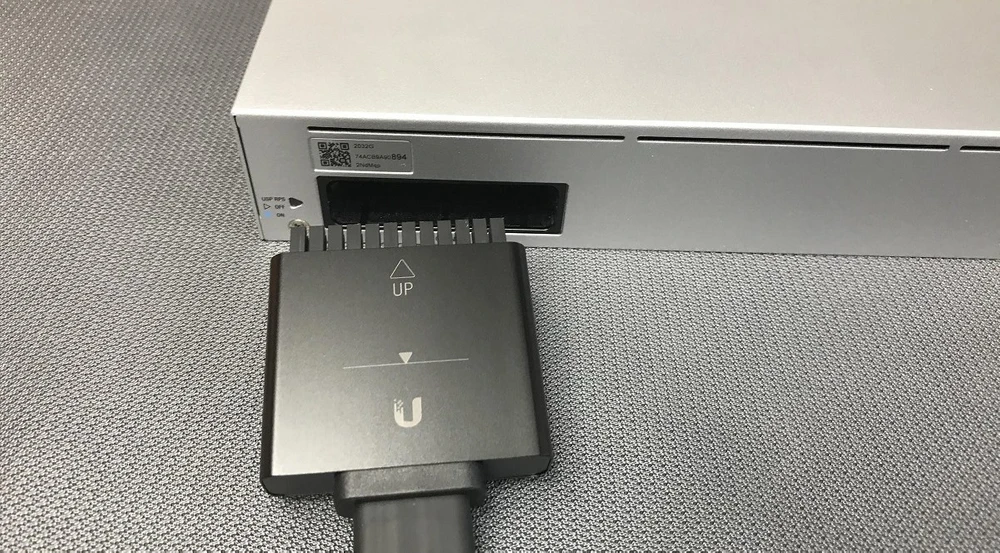
The first step is to:
- Connect the USP-RPS to power using the supplied standard cable.
- Connect a Uni-Fi device that has a USP port to the USP-RPS using the appropriate USP cable. To do this, remove the cap from the port and insert its plug into both devices in the appropriate manner. The plug has the appropriate markings and the line to which it should be inserted. To make sure that the plug is properly connected, check whether the line is visible. If so, press the plug.
- Connect the Ethernet cable to the RPS device.
Once the USP-RPS is connected to the network, adopt the device so it will be available in the UniFi OS Console. If the appropriate software on your computer or other device that will be used for management is not available, download it in advance from the Ubiquiti website in the latest version and install it . It is available for Linux, Mac OS and Window platforms, as well as an educational version for Android and iOS.
Common interface to manage network devices - UniFi OS Console for USP-RPS
Adapting the USP-RPS device in a UniFi network is extremely easy. Installing the software on your computer allows you to access the devices running on your network. From their menu, select the USP-RPS by clicking the Adopt button. When the process is complete, the system LED on the device will glow blue to confirm success. This gives you access to all information about the hardware, including the status of each redundant power port and statistics. You can also update its software.
USP-RPS specification
USP cable specification
SUMMARY
Ubiquiti Inc. with the introduction of the
UniFi® SmartPower Redundant Power System provided users with a complete solution to help
increase network reliability in emergency situations. Ease of use and management in one
UniFi OS Console system of all UniFi devices
allows full control over the network and its power supply. Any emergency situations appear simpler to diagnose. Additionally, easy to read software interface, which is also available in Polish, makes it easy to learn how to use the device, even for less technically advanced people.