Extralink Predator V2 EPON OLT - configuration guide

Extralink Predator V2, is an OLT (Optical Line Terminal) device working in EPON technology. The second version, compared to the previous one, has been equipped with 10Gigabit uplink ports. There are 8 PON ports available, which connect up to 512 ONU client terminals. Additionally, 4 copper 10Gbit Rj45 ports and 4 SFP ports provide very fast uplink.
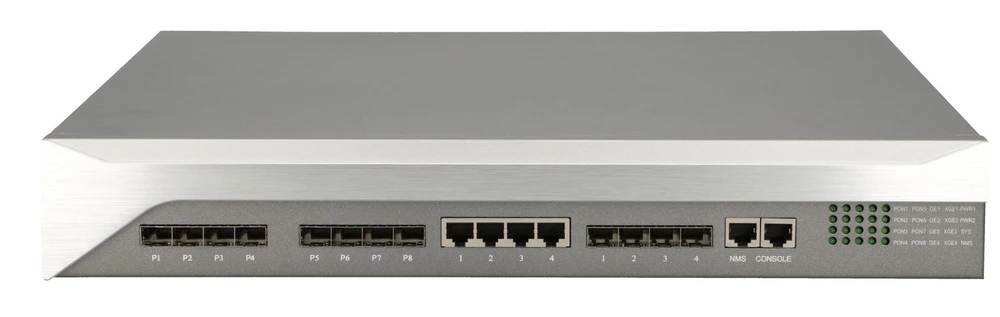
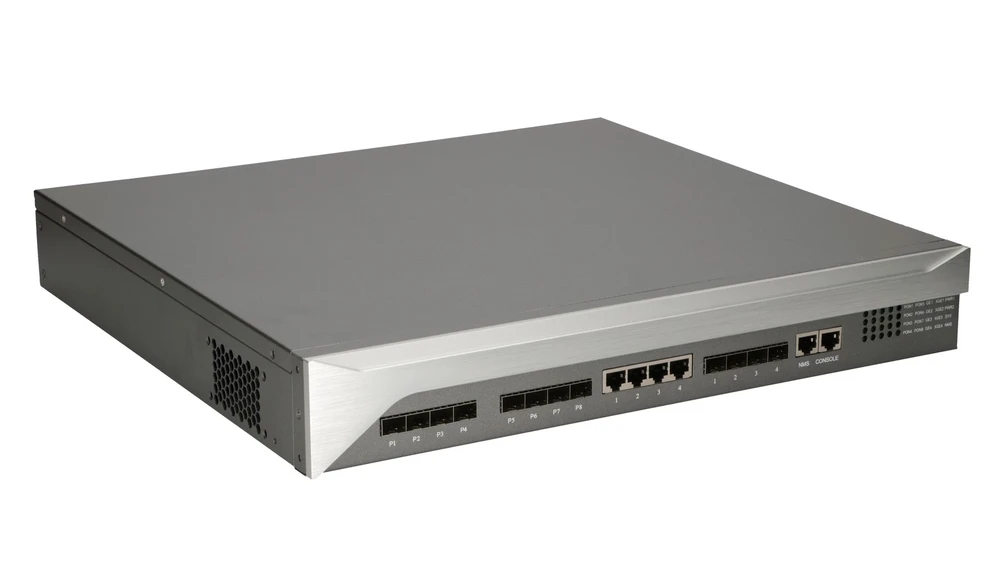
In this tutorial we will cover the basics of configuring the Extralink Predator V2 EPON OLT. We will perform a step-by-step configuration via the CLI. The connection to the OLT itself can be done in any way: SSH/TELNET/CONSOLE.
EPON OLT - configuration basics
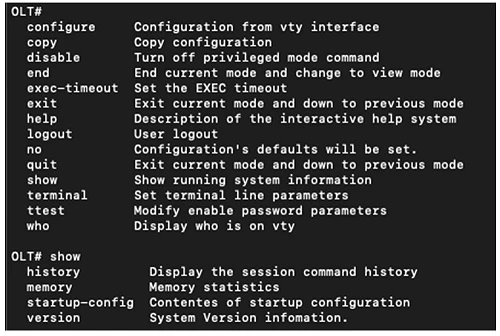
It is worth starting from the fact that after logging into the device, we only get access to limited functions.
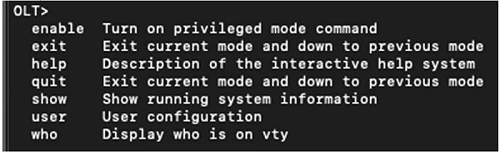
To enter the configuration mode, first issue the command "enable"
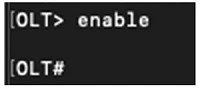
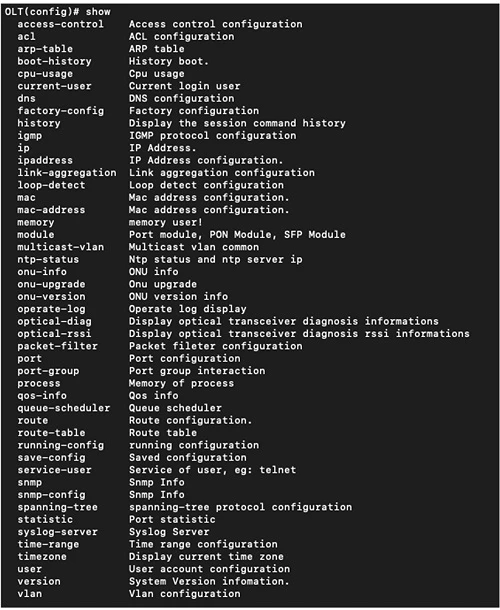
And only at this level of privileges we can go to the proper configuration and get acquainted with all available commands.
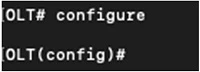
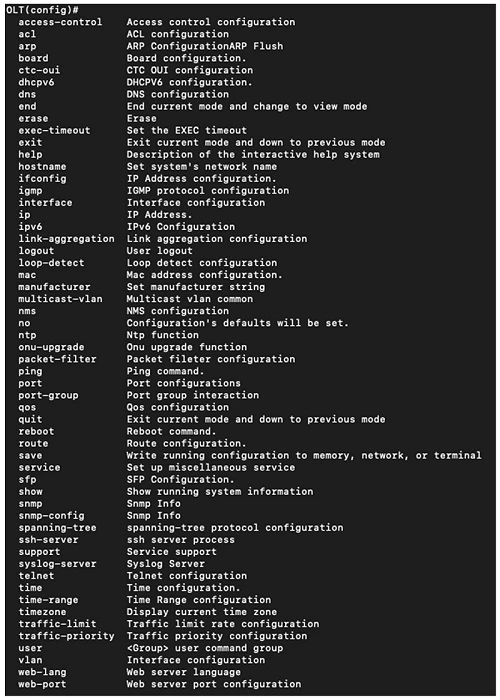
To access the full configuration of OLT and ONU, type "configure". Then we get access to all configuration parameters.
Triple Play Configuration
The configuration process with basic Triple Play services will be described based on a sample configuration. Of course, for your own purposes, you should replace the relevant parameters with your own.
First, we configure the IP address on the NMS interface, which is the Ethernet port used to manage the OLT.
interface manage
ifconfig 192.168.50.111 netmask 255.255.255.0
exit Above all, we cannot forget to set a default gateway route default gw 192.168.50.1
vlan standard 1,55-58
exit
It is very helpful and practical to assign a name and description for each VLAN:
vlan 55 name VLAN55-MGMT
vlan 55 desc Management ONU
vlan 56 name VLAN56-INTERNET
vlan 56 desc Internet
vlan 57 name VLAN57-IPTV
vlan 57 desc IPTV
vlan 58 name VLAN58-VOIP
vlan 58 desc VoIP Then we assign VLANs to the interfaces of our OLT:
interface epon 1
vlan hybrid 55-58 tagged
exit
interface epon 2
vlan hybrid 55-58 tagged
exit
interface ge 1
vlan hybrid 55-58 tagged
exit
loop-detect uplink recover-mode auto
Similarly, the same is configured on the PON interfaces:
loop-detect pon enable
loop-detect pon recover-mode auto
And, of course, we set IGMP on VLAN 57. On this VLAN, we will run the IPTV broadcast service via multicast streams:
igmp mode snooping
igmp fast-leave enable
multicast-vlan 57
exit
First, we configure the IP address on the NMS interface, which is the Ethernet port used to manage the OLT.
interface manage
ifconfig 192.168.50.111 netmask 255.255.255.0
exit Above all, we cannot forget to set a default gateway route default gw 192.168.50.1
VLAN Configuration
Next, we move on to configuring our VLANs. First, we define which VLANs we will use:vlan standard 1,55-58
exit
It is very helpful and practical to assign a name and description for each VLAN:
vlan 55 name VLAN55-MGMT
vlan 55 desc Management ONU
vlan 56 name VLAN56-INTERNET
vlan 56 desc Internet
vlan 57 name VLAN57-IPTV
vlan 57 desc IPTV
vlan 58 name VLAN58-VOIP
vlan 58 desc VoIP Then we assign VLANs to the interfaces of our OLT:
interface epon 1
vlan hybrid 55-58 tagged
exit
interface epon 2
vlan hybrid 55-58 tagged
exit
interface ge 1
vlan hybrid 55-58 tagged
exit
Protection against looping in the network
Interfaces can and should be protected from looping through the network. The following command will enable automatic loop detection and protect the port on which the loop is detected. This is done by cutting off the port from the rest for a period of 30 seconds. After this time the port is unblocked again.loop-detect uplink recover-mode auto
Similarly, the same is configured on the PON interfaces:
loop-detect pon enable
loop-detect pon recover-mode auto
And, of course, we set IGMP on VLAN 57. On this VLAN, we will run the IPTV broadcast service via multicast streams:
igmp mode snooping
igmp fast-leave enable
multicast-vlan 57
exit
ONU configuration
Now we proceed to configure the ONUs connected to port 1 of EPON
interface epon 1
And we assign the ONU to a specific port:
bind-onu 1 mac c0:00:0a:ac:fa:01 onu-type 1ge
onu confirm onu-id 1
bind-onu 2 mac c0:00:0a:ad:07:02 onu-type 1ge
onu confirm onu-id 2
bind-onu 3 mac c0:00:0a:ac:fa:03 onu-type 1ge
onu confirm onu-id 3
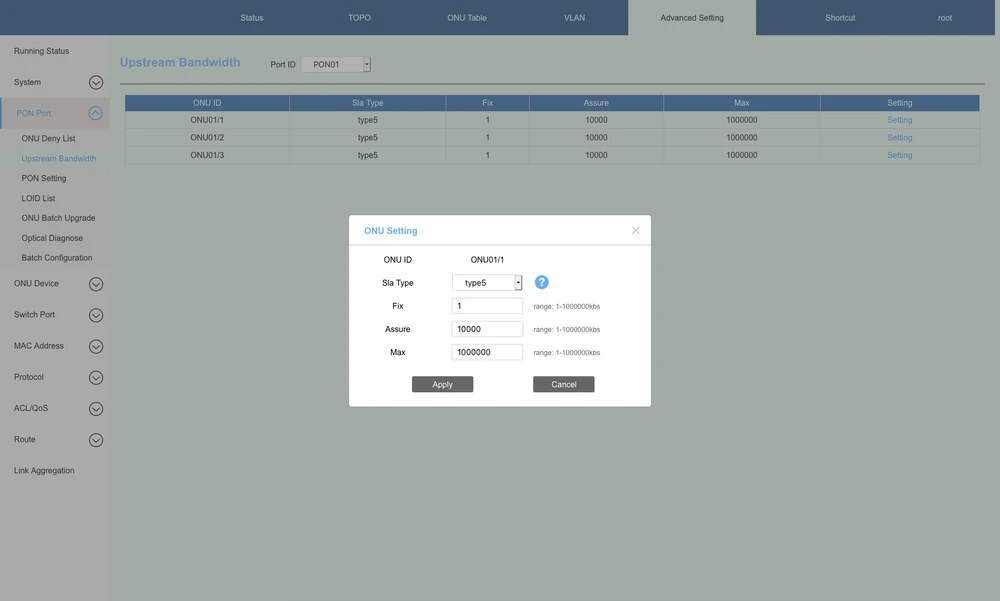
and set the DBA bandwidth parameters by type1 to type5
sla-up 1 type3 assure 10000 max 1000000
sla-up 2 type4 max 1000000
sla-up 3 type5 fix 1 assure 10000 max 1000000
Below a few words on how the different DBA Types differ:
interface epon 1
And we assign the ONU to a specific port:
bind-onu 1 mac c0:00:0a:ac:fa:01 onu-type 1ge
onu confirm onu-id 1
bind-onu 2 mac c0:00:0a:ad:07:02 onu-type 1ge
onu confirm onu-id 2
bind-onu 3 mac c0:00:0a:ac:fa:03 onu-type 1ge
onu confirm onu-id 3
and set the DBA bandwidth parameters by type1 to type5
sla-up 1 type3 assure 10000 max 1000000
sla-up 2 type4 max 1000000
sla-up 3 type5 fix 1 assure 10000 max 1000000
Below a few words on how the different DBA Types differ:
- Type 1 - this is a type of fixed bandwidth and mainly used for delay-sensitive and high priority services such as VoIP
- Type 2 and 3 - both types are guaranteed bandwidth and mainly used for video and higher priority data services. Mainly used for VoIP and IPTV services
- Type 4 - best-effort type and mainly used for data services such as Internet and low-priority services that do not require high bandwidth
- Type 5 - mixed type, covering all types of bandwidth and having all services
Configuration of services on ONU
Then we can go to the configuration of services on specific ONUs. Below are 3 sample configurations with different speeds of services.
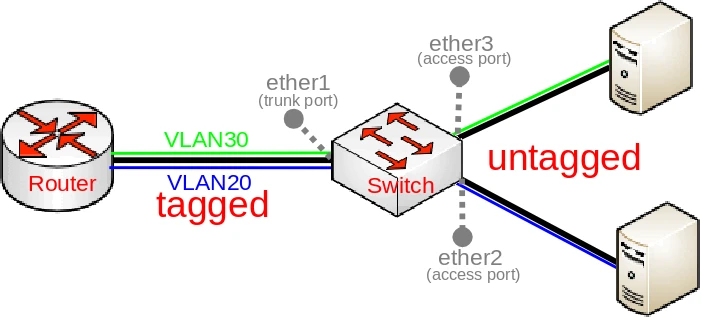
VLAN configuration on ONU ports is possible in the following modes:
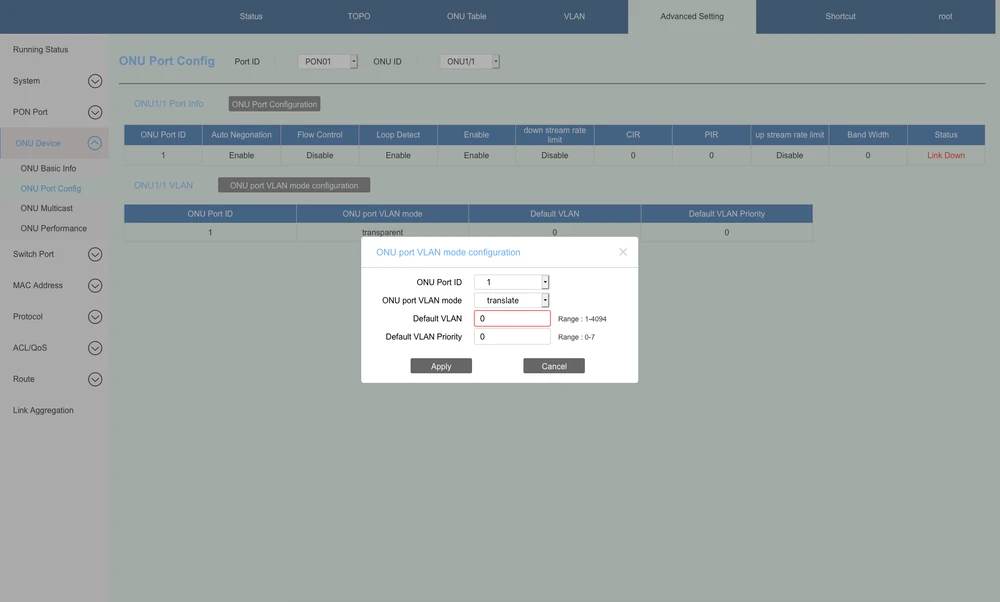
VLAN configuration on ONU ports is possible in the following modes:
- tag - only vlan set as tag (untagged traffic) is allowed through, other plans are unavailable
- transparent- translates the configuration 1:1
- translate - configures how to perform vlan translation with possibility to set which vlan is default (untagged traffic)
- trunk - carries configured plans, one of them can be set as vlan running on ONU port in untagged mode
Configuration for 1 ONU on 1 EPON port
VLAN translation:Vlans 100,200,300 available on the Ethernet ONU port and are translated to the corresponding vlan 55,58,57 in the OLT direction, and vlan 56 is set as untagged traffic by default on the port. Configured IGMP (multicast TV) support on vlan 57, where multicast traffic is released on the Ethernet ONU port with untagged traffic. Speed of available services on port 1 of the ONU limited to a guaranteed download speed of 300Mbit/s with a peak speed of up to 600Mbit/s and 100Mbit/s upload.
interface onu 1/1
port-vlan 1 mode translation 56 pri 0
port-vlan 1 translation add oldvlan 100 newvlan 55 pri 0
port-vlan 1 translation add oldvlan 200 newvlan 58 pri 4
port-vlan 1 translation add oldvlan 300 newvlan 57 pri 5
port-rate-limit 1 egress cir 307200 pir 614400
port-rate-limit 1 ingress bandwidth 102400
multicast 1 tagmode tag
multicast 1 multicast-vlan 57
multicast fast-leave-admin state enable
exit
Configuration for 2 ONUs on 1 EPON port
Default configuration passing transparent vlans configured on EPON port in OLT towards client devices connected to 1 ONU port. Speed of available services on ONU port 1 limited to a guaranteed download speed of 500Mbit/s with peak speeds up to 600Mbit/s and 30Mbit/s upload. Configured IGMP (broadcast multicast) support on vlan 57, where multicast traffic is released on Ethernet port of ONU with traffic tagged to vlan 57.interface onu 1/2
port-rate-limit 1 egress cir 512000 pir 614400
port-rate-limit 1 ingress bandwidth 30720
multicast 1 multicast-vlan 57
multicast fast-leave-admin state enable
exit
Configuration for 3 ONU on 1 EPON port
Configuration supports specified vlans 55-58 on port 1 ONU, and vlan 56 traffic is released as untagged traffic. Speed of available services on port 1 ONU limited to a guaranteed 300Mbit/s download speed with peak speeds up to 500Mbit/s and 6Mbit/s upload. IGMP (multicast TV) support configured on vlan 57, where multicast traffic is released on Ethernet port of ONU with vlan 57 tagged traffic.interface onu 1/3
port-vlan 1 mode trunk 56 pri 0
port-vlan 1 trunk add 55-58
port-rate-limit 1 egress cir 307200 pir 512000
port-rate-limit 1 ingress bandwidth 6144
multicast 1 multicast-vlan 57
multicast fast-leave-admin state enable
exit
NOTE: It is only possible to set the vlan priority in the case of untagged traffic (default vlan), and it is only possible to set the priority for individual vlans in the case of vlan translation. In other OLT configuration modes it is not possible to set the priority for a specific vlan.
Helpful diagnostic commands
Below you will find a few commands that will greatly help in device diagnostics. This is extremely important for any network administrator, because you can quickly and efficiently identify a fault.
show optical-diag <1-8>
example: show optical-diag 1
Displaying information about signal parameters
show optical-diag <1-8>
example: show optical-diag 1

Displaying the ONU list
show onu-info all
Display of ONU software version information
show onu-version all
Display of interface statistics
show statistic all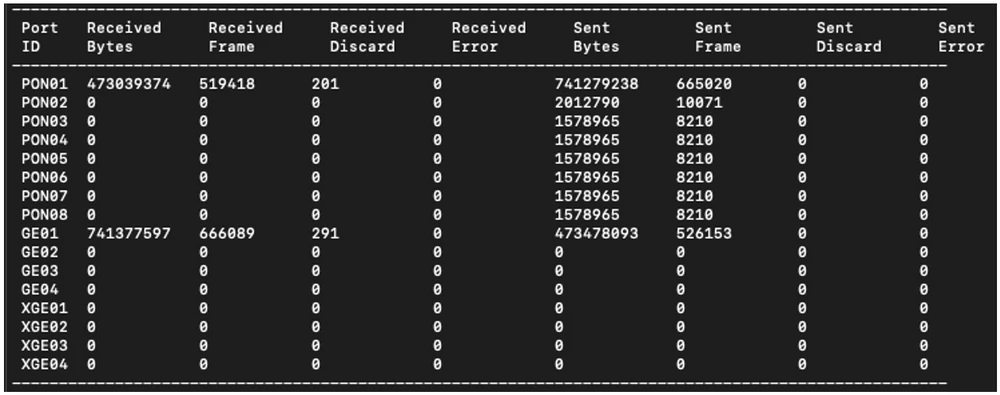
Displaying VLAN configuration
show vlan all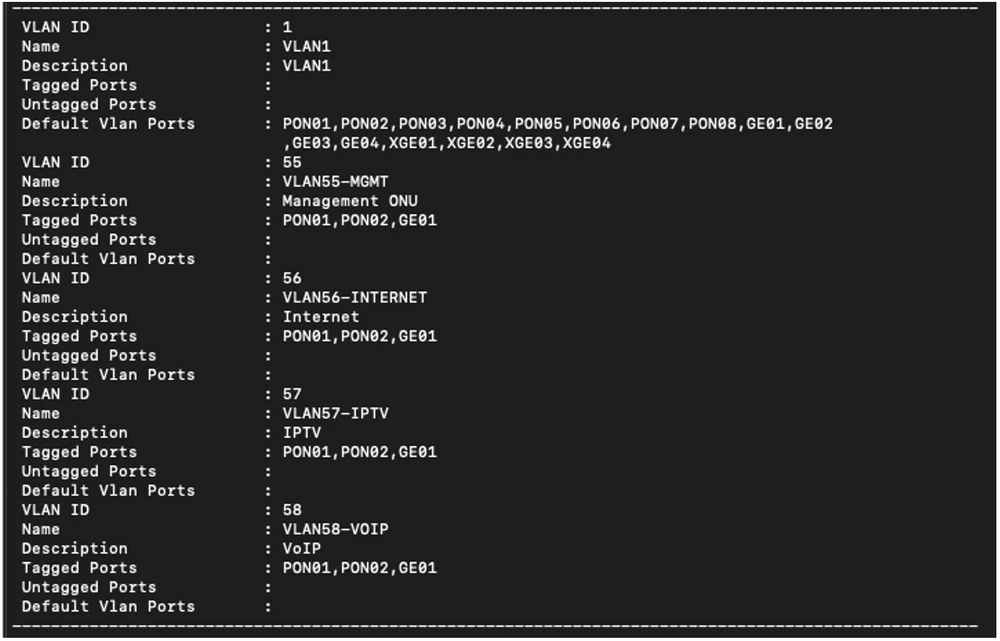
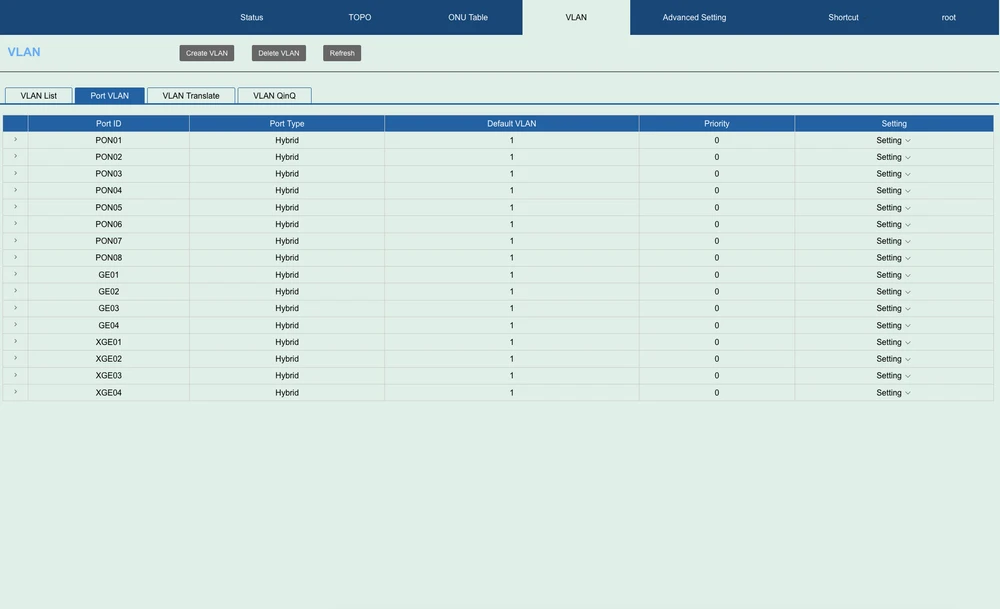
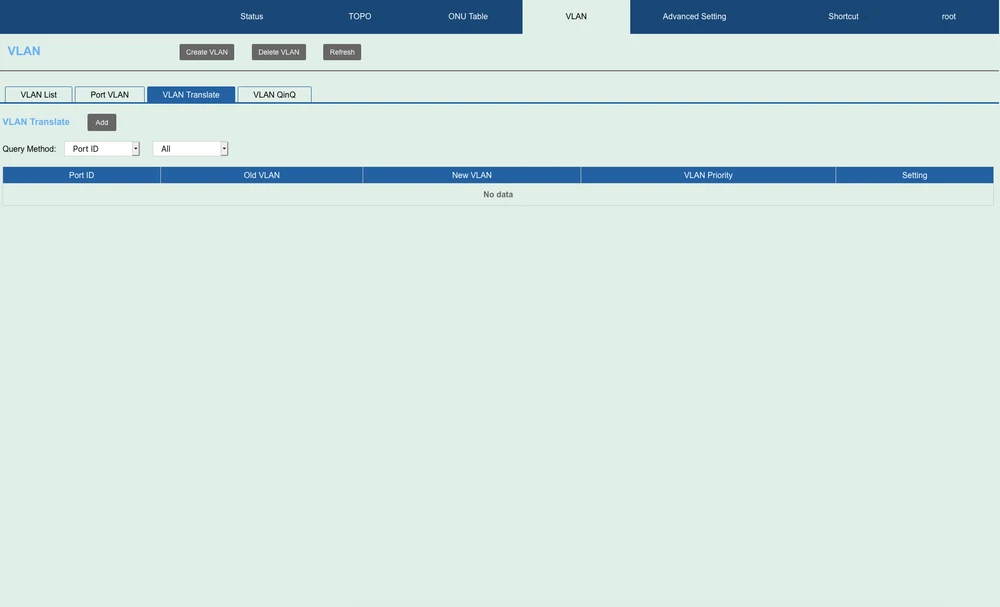
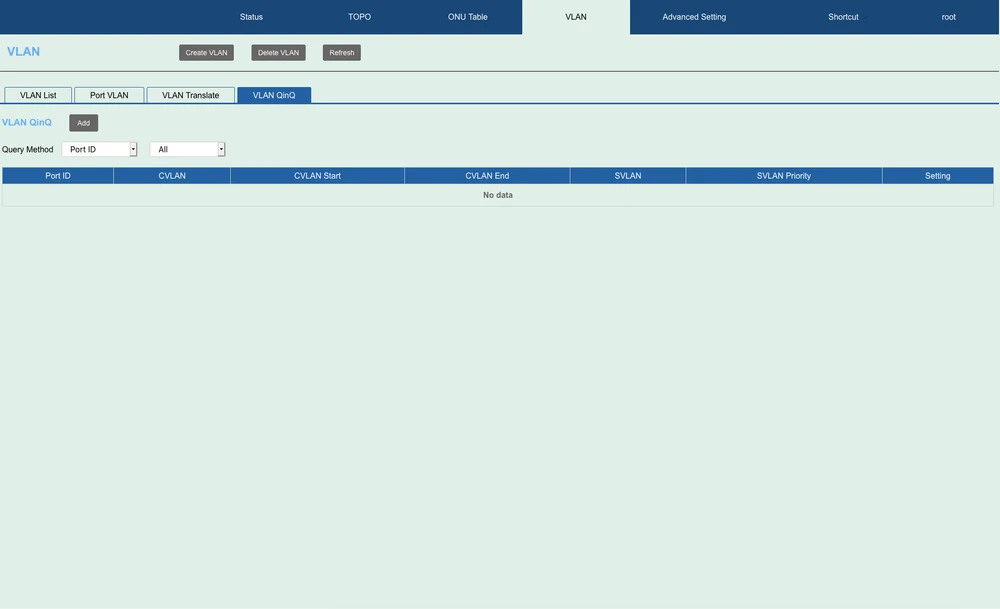
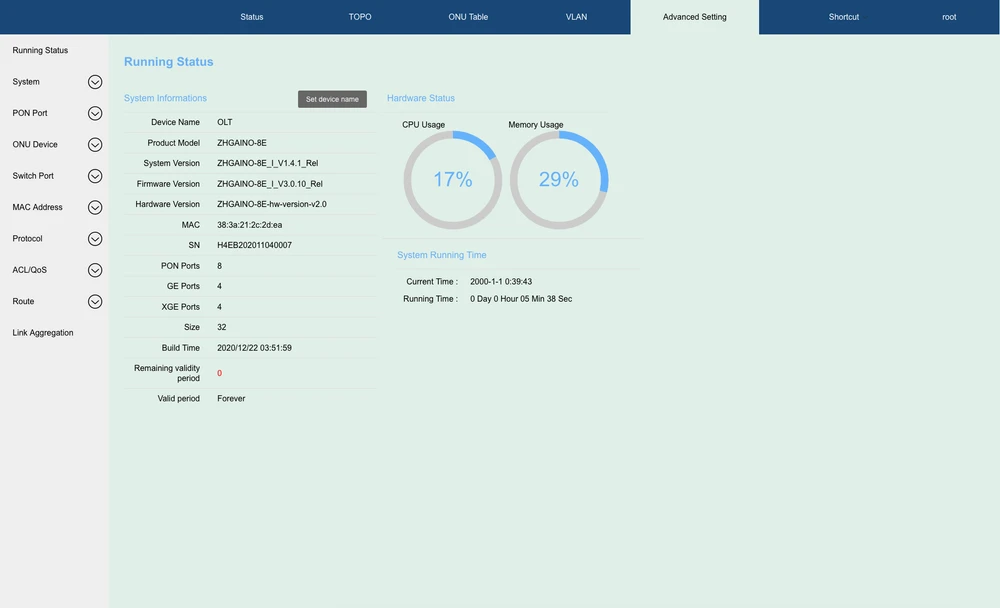
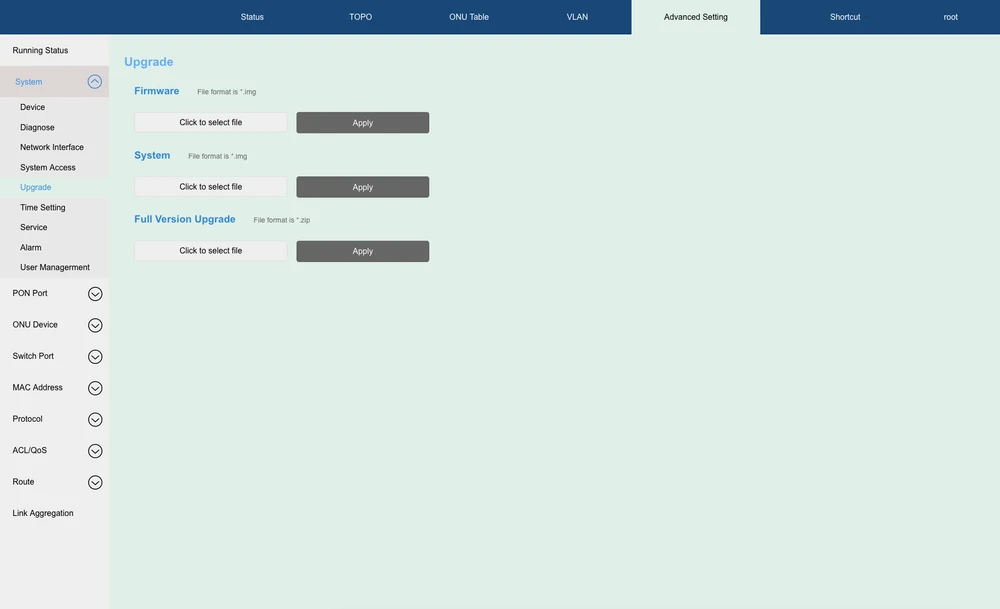
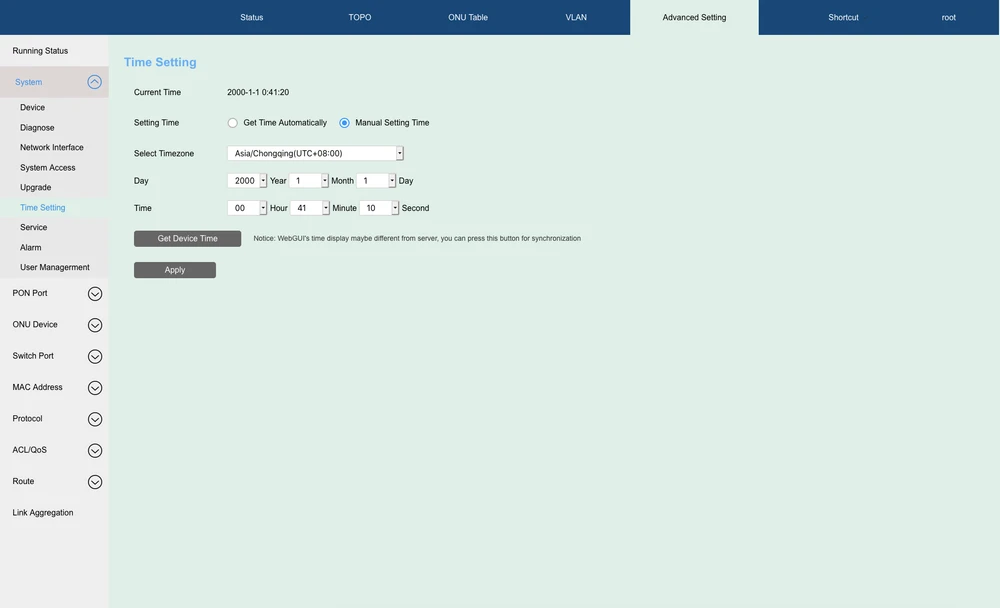
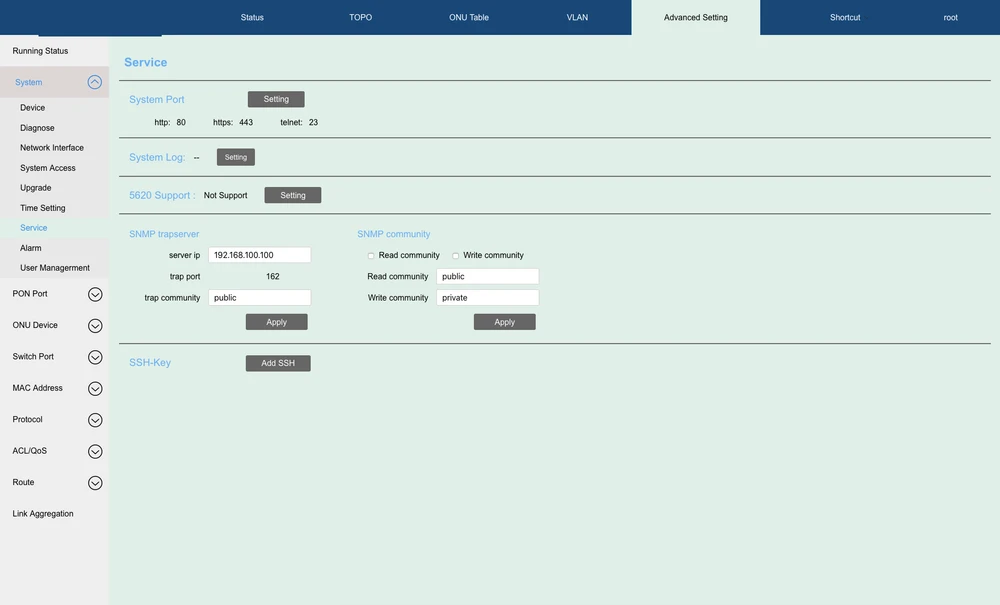
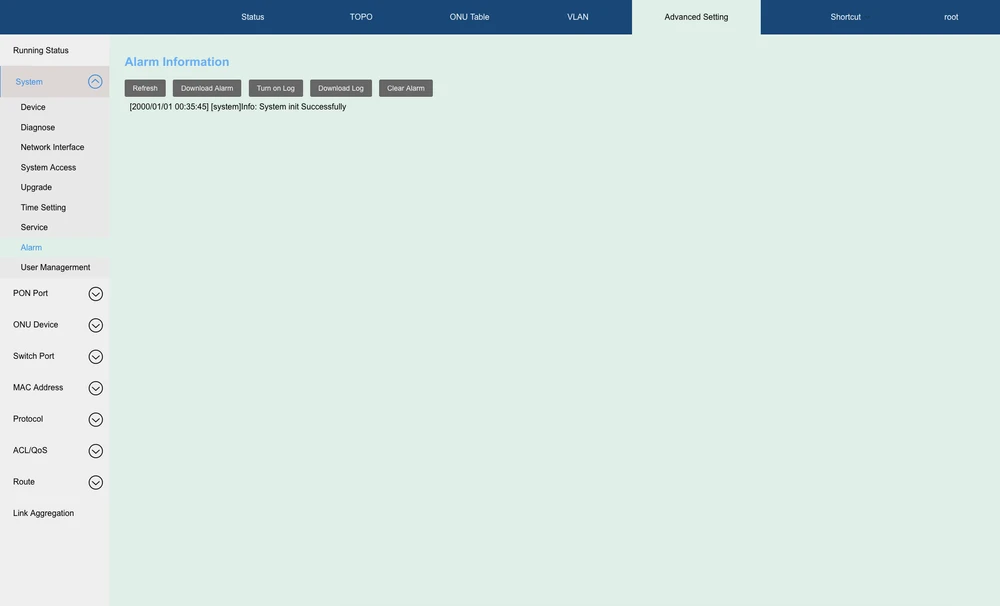
Graphical interface
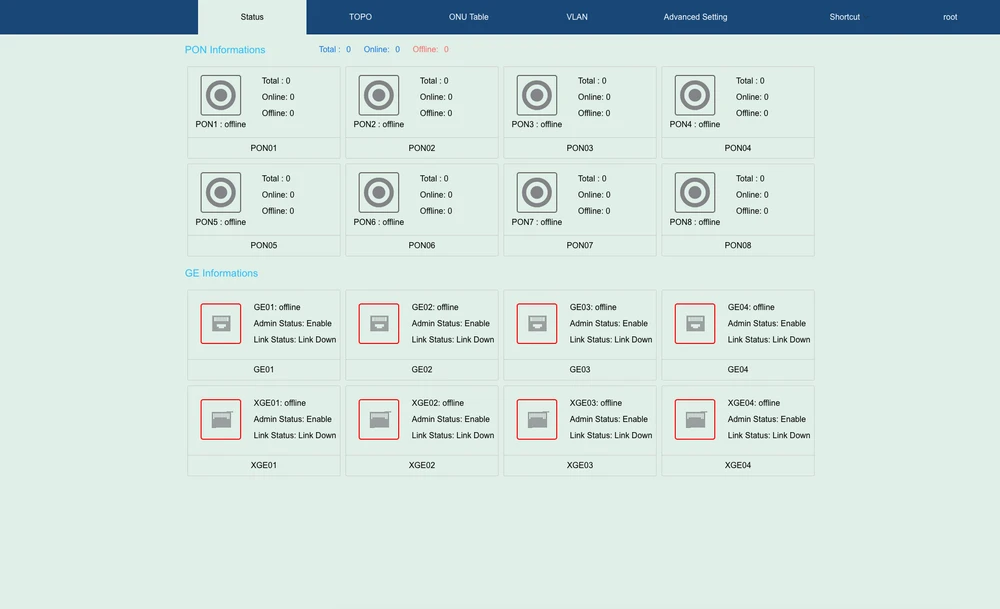
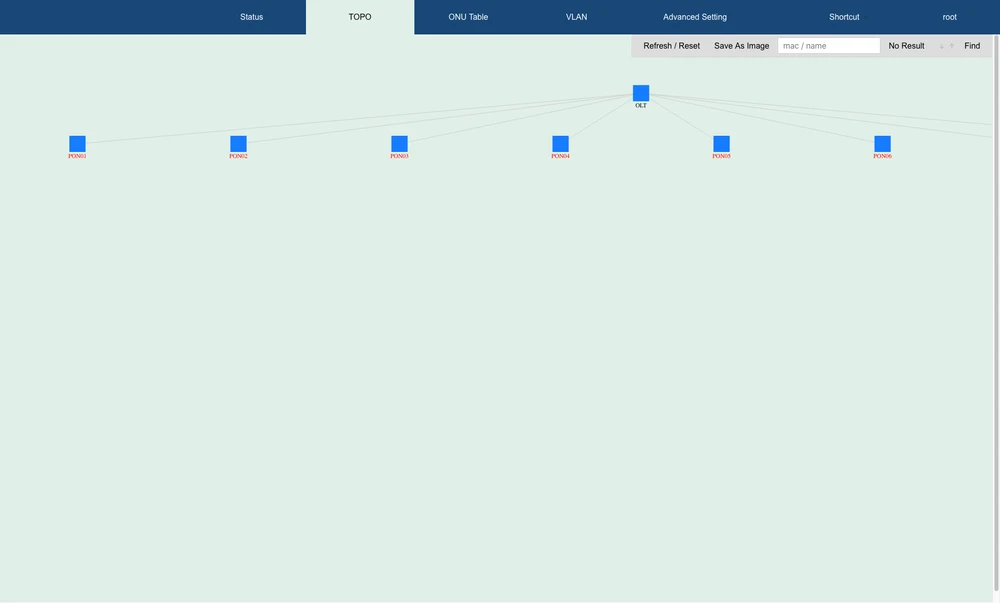
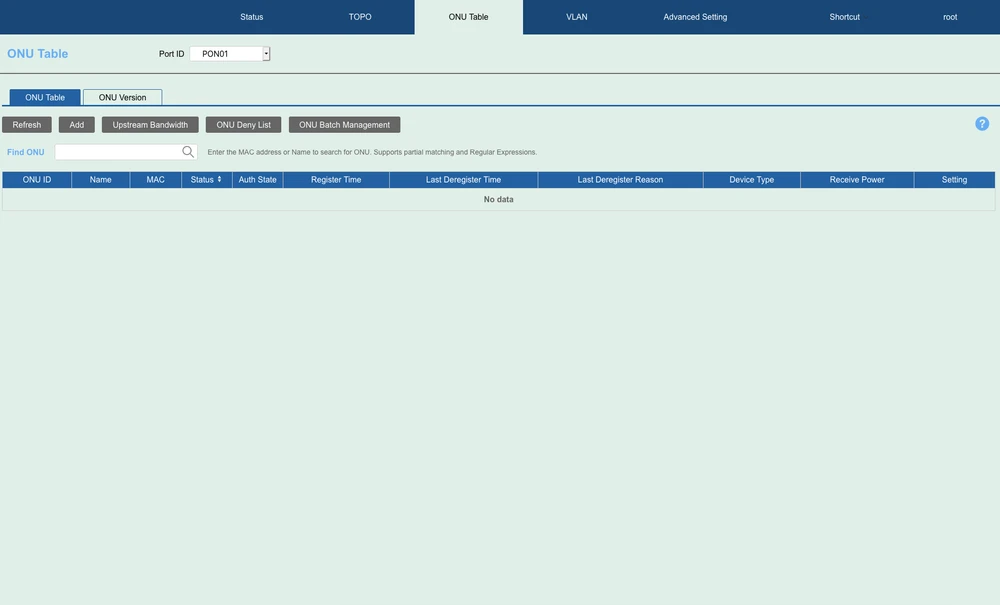
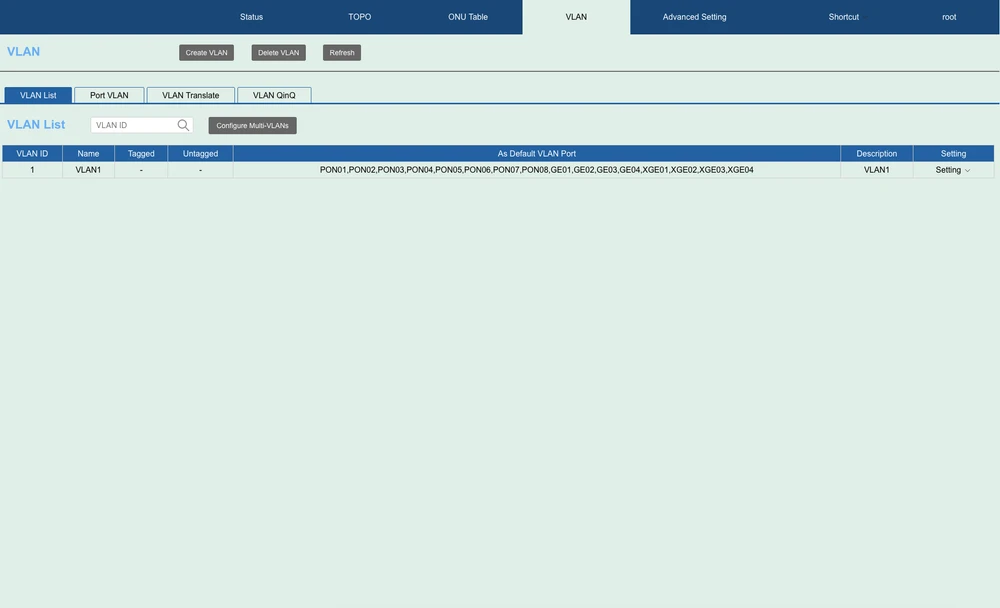
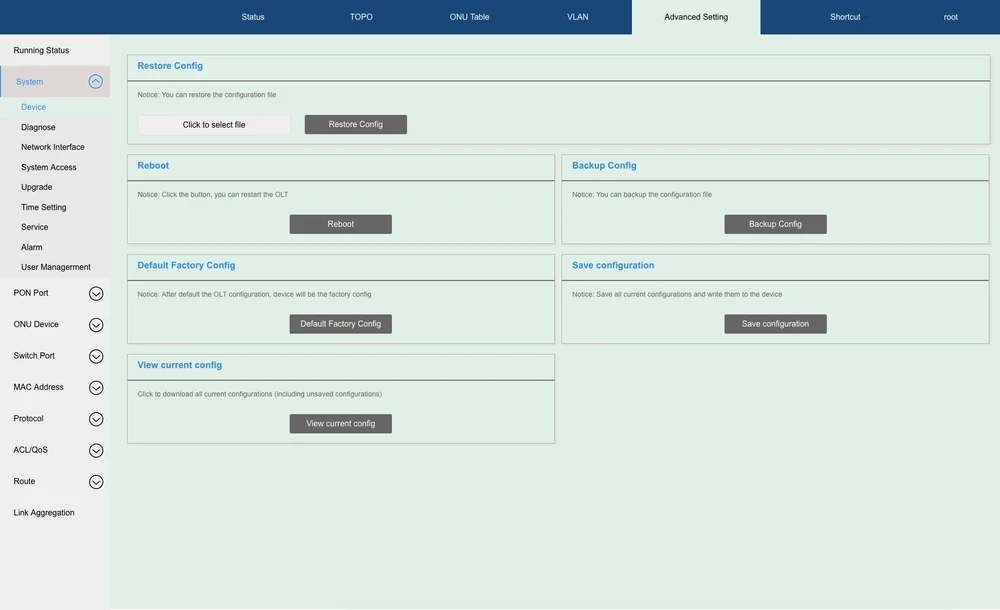
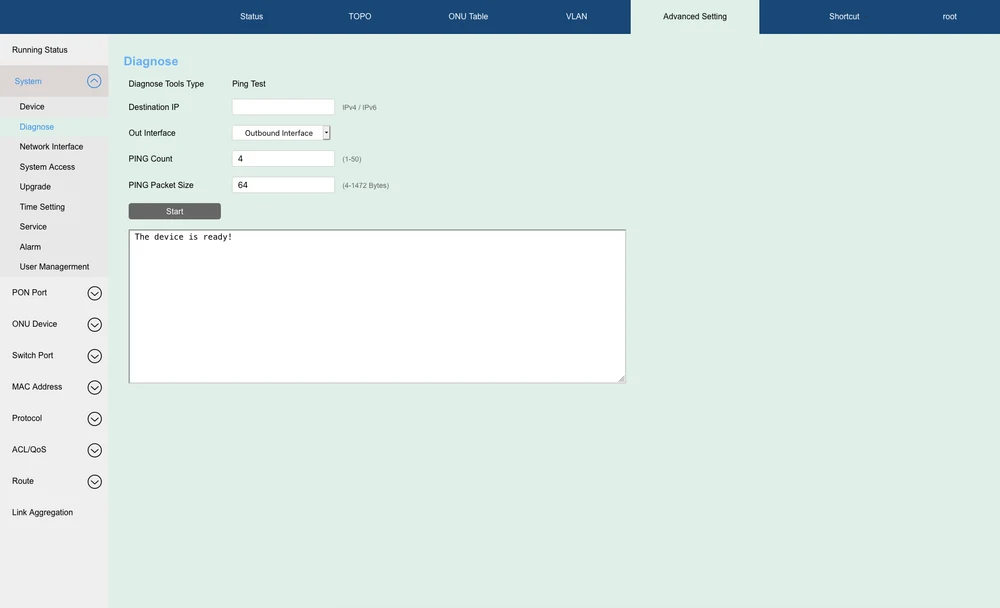
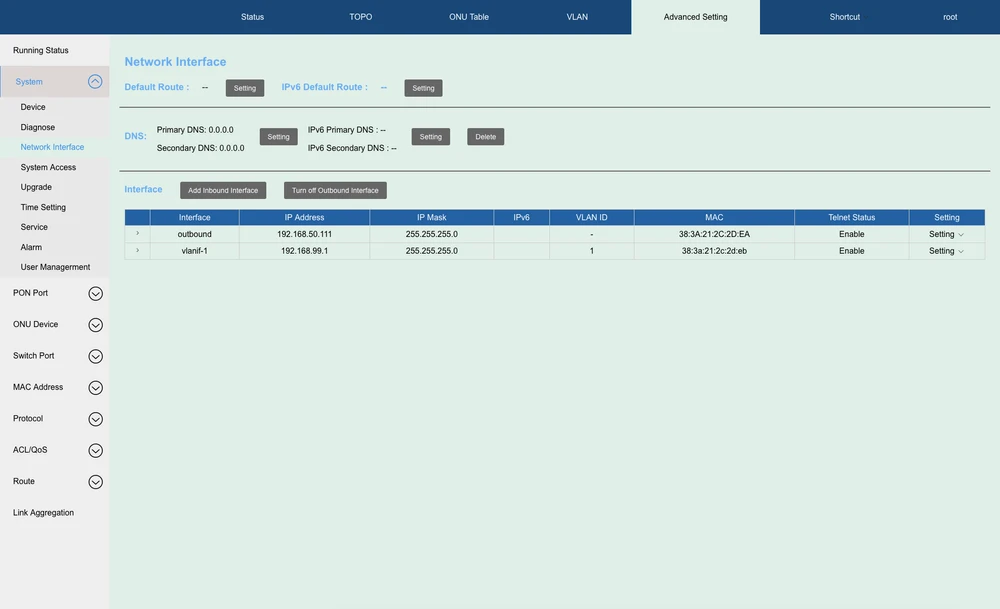
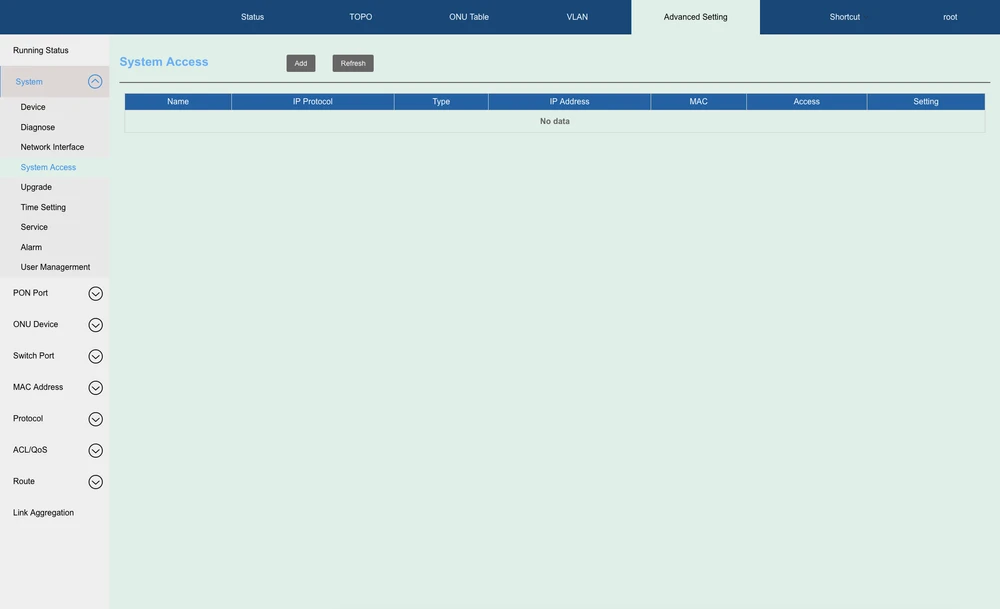
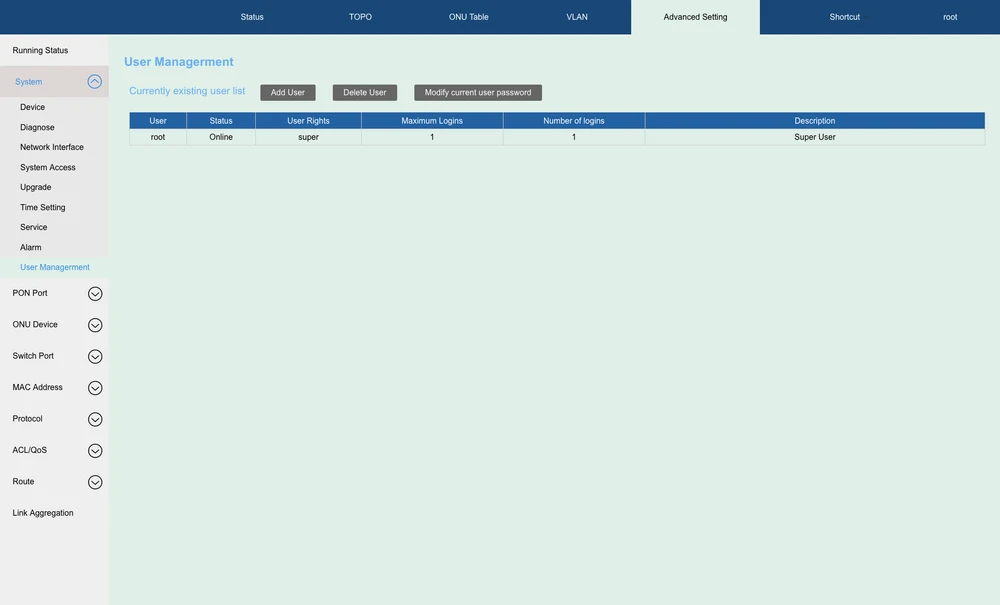
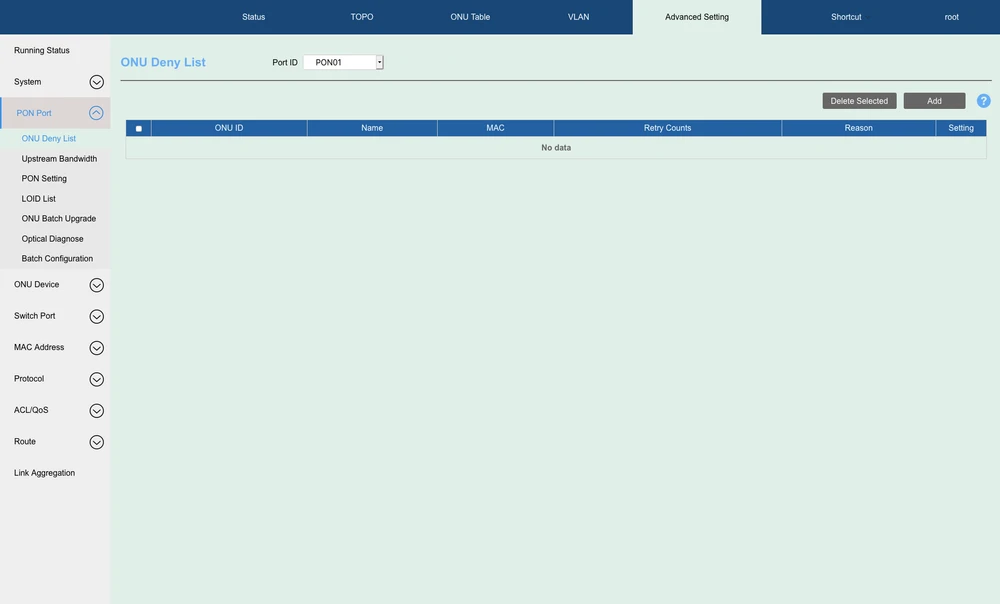
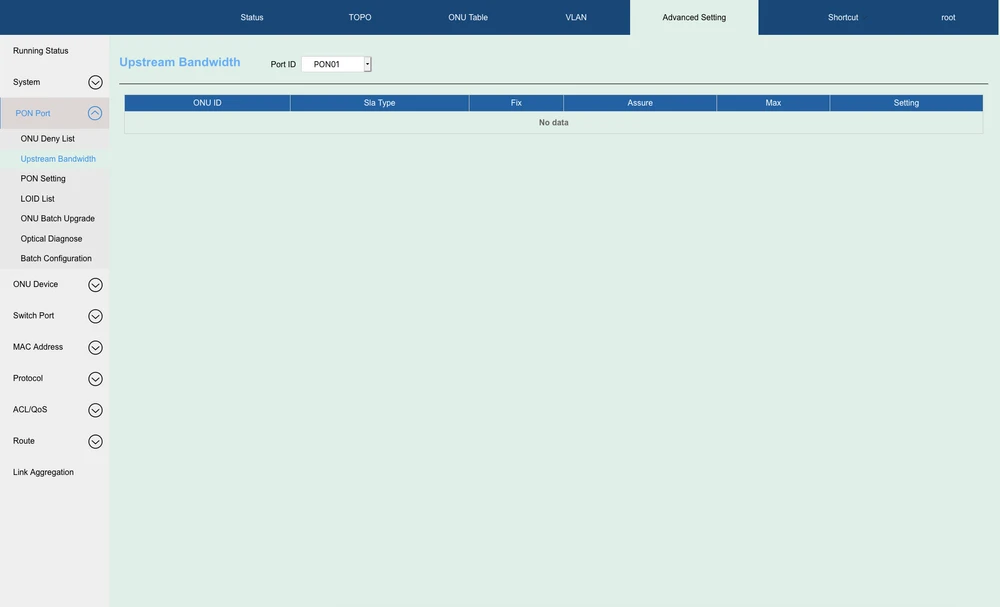
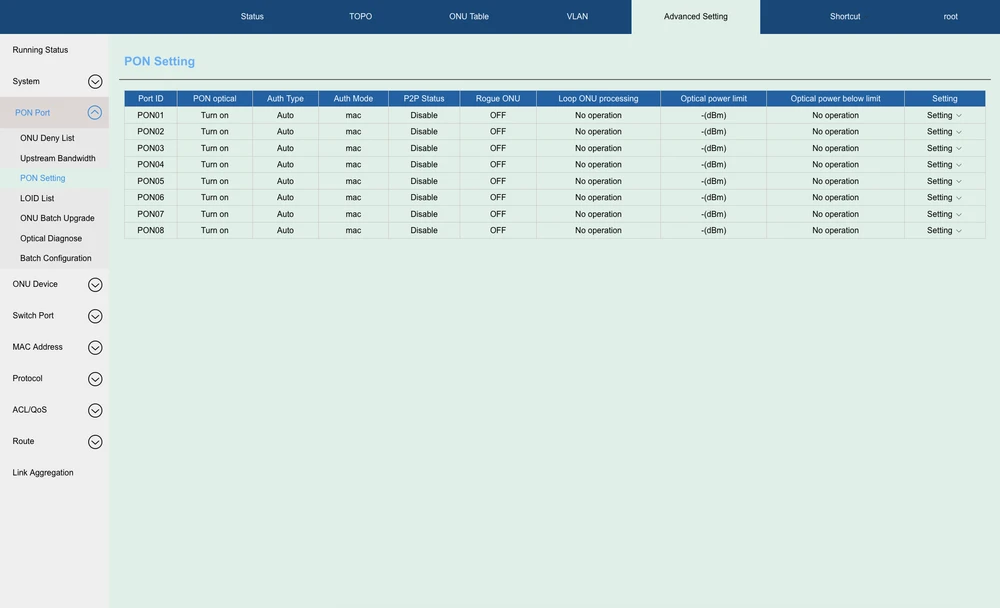
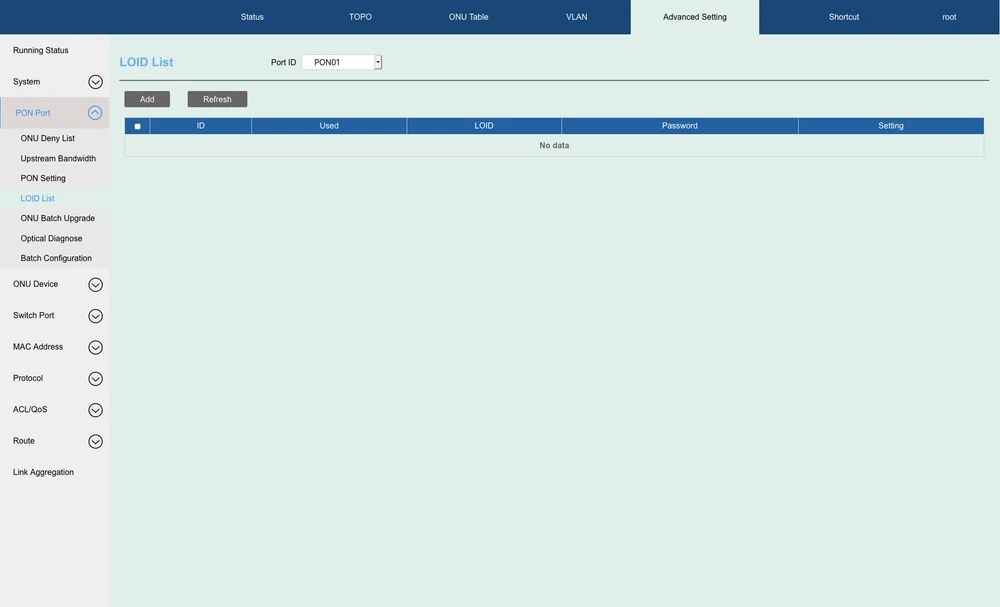
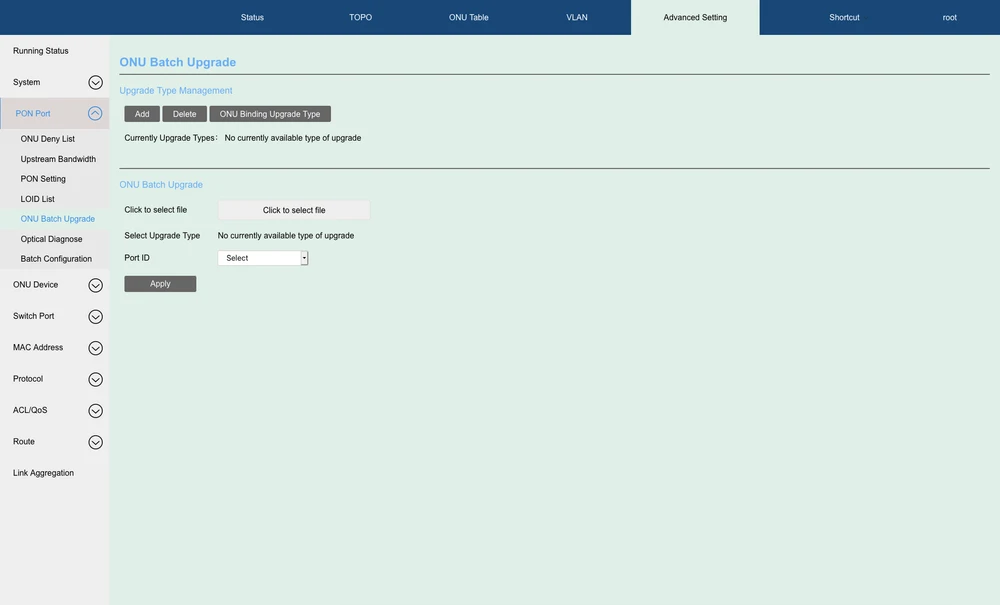
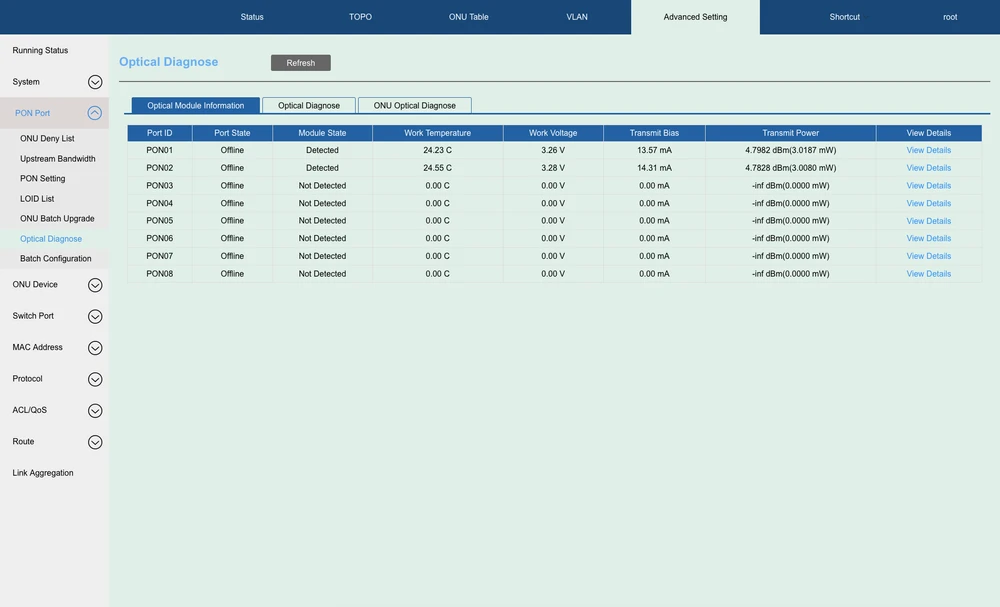
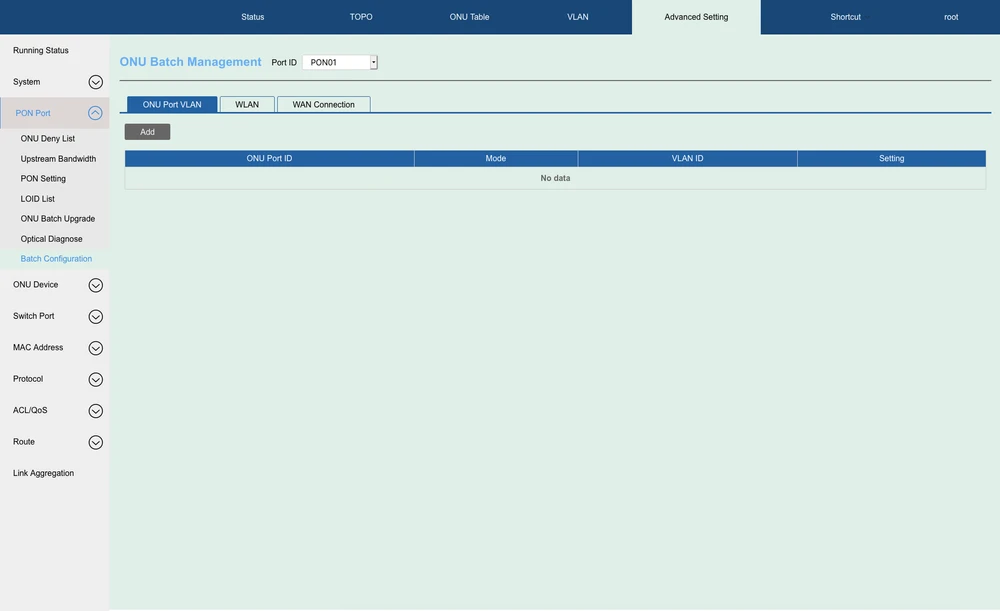
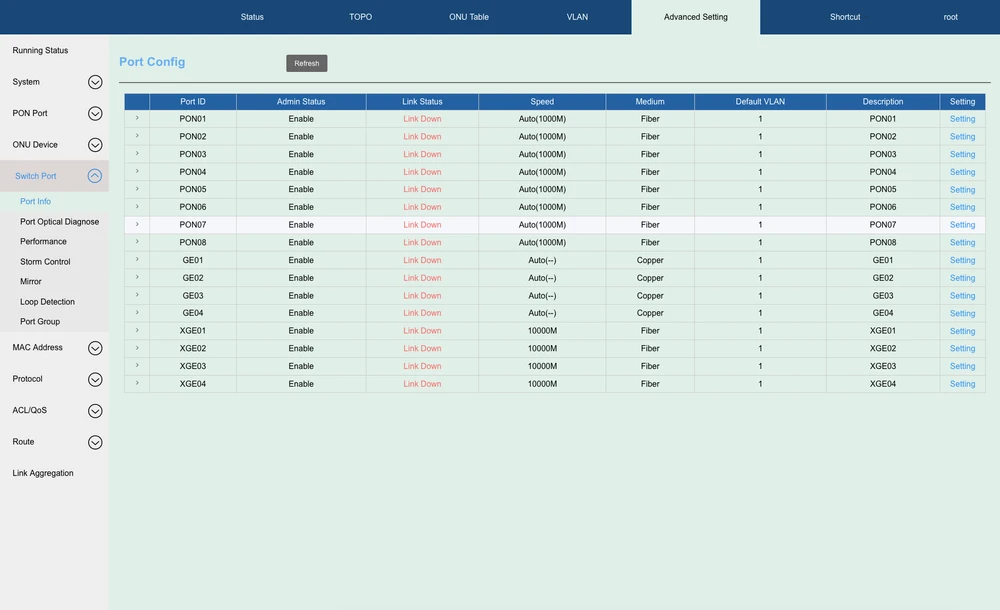
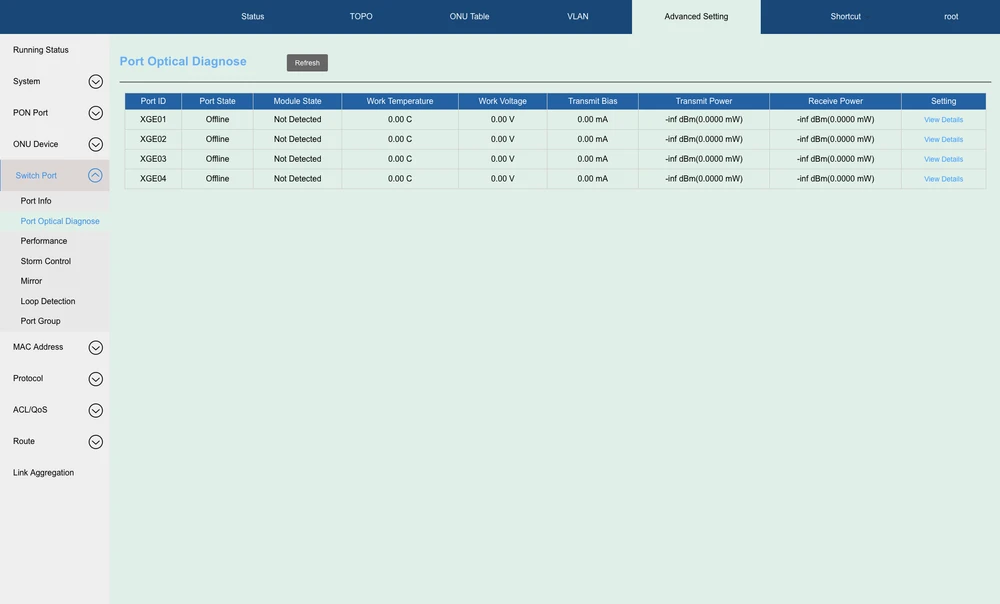
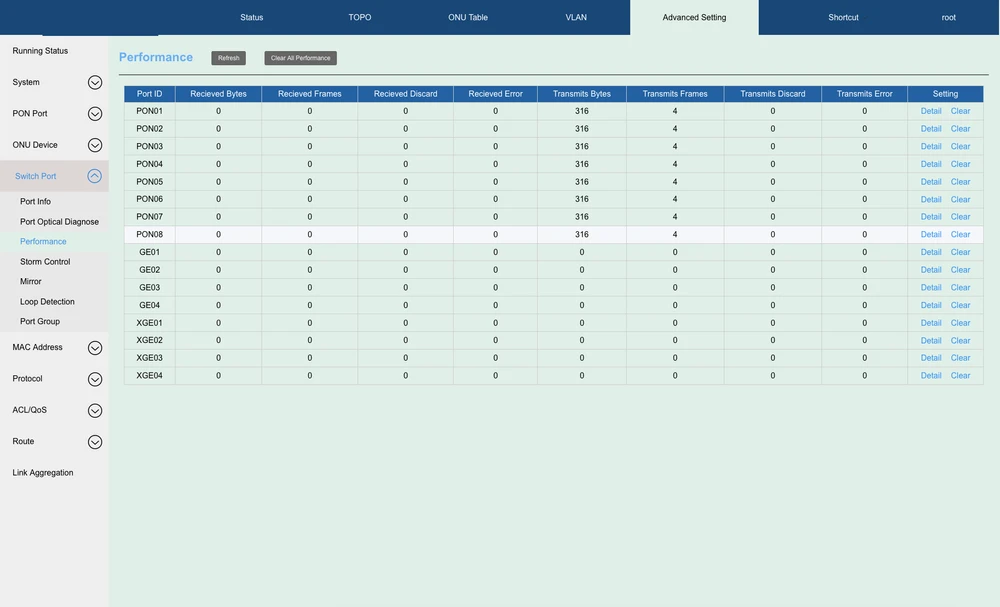
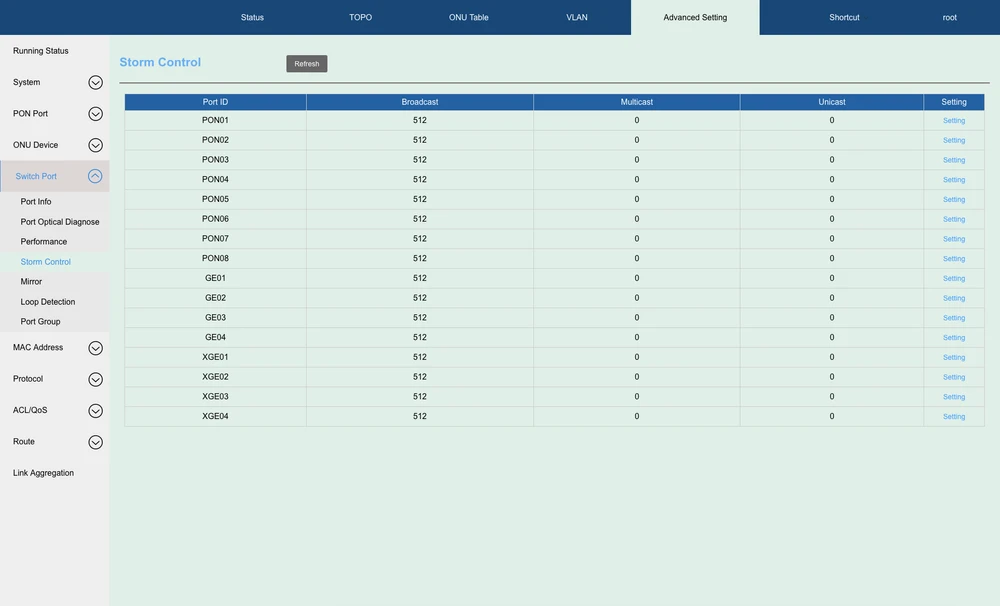
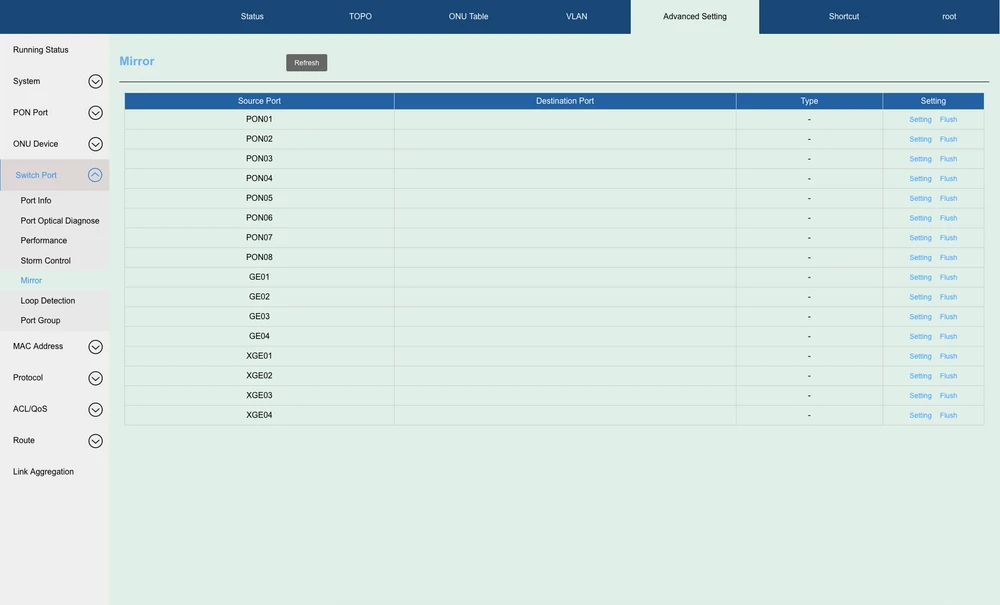
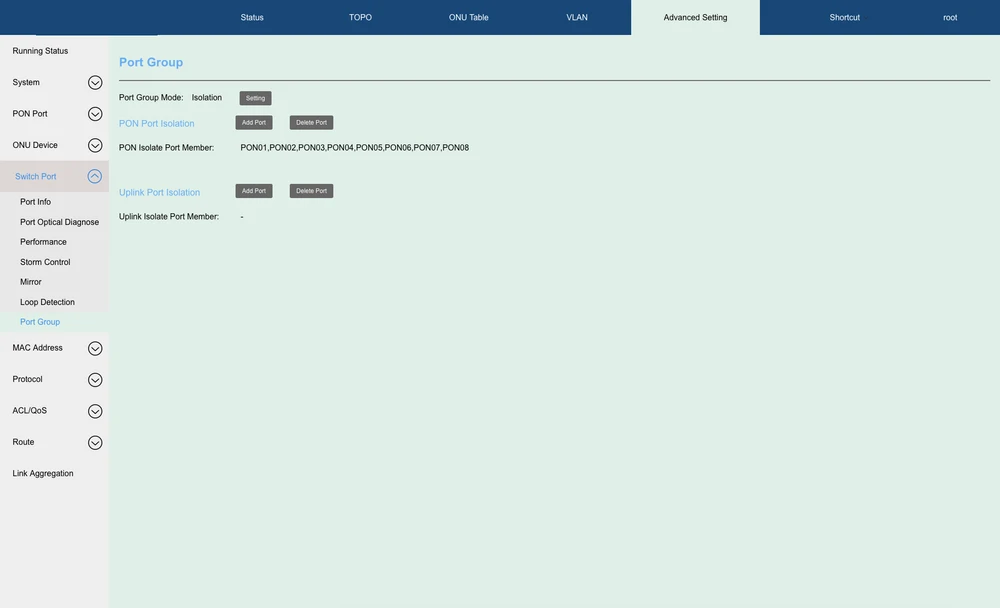
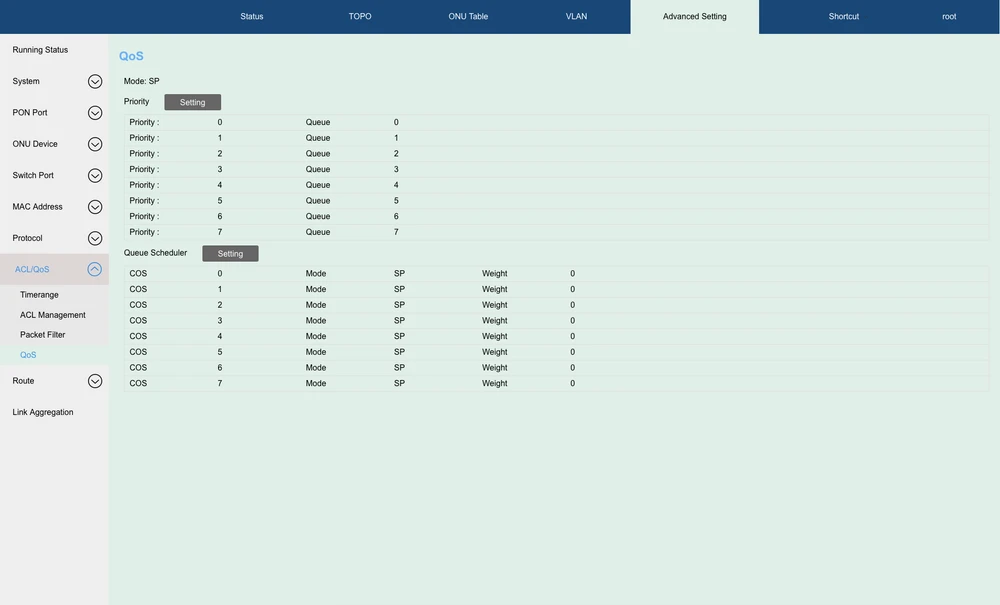
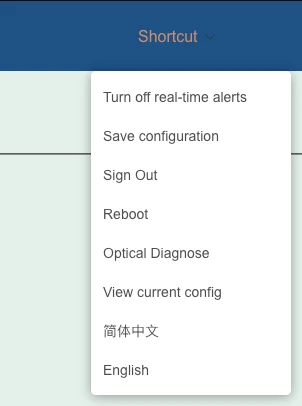
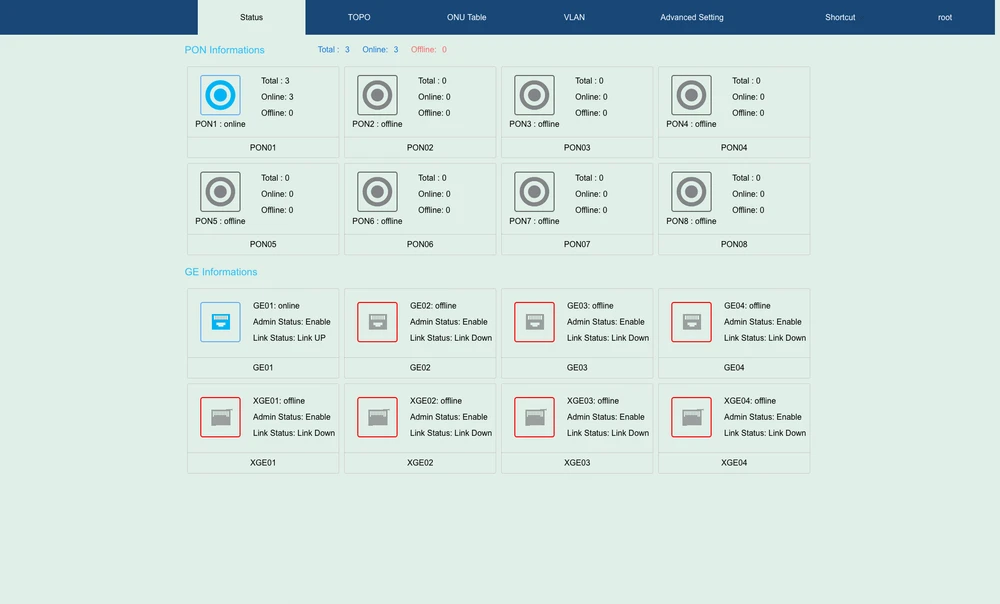
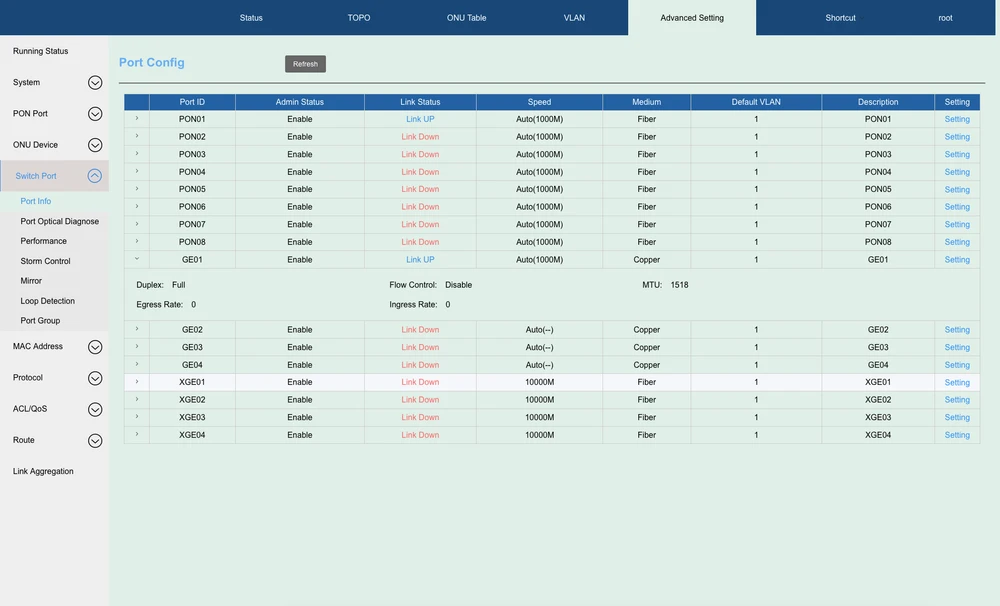
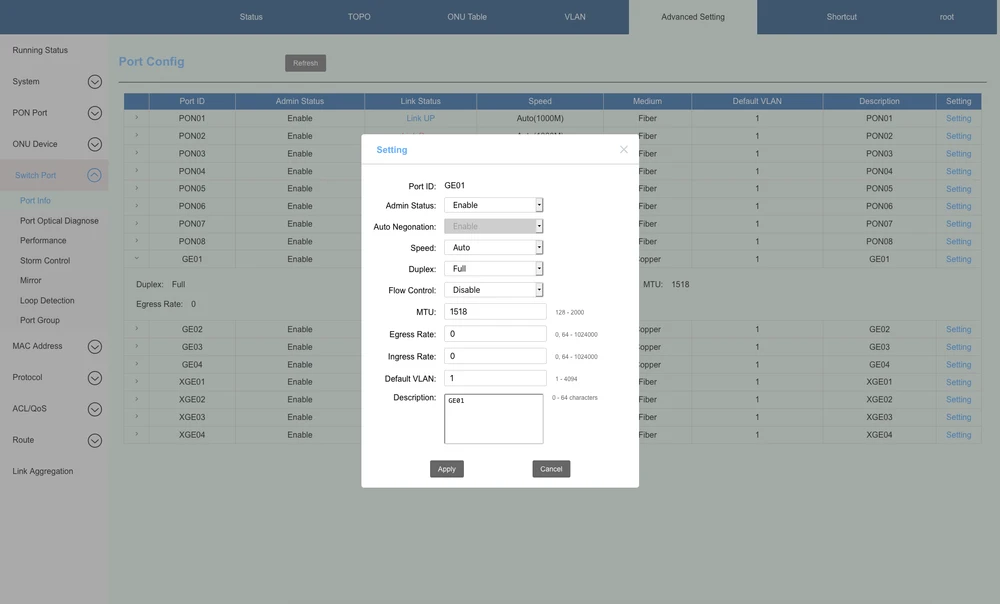
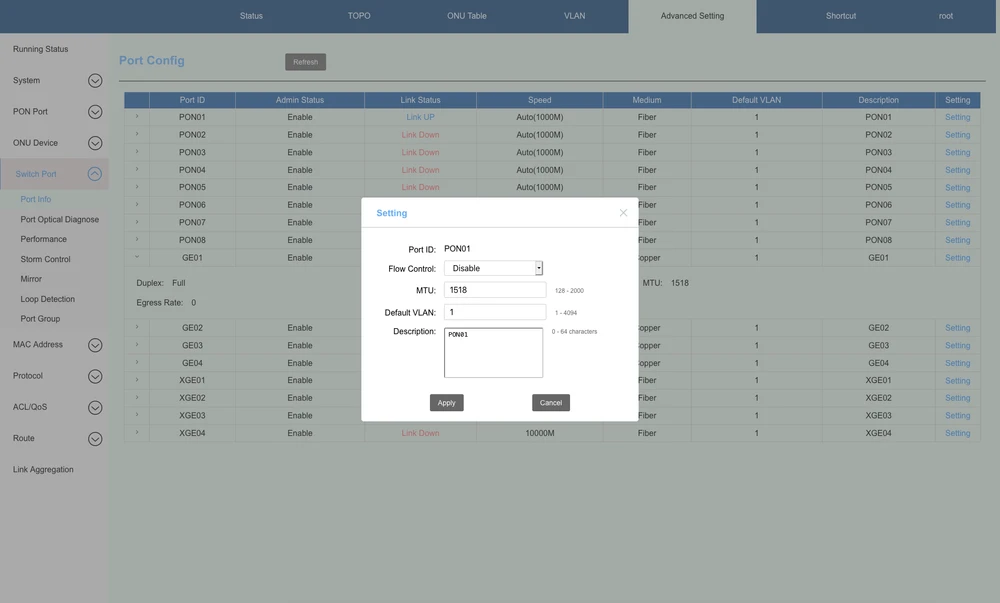
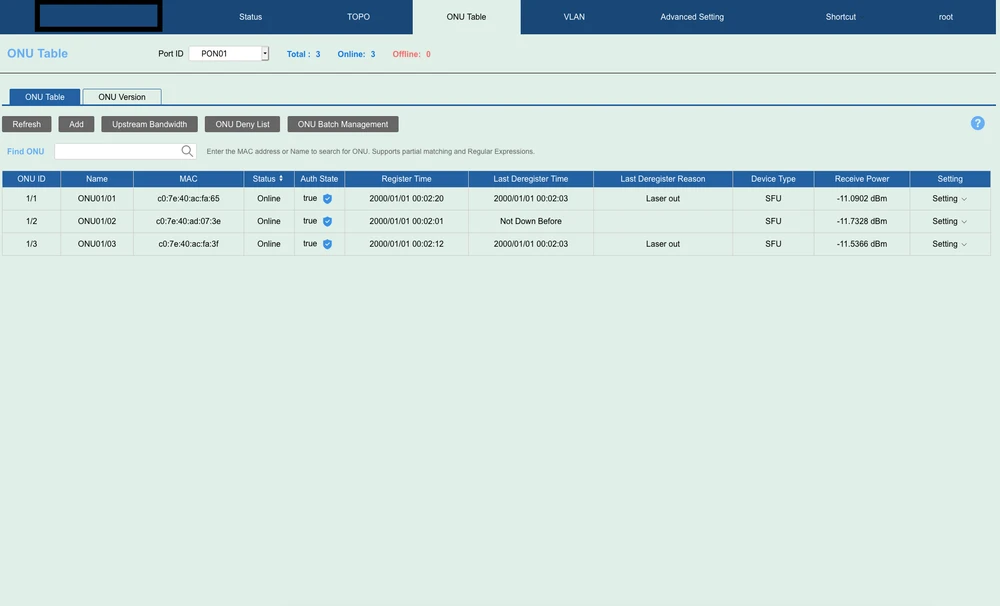
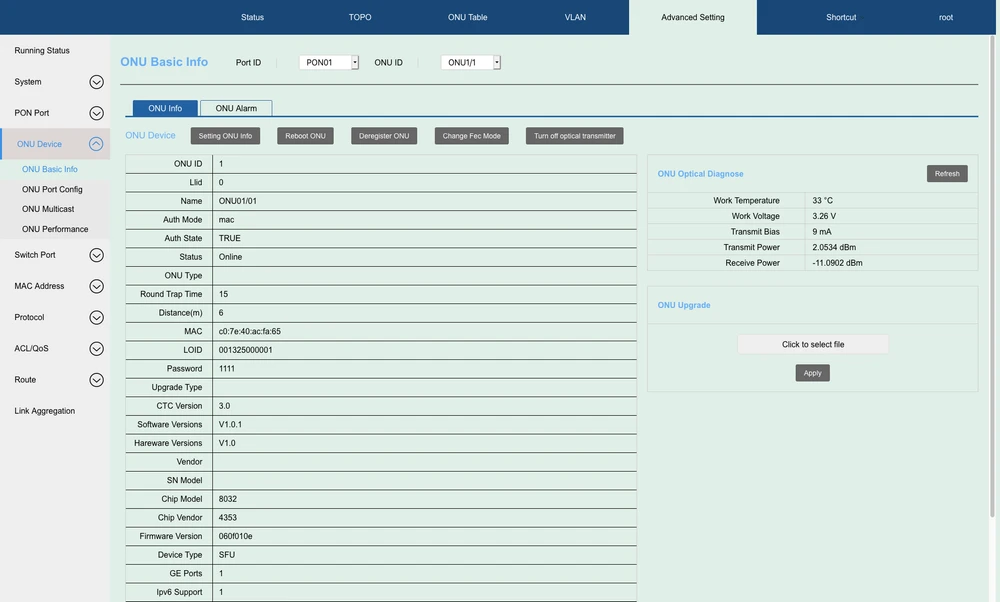
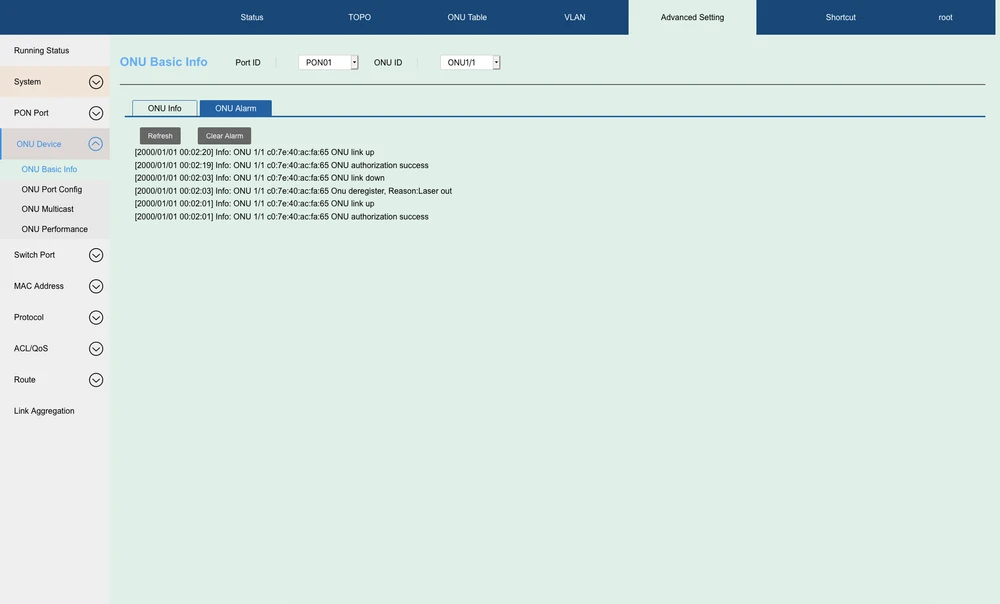
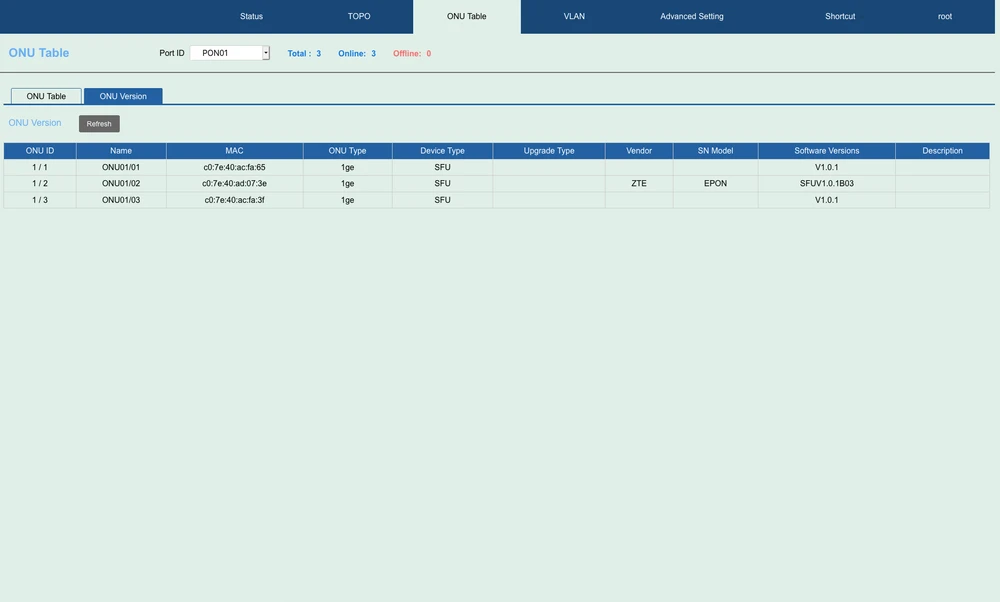
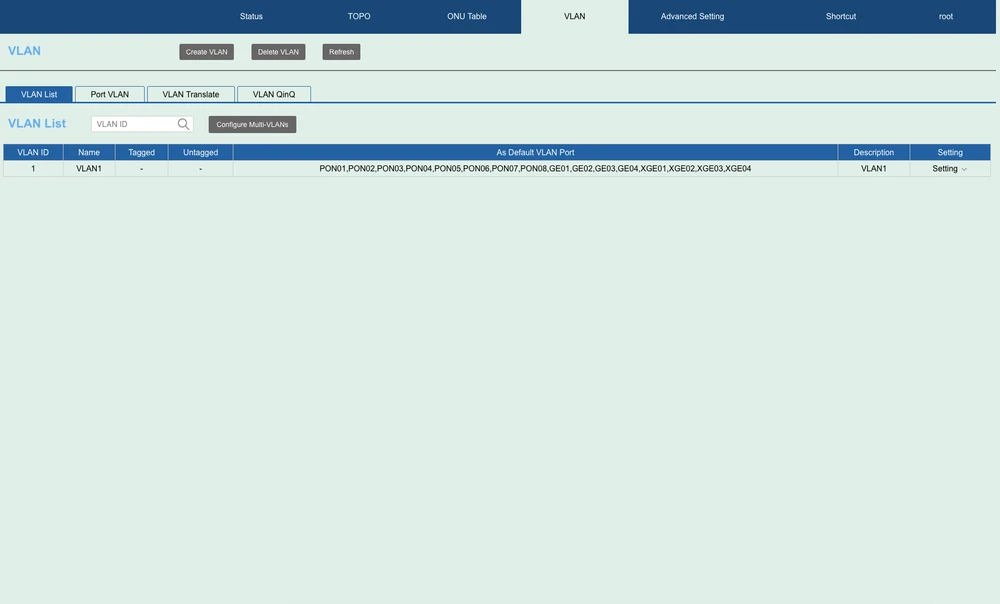
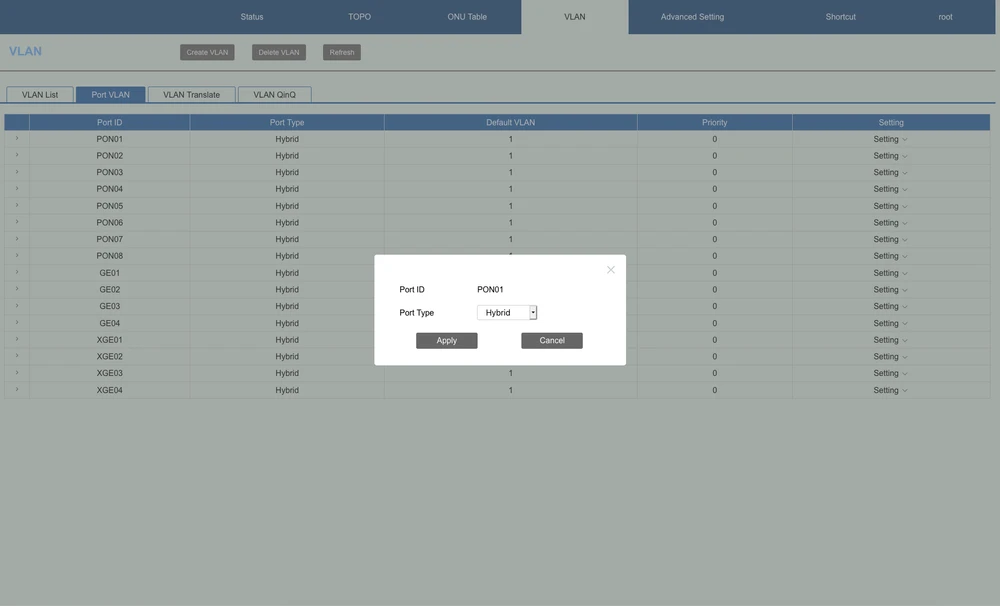
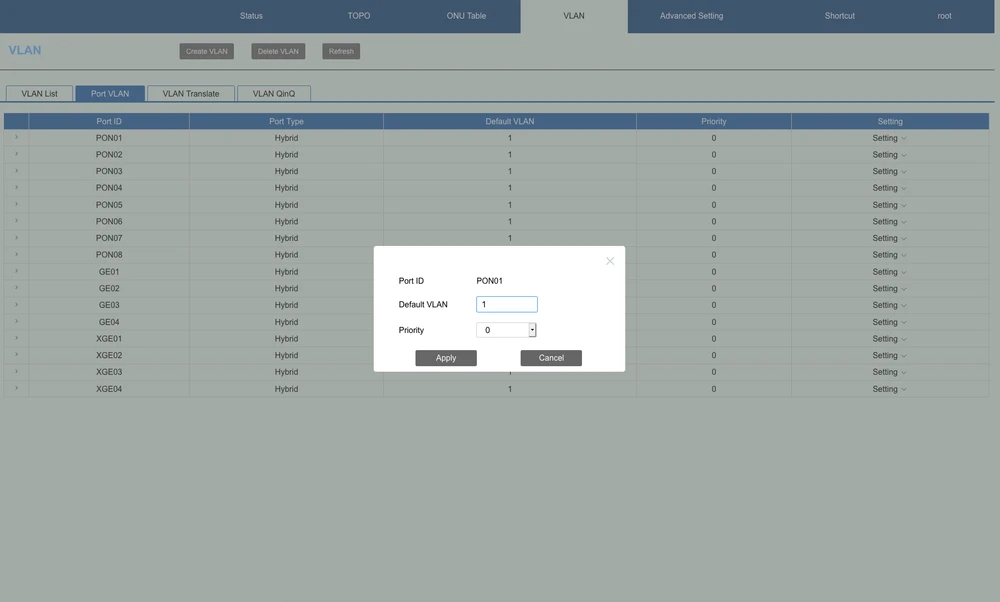
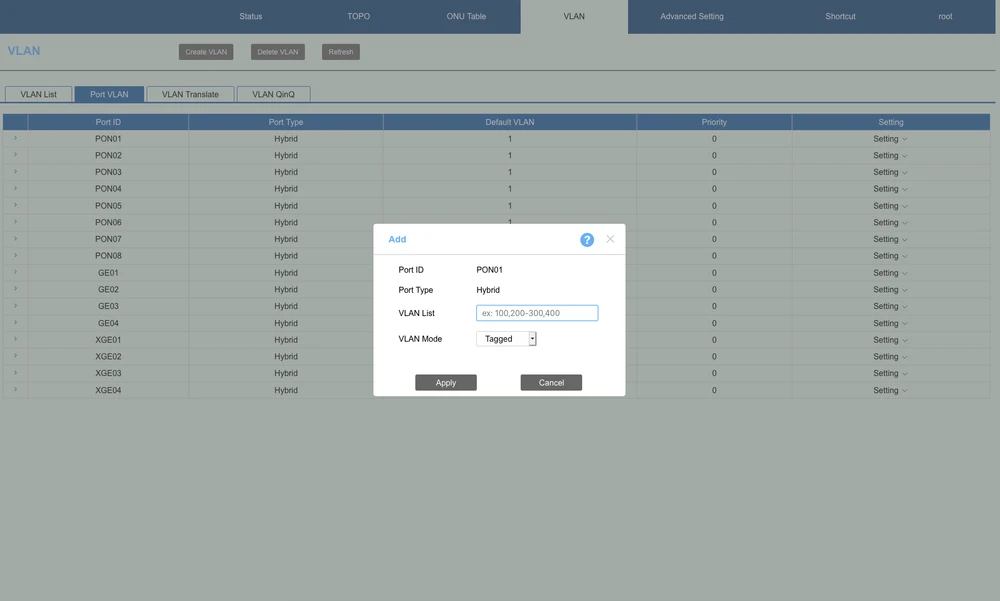
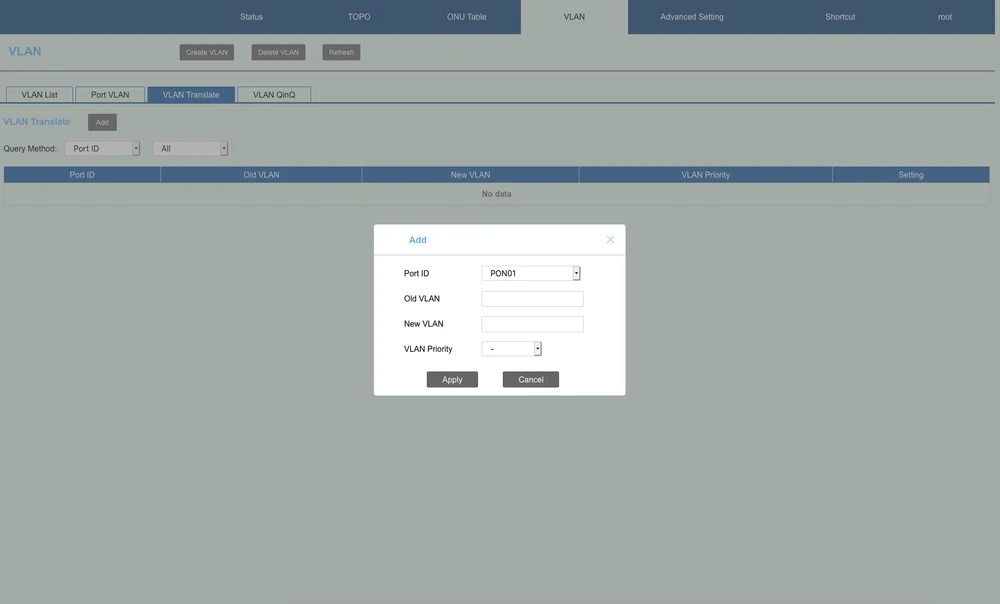
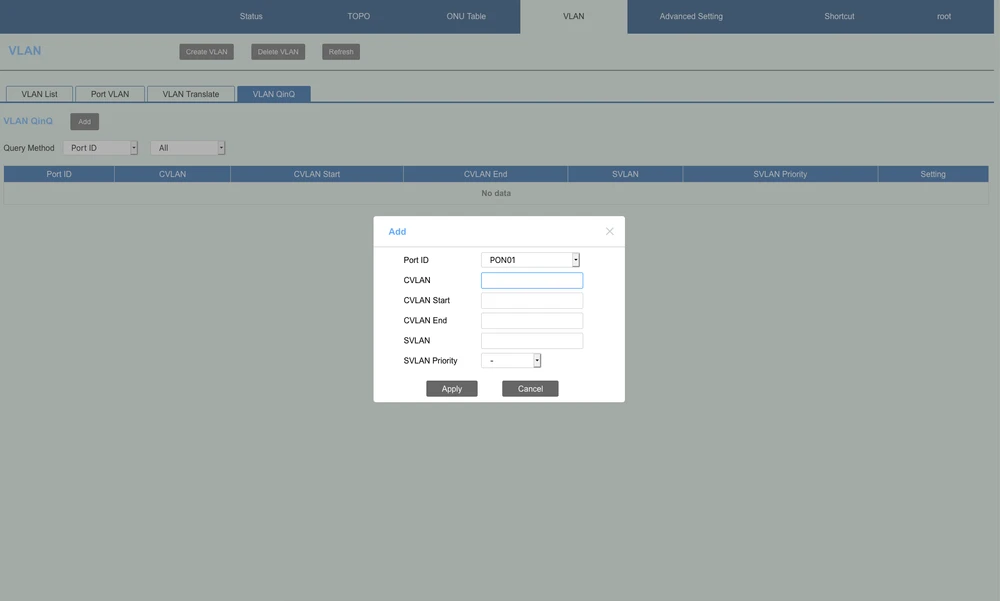
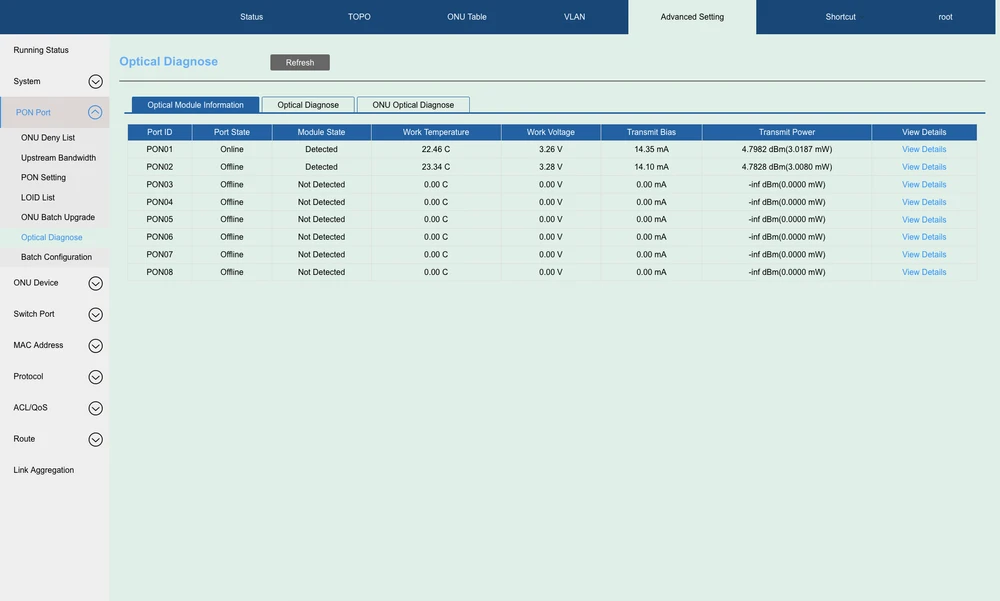
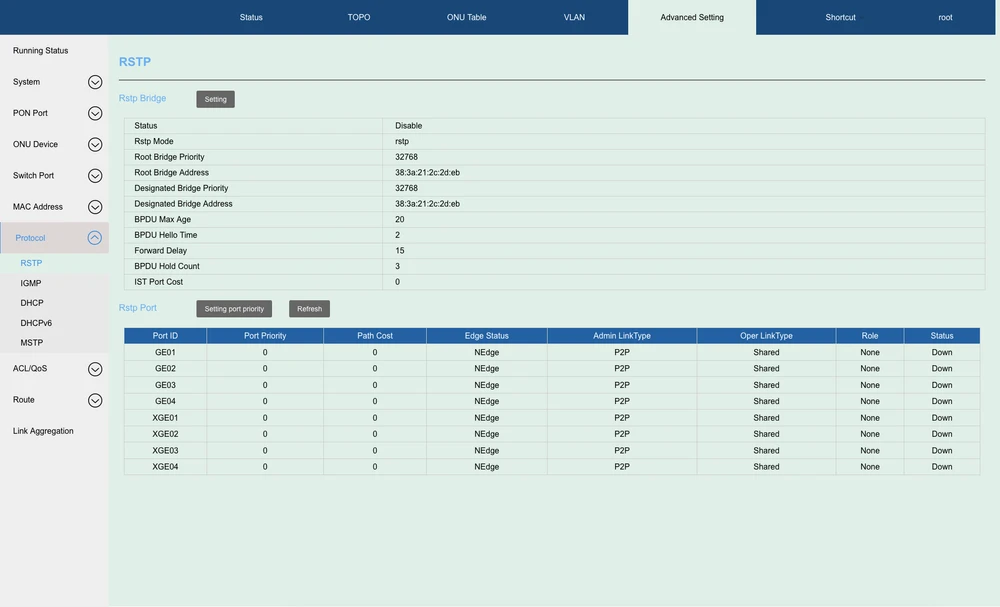
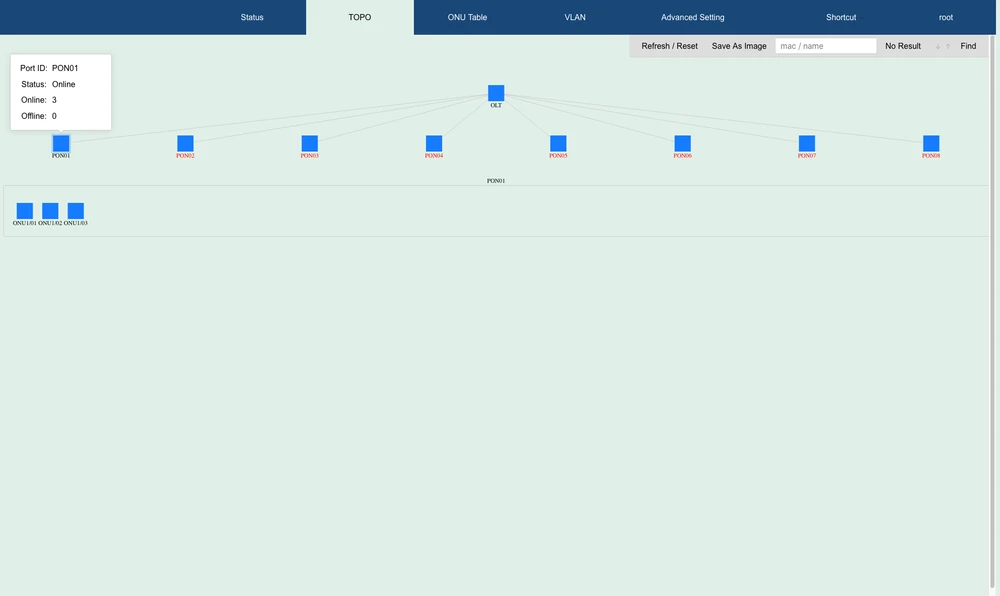
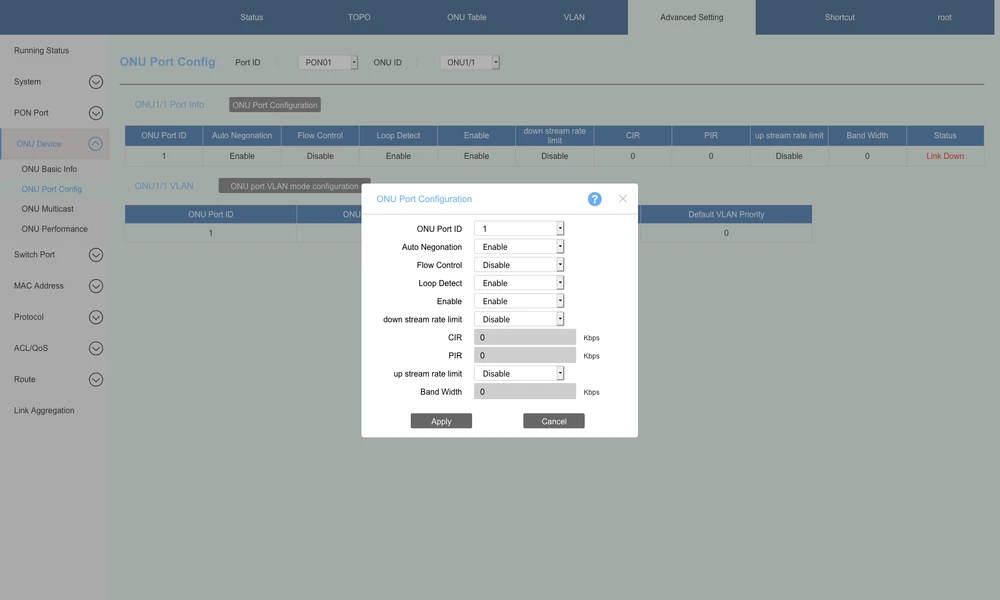
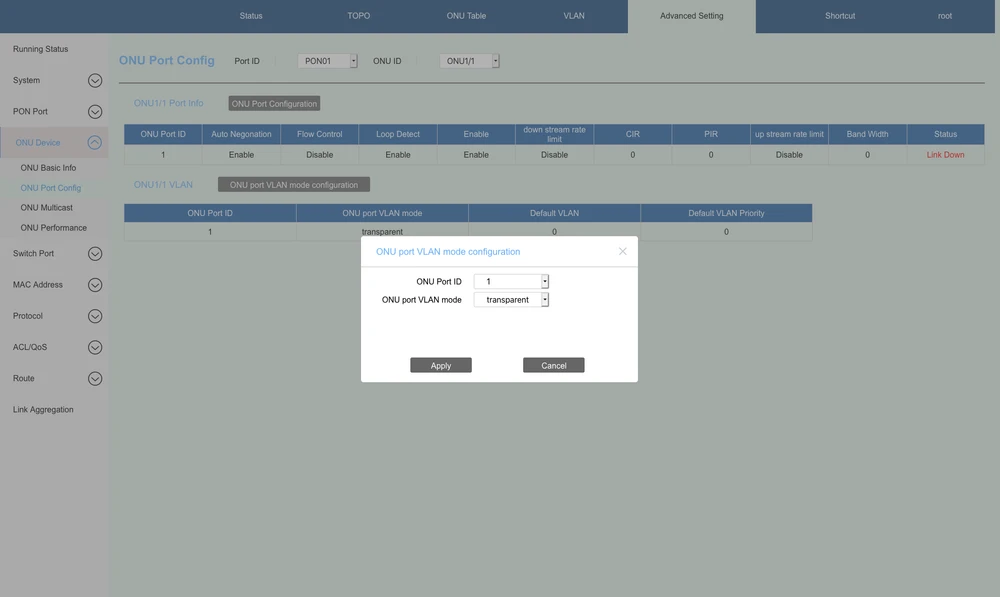
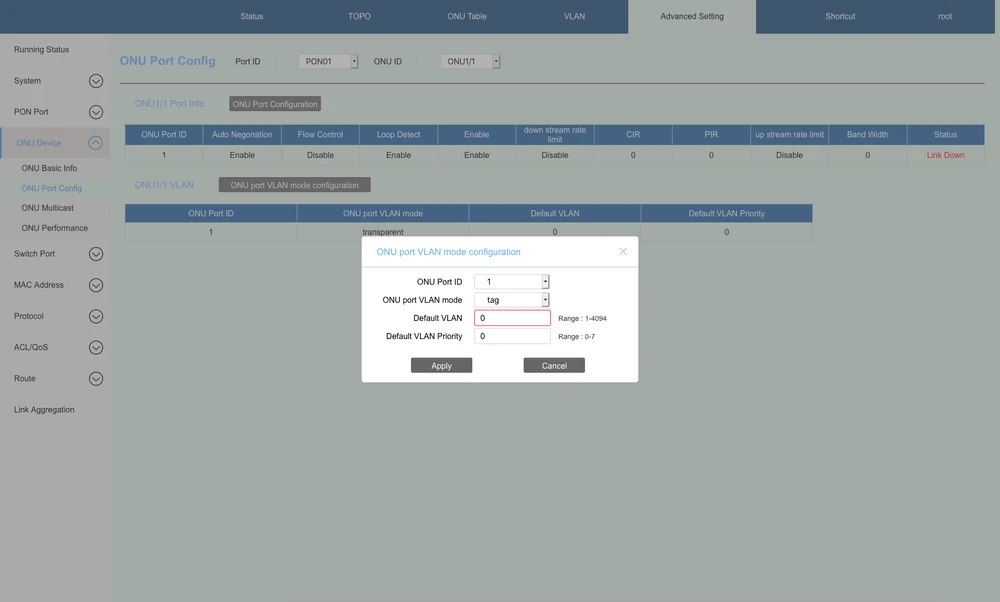
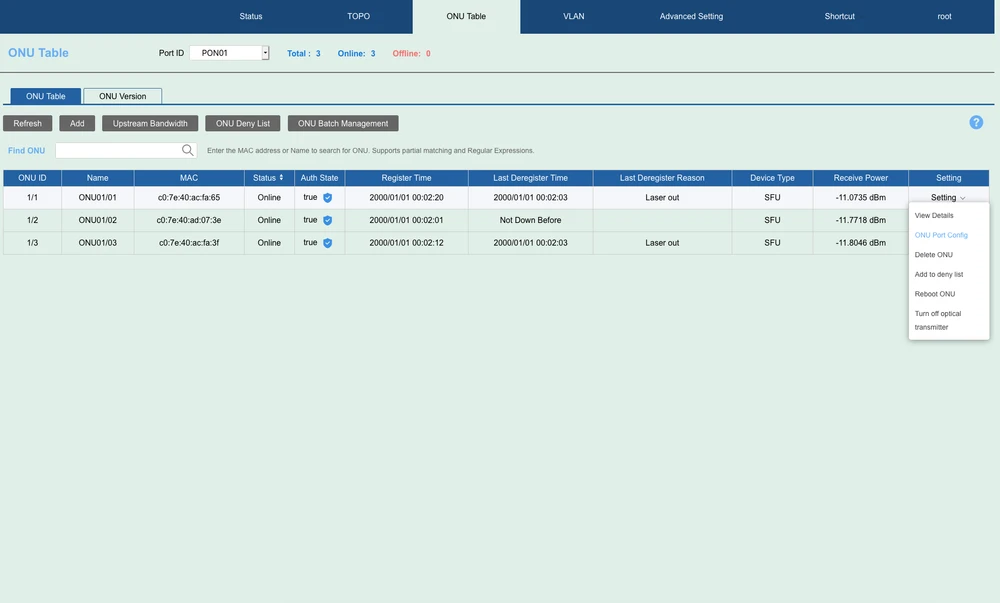
Of course everything configured above with CLI can be also configured via web interface. For less advanced users this is a great simplification in configuration. Personally I'm a CLI enthusiast, that's why I put only a few screenshots from the WEB GUI below. I'll just add that WEB GUI is really very user friendly. You can quickly find all needed options, and the configuration process via web is very intuitive and efficient.
Summary and conclusions
As a brief summary. Extralink Predator V2 is a very efficient OLT device. It will perfectly fit into any network based on EPON technology. The ease of configuration and intuitive web interface are clearly in its favor. Adding up to 4 ports 10Gbit SFP /RJ45 (uplink ports) make it a very efficient solution. It is also worth taking into account what costs we incur when building a network based on EPON. It is a much cheaper solution, compared to GPON networks, but many times it is enough to provide our customers with access to very fast Internet service. Such services as "Triple-Play", CPN, IP Camera, Enterprise LAN, and IOT work without any problems on the Extralink Predator V2 OLT EPON. Another noteworthy feature is redundant power supply, thanks to which we have guaranteed reliability. As you can see above, the device is very easy to configure, which is extremely important for those who start their adventure with fiber optic networks. Welcome to our web forum in the Extralink section, where you can get great support about our products. Of course, any comments and suggestions are welcome.
Authors:
Wojtek Repinski
Leszek Błaszczyk
Authors:
Wojtek Repinski
Leszek Błaszczyk