Totolink N600R Performance Test
Manufacturer Totolink

Totolink N600R Specifications
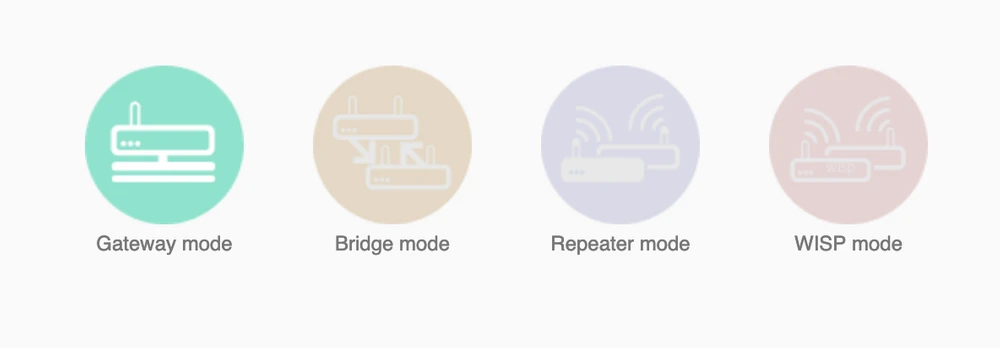
- Gateway mode
- Bridge mode
- Repeater mode
- WISP mode
Totolink N600R Construction
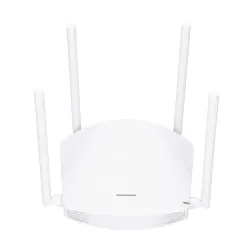
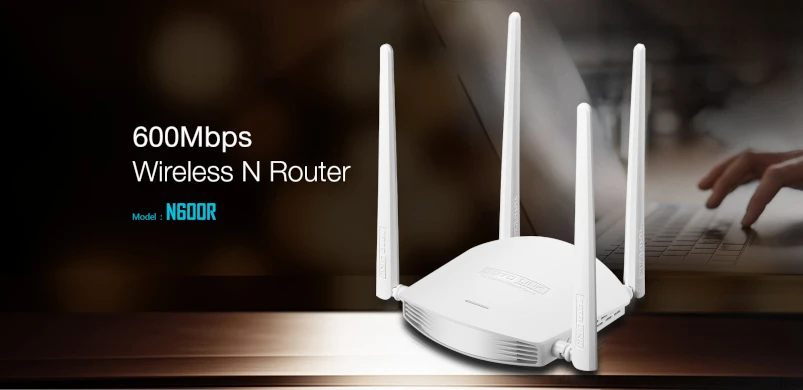
The N600R has a very simple and compact "crab-like" design. The device is equipped with 4 external high performance antennas reaching 5dBI, which in theory provide stable WI-FI transmission over long distances. Unfortunately, the antennas are fixed permanently, so in case of any failure we are not able to replace them. The front panel is unusual, we will not find the classic indicators of ports, Internet connection status or WI-FI activity here. Instead, on the top panel there is a LED indicating the operation of the device in Turbo mode. It lights up red or green depending on the activation.
.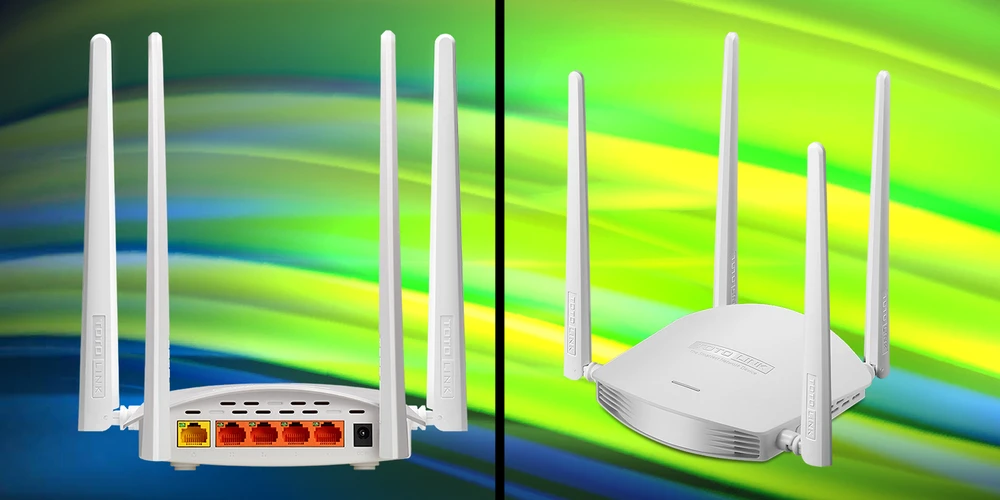
Turbo button is located on the right side of the case. Based on the manufacturer's specifications, when turned on, the router's output power increases to 6dBm. According to the manufacturer's claims, Turbo mode expands the wireless range by three times.
On the left side of the chassis is the RST/WSP button - press it for 1 second to activate WPS, 5 seconds or more to reset the router to factory settings.
On the back of the device there is a power connector, 1 WAN port for Internet connection and 4 LAN port for connecting devices on the local network. The speed of all network ports is 100MB/s. In addition, each port is equipped with LED activity indicator. This type of LED placement is very inconvenient.
Configuration
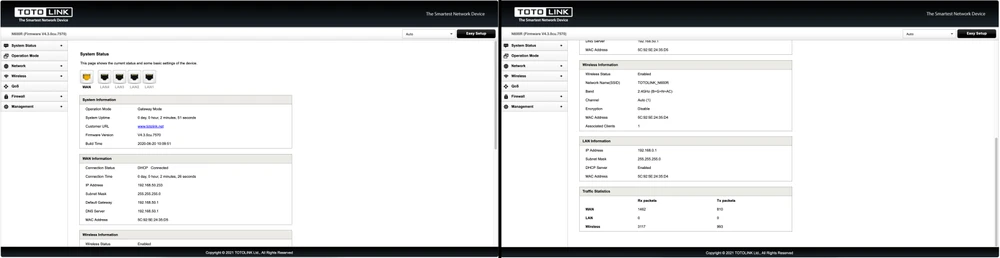
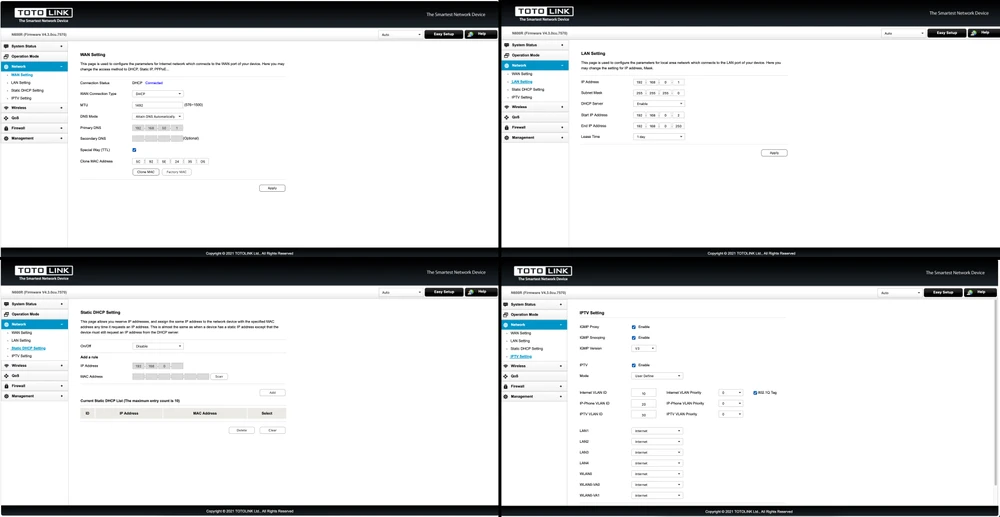
Connecting and configuring the Totolink N600R is very simple and intuitive, without any special problems. Everything is literally done in a few clicks using the wizard.
Configuration Guide- 1. connect Ethernet cable from your provider to WAN port (yellow).
- 2. Connect an Ethernet cable from your computer to any LAN port.
- 3. open any browser and enter the address 192.168.0.1.
- 4. enter the default user name and password "admin".
- 5. Select the type of Internet connection of your service provider, set a WI-FI network name and password.
- 6. Click Apply, the router will reboot and after about one minute you will see a successful configuration message.
Note:
We recommend that you enable "BG Protection Mode" -> AUTO and "Preambule" in the Advanced Setting. -> AUTO and "Preambule Type" -> Short Preambule



 ,
, 

Totolink N600R Performance Test
Before we get into performance testing, we need to do a little introduction. The Totolink N600R router uses MIMO (multiple input, multiple output) technology with a 4x4 antenna configuration. Thanks to this application, connection speed should theoretically reach 600 MB/s for 2.4 GHz band. The aim of our tests is to verify the range of the wireless network both in terms of signal coverage and real speeds available in the building.
For 2.4GHz connections, we assumed the maximum channel width to be 20MHz. The testing device was a MacBook Pro A1502 equipped with a built-in AirPort Extreme wireless card (Broadcom BCM4360 3x3, 1.3 Gbps PHY) operating in the 802.11a/b/g/n/ac standards.
Performance measurement
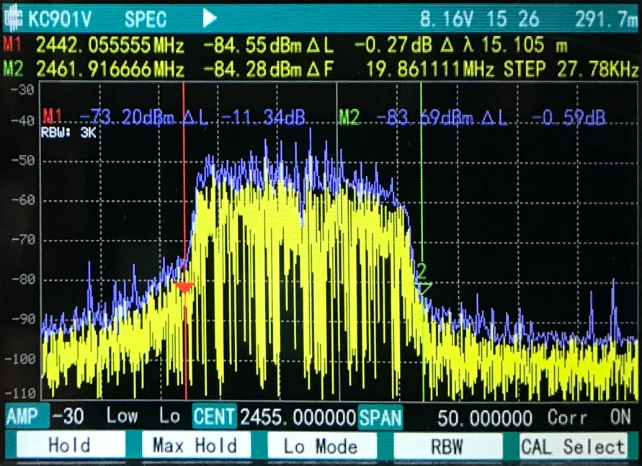
We tested the work of Totolink N600R with a meter designed for wireless devices. The first test we performed was with the Turbo button turned off. Despite the 20/40 MHz channel width setting, the device worked very well in the 20 MHz range. The device was tested in active environment with other 2.4 GHz Wi-FI networks and Bluetooth devices.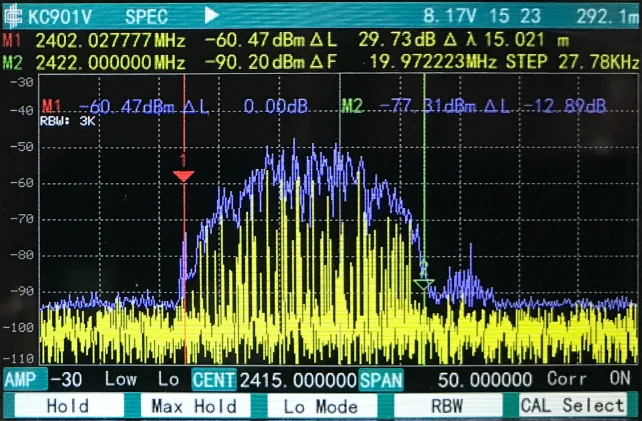
Signal map
To make the signal map we used the AirSurvey software. To read the signal levels correctly please pay attention to the color legend at the bottom of the picture. Location of the access point is marked with an appropriate icon.
Speed test
Before speed testing, we verified the maximum performance of the LAN and iperf3 server. The aforementioned laptop was connected via a 10/100/1000Mbps network card to a switch. We obtained the following maximum speeds for a single TCP stream:- Measurement Point No. 1


- Measurement Point No. 2


- Measurement Point No. 3
- Measurement Point No. 4
- Measurement Point No. 5
- Measurement Point No. 6