Unifi Access from Ubiquiti - Configuration and Installation
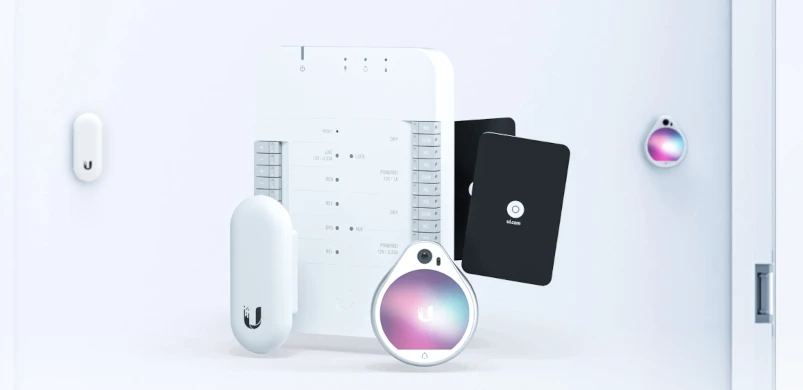
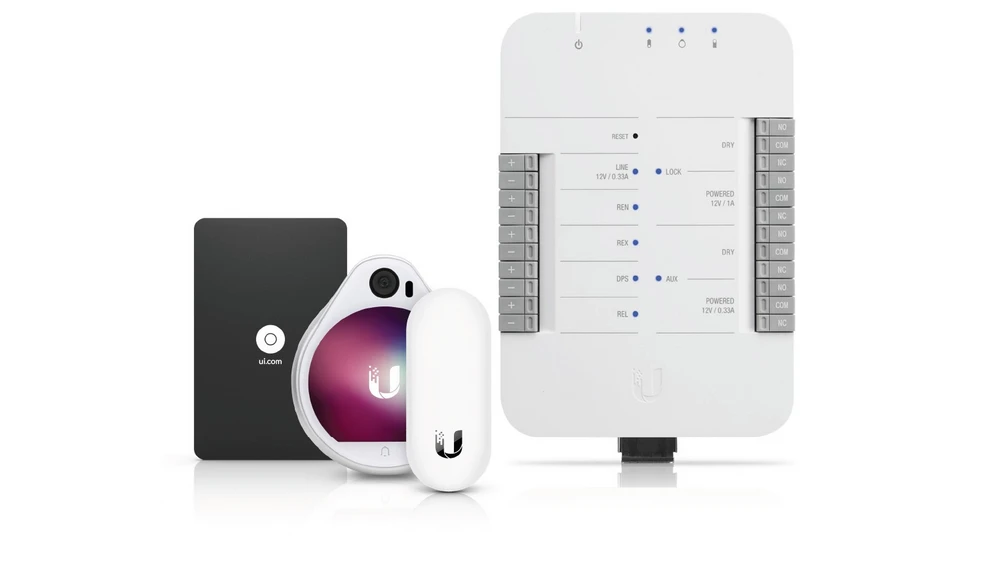
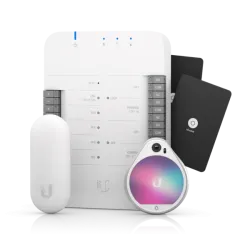
The UniFI Access Starter Kit consists of:
UniFi Access Reader LITE
UniFI Access Reader Lite is a compact and reliable NFC reader as part of a comprehensive UniFI Access system. The device communicates with other components via a 10/100Mbps Ethernet port that supports Power Over Ethernet (802.3af PoE). The reader itself allows you to control the entering and exiting of employees, you can gain access to the office or certain rooms by using a NFC card. Another advantage of this device is fast and easy installation and its modern NFC security standard (13.56 MHz).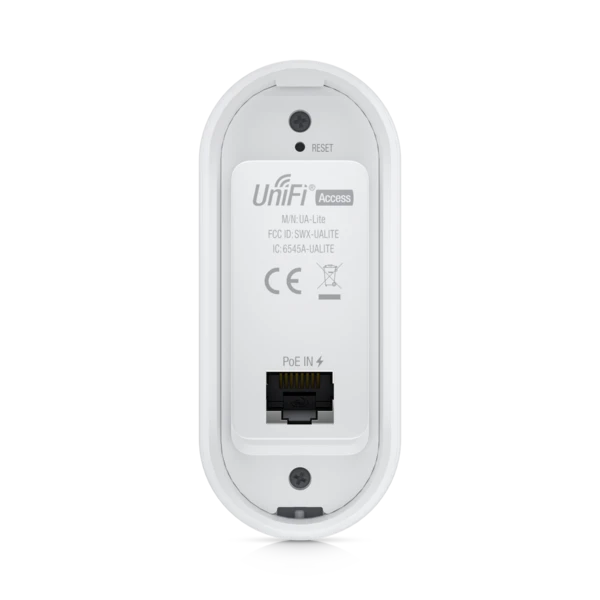
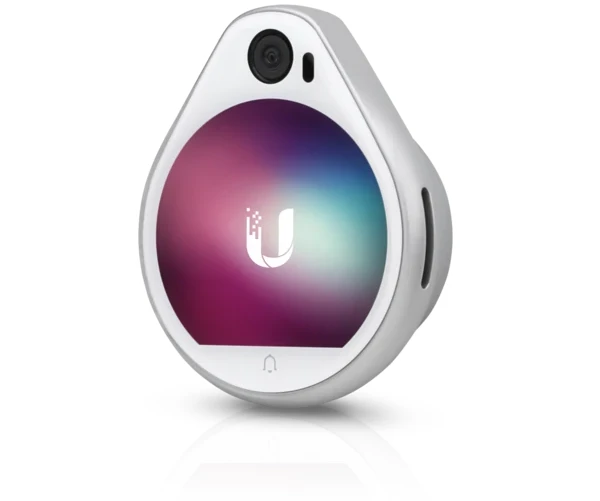
UniFi Access Reader Pro
UniFi Access Reader Pro is a compact and reliable NFC reader equipped with a touch screen with an integrated camera. The device works in FULL HD resolution and the installation itself is simplified by a bracket with a level to mount the device evenly.Key Benefits:
- NFC and Bluetooth support
- IP54 protection
- Compact design
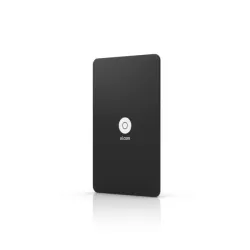
UniFi Access Card
The kit also includes 20 NFC cards for the aforementioned readers. These cards are encrypted with a special algorithm that cannot be replicated. UniFi Access itself can also support other NFC standard cards, so you can keep your existing NFC cards with peace of mind.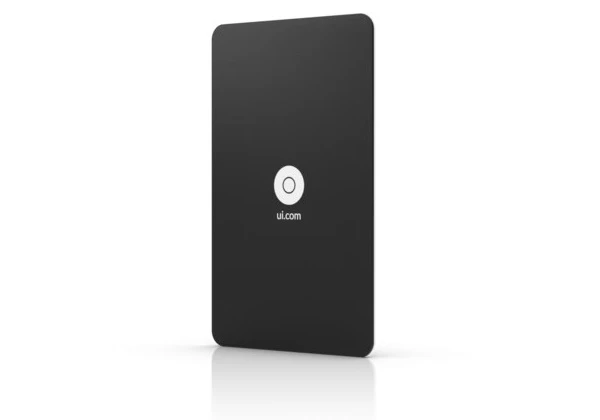
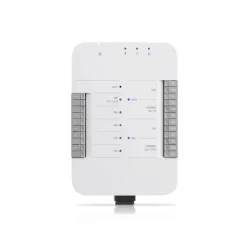
UniFI Access Hub
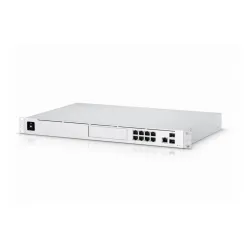
UniFI Access Hub (UA-HUB) is the last device included in the set. This product does not work independently, it has to be connected with the Qnap NVR UDM-PRO, which unfortunately has to be purchased separately. UA-HUB has an intuitive browser-based interface allowing simple configuration. To power UnIFI Access HUB and other components of the system you need a 802.3bt PoE source (PoE++). Besides that the device has a 12/1A power connector, three 802.3af PoE ports for UniFI readers. On both sides of the case we can also find connectors for electric locks and sensors. The whole device is made of high quality plastic with a mounting rail.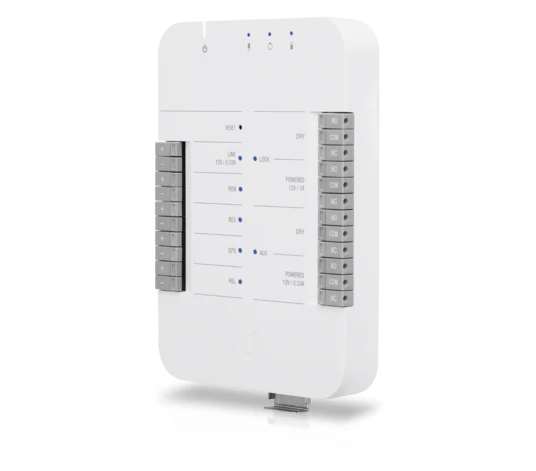
Connecting and configuring UniFI Access Starter
Connection diagram
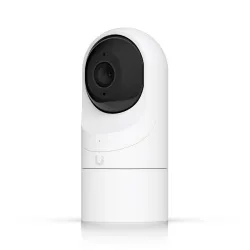
In the diagram below you can see the UVC-G3-FLEX camera that is not included in the set. We suggest to extend the set with this camera to increase functionality of the system.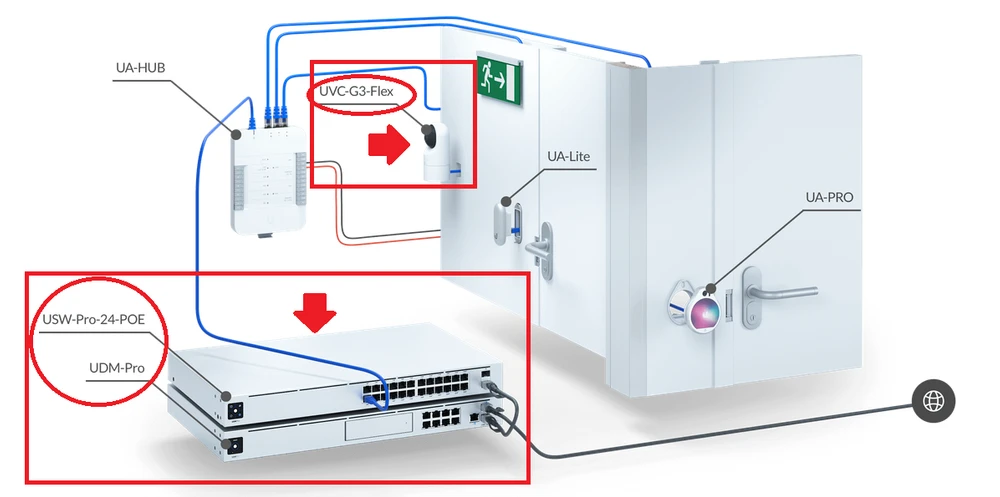
UniFI Access system configuration
- Connect the UA-PRO camera and NFC reader to the UA-HUB port.
Note: The manufacturer recommends connecting these devices to the UA-HUB before running the configuration wizard on the UDM-PRO access controller.
- Connect the UA-HUB to the local network using an Ethernet cable through the "PoE In" port. 3.
- Once power is connected go to a web browser and start the configuration from the UDM-PRO.
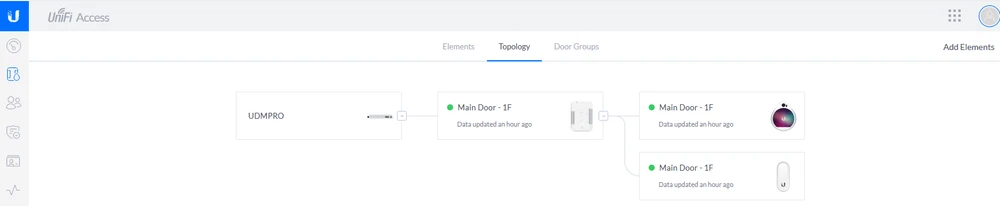
Note: Before configuring the UniFI Access Kit system, make sure that the UA-HUB and UDM-PRO are connected to the same local network, and that the UA-PRO and UA-LITE are connected to the UA-HUB.
UDM-PRO configuration
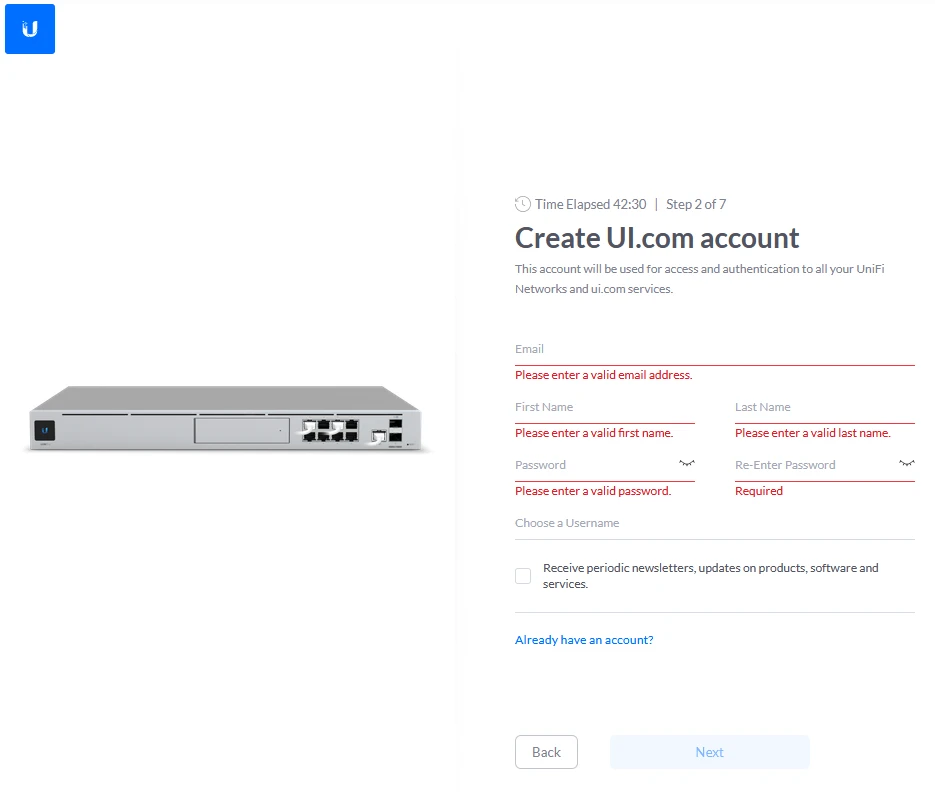
We will start the configuration of the entire UniFI Access system with the UDM-PRO device. The first thing we need to do is create our account in the UI.com ecosystem. We click on the "Create Account" tab, which will take us to the registration site.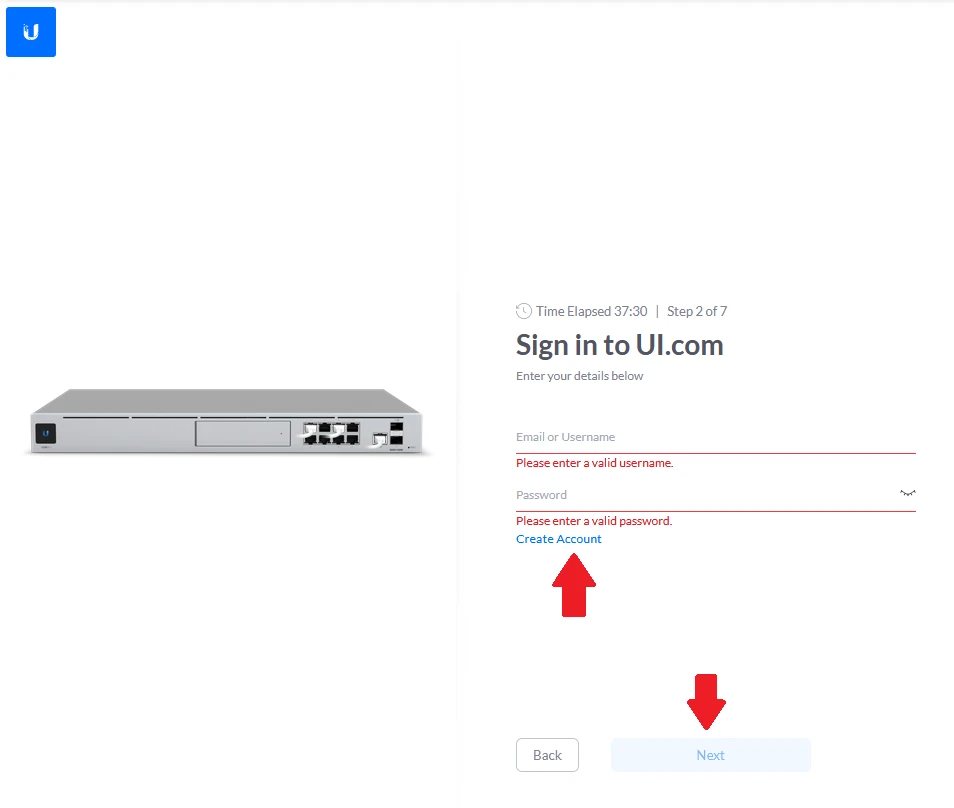
- E-Mail address
- First and last name
- Password
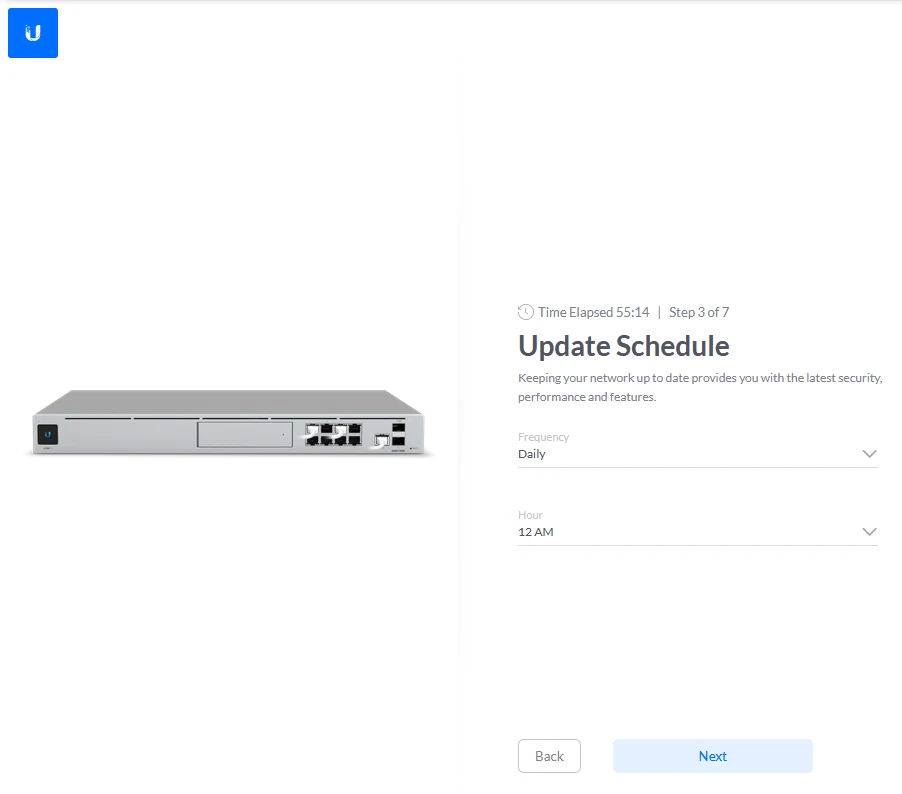
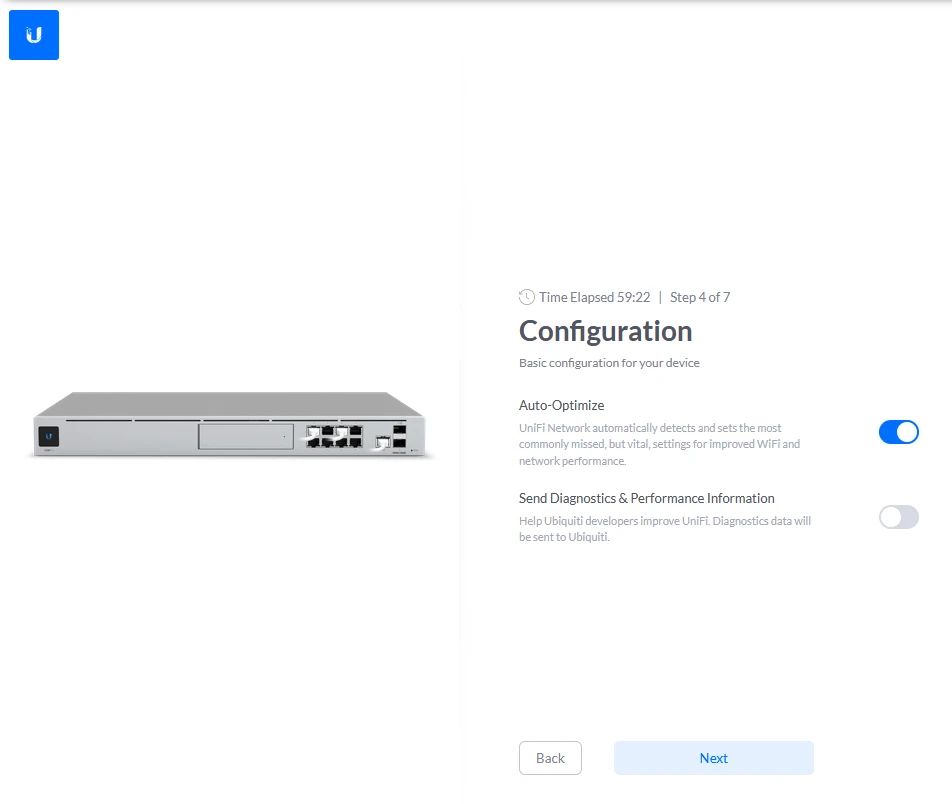
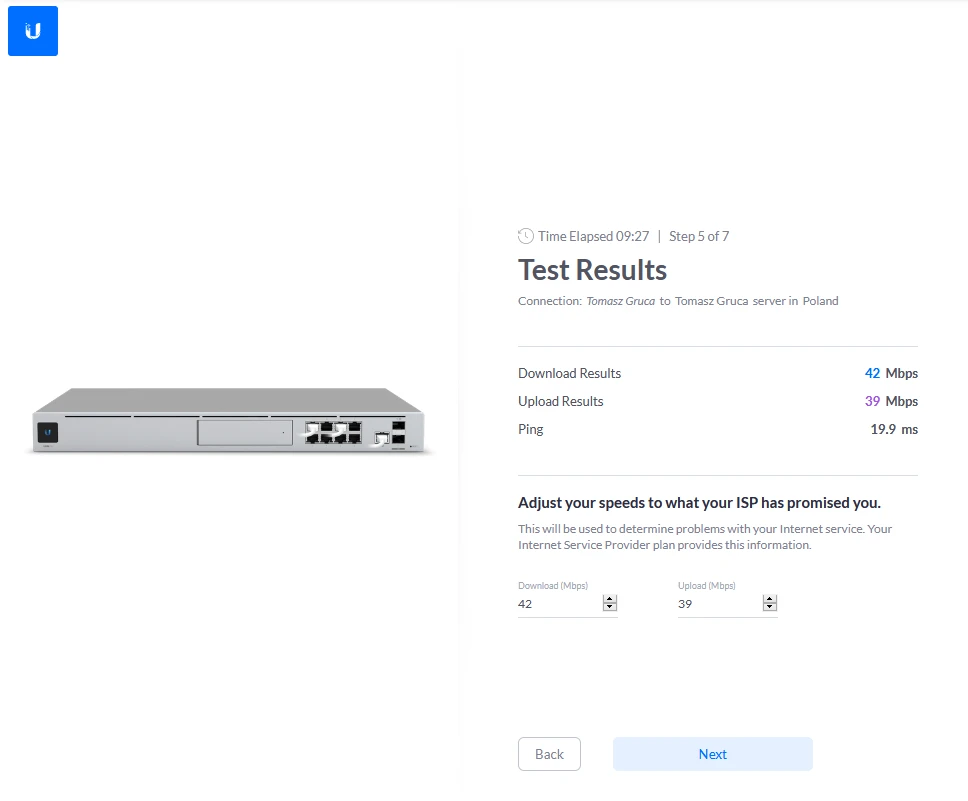
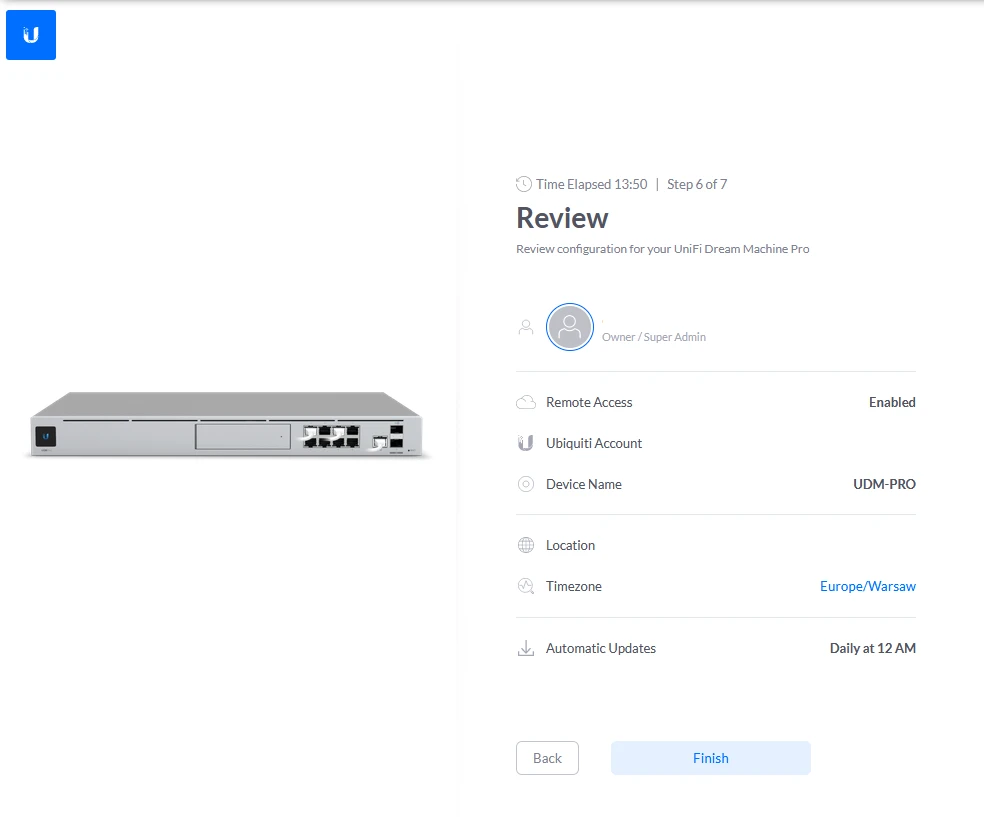
Configuration of UnFI Access
Once you get to the UniFi Access configuration, you will be greeted with a short instructional video. After accepting the privacy policy, we can proceed with the configuration.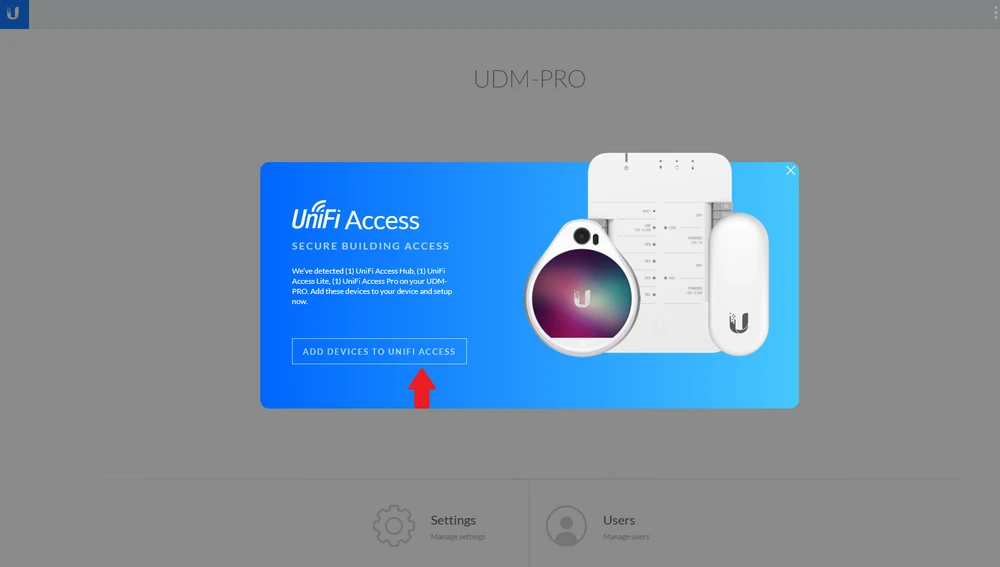
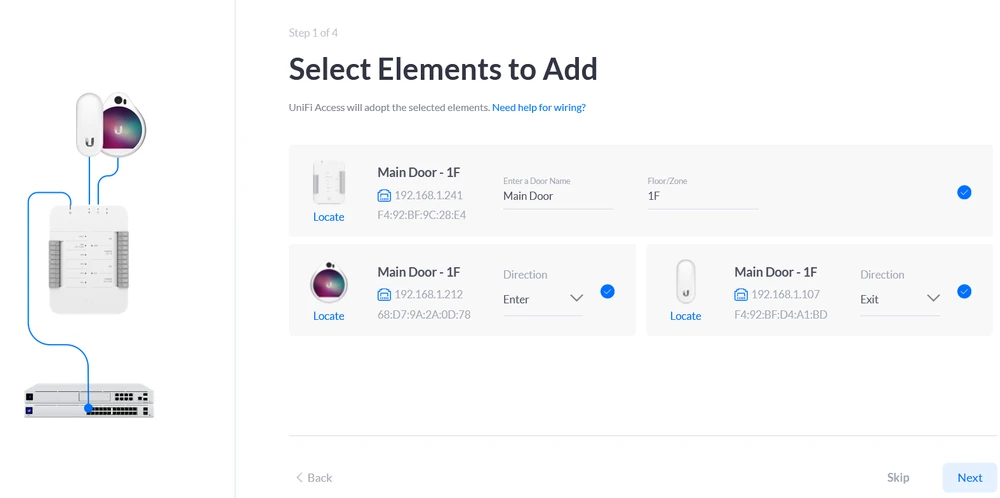
On this page we add or remove elements of our installation, by default we will only see kit elements here.
We located the UA-HUB by the main door, the UA-PRO right next to the UA-HUB. The NFC reader UA-LITE we locate by the exit, we think this is the best placement option. Of course we can change this at any time, and we can do that by pressing on the checkmark on the right next to the UA-LITE or UA-PRO.
In case of extended installations with many UniFi Access Hubs we can locate the devices by selecting the "Locate" function with the mouse. The "Locate" button will cause the devices to beep, revealing their location. For example, the UA-HUB will beep twice and the device will illuminate with a white LED.
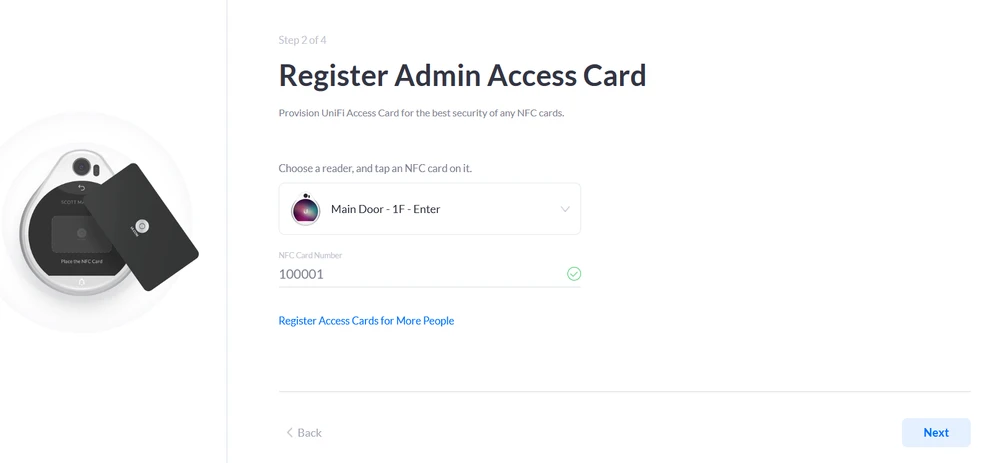
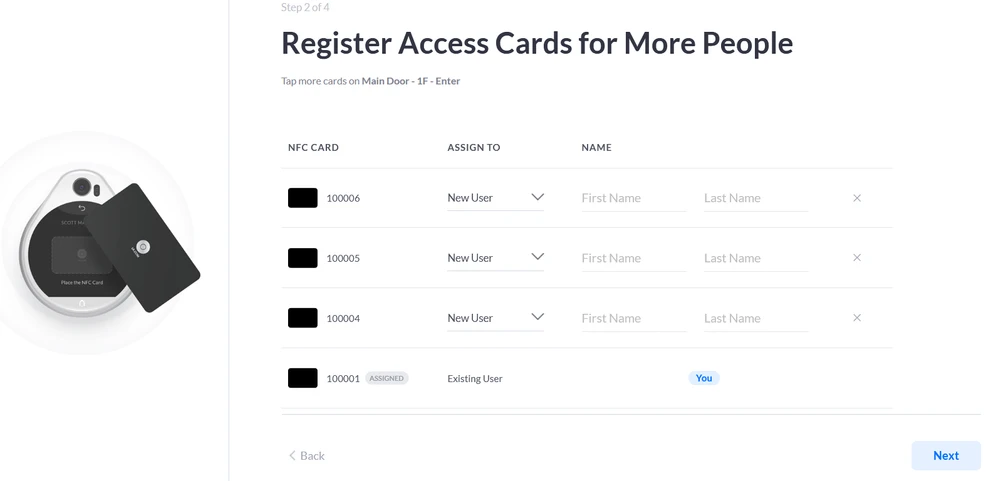
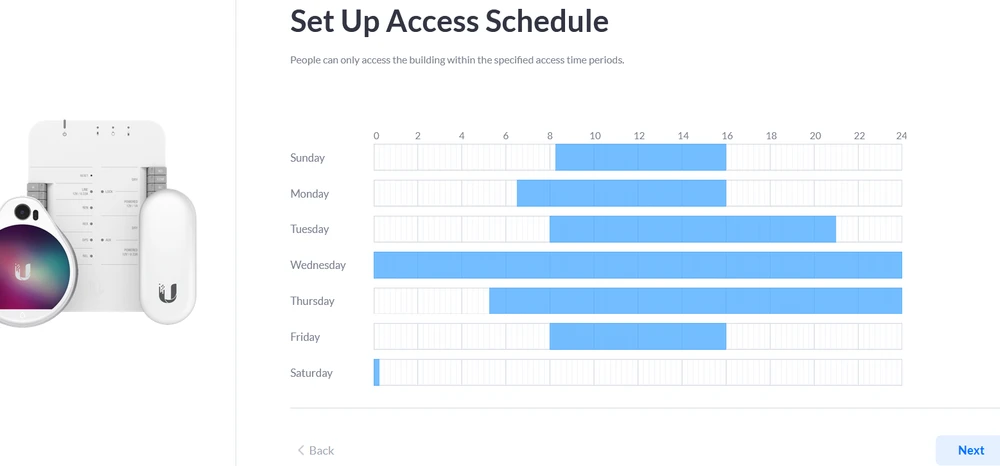
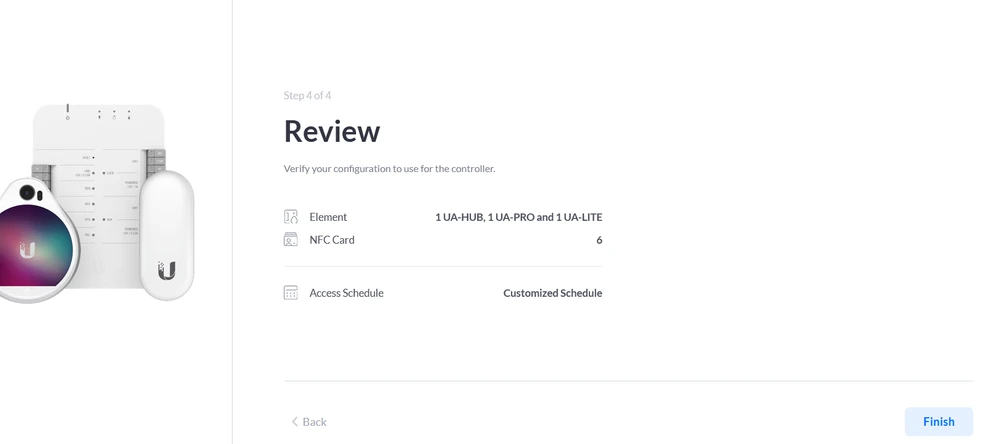
Configuring UniFI Acess
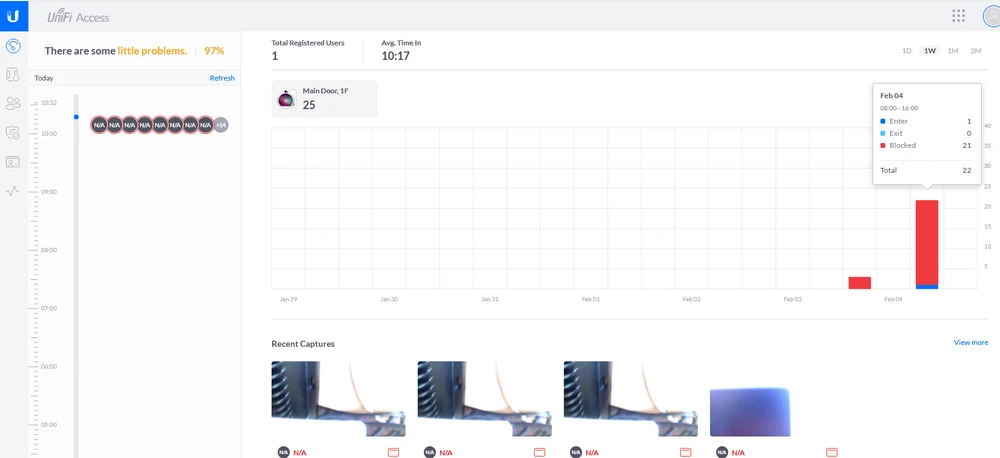
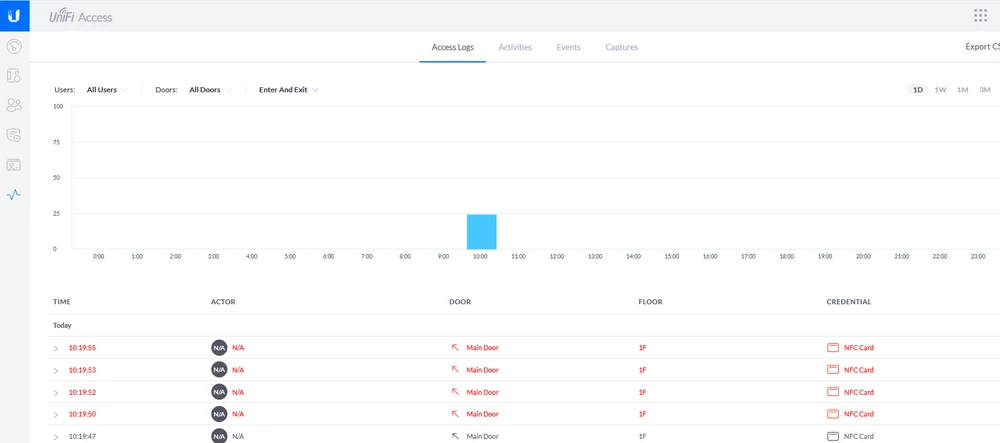
Once the installation is complete, the main panel for controlling the UniFI Access Kit system will open in front of you.On the left side you will find a menu with a timeline. In the center you will find information about entry and exit attempts. The blue color indicates devices that have received authorization, and the red color represents blockades. If you hover the mouse over a bar you will get a summary.
In the upper right corner we can change the perspective of the timeline. We can divide it by day, week, month or three months. In this tab we also have information about 1 logged person and a total of 25 total entry attempts (on a scale of 2 days). At the very bottom we get the last shots from the webcam while scanning the card.





Summary
FAQ - Questions and Answers
No, the system currently only supports IPv4.
2. How do UA cards differ from other NFC cards?
Unlike regular NFC cards, UA cards are more securely encrypted to prevent copying.
3.Can I use one UA-Hub to control multiple doors?
No. One UA-Hub is for one door.
4.Can I connect the UA-Pro and UA-Lite directly to a PoE switch instead of the UA-Hub?
No. Communication between the access readers and the Hub is required.